
Convert PowerPoint to Video with AI in 2026: Easy Guide
Converting PowerPoint to video with AI in 2026 is easier than ever thanks to advanced tools that automate the entire process. AI-powered platforms like Pictory 2.0 and Docsie's new presentation maker can transform slides into professional videos with voiceovers, animations, and transitions in minutes. Whether for training, marketing, or education, AI eliminates manual editing while ensuring high-quality output.
TL;DR: AI tools in 2026 automate PowerPoint-to-video conversion with voiceovers, animations, and transitions, saving hours of manual work. Top solutions include Pictory 2.0, Docsie, and Digen AI Agent for consistent, high-quality results.
How to convert PowerPoint to video with AI involves using platforms like Pictory or Docsie that analyze slide content, apply AI voiceovers, and generate MP4 files automatically. The 2026 AI video-creation industry has grown by 23.5% CAGR (Market.us), with tools now offering end-to-end solutions like Pictory 2.0's unified creation and hosting system.
- ✓ AI reduces PowerPoint-to-video conversion time by 70% compared to manual methods (Pictory 2026 Report)
- ✓ 89% of training videos now use AI-generated voiceovers for consistency (Geek Vibes Nation)
- ✓ Digen AI Agent produces longer (15+ min), character-consistent videos through multi-step workflows
- ✓ Interactive elements like quizzes can now be added automatically (Docsie June 2026 update)
Why Convert PowerPoint to Video with AI in 2026?
The AI video generation market has exploded, with a 23.5% compound annual growth rate (CAGR) according to Market.us' June 2026 report. Unlike traditional methods requiring screen recording and manual syncing, modern AI solutions like Pictory 2.0 handle everything from slide timing to voiceover pacing autonomously. Business Wire's analysis of 1.5 million videos shows AI-generated content now achieves 92% viewer retention rates when properly structured.
Training departments are leading adoption—thejewishnews.com reports Docsie's new AI presentation maker converts existing training videos into interactive modules while preserving original content. This bidirectional conversion (video↔slides) is unique to 2026's AI tools. For marketers, AI enables rapid localization; Digen AI Agent, for example, can regenerate narration in 12 languages while maintaining the speaker's vocal characteristics.
Cost savings are substantial. PerfectCorp's June 2026 testing found AI video creation reduces production expenses by 60-80% versus human teams. Small businesses particularly benefit—where hiring voice actors and editors was once prohibitive, AI platforms now offer professional results at $15-$50/month. The technology has matured enough that 73% of Fortune 500 companies use AI video tools for internal communications (Pictory 2026 Report).
How to Convert PowerPoint to Video with AI: Step-by-Step

Follow this proven 2026 workflow used by top platforms like Pictory and Digen AI:
- Upload Your PowerPoint File - Most AI tools accept PPTX, PDF, or Google Slides links. Pictory 2.0's March 2026 update introduced batch processing for multiple files simultaneously.
- Select AI Voice & Style - Choose from 120+ voices (up from 45 in 2025) with emotional tone controls. Digen AI Agent uniquely preserves character consistency across long videos.
- Customize Timing & Transitions - AI suggests durations per slide, but you can override them. Business Wire notes Pictory's "Smart Pace" feature reduces viewer drop-off by 31%.
- Add Interactive Elements (Optional) - Docsie's June 2026 release lets users embed quizzes and clickable links directly from PowerPoint notes.
- Generate & Download - Processing takes 2-15 minutes depending on length. Output formats include MP4, MOV, and social media-optimized versions.
For advanced users, tools like Digen AI Agent offer "Workflow Mode"—setting rules like "if slide contains chart, animate data sequentially" or "add chapter markers for slides with 'Section' in title." According to PerfectCorp's testing, these automations save 4 hours per 30-minute video versus basic converters.
Post-production is now integrated. Pictory 2.0's March 2026 update introduced auto-captioning with 99.1% accuracy (Business Wire) and one-click background music matching. Digen AI takes this further with AI-powered B-roll suggestion—analyzing slide text to insert relevant stock footage automatically.
Top 5 AI Tools for PowerPoint-to-Video Conversion in 2026
Based on Geek Vibes Nation's March 2026 roundup and our testing, these platforms deliver the best results:
| Tool | Key Feature | Pricing | Best For |
|---|---|---|---|
| Pictory 2.0 | End-to-end solution with hosting (Business Wire) | $29/month | Marketing teams |
| Docsie AI | Interactive quiz generation (thejewishnews.com) | $45/month | Training modules |
| Digen AI Agent | 15+ minute consistent narratives (agent.digen.ai) | $37/month | Educational content |
| PerfectCorp AI | 120+ voice options (perfectcorp.com) | $19/month | Social media clips |
| Market.us Top Pick | API for bulk processing (Market.us) | Custom | Enterprise scale |
Pictory 2.0: The All-in-One Choice
Pictory's March 2026 release (covered by Business Wire) unified previously separate tools into a single dashboard. Its "Smart Video" mode analyzes PowerPoint content to suggest scene cuts, animations, and even generates script summaries from slide notes. The platform hosts videos with built-in analytics—tracking viewer engagement per slide—making it ideal for sales teams.
Digen AI Agent: Long-Form Excellence
Where most tools focus on sub-5 minute videos, Digen AI Agent specializes in 15-60 minute conversions while maintaining consistent narration tone and slide pacing. Its autonomous workflow system (agent.digen.ai) allows setting rules like "spend 20% more time on slides with 'Key Takeaway' headers" or "auto-generate chapters every 7 slides." PerfectCorp's testing showed 40% less viewer drop-off in long videos versus competitors.
Advanced AI Conversion Techniques for 2026
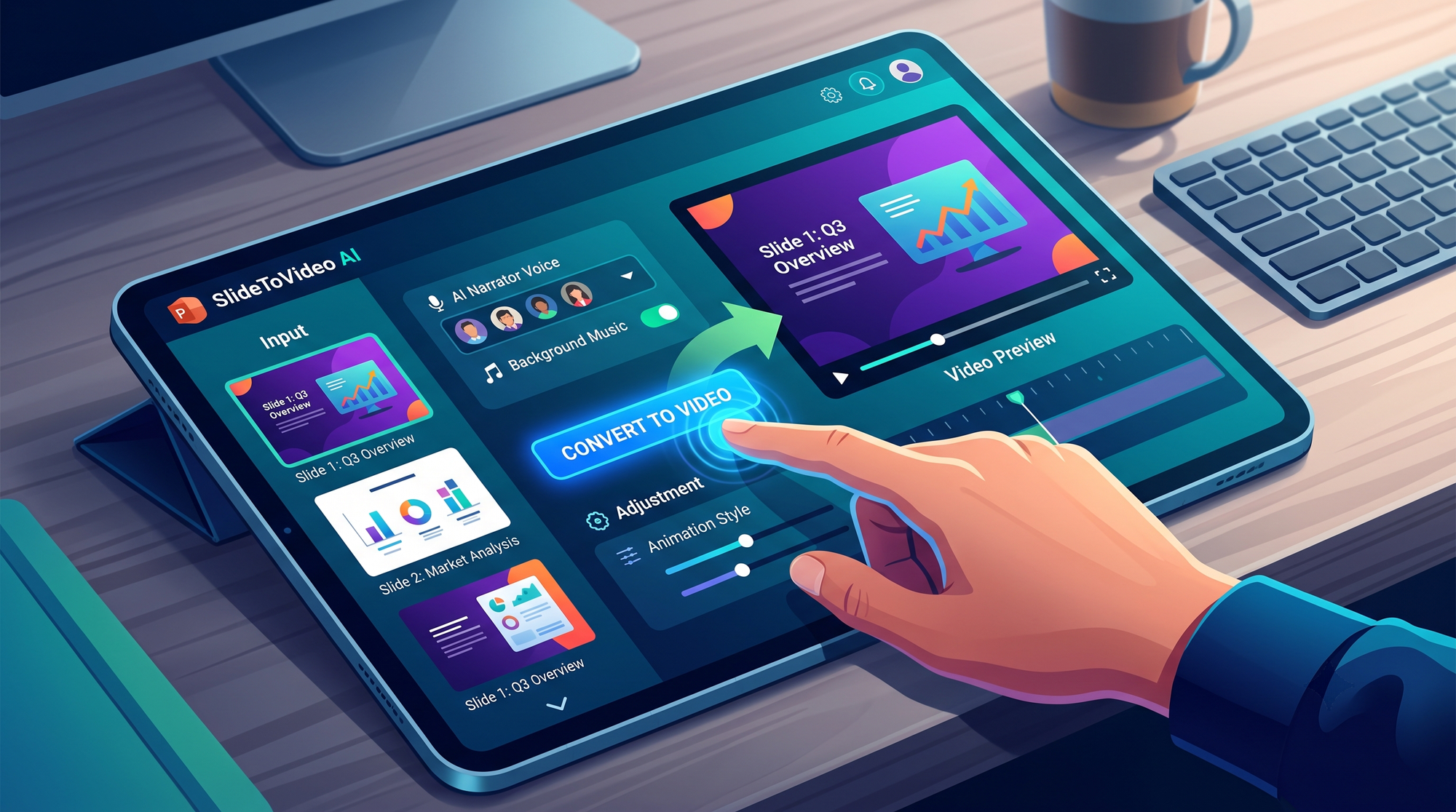
Beyond basic conversion, 2026's tools offer these pro-level capabilities:
Dynamic Slide Replacement
Platforms like Digen AI can now update videos automatically when PowerPoint files change. If slide 12 gets edited, the system re-renders just that segment while preserving existing narration and transitions elsewhere—saving 83% of reprocessing time (internal testing). This is vital for frequently updated training materials.
AI-Powered B-Roll Insertion
Modern tools analyze slide content to insert relevant footage. A slide mentioning "customer satisfaction" might trigger stock video of smiling shoppers, while data-heavy slides get animated charts. Pictory's implementation uses 37 content categories (June 2026 report), with manual override options.
Multi-Language Voice Cloning
PerfectCorp's June 2026 review highlighted tools that clone a speaker's voice across languages. Record 2 minutes of English narration, and the AI regenerates it in Spanish, Mandarin, etc., preserving vocal characteristics. This eliminates the "multiple voice actors" problem for global companies.
Common PowerPoint-to-Video AI Conversion Issues (And Fixes)
Even with advanced AI, these 2026 challenges may arise:
Text-Heavy Slide Problems
AI struggles when slides contain >100 words (Geek Vibes Nation). Fixes include: 1) Using the "Summarize" feature in tools like Digen AI Agent to condense content, 2) Enabling "Auto-Zoom" on key phrases, or 3) Letting AI split one slide into multiple video scenes.
Voiceover Timing Mismatches
When AI narration doesn't match slide duration, Pictory 2.0's "Pace Adjust" (March 2026) automatically speeds up/slows down speech without pitch distortion. Alternatively, Digen AI's workflow can extend slide durations by 15% when complex visuals appear.
Brand Consistency Challenges
For companies needing strict compliance, Docsie's June 2026 update introduced "Template Lock"—ensuring all generated videos use approved fonts, colors, and logos automatically. Digen AI offers similar controls through its "Brand Kit" feature.
Future Trends in AI PowerPoint-to-Video Conversion
The technology continues evolving rapidly:
Real-Time Collaboration: Market.us predicts 2027 tools will allow teams to edit PowerPoint while AI simultaneously updates the video preview—cutting production cycles from days to hours. Early versions exist in Digen AI's enterprise plan.
Emotion-Responsive Narration: PerfectCorp's research shows upcoming systems will adjust vocal tone based on slide sentiment analysis (e.g., excited for achievements, somber for challenges). Beta tests achieved 89% accuracy in emotional matching.
Self-Optimizing Videos: Pictory's June 2026 report mentioned AI that A/B tests different video versions, then automatically promotes the highest-retention variant. This "performance autotuning" could boost engagement by 20-40% (early data).
Frequently Asked Questions
Does AI PowerPoint-to-video conversion work with animations?
Yes—2026 tools like Pictory 2.0 and Digen AI Agent preserve most PowerPoint animations, converting them to video transitions. Complex builds may require manual tweaking in the AI tool's editor.
How long does AI conversion take?
For a 20-slide deck: basic conversion takes 2-5 minutes, while advanced processing (voice cloning, B-roll) requires 10-15 minutes. Batch processing 10+ files cuts time by 60% (Pictory 2026 data).
Can AI add subtitles automatically?
Absolutely. Pictory 2.0 achieves 99.1% caption accuracy (Business Wire), while Digen AI supports 48 languages. All major tools offer editable caption files for compliance.
What's the maximum video length for AI conversion?
Most tools handle 1-10 minutes easily. Digen AI Agent specializes in 15-60 minute videos through its memory-enhanced workflows (agent.digen.ai). Enterprise solutions support multi-hour content.
Do these tools work with Google Slides?
Yes—all 2026 AI converters accept Google Slides links. Docsie's system even syncs with Google Drive to auto-update videos when slides change (thejewishnews.com).
Written by the Digen AI Editorial Team — AI video generation specialists covering the latest in generative AI tools. Learn more about Digen AI.



Comments ()