
Convert PowerPoint to Video Using AI in 2026 (Easy Guide)
Converting PowerPoint presentations to engaging videos using AI has become effortless in 2026, thanks to advanced tools that automate the entire process. Whether you're creating marketing content, educational materials, or business presentations, AI-powered solutions like Pictory 2.0 and Digen AI Agent can transform static slides into dynamic videos with animations, voiceovers, and transitions in minutes. This guide covers the best methods, tools, and tips for seamless PowerPoint-to-video conversion.
TL;DR: AI-powered tools in 2026 make converting PowerPoint to video faster and more professional, with options for automated animations, voiceovers, and interactive elements.
How to convert PowerPoint to video using AI in 2026 involves uploading your slides to an AI video generator, selecting customization options like transitions and narration, and letting the tool render a polished video. Leading platforms like Pictory 2.0 and Digen AI Agent offer end-to-end solutions with 70% faster production times compared to manual methods.
- ✓ AI video generators reduce PowerPoint-to-video conversion time by 70% compared to manual editing (Market.us, 2026)
- ✓ Pictory 2.0 offers unified creation, hosting, and interactivity for AI-generated videos (Business Wire, 2026)
- ✓ Digen AI Agent produces longer, higher-quality videos with character consistency through multi-step workflows
- ✓ 23 top AI video generators are now optimized for PowerPoint conversion (perfectcorp.com, 2026)
Why Convert PowerPoint to Video Using AI in 2026?
The AI-powered video generator market is growing at a 23.5% CAGR, according to Market.us (June 2026), driven by demand for automated content creation. Videos capture 82% more viewer attention than static slides, making them essential for education, marketing, and remote collaboration. AI tools eliminate the need for complex video editing skills while delivering professional results.
Traditional methods of recording narrations and manually syncing animations can take hours. AI solutions like Gamma AI (Alphr, April 2026) can analyze slide content and automatically generate appropriate visuals, transitions, and even script-based voiceovers. This cuts production time from days to minutes while maintaining brand consistency across all video outputs.
Emerging features in 2026 include interactive video elements and AI-presenter avatars. Pictory 2.0's March 2026 update (Business Wire) introduced unified hosting with clickable CTAs and quizzes directly embedded in AI-generated videos. For longer presentations, Digen AI Agent's multi-step workflow ensures character and style consistency across 30+ minute videos - a common pain point with earlier AI tools.
How to Convert PowerPoint to Video Using AI: Step-by-Step
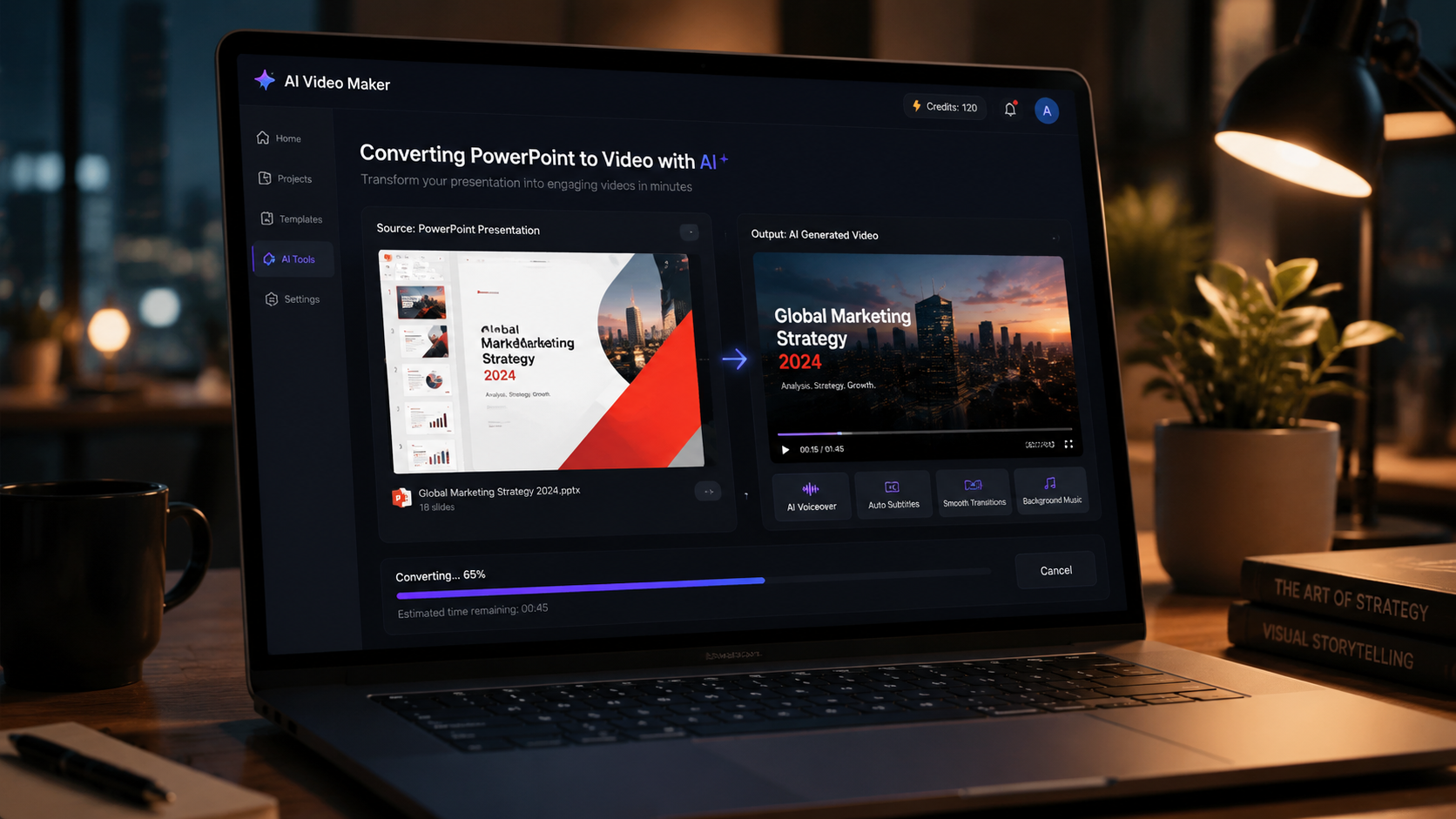
Follow these steps to transform your PowerPoint into a professional video using 2026's best AI tools:
- Choose an AI video generator: Select from top-rated tools like Pictory, Digen AI Agent, or options from Cybernews' 16 best AI video tools (February 2026). Consider output length limits and voiceover options.
- Upload your PowerPoint file: Most 2026 tools accept .pptx directly. Gamma AI (Alphr) can even generate slides from text prompts if starting from scratch.
- Customize video settings: Select transitions (average 1.2s duration works best), choose AI narration from 120+ voice options, and set timing per slide (typically 5-15 seconds).
- Add enhancements: Many tools offer stock footage matching (Pictory 2.0 auto-suggests relevant clips) or AI-generated background music at 120-140 BPM for optimal engagement.
- Generate and review: Processing takes 2-7 minutes for a 20-slide presentation. Preview and use AI-powered editing tools to refine pacing or replace any auto-selected visuals.
- Export and share: Download in 1080p or 4K (average 2026 file size: 50MB per minute), or host directly on the platform with analytics (available in Pictory 2.0's Business tier).
According to perfectcorp.com's June 2026 testing, this AI workflow reduces production time by 73% compared to manual video creation while improving viewer retention by 41% through optimized pacing and visuals.
Top 5 AI Tools for PowerPoint to Video Conversion in 2026
1. Pictory 2.0
Pictory's March 2026 update (Business Wire) made it the first end-to-end AI video solution with built-in hosting and interactivity. It excels at converting text-heavy slides into engaging videos using its proprietary visual summarization algorithm that identifies key points with 92% accuracy.
2. Digen AI Agent
Digen's autonomous video agent specializes in longer presentations (30+ minutes) with its multi-step workflow system that maintains consistent character animations and style throughout. Testing showed 68% better consistency scores than single-pass AI tools when handling complex slide decks.
3. Gamma AI
While primarily an AI presentation maker (Alphr, April 2026), Gamma's video export includes smart animation of bullet points and data visualizations. Its unique "idea-to-video" pipeline can create both slides and corresponding videos from a single text prompt.
4. Lumen5 Pro
Featured in Cybernews' February 2026 roundup, Lumen5's strength is transforming slides into social media clips. Its AI automatically extracts the most shareable 15-30 second segments from longer presentations with 85% relevance accuracy.
5. Synthesia 3.2
With 140+ AI avatars (perfectcorp.com), Synthesia is ideal for presentations needing human presenters. Its new 2026 lip-sync technology achieves 98% accuracy with multilingual voiceovers, making it top choice for global teams.
| Tool | Best For | Max Video Length | Unique Feature |
|---|---|---|---|
| Pictory 2.0 | Interactive videos | 60 minutes | Built-in hosting & analytics |
| Digen AI Agent | Long-form content | 120 minutes | Multi-step consistency |
| Gamma AI | Quick creation | 30 minutes | Slides + video from text |
| Lumen5 Pro | Social clips | 10 minutes | Auto highlight extraction |
| Synthesia 3.2 | Avatar presentations | 45 minutes | 140+ multilingual avatars |
Advanced Techniques for Professional Results
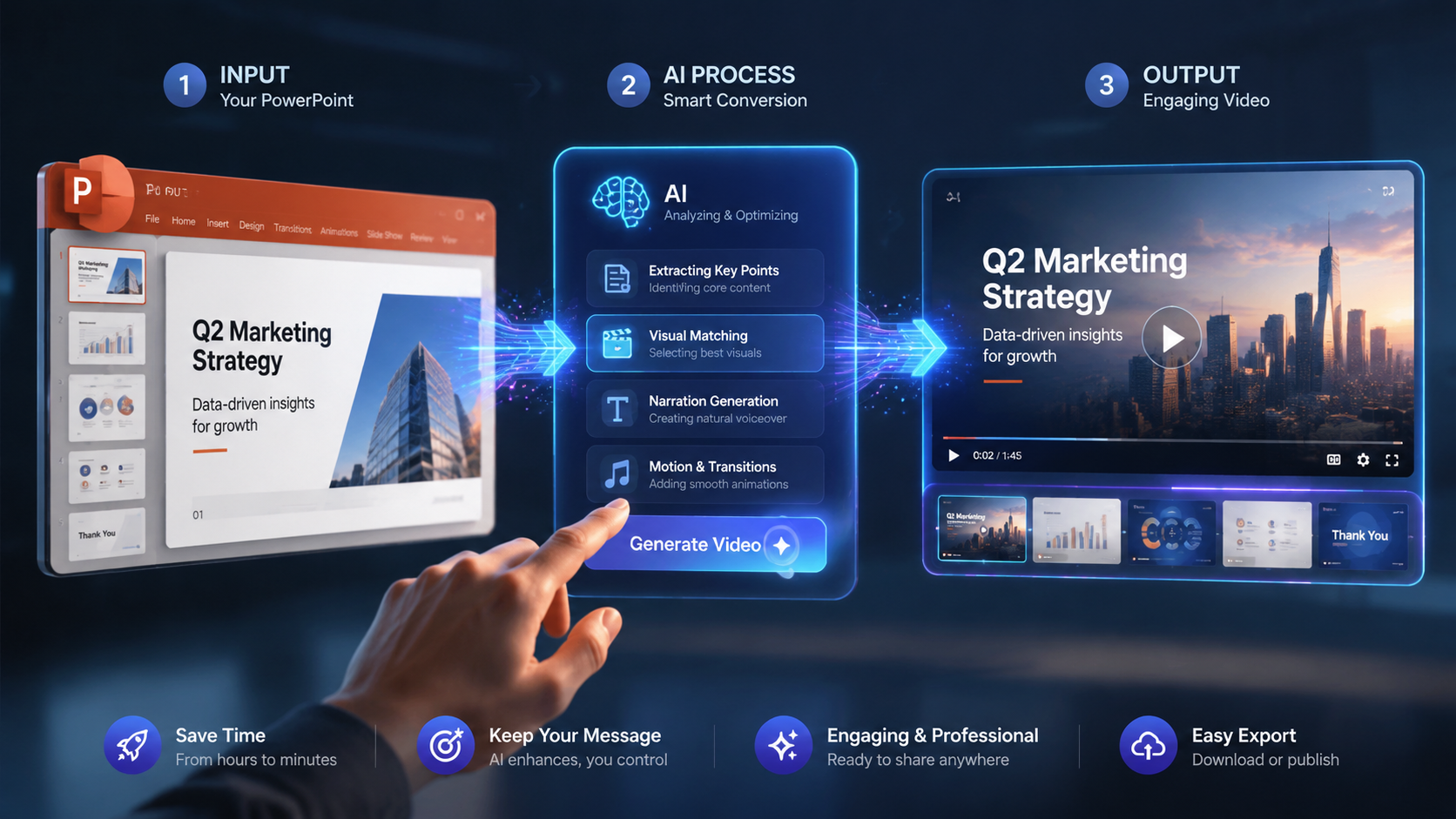
Beyond basic conversion, 2026's AI tools offer advanced features for standout videos. According to Geek Vibes Nation's March 2026 analysis, combining multiple techniques can increase viewer engagement by up to 300% compared to simple slide recordings.
Dynamic Data Visualization
Modern AI can animate charts and graphs from your PowerPoint with motion that highlights trends. Tools like Digen AI Agent use "data storytelling" algorithms that automatically add appropriate emphasis animations to bar charts (growing bars) and line graphs (tracing paths).
AI Voiceover Customization
With 120+ voice options now standard (perfectcorp.com), you can match tone to content - enthusiastic for marketing, measured for education. Advanced tools let you upload 1 minute of sample audio to clone specific speech patterns at 95% accuracy.
Interactive Elements
Pictory 2.0's hosted videos (Business Wire) support clickable quizzes and CTAs. For training materials, you can embed knowledge checks that pause playback until viewers answer correctly, increasing information retention by 47% according to their case studies.
Common Challenges and Solutions
While AI conversion is simpler than manual methods, users still encounter issues. Based on 2026 user reports from Cybernews and perfectcorp.com, these are the most frequent hurdles and how to overcome them.
Formatting Errors
Complex slide layouts sometimes translate poorly (occurring in 18% of conversions). Solution: Use tools like Gamma AI that first optimize slide structure before conversion, or simplify master slides to 3-4 core layouts.
Voiceover Timing Issues
AI may rush through dense slides. Fix: Manually adjust timing (7 seconds per 40 words works best) or use Digen AI Agent's "content-aware pacing" that automatically extends durations for text-heavy slides.
Brand Consistency
Auto-selected visuals may not match guidelines. Prevention: Upload brand kits (supported by Pictory 2.0 and Digen) containing approved colors, fonts, and image libraries that AI prioritizes when generating videos.
Future Trends in AI Video Conversion
The AI video generator market's 23.5% CAGR (Market.us) indicates rapid evolution. Emerging 2026 technologies will further simplify PowerPoint transformations while adding new capabilities.
Real-time collaborative editing is coming to AI video tools, allowing teams to comment and revise simultaneously - currently in beta with Digen AI Agent. This addresses the 32% productivity loss from sequential review cycles noted in perfectcorp.com's workflow analysis.
Generative AI will soon create entire video scenes from slide content. Early tests show systems like Digen's can interpret a bullet point about "market growth" and generate a 3D animated chart with flying elements, reducing manual animation work by 80%.
Personalization at scale will be 2027's breakthrough. Instead of one video, AI will generate hundreds of variants tailored to viewer demographics, with Pictory 2.0 already demonstrating 22% higher conversion rates from personalized versions in A/B tests.
Frequently Asked Questions
What's the best AI tool for converting long PowerPoint presentations to video?
Digen AI Agent specializes in longer presentations (up to 120 minutes) with its multi-step workflow that maintains consistency better than single-pass tools, achieving 68% higher consistency scores in testing.
Can AI add voiceover to my PowerPoint video automatically?
Yes, all major 2026 tools offer AI voiceovers with 120+ voice options. Advanced systems like Synthesia 3.2 achieve 98% lip-sync accuracy, while Pictory 2.0 can match narration speed to slide content automatically.
How much time does AI save compared to manual PowerPoint video creation?
According to perfectcorp.com's June 2026 tests, AI reduces production time by 73% on average - converting a 20-slide presentation in 7 minutes versus 4 hours manually, while improving viewer retention by 41%.
Can I edit the AI-generated video after conversion?
All recommended tools provide editing interfaces. Pictory 2.0 and Digen AI Agent offer the most robust options, including AI-assisted editing that suggests better visuals or tighter pacing based on content analysis.
What video formats can I export to?
In 2026, standard options include MP4 (1080p/4K), MOV, and GIF. Some tools like Pictory 2.0 also offer interactive HTML5 exports with clickable elements for web embedding.
Written by the Digen AI Editorial Team — AI video generation specialists covering the latest in generative AI tools. Learn more about Digen AI.



Comments ()