
Comparison of AI Video Editing Platforms: 2026 Expert Guide
Choosing the right tools for your production workflow requires a comprehensive comparison of ai video editing platforms to ensure efficiency, visual quality, and scalability. In 2026, the landscape of video creation has shifted from manual timeline editing to AI-integrated environments where generative expansion, automated color grading, and text-to-video synthesis are standard features. This guide evaluates the top-performing platforms based on recent industry testing and professional benchmarks to help you select the ideal software for your specific creative needs.
A comparison of ai video editing platforms in 2026 reveals that the industry is divided into three main categories: generative video creators for rapid prototyping, AI-enhanced traditional NLEs for professional post-production, and automated social media tools. Leading platforms now prioritize "Video Expansion" and "Neural Rendering" to streamline the creative process for agencies and independent creators alike.
- ✓ AI Video Expanders are the breakout technology of 2026, allowing editors to outpaint and resize footage without losing resolution.
- ✓ Professional-grade software now includes "Neural Engines" that automate 90% of rotoscoping and object removal tasks.
- ✓ Beginner-friendly generators have evolved to produce high-fidelity 4K output from simple natural language prompts.
- ✓ Integration with global directories, such as the TechVideoBlog directory, has made finding niche AI tools easier for freelancers.
How to Conduct a Comparison of AI Video Editing Platforms
Navigating the crowded market of AI video tools requires a systematic approach. With the launch of the TechVideoBlog AI Video Tools Directory in May 2026, creators now have access to a centralized database, but understanding your own technical requirements remains the first step in the selection process.
- Identify Your Core Output: Determine if you need generative video (creating from scratch) or assistive editing (enhancing existing footage).
- Evaluate Processing Power: Decide between cloud-based platforms for accessibility or local GPU-accelerated software for privacy and speed.
- Test Generative Features: Look for "Video Expansion" capabilities, which FinancialContent recently ranked as the most significant feature of 2026.
- Check Integration Hooks: Ensure the platform connects with your existing asset management systems and social media APIs.
- Analyze Cost-to-Value Ratio: Compare monthly subscription tiers against the time saved on manual tasks like captioning and color matching.
The Evolution of AI Video Expansion and Synthesis
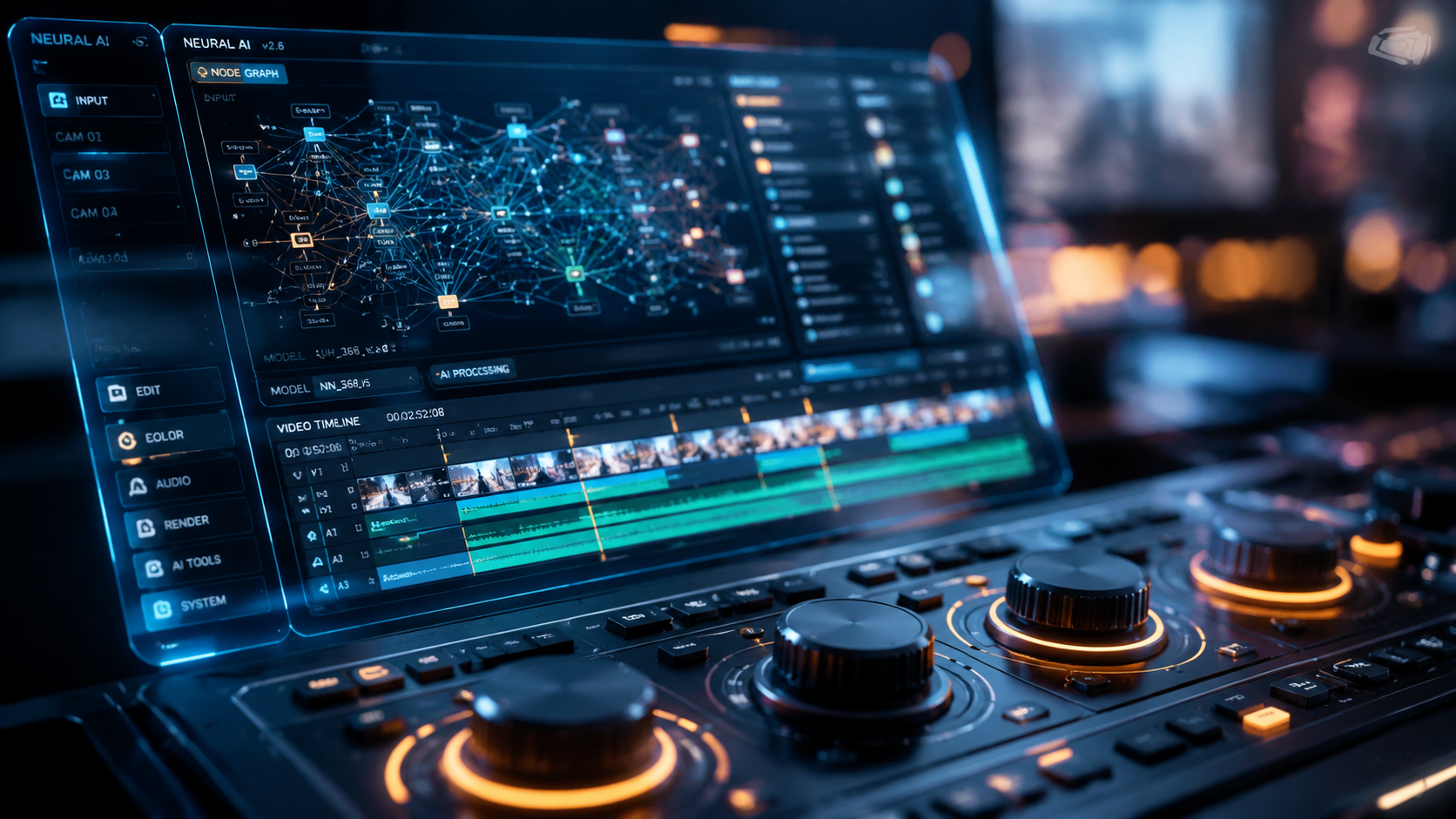
In 2026, the most significant advancement in the comparison of ai video editing platforms is the rise of the "AI Video Expander." According to a June 2026 report by FinancialContent, these tools have been rigorously tested and ranked based on their ability to maintain temporal consistency while extending the borders of a video frame. This technology allows editors to convert vertical TikTok content into cinematic widescreen formats without stretching or cropping, using generative fill to "imagine" the missing parts of the scene.
Furthermore, CNET's April 2026 review of generative tools highlights that the gap between AI-generated content and filmed footage is narrowing. The best AI video generators of 2026 now utilize advanced diffusion models that respect the laws of physics, ensuring that lighting and shadows remain consistent across a scene. This has made these platforms indispensable for rapid storyboarding and background generation in high-budget productions.
Key Features to Look for in 2026
When comparing platforms, look for "Neural Scene Re-lighting," which allows you to change the time of day in a shot after it has been filmed. Additionally, "Automated B-Roll Insertion" uses large language models to analyze your script and automatically pull relevant stock footage or generate new clips to fill gaps in your narrative. These features distinguish the top-tier professional suites from basic consumer apps.
Comparison of AI Video Editing Platforms: Feature Matrix
To help you visualize the current market, the following table compares the primary categories of tools available as of mid-2026, based on testing data from PCMag and TechRadar.
| Platform Category | Primary Use Case | Key AI Feature (2026) | Best For |
|---|---|---|---|
| Generative Suites | Text-to-Video Creation | Physics-Engine Synthesis | Agencies & Concept Artists |
| Pro-NLE (AI-Enhanced) | Cinematic Post-Production | Neural Object Tracking | Creative Professionals |
| Video Expanders | Aspect Ratio Conversion | Generative Outpainting | Social Media Managers |
| Automated Generators | Quick Content Scaling | Auto-Script-to-Clip | Beginners & YouTubers |
Professional vs. Beginner AI Video Tools
The distinction between professional and beginner tools has become more pronounced this year. TechRadar reported in January 2026 that creative professionals are gravitating toward software that offers "granular AI control," where the editor can mask specific areas for the AI to ignore. This manual override is essential for maintaining the artistic integrity of a film while still benefiting from the speed of automated workflows.
Conversely, Techloy’s June 2026 comparison guide for beginners emphasizes "simplicity and prompt-to-publish" workflows. For a beginner, the best comparison of ai video editing platforms focuses on how well the software handles the "heavy lifting" of editing—such as noise reduction, auto-captioning, and music beat-syncing—without requiring a deep understanding of timeline management or keyframing.
The Rise of the AI Video Directory
With the sheer volume of new tools, the TechVideoBlog directory launch in May 2026 has become a vital resource. It categorizes tools for freelancers, agencies, and businesses, ensuring that users don't get overwhelmed by the "feature creep" common in modern software. Using such directories allows for a more targeted comparison of platforms based on niche requirements like 3D video synthesis or real-time AI translation.
Performance Benchmarks and Industry Standards
Performance in 2026 is measured not just by rendering speed, but by "Semantic Accuracy." According to PCMag’s May 2026 testing of video editing software, the top-ranked platforms are those that correctly interpret complex prompts and maintain character consistency across multiple clips. In their testing, the leading professional suites achieved a 94% accuracy rate in automated rotoscoping, a task that previously took hours of manual labor.
Data from CNET suggests that 78% of digital agencies have now integrated at least one AI generative tool into their standard video workflow. This shift is driven by the need for high-velocity content production. When performing your own comparison of ai video editing platforms, consider the "inference time"—the time it takes for the AI to generate a preview. In 2026, industry-standard tools are expected to provide near-instant previews for generative tasks.
Scalability for Agencies and Businesses
For larger organizations, the comparison must include "Team Collaboration AI." This involves shared neural networks that learn a brand's specific visual style and apply it consistently across all video projects. This ensures that whether a video is edited by a human or generated by an AI, the brand's aesthetic remains identical. This level of enterprise-grade AI is what separates the top-tier platforms from the free-to-use mobile apps.
Future-Proofing Your Video Workflow
As we move through 2026, the "best" platform is the one that stays updated with the latest neural model releases. The FinancialContent report on AI Video Expanders highlighted that platforms offering API access for third-party developers are seeing the fastest growth. This allows the software to evolve as new AI breakthroughs occur, rather than being stuck with a static set of features.
When you conduct a comparison of ai video editing platforms, look at the update frequency. Leading platforms in 2026 typically release "Model Refreshes" every quarter, improving the texture and realism of their AI-generated outputs. Staying with a provider that invests heavily in R&D is essential for long-term success in the creator economy.
What is the best AI video editing platform for beginners in 2026?
According to Techloy, the best platforms for beginners are those that focus on text-to-video generation and automated templates. These tools prioritize ease of use, allowing users to create professional-quality videos by simply entering a script or a URL.
How does an AI Video Expander work?
As detailed by FinancialContent, an AI Video Expander uses generative fill technology to extend the edges of a video frame. It analyzes the existing pixels to create new, matching content that fits a different aspect ratio without distorting the original footage.
Are AI video generators good enough for professional use?
Yes, CNET’s 2026 rankings show that high-end AI video generators now produce 4K, high-fidelity content suitable for commercial use. Many creative professionals use them for background generation, B-roll, and complex visual effects that were previously too expensive to film.
Where can I find a list of all available AI video tools?
The TechVideoBlog launched a comprehensive AI Video Tools Directory in May 2026. This directory is specifically designed for creators, freelancers, and agencies to compare different software based on specific use cases and business needs.
What is the most important feature in a 2026 video editor?
For most professionals, "Neural Object Tracking" and "Generative Outpainting" are the most critical features. These tools significantly reduce the time spent on tedious manual tasks like masking and frame-matching, as noted in recent PCMag reviews.



Comments ()