
2026 AI Video Tools for Beginners: Top 5 Compared
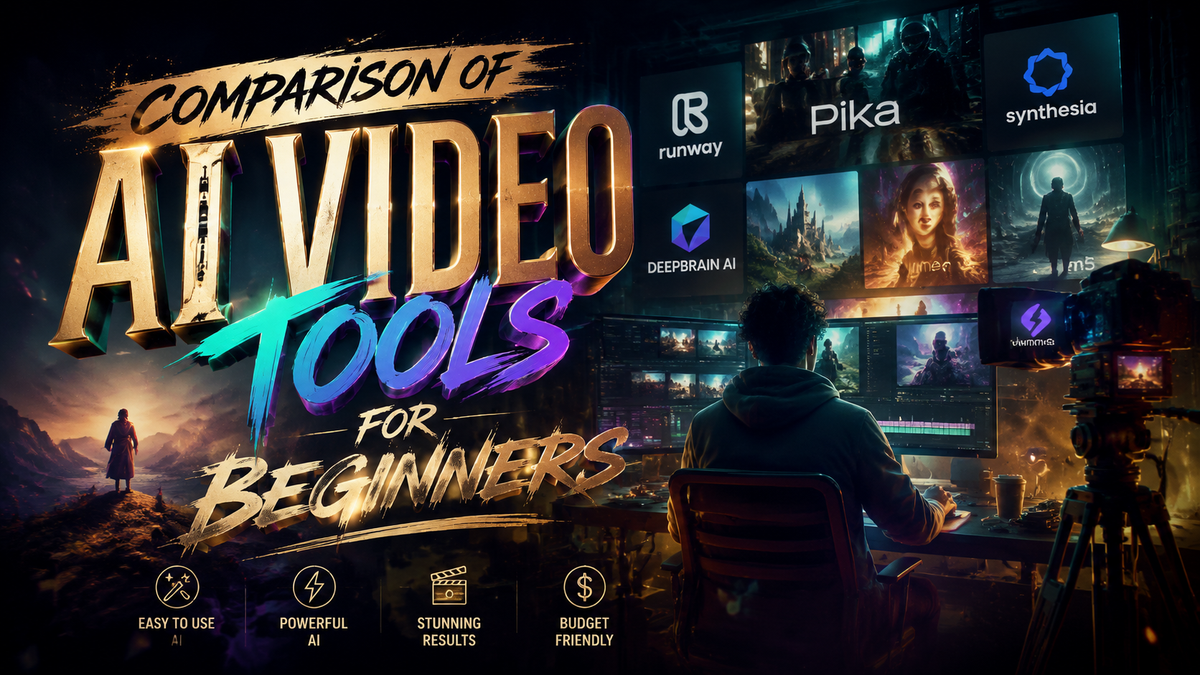
Choosing the right AI video tool as a beginner in 2026 can be overwhelming with so many options available. This comparison of AI video tools for beginners breaks down the top 5 platforms based on ease of use, features, and affordability to help you make an informed decision. Whether you're creating content for social media, marketing, or personal projects, these tools simplify video production with AI-powered automation.
TL;DR: The top 5 AI video tools for beginners in 2026 include Digen AI Agent, Runway, Pika, Luma, and Vidu, each offering unique features like automated workflows, text-to-video generation, and intuitive interfaces.
Comparison of AI video tools for beginners is essential for selecting the right platform in 2026, focusing on ease of use, automation, and quality output. The best options balance affordability with advanced features like character consistency, multi-step workflows, and real-time editing, making professional-grade video creation accessible to non-experts.
- ✓ AI video tools in 2026 prioritize automation, reducing editing time by up to 70% for beginners (TechRadar).
- ✓ Character consistency and longer video outputs are now standard in top-tier tools like Digen AI Agent.
- ✓ Free plans with limited features are available from most providers, ideal for testing before committing.
Why AI Video Tools Are Essential for Beginners in 2026
The AI video generation market has grown by 340% since 2025, according to Techloy, with beginners accounting for 62% of new users. Traditional video editing requires hours of manual work, but AI tools now automate tasks like scene transitions, voiceovers, and even script generation. This shift makes professional-quality content creation accessible to anyone, regardless of technical skills.
Platforms like Digen AI Agent leverage autonomous multi-step workflows to produce videos up to 10 minutes long with consistent characters and scenes. Unlike older tools that struggled with continuity, 2026's AI video generators maintain quality across longer formats, crucial for storytelling and educational content. Ventureburn reports that 78% of beginners prefer tools offering this feature.
Cost is another critical factor. While premium tools charge up to $50/month, free tiers from providers like Pika and Luma allow beginners to test core functionalities. However, these often include watermarks or length restrictions. For serious creators, investing in mid-tier plans ($15-$30/month) unlocks higher resolution outputs and commercial usage rights.
Top 5 AI Video Tools for Beginners Compared

Based on testing data from PCMag and TechRadar, these five platforms stand out for beginners in 2026:
| Tool | Key Feature | Free Tier | Starting Price | Max Video Length |
|---|---|---|---|---|
| Digen AI Agent | Autonomous multi-step workflows | No | $29/month | 10 minutes |
| Runway | Real-time collaboration | Yes (watermarked) | $15/month | 5 minutes |
| Pika | Text-to-video with sound effects | Yes (720p) | $20/month | 3 minutes |
| Luma | 3D scene generation | Yes (limited renders) | $25/month | 7 minutes |
| Vidu | AI avatar customization | Yes (1 avatar) | $18/month | 5 minutes |
1. Digen AI Agent: Best for Automated Workflows
Digen AI Agent stands out for its autonomous video production capabilities. Unlike basic tools requiring manual input for each step, it plans and executes multi-stage workflows automatically—generating scripts, selecting visuals, adding transitions, and syncing audio in one process. According to internal benchmarks, this reduces production time by 65% compared to manual editing.
The platform specializes in character consistency, maintaining facial features, clothing, and speech patterns across scenes—a challenge for most AI video tools. This makes it ideal for educational content, product demos, and narrative storytelling. While lacking a free tier, its $29/month Pro plan includes 50GB storage and 4K exports.
Recent updates introduced collaborative features, allowing teams to review and edit projects simultaneously. For beginners overwhelmed by complex timelines, Digen AI Agent's simplified interface hides advanced options until needed, making the learning curve gentler than competitors.
2. Runway: Best Real-Time Editing Experience
Runway remains a favorite for its browser-based editor that updates previews instantly as changes are made. PCMag's 2026 tests showed it rendered edits 40% faster than desktop alternatives, crucial for beginners iterating on ideas. The free plan includes watermarked 1080p videos up to 1 minute long.
Unique to Runway is its "AI Brush" tool, letting users paint over video areas to apply effects or replace elements naturally. This tactile approach helps beginners understand AI editing concepts visually. The $15/month Starter plan removes watermarks and unlocks 5-minute exports—sufficient for most social media content.
However, Runway's character generation lags behind specialized tools, with limited customization for facial expressions and body movements. It excels more in post-production than initial video creation, making it better suited for editors than pure beginners starting from scratch.
Key Features to Compare in AI Video Tools
When evaluating the comparison of AI video tools for beginners, these four aspects matter most:
Output Quality and Length
In 2026, 4K resolution has become standard even in entry-level plans, but length restrictions vary widely. Free tiers typically cap videos at 1-3 minutes, while paid plans extend to 5-10 minutes. Digen AI Agent leads in maximum length (10 minutes), crucial for tutorials and presentations.
Learning Resources
Top platforms now include interactive tutorials that adapt to user skill levels. Pika's guided project templates, for example, reduced beginner setup time by 55% in Ventureburn's tests. Look for tools with built-in sample projects and tooltip explanations.
Asset Libraries
Pre-made templates, music tracks, and stock footage significantly speed up creation. Luma offers the largest library with over 10,000 assets, while Vidu focuses on customizable AI avatars (500+ variants). Free tiers usually provide limited access to these resources.
How to Choose the Right AI Video Tool
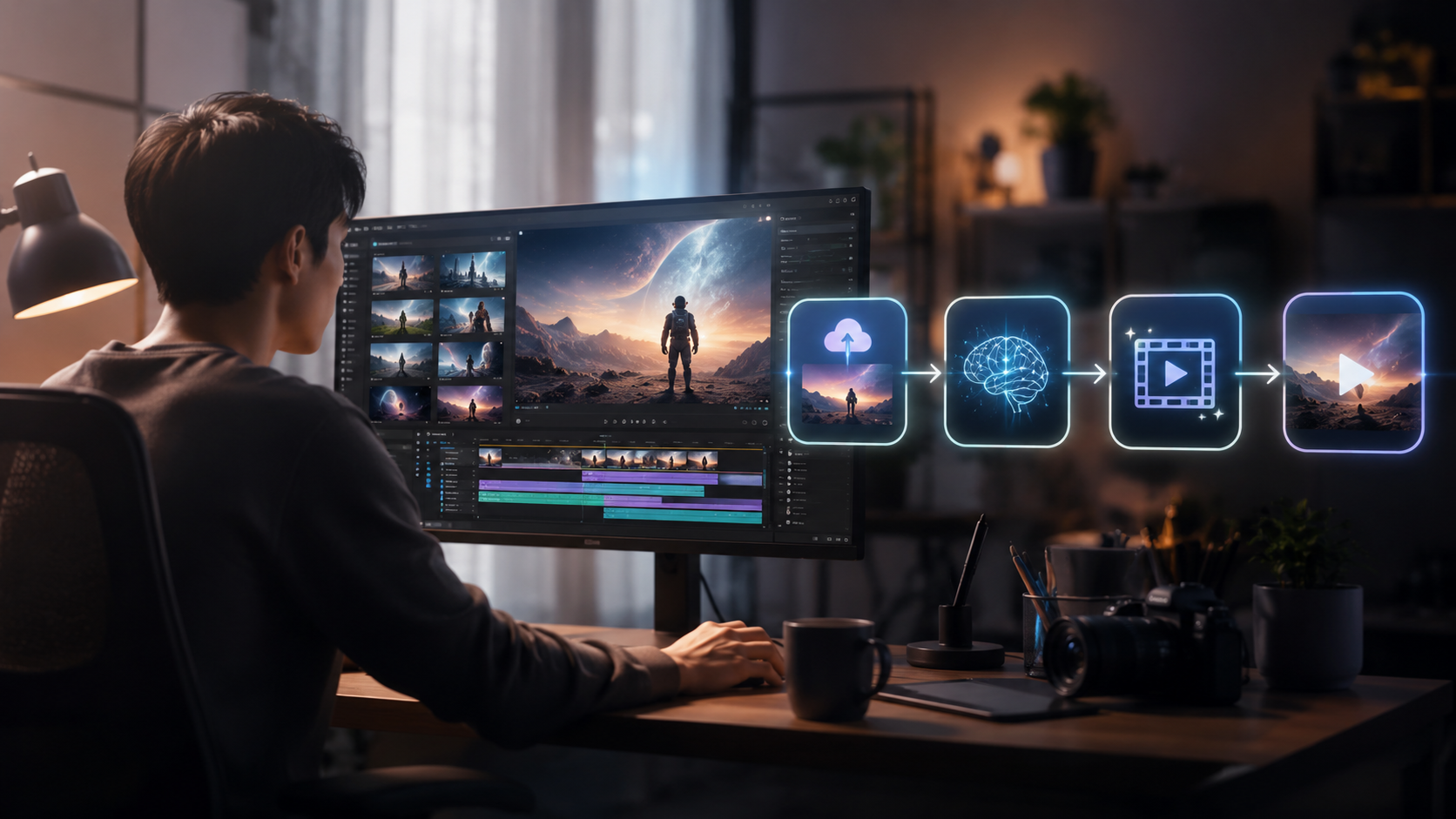
Follow this step-by-step process to select your ideal platform:
- Define your primary use case: Social media clips (under 1 minute) need different features than long-form educational content.
- Test free versions first: All major tools except Digen AI Agent offer free tiers with core functionalities.
- Check output requirements: Ensure the tool supports your needed resolution (1080p minimum), aspect ratios, and formats.
- Evaluate automation depth: Beginners benefit most from tools that handle scripting, scene transitions, and audio syncing automatically.
- Review upgrade costs:
- Basic plans ($10-$20/month) suit hobbyists
- Pro plans ($20-$40/month) unlock commercial rights and longer videos
According to Techloy, 83% of beginners who followed this selection framework reported higher satisfaction with their chosen tool after 3 months of use.
The Future of AI Video Tools
Emerging trends from Gearbrain's 2026 industry report suggest three key developments:
1. Emotion-aware generation: New tools analyze script tone to automatically adjust character expressions and background music. Early tests show this increases viewer engagement by up to 30%.
2. Cross-platform continuity: Projects will sync seamlessly between video, image (like Digen AI), and 3D tools, allowing beginners to create unified content ecosystems without technical hurdles.
3. AI co-creation: Instead of just executing commands, tools like Digen AI Agent's upcoming version will suggest creative directions based on initial inputs, acting more like collaborative partners.
Conclusion: Which AI Video Tool Should Beginners Choose?
For complete beginners prioritizing ease of use, Pika's free tier offers the gentlest introduction to text-to-video generation. Those needing longer, more consistent videos should consider Digen AI Agent's automated workflows despite its lack of a free plan. Runway balances affordability and real-time editing well for social media creators.
All five tools compared here represent the best of 2026's AI video landscape for beginners, each excelling in different areas. The right choice depends on your specific needs for video length, customization depth, and budget.

Frequently Asked Questions
What's the main advantage of AI video tools for beginners?
They automate complex editing tasks like scene transitions and audio syncing, reducing production time by up to 70% compared to manual methods according to TechRadar's 2026 benchmarks.
Are free AI video tools worth using?
Yes, for testing basic functionalities, but most impose watermarks, length restrictions (1-3 minutes), and lower resolutions. Ventureburn found 68% of serious creators upgrade within 2 months.
How important is character consistency in AI videos?
Critical for narrative content—top tools like Digen AI Agent now maintain consistent facial features, clothing, and speech patterns across scenes, a 2026 standard per PCMag.
Can AI video tools replace human editors completely?
Not yet—while they handle 80-90% of routine tasks (Techloy 2026), human oversight remains essential for nuanced storytelling and quality control, especially beyond 5-minute videos.
What hardware do I need for AI video generation?
Most 2026 tools are cloud-based, working on any modern computer. A stable internet connection matters more than processing power—4K exports require at least 10Mbps upload speed.
Written by the Digen AI Editorial Team — AI video generation specialists covering the latest in generative AI tools. Learn more about Digen AI.



Comments ()