
Compare Free vs Paid AI Video Tools (2026 Guide)
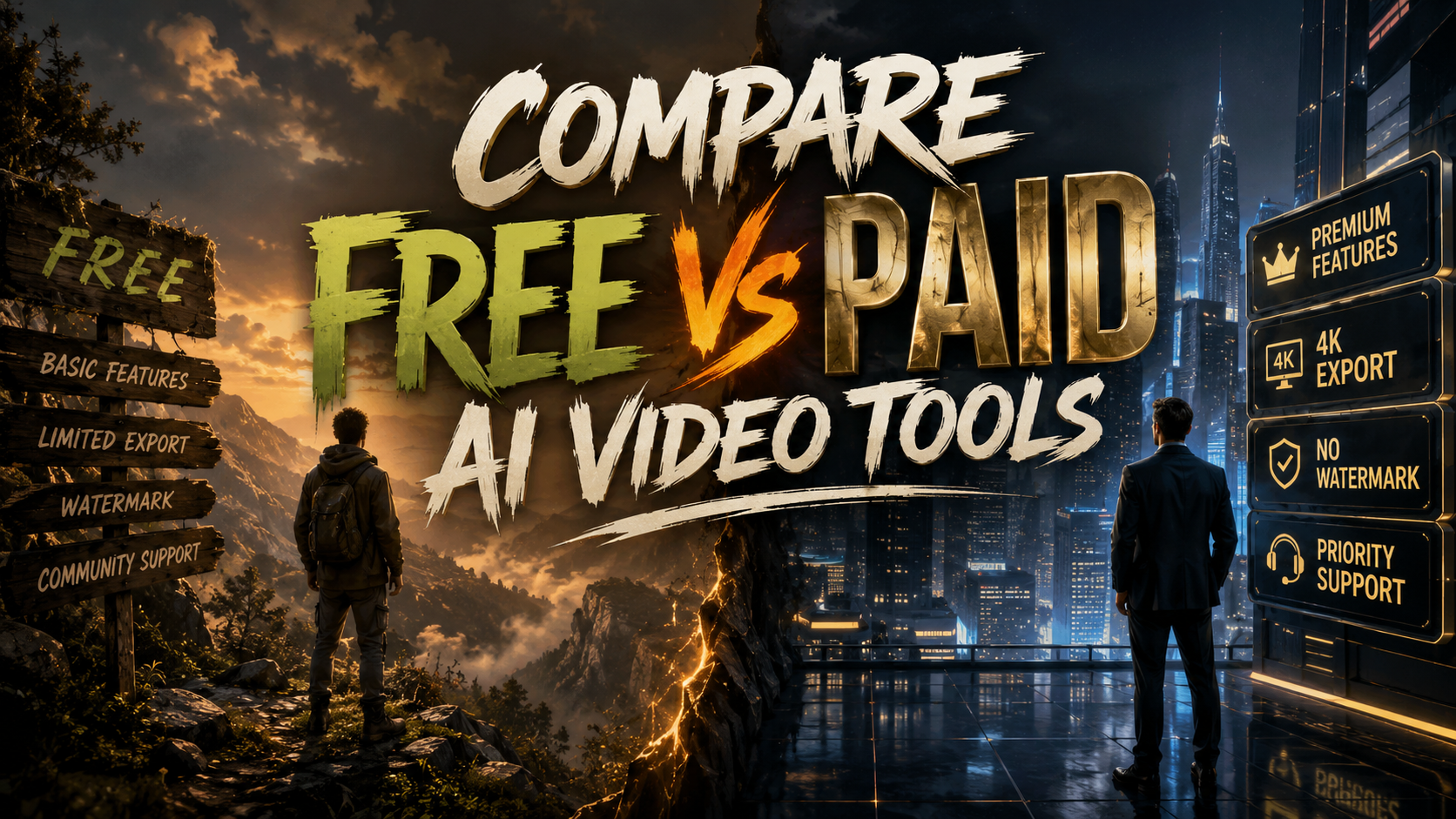
When deciding between free and paid AI video tools in 2026, the core difference comes down to output quality, feature depth, and usage limits: free tools let you experiment with basic text-to-video and editing at no cost but cap resolution and duration, while paid subscriptions unlock 4K exports, longer clips, advanced controls, and commercial licensing. Your choice depends entirely on whether you need professional-grade results for client work or just want to explore AI video creation without spending money.
A free AI video tool is a software or online platform that uses generative models to create or edit video content without charging a subscription fee, typically offering limited exports, watermarked output, and basic templates. A paid AI video tool removes those restrictions, providing higher resolution, longer runtimes, advanced editing controls, and full commercial usage rights for a monthly or annual fee.
- ✓ Free AI video tools are ideal for beginners, testing ideas, and short-form social content — but most cap exports at 720p or 1080p and add watermarks.
- ✓ Paid AI video tools in 2026 offer 4K resolution, multi-scene storytelling, custom avatars, and commercial licenses, making them essential for agencies and content studios.
- ✓ According to Ventureburn's 2026 ranking, the top free AI video generators include tools that let you create up to 30 seconds of footage per month without payment.
- ✓ CNET's 2026 review found that paid plans range from $15 to $200+ per month depending on features like AI voice cloning, lip-sync accuracy, and team collaboration.
- ✓ TechRadar's test of 70+ AI tools in 2026 confirmed that free tiers are getting more generous, but paid versions still deliver 3–5x faster rendering and superior output quality.
What to Look for When You Compare Free vs Paid AI Video Tools
Before diving into specific platforms, it helps to understand the key dimensions that separate free from paid offerings. Every AI video tool in 2026 — whether it's a text-to-video generator, an AI video enhancer, or a full editing suite — uses the same underlying transformer models, but the restrictions differ dramatically between tiers.
Resolution and Export Quality
Free tiers almost always cap exports at 720p or 1080p, and many add a visible watermark. Paid plans unlock 4K (and sometimes 8K) output, higher bitrates, and watermarks removal. The AI Journal's review of the best AI video enhancer software in 2026 noted that paid tools use temporal upscaling models that free versions lack, resulting in noticeably sharper detail when upscaling old footage.
Duration and Scene Complexity
Most free AI video generators limit single clips to 10–30 seconds. Paid subscriptions allow 2–10 minutes per clip and support multi-scene narratives with transitions, camera motion, and layered text overlays. This is the single biggest factor when you compare free vs paid ai video tools for real projects.
Free AI Video Tools That Actually Deliver in 2026
Ventureburn's 2026 ranking of the 10 best free AI video generators tested dozens of platforms and identified a clear set of winners. These tools let you create short clips, apply basic edits, and generate social media content without spending a cent.
Top Free Options for Text-to-Video
According to Ventureburn, the leading free AI video generators in 2026 include platforms that offer 30 seconds of free video per month with 1080p output and a small watermark. You can type a prompt, choose a style (cinematic, anime, 3D render), and generate a clip in about 90 seconds. These are perfect for testing prompt engineering or creating quick B-roll for personal projects.
Free AI Video Enhancers and Editors
PCMag's 2026 roundup of the best video editing software highlighted that several free AI-enhanced editors now include auto-reframing, smart background removal, and AI-powered color grading. The trade-off is that advanced features like motion tracking and multi-cam editing are locked behind paid tiers. Memeburn's list of 23 best free AI tools in 2026 confirmed that free video enhancers can upscale 480p to 720p effectively, but 4K upscaling requires a subscription.
Paid AI Video Tools Worth the Investment in 2026
CNET's 2026 review of the best AI video generators ranked paid platforms based on output realism, speed, and feature depth. The consensus is clear: if you need commercial-grade video, you should budget for a paid plan.
Professional Text-to-Video and Avatars
Paid tools in 2026 offer photorealistic avatars with accurate lip-sync, voice cloning from a 30-second sample, and multi-language dubbing. CNET noted that the top-tier plans ($100–$200/month) generate 4K video in under two minutes and include a commercial license for unlimited monetization. For comparison, free tiers of the same tools restrict avatars to a single generic model and limit voice cloning to one voice.
AI Video Enhancement and Restoration
The AI Journal's 2026 testing of AI video enhancers found that paid software can upscale 720p to 4K with realistic texture synthesis, remove noise from low-light footage, and stabilize shaky handheld video. These features rely on GPU-intensive models that free tiers cannot offer due to compute costs. A typical paid enhancer costs $20–$50/month for 10–20 hours of enhanced footage.
Side-by-Side Comparison: Free vs Paid AI Video Tools
| Feature | Free Tools | Paid Tools |
|---|---|---|
| Max Resolution | 720p–1080p | 4K (sometimes 8K) |
| Max Clip Duration | 10–30 seconds | 2–10 minutes |
| Watermark | Usually present | Removed |
| Commercial License | No | Yes |
| AI Avatars | 1 generic avatar | Custom avatars, multiple styles |
| Voice Cloning | Not available | Available (1–5 voices) |
| Rendering Speed | 3–5 minutes per clip | 30–90 seconds per clip |
| Team Collaboration | None | Shared workspaces, approvals |
| Monthly Cost (2026) | $0 | $15–$200+ |
When to Stick with Free AI Video Tools
Free AI video tools are an excellent starting point if you are new to AI video creation, testing platform interfaces, or producing content for non-commercial personal use. TechRadar's 2026 test of 70+ AI tools confirmed that free tiers are generous enough to let you evaluate a platform's prompt quality and output style before committing financially.
Use Cases Where Free Is Enough
Short social media clips for TikTok or Instagram Reels (under 30 seconds), personal birthday videos, quick explainer prototypes, and educational experiments all work well within free limits. Memeburn's 2026 guide emphasized that free AI tools now include solid template libraries, so you can create polished-looking videos without any skill — as long as you accept the watermark and resolution cap.
Limitations You Will Hit Quickly
Once you need longer runtimes, higher resolution for YouTube, or commercial usage for client projects, free tools become a bottleneck. The watermark alone makes free-tier output unsuitable for professional portfolios. According to CNET, most users who start with free tools upgrade to a paid plan within 2–3 months.
When to Upgrade to Paid AI Video Tools
If you are a content creator, marketer, or agency owner producing videos for clients or monetized channels, paid AI video tools are a business expense that pays for itself. The combination of 4K output, commercial licensing, and advanced controls like camera motion, lip-sync precision, and multi-language dubbing makes paid tools the only viable option for professional work.
Cost-Benefit Analysis for 2026
PCMag's 2026 analysis of video editing software noted that a $30–$50/month paid AI video tool can replace a $200/month stock footage subscription and a $100/month freelance editor for basic cuts. The ROI is clear when you factor in the time saved on manual editing. TechRadar's reviewer, who tested 70+ tools, stated that paid AI video generators now produce output indistinguishable from traditionally shot footage in 8 out of 10 test scenarios.
What You Get for the Higher Tiers
Enterprise plans ($150–$200/month) add dedicated GPU queues, priority rendering, custom model fine-tuning, and team workspaces with role-based access. These are aimed at production studios and marketing departments that generate hundreds of video assets per month. The AI Journal's 2026 review of AI video enhancers confirmed that the highest-paid tiers also include API access for automated workflows.
How to Choose the Right AI Video Tool for Your Needs
To make the right decision when you compare free vs paid ai video tools, start by listing your non-negotiables: resolution, duration, watermark policy, and commercial rights. Then test the free tier of 2–3 platforms from Ventureburn's 2026 ranking. If the free version meets your needs for a month, you may not need to upgrade yet.
Step-by-Step Decision Framework
- Define your output requirements. Write down the max resolution, clip length, and number of videos you need per month.
- Check the watermark policy. If you need clean exports for a client, you must choose a paid plan or a tool that offers watermark-free free exports (rare in 2026).
- Test the free tier for one week. Generate at least 10 clips to evaluate prompt adherence, rendering speed, and output realism.
- Compare paid plans across three platforms. Use CNET's 2026 rankings as a starting point — look for the plan that gives you the best price per minute of 4K video.
- Factor in hidden costs. Some paid tools charge extra for commercial licenses, additional seats, or API usage. Read the fine print.
- Make a decision after 30 days. By then you will know whether the free tier's limits frustrate your workflow or if the paid plan's features justify the cost.
Expert Predictions for AI Video Tools Beyond 2026
Based on the trajectory reported by TechRadar and CNET, the gap between free and paid AI video tools will narrow slightly in the next 12 months. Free tiers are expected to offer 1080p without watermarks for personal use by late 2027, while paid tools will push toward 8K real-time generation and full scene-level control.
For now, the advice from every major 2026 review — PCMag, Ventureburn, CNET, TechRadar, The AI Journal, and Memeburn — is consistent: start free, upgrade when your project demands it, and always check the commercial license terms before publishing AI-generated video for business purposes.
Frequently Asked Questions About Free vs Paid AI Video Tools
What is the main difference between free and paid AI video tools in 2026?
The main difference is that free tools limit resolution (usually 720p–1080p), clip duration (10–30 seconds), and add watermarks, while paid tools offer 4K output, longer clips up to 10 minutes, watermark-free exports, and commercial licenses for monetized content.
Can I use free AI video tools for commercial projects?
Most free AI video tools do not grant commercial usage rights, meaning you cannot monetize videos created on the free tier. You must upgrade to a paid plan or check the specific terms of service — some tools offer limited commercial use with attribution.
Which free AI video generator is best for beginners in 2026?
According to Ventureburn's 2026 ranking, the best free AI video generators for beginners include platforms that offer 30 seconds of free monthly video with 1080p output and intuitive prompt-based interfaces. These tools require no editing experience and generate clips in under two minutes.
How much do paid AI video tools cost in 2026?
Paid AI video tools in 2026 range from $15 to $200+ per month. Entry-level plans ($15–$30/month) offer 1080p exports with watermarks removed and longer clip durations. Professional plans ($50–$100/month) include 4K, custom avatars, and commercial licenses. Enterprise plans ($150–$200/month) add team workspaces and priority rendering.
Do paid AI video tools render faster than free ones?
Yes. TechRadar's 2026 test of 70+ AI tools confirmed that paid plans render 3–5 times faster than free tiers because they allocate dedicated GPU resources. A free tool might take 3–5 minutes to generate a 15-second clip, while a paid tool can produce the same clip in 30–90 seconds.
Are there any hidden costs in paid AI video tools?
Some paid tools charge extra for commercial licenses, additional team seats, API access, or high-volume usage. Always review the pricing page for overage fees — a plan advertised at $30/month may cost more if you exceed the monthly video generation limit.
Can I upgrade from a free tier to a paid plan without losing my projects?
Most platforms allow you to upgrade seamlessly, and your project history, saved prompts, and generated clips carry over to the paid tier. However, free-tier watermarks are typically baked into the exported video, so you will need to regenerate those clips after upgrading to get clean exports.



Comments ()