
Compare Best AI Video Editors: 2026 Top Software Review
To compare best ai video editors in 2026, you must evaluate software based on generative fill capabilities, automated scene assembly, and real-time neural rendering speeds. The leading tools this year have transitioned from simple automation to full-scale creative co-pilots that can generate high-fidelity assets from text prompts or refine raw footage using advanced spatial computing integration. Whether you are a professional filmmaker or a social media creator, the right choice depends on your specific hardware ecosystem and the depth of AI control required for your workflow.
The best AI video editors in 2026 are specialized software platforms that utilize deep learning models to automate complex tasks like rotoscoping, color grading, and generative b-roll creation. These tools, identified by experts at PCMag and TechRadar, prioritize efficiency by reducing manual editing time by up to 80% through intuitive, prompt-based interfaces and cloud-accelerated rendering.
- ✓ AI video editors in 2026 now offer seamless integration between text-to-video generation and traditional timeline editing.
- ✓ PCMag and Creative Bloq highlight that Mac-specific optimizations have made high-end AI rendering accessible on mobile workstations.
- ✓ Modern software focuses on "Generative Fill" for video, allowing editors to expand frames or remove objects with photorealistic accuracy.
- ✓ Real-time collaboration features are now standard, supported by decentralized cloud processing for instant previews.
How to Compare Best AI Video Editors for Your Workflow
Choosing the right software requires a systematic approach, especially as the landscape of 2026 offers more specialized tools than ever before. To accurately compare best ai video editors, you should first identify your primary output format—be it short-form social content, cinematic features, or corporate presentations. The integration of generative AI has split the market into two categories: traditional NLEs (Non-Linear Editors) with AI plugins and native AI-first generators that build videos from scratch.
According to recent testing by TechRadar, which reviewed over 70 AI tools in early 2026, the most significant differentiator is the latency of the neural engine. High-end tools now offer "zero-wait" previews, while budget-friendly options may still rely on queue-based cloud rendering. When conducting your own evaluation, prioritize software that offers a balance between automated "one-click" fixes and granular manual controls for professional-grade fine-tuning.
- Define Your Hardware Limits: Determine if you need a browser-based tool or a desktop application optimized for Apple Silicon or NVIDIA’s latest Blackwell architecture.
- Assess Generative Capabilities: Test the software’s ability to generate "b-roll" from text without leaving the timeline.
- Evaluate Audio Intelligence: Look for features like multi-track voice cloning, automated noise floor removal, and AI-driven score composition.
- Review Export Options: Ensure the editor supports 8K resolution and the latest spatial video formats for VR/AR headsets.
- Analyze Cost-to-Value Ratio: Compare monthly subscription tiers against the "tokens" or "credits" required for generative tasks.
Top AI Video Software Comparison 2026
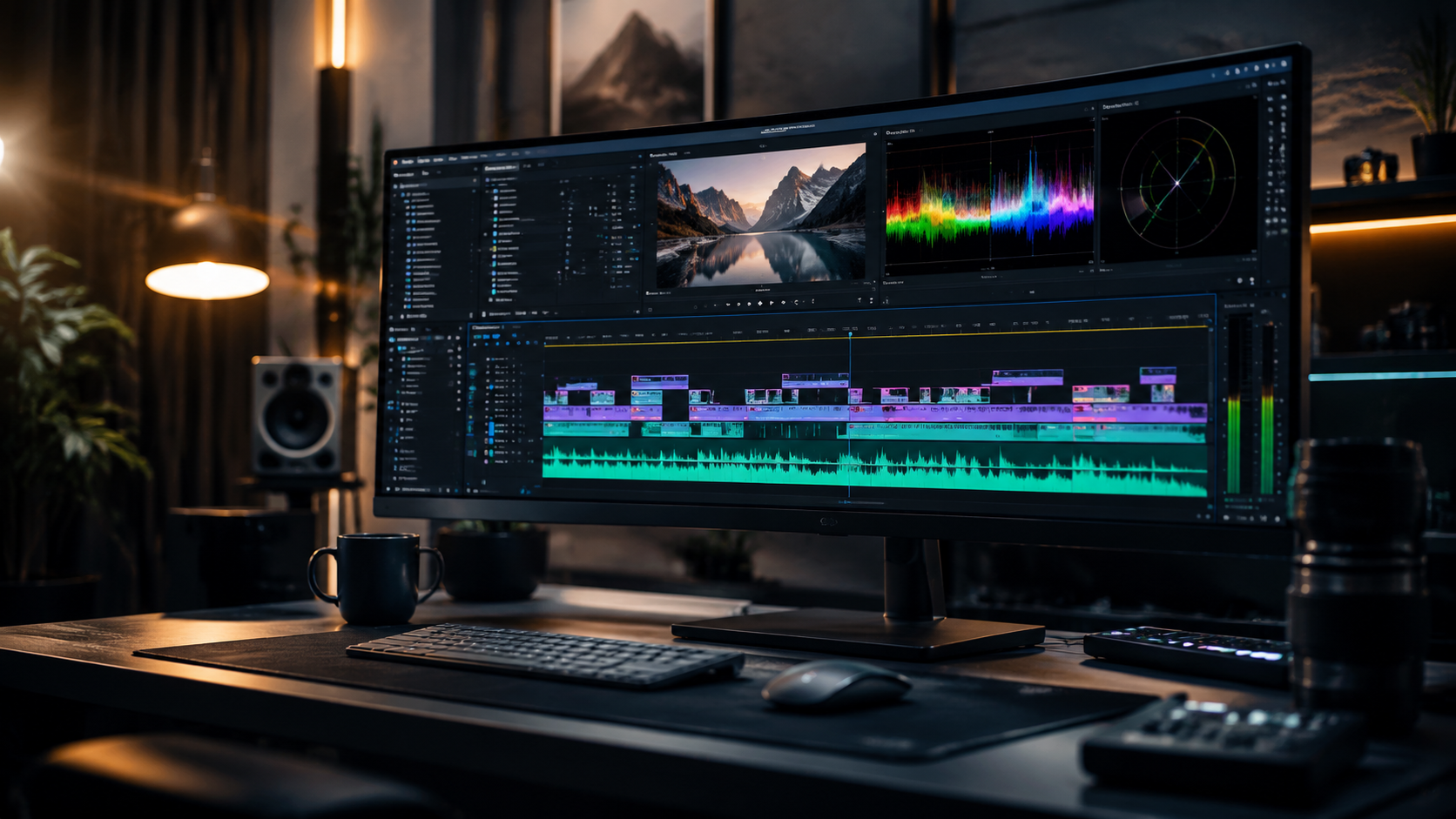
The following table provides a direct comparison of the industry leaders as of May 2026, based on reviews from CNET and PCMag. These tools represent the pinnacle of current editing technology, balancing ease of use with powerful generative features.
| Software Name | Primary Strength | Key AI Feature | Best For |
|---|---|---|---|
| Adobe Premiere Pro (2026 Ed.) | Professional Workflow | Generative Extend & Object Removal | Film & TV Pros |
| DaVinci Resolve 19+ | Color & VFX | Neural Engine Magic Mask | Colorists & Cinematographers |
| Runway Gen-4 Studio | Pure Generative Power | Multi-Motion Brush 2.0 | Experimental Creators |
| Final Cut Pro (2026) | Mac Optimization | Live Spatial Video Mapping | Apple Ecosystem Users |
| CapCut Desktop Pro | Social Media Speed | Auto-Script to Viral Video | Influencers & SMBs |
The Evolution of AI Integration in 2026
As we move through 2026, the distinction between "editing" and "generating" has almost entirely vanished. Leading software now uses "World Models" to understand the physics of a scene. For instance, if you remove a person walking in front of a fountain, the AI doesn't just patch the hole; it understands how the water should flow behind where the person was standing. This level of sophistication is what defines the current year's top-tier software.
Generative Fill and Frame Expansion
One of the most praised features in 2026, as noted by Creative Bloq, is the ability to change the aspect ratio of a video after it has been shot. Using generative expansion, an editor can turn a vertical 9:16 TikTok video into a cinematic 2.35:1 widescreen shot by having the AI "paint" the missing environment. This has revolutionized how archival footage is repurposed for modern displays.
Automated Dialogue Replacement (ADR) and Dubbing
AI-driven audio has also seen a massive leap. Modern editors can now perform "Visual ADR," where the AI adjusts the lip movements of an actor to match a new script or a different language. G2 Learn Hub reports that this feature has become a favorite for global marketing teams, allowing them to localize content in minutes rather than weeks, while maintaining the original emotional performance of the actor.
Detailed Review: Compare Best AI Video Editors for Professionals
For professional environments, the focus is on reliability and precision. According to PCMag’s May 2026 testing, Adobe Premiere Pro remains the gold standard for integrated workflows. Its "Generative Extend" feature allows editors to add a few frames to the beginning or end of a clip to smooth out a transition—a task that previously required complex time-remapping or reshooting. The integration of Firefly Video Models directly into the timeline means professionals never have to leave their workspace to generate assets.
On the other hand, DaVinci Resolve has doubled down on its Neural Engine. The 2026 updates have introduced "Intelligent Relighting," allowing editors to move virtual light sources around a subject in post-production as if they were on set. This tool uses AI to map the 3D geometry of the face and body, providing a level of control that was previously only possible in high-end VFX suites like Nuke.
Comparing Cloud-Based vs. Local Processing
When you compare best ai video editors, the location of the processing power is a critical factor. Cloud-based editors like Runway and Canva’s Magic Studio offer the advantage of being device-agnostic; you can edit 8K footage on a tablet because the heavy lifting happens on remote servers. However, local processing tools like Final Cut Pro utilize the M4 and M5 Ultra chips to keep data private and avoid subscription-based "credit" systems for AI generation.
The Rise of "Prompt-to-Timeline" Features
A new trend in 2026 is the "Prompt-to-Timeline" workflow. Instead of dragging and dropping clips, editors type a command like, "Create a 30-second montage of the beach footage, sync it to an upbeat lo-fi track, and add light leak transitions." Software like CapCut and InVideo AI have perfected this for the consumer market, making it possible to produce high-quality drafts in seconds. While these lack the granular control of Premiere, their speed is unmatched for high-volume content creators.
Why Accessibility is the Theme of 2026
Creative Bloq’s latest review emphasizes that 2026 is the year AI video editing became truly accessible to the masses. No longer do you need a degree in cinematography to understand color science or keyframing. AI "Copilots" now act as mentors, suggesting better cuts based on the rhythm of the music or identifying "dead air" in a podcast recording that should be trimmed.
Studies show that companies using AI-augmented video tools have seen a 65% increase in content output without increasing their creative headcount. This efficiency is driven by "Semantic Searching," where an editor can search their entire library of raw footage for "shots of a dog running in the park" and have the AI instantly find and tag those specific moments. This eliminates the hours previously spent on logging and organizing media.
Future-Proofing Your Video Strategy
To stay competitive, it is not enough to just use any tool; you must use the one that integrates best with your existing tech stack. If you are heavily invested in the Apple ecosystem, the recent PCMag reviews of Mac-specific apps highlight that Final Cut Pro’s deep integration with the Neural Engine provides the fastest export times in the industry. Conversely, if you work in a collaborative agency environment, the web-based "Multiplayer" editing features of Frame.io and Runway are indispensable.
As we look toward the latter half of 2026, expect to see even more integration with "Spatial Computing." The ability to edit 3D video for headsets like the Apple Vision Pro or Meta Quest 4 is becoming a standard requirement. The best AI video editors are already including "Spatial Previews" that allow editors to see how their work will look in a 3D environment while they are still in the 2D timeline.
What is the best AI video editor for beginners in 2026?
CapCut Desktop and InVideo AI are widely considered the best for beginners due to their "Prompt-to-Video" features. These platforms allow users to generate a full edit from a simple text description, handling the music, transitions, and captions automatically.
Can AI video editors replace human editors?
No, AI video editors in 2026 act as assistants rather than replacements. While they can handle repetitive tasks like masking and basic cutting, the creative vision, storytelling, and emotional nuance still require a human editor's touch.
Which software is best for AI-powered color grading?
DaVinci Resolve 19 and 20 remain the leaders in AI color grading. Their Neural Engine can automatically match colors across different cameras and even simulate specific film stocks with high accuracy using AI-driven grain and halation maps.
Is there a free AI video editor available in 2026?
Many platforms offer "freemium" models. The free version of DaVinci Resolve includes many AI features, and web-based tools like Clipchamp offer basic AI auto-composition for free, though high-resolution exports often require a subscription.
How do I compare best ai video editors for mobile use?
When comparing mobile editors, look for "On-Device Processing" capabilities. Apps like LumaFusion and CapCut mobile use the latest smartphone NPU (Neural Processing Unit) to perform tasks like background removal without needing an internet connection.



Comments ()