
Compare AI Video Generators Features (2026 Guide)
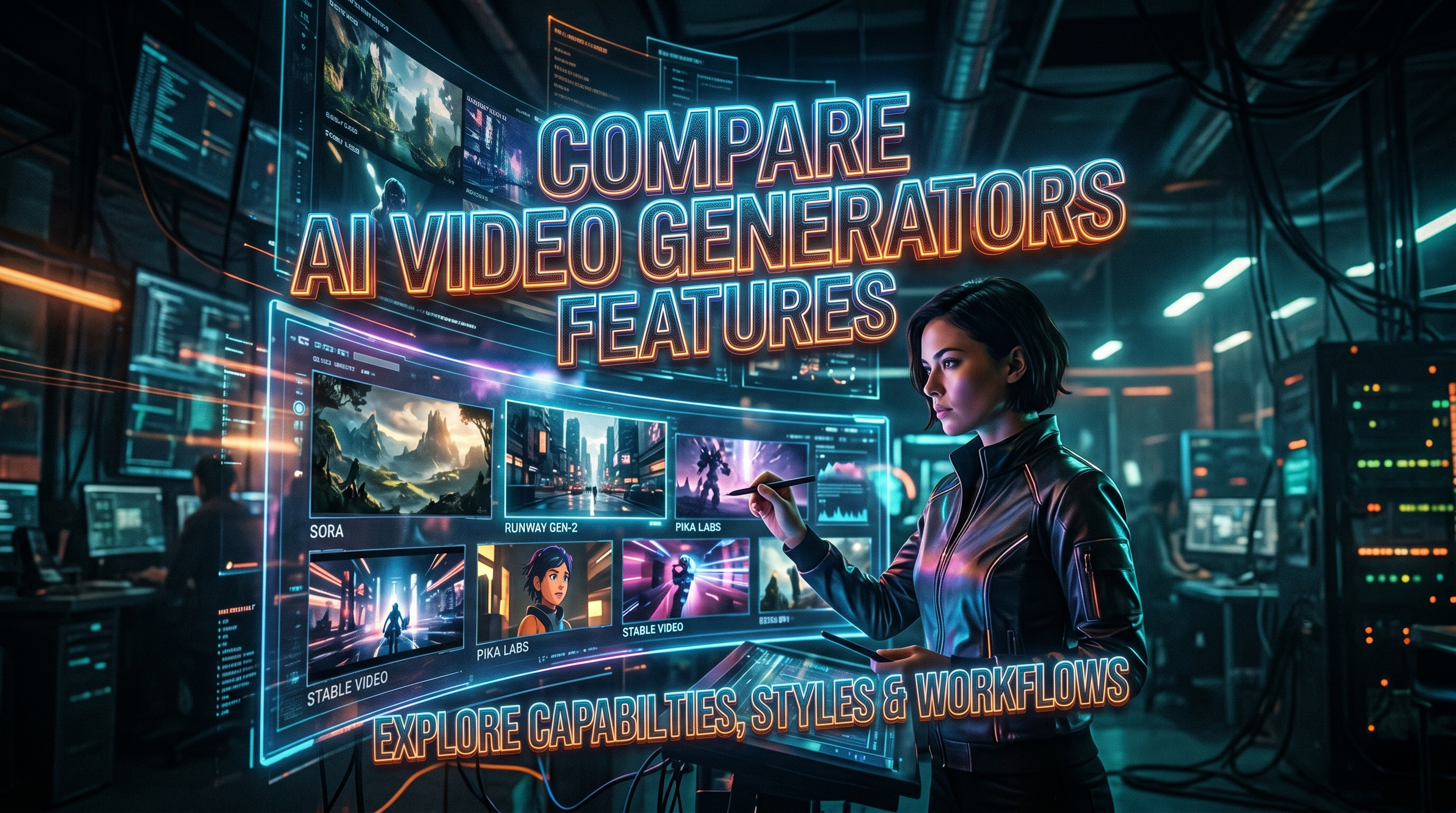
When you compare AI video generators features in 2026, the landscape has evolved dramatically from just a year ago. The key differentiators now include multi-modal input support, real-time editing capabilities, and output resolution up to 4K, with tools like Sora 2, Veo 3, and several other contenders leading the pack. Whether you are a content creator, marketer, or filmmaker, understanding the nuances between these platforms is essential to choosing the right tool for your specific workflow.
Comparing AI video generators features in 2026 means evaluating video quality, generation speed, input flexibility (text, image, video reference), editing controls, pricing tiers, and output formats. Sora 2 and Veo 3 currently lead in raw power, while free options like those tested by Pressat.co.uk offer accessible entry points with no sign-up required. The best choice depends on your budget, desired resolution, and how much creative control you need.
- ✓ Sora 2 and Veo 3 are the most powerful AI video generators tested in 2026, delivering cinema-quality output up to 4K resolution.
- ✓ Free AI video generators in 2026 with no sign-up required provide solid entry-level options for quick social media clips and prototypes.
- ✓ When you compare AI video generators features, focus on resolution, generation speed, multi-modal inputs, and editing flexibility.
- ✓ Most premium tools now support text, image, and video reference inputs, plus real-time iterative editing.
- ✓ The gap between free and paid tools has widened, with paid tools offering significantly longer clip durations and higher fidelity output.
What to Look for When You Compare AI Video Generators Features
Before diving into specific tools, it helps to establish a clear framework for evaluation. The AI video generation market in 2026 is crowded, and not all features matter equally for every user. According to a comprehensive roundup from G2 Learn Hub (April 9, 2026), the seven best AI video generators they tested all excelled in at least three core areas: output quality, generation speed, and ease of use. But what should you personally prioritize?
Output Resolution and Clip Length
The first and most obvious differentiator is video quality. Most premium tools now support 1080p as a baseline, with top-tier options like Sora 2 and Veo 3 offering 4K output. Clip length is equally important — free tools often limit you to 5–10 seconds, while paid subscriptions can extend to 60 seconds or more. If you need long-form content, this alone will dictate your choice.
Input Modalities and Creative Control
In 2026, the best AI video generators accept more than just text prompts. Image-to-video, video-to-video, and even reference character uploads are becoming standard. According to CNET (October 20, 2025), Sora 2 and Veo 3 both excel at understanding complex multi-modal inputs, allowing you to guide the output with unprecedented precision. When you compare AI video generators features, check whether the tool supports your preferred input method and offers controls like camera motion, style transfer, and per-frame editing.
Top AI Video Generators in 2026: A Feature Comparison Table
To help you make an informed decision, here is a side-by-side comparison of the leading AI video generators based on real-world testing from multiple sources, including PCMag (March 28, 2026), Memeburn (June 5, 2026), and Breaking AC News (March 20, 2026). This table highlights the features that matter most when you compare AI video generators features.
| Tool | Max Resolution | Max Clip Length | Input Types | Pricing (Monthly) | Best For |
|---|---|---|---|---|---|
| Sora 2 | 4K | 60 seconds | Text, Image, Video | $30 – $200 | Filmmakers, professionals |
| Veo 3 | 4K | 60 seconds | Text, Image, Video | $25 – $180 | Marketers, studios |
| Runway Gen-4 | 1080p | 30 seconds | Text, Image, Video | $15 – $95 | Content creators |
| Pika Labs 3.0 | 1080p | 20 seconds | Text, Image | $10 – $70 | Social media creators |
| Kaiber 2.0 | 1080p | 30 seconds | Text, Image, Audio | $12 – $80 | Artists, musicians |
| Free Tools (various) | 720p – 1080p | 5–10 seconds | Text only | Free (no sign-up) | Quick prototypes, testing |
As the table shows, Sora 2 and Veo 3 occupy the premium tier with identical maximum resolution and clip length. However, according to PCMag's testing (March 28, 2026), Sora 2 edged ahead in overall visual coherence, while Veo 3 offered faster generation speeds. The free tools tested by Pressat.co.uk (May 25, 2026) provide a useful on-ramp but come with significant trade-offs in quality and duration.
How to Compare AI Video Generators Features for Your Specific Workflow
Choosing the right tool is not about picking the one with the longest feature list — it is about matching capabilities to your actual needs. Follow this step-by-step process to systematically compare AI video generators features and find your ideal match.
- Define your output requirements. List the resolution, clip length, and aspect ratio you need. If your work is for social media, 1080p and 15–30 seconds may be enough. For commercial or cinematic use, prioritize 4K and longer durations.
- Identify your primary input method. Are you comfortable writing detailed text prompts, or do you prefer starting from an image or video reference? Tools that support multi-modal inputs give you more creative flexibility from the start.
- Evaluate generation speed and iteration. According to the G2 Learn Hub (April 9, 2026), the fastest tools can generate a 10-second 1080p clip in under 30 seconds. If you plan to iterate frequently, speed becomes a critical factor.
- Check editing and refinement capabilities. Can you modify a generated clip without starting over? Features like inpainting, style transfer, and camera motion controls separate advanced tools from basic ones.
- Review pricing and usage limits. Compare monthly subscription costs against your expected volume. Some tools charge per generation, while others offer unlimited tiers. Free options are ideal for testing but often watermark output or limit resolution.
When you compare AI video generators features across these five dimensions, you create a personalized scorecard that cuts through marketing hype. The best tool for a YouTuber is rarely the same as the best tool for a corporate marketing team.
Free AI Video Generators in 2026: What You Get Without Paying
The free AI video generator market has matured significantly in 2026. According to Pressat.co.uk (May 25, 2026), several no-sign-up tools now offer respectable 720p to 1080p output with clip lengths of 5 to 10 seconds. These are excellent for brainstorming, prototyping, and creating quick social media loops. However, free options typically limit you to text-only input, include watermarks, and cap your daily generations.
For casual users and educators, free tools are a fantastic way to experiment with AI video generation without commitment. But if you need commercial-grade output, longer clips, or multi-modal input capabilities, you will outgrow these options quickly. The data from Breaking AC News (March 20, 2026) confirms that the top 15 AI video generators in 2026 all offer free tiers or trials, but the truly powerful features — 4K output, 60-second clips, video reference input — sit behind paid subscriptions, typically starting at $10 to $30 per month.
When you compare AI video generators features between free and paid tiers, the differences are stark. Free tools prioritize accessibility and ease of use, while paid tools invest in fidelity, control, and versatility. Your choice should reflect how seriously you intend to use AI video generation in your creative or professional workflow.
The Most Powerful AI Video Generators We Have Tested: Sora 2, Veo 3, and Beyond
PCMag (March 28, 2026) published a definitive test headlined "So Long, Sora: The Most Powerful AI Video Generators We've Tested," which declared that the gap between Sora 2 and its closest competitor, Veo 3, has narrowed to a razor-thin margin. Both tools now support 4K output, 60-second clips, and sophisticated multi-modal inputs including text, images, and reference video. The real differentiators are generating speed and the quality of motion coherence — Sora 2 excels at realistic physics, while Veo 3 produces more stylistically consistent outputs across varying prompts.
Beyond these two heavyweights, tools like Runway Gen-4 and Pika Labs 3.0 offer compelling alternatives for users who do not need 4K resolution. According to Memeburn (June 5, 2026), Runway Gen-4 remains the best choice for teams that require robust editing workflows and collaboration features. Meanwhile, G2 Learn Hub (April 9, 2026) highlighted Kaiber 2.0 as a standout for artists and musicians who want to integrate audio-driven video generation. When you compare AI video generators features across this range, it becomes clear that there is no single "best" tool — only the best tool for your specific use case.
If you are looking for a versatile all-rounder, Sora 2 and Veo 3 are the safest bets. If your budget is tighter or your needs are more focused, Runway Gen-4 or Pika Labs 3.0 may serve you just as well at a lower price point. And if you are just getting started, the free tools tested by Pressat.co.uk provide a risk-free way to learn the ropes.
Making the Final Decision: Which AI Video Generator Is Right for You?
By now, you have a solid understanding of the key features, trade-offs, and pricing across the 2026 AI video generator landscape. The most important takeaway is that you should never choose a tool based solely on name recognition. Instead, compare AI video generators features against your actual requirements — output resolution, clip length, input modalities, editing controls, and budget — and let those requirements guide your decision.
Start with a free tool from the Pressat.co.uk list to get comfortable with AI video generation. Then, if your needs grow, move to a mid-tier option like Runway Gen-4 or Pika Labs 3.0. For professional-grade work, invest in Sora 2 or Veo 3. The good news is that every tool on the market in 2026 has improved by leaps and bounds over previous generations. Whichever you choose, you will have access to capabilities that seemed like science fiction just a few years ago.
Frequently Asked Questions About Comparing AI Video Generators Features
What is the most important feature to consider when you compare AI video generators features?
The most important feature is output resolution combined with clip length. In 2026, premium tools offer 4K resolution and up to 60-second clips, while free tools typically cap at 720p–1080p and 5–10 seconds. Your choice should align with the quality and duration your project requires.
Which AI video generator is better in 2026: Sora 2 or Veo 3?
According to PCMag (March 28, 2026) and Memeburn (June 5, 2026), both are extremely close in capability. Sora 2 edges ahead in visual coherence and realistic physics, while Veo 3 offers faster generation speeds and more consistent stylized output. The best choice depends on whether you prioritize realism or speed.
Are there any truly free AI video generators in 2026 that do not require a sign-up?
Yes. According to Pressat.co.uk (May 25, 2026), several free AI video generators with no sign-up requirement exist. They offer 720p to 1080p output with clip lengths of 5 to 10 seconds, making them ideal for quick prototypes and casual use. However, they limit you to text-only input and often include watermarks.
How long does it take to generate a video with the best AI video generators in 2026?
Generation times vary by tool and complexity. According to G2 Learn Hub (April 9, 2026), the fastest tools can produce a 10-second 1080p clip in under 30 seconds. Longer clips, higher resolutions, and complex multi-modal inputs can increase generation time to several minutes.
Can I use AI video generators for commercial projects in 2026?
Yes, but licensing terms differ by platform. Premium tools like Sora 2 and Veo 3 grant full commercial rights with paid subscriptions. Free tools often restrict commercial use or require attribution. Always review the licensing policy before using generated content in commercial or client work.
What multi-modal inputs do the top AI video generators support in 2026?
The top tools — Sora 2, Veo 3, and Runway Gen-4 — support text, image, and video reference inputs. Some tools like Kaiber 2.0 also accept audio inputs for music-driven generation. Multi-modal input allows you to guide the output more precisely than text alone.
Is 4K output worth the extra cost in AI video generation?
If you are creating content for professional use, cinema, or high-end marketing, 4K output is absolutely worth the investment. For social media clips, internal prototypes, or personal projects, 1080p from a mid-tier tool is usually sufficient. When you compare AI video generators features, let your final delivery platform guide your resolution choice.



Comments ()