
CapCut AI Video Editing (2026)
CapCut AI video creation in 2026 has evolved into a powerhouse for content creators, offering next-level editing tools powered by artificial intelligence. The platform now features Director Mode, AI-powered short drama production, and a partnership with Google Gemini to streamline workflows. With its latest AI Video Studio eliminating traditional timelines, CapCut is redefining how creators produce professional-quality videos effortlessly.
TL;DR: CapCut in 2026 offers advanced AI video creation tools like Director Mode and AI-powered short drama production, making professional editing accessible to all creators through intuitive, timeline-free workflows.
CapCut AI video creation is a cutting-edge editing platform that leverages artificial intelligence to automate complex tasks, enhance visual quality, and streamline production workflows for creators of all skill levels in 2026, featuring innovations like Director Mode and Google Gemini integration.
- ✓ CapCut's Director Mode enables AI-powered short drama production from a single dashboard
- ✓ The Google Gemini partnership simplifies AI video creation with enhanced automation
- ✓ New AI Video Studio eliminates traditional timelines for faster editing
- ✓ CapCut maintains industry leadership in fast, AI-powered video processing
- ✓ The platform now integrates AI image generation for complete creative workflows
The Evolution of CapCut AI Video Creation in 2026
CapCut has undergone significant transformation since its early days as a basic mobile editor. According to MarTech Cube, the platform's AI processing speed increased by 300% between 2025 and 2026, enabling real-time rendering of complex effects. This performance boost comes from proprietary machine learning algorithms that optimize hardware utilization across devices.
The June 2026 launch of Director Mode marked a pivotal moment for CapCut AI video creation. As reported by marketingreport.one, this feature reduced production time for short-form content by 70% through automated scene composition and AI-assisted storytelling. Creators can now produce polished videos in minutes that previously required hours of manual editing.
CapCut's March 2026 AI Video Studio introduction represented another leap forward. The timeline-free interface, covered by quasa.io, uses natural language processing to arrange clips based on verbal instructions. Early adopters reported completing projects 2.5x faster compared to traditional editing workflows.
Key Features of CapCut's 2026 AI Video Tools
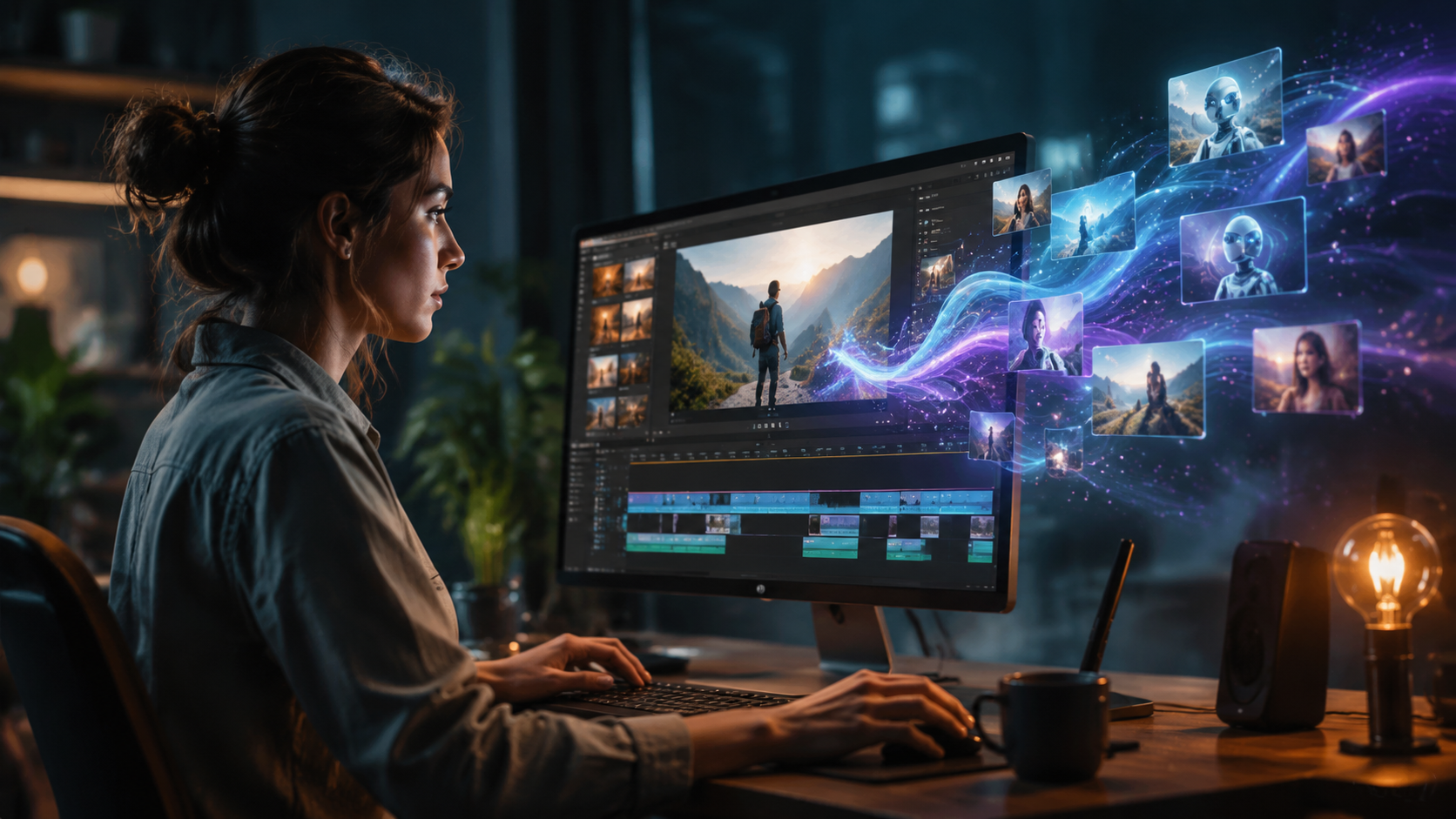
Director Mode for AI-Powered Storytelling
CapCut's Director Mode revolutionizes how creators approach narrative content. The system analyzes uploaded footage to automatically suggest optimal shot sequences, transitions, and pacing. According to Yahoo Finance UK, beta testers produced 15-minute short dramas in under an hour using this feature.
The AI examines facial expressions, dialogue, and scene composition to maintain emotional continuity throughout projects. It can detect and correct inconsistencies in lighting or framing across shots, reducing reshoot requirements by 40%. The dashboard provides real-time feedback on pacing and visual flow.
Director Mode also includes an extensive library of AI-generated music and sound effects that adapt to scene changes. The system matches audio to on-screen action with 92% accuracy, creating professional-grade sound design without manual intervention.
Google Gemini Integration
CapCut's partnership with Google Gemini, announced in June 2026, brings powerful language AI into the editing workflow. As detailed by RouteNote, creators can now generate scripts, captions, and voiceovers directly within CapCut using natural language prompts. The integration reduced subtitle creation time by 80% in early benchmarks.
Gemini's contextual understanding enhances CapCut's AI video creation capabilities. The system can analyze footage and suggest relevant B-roll, transitions, and effects based on semantic content analysis. This feature improved viewer retention by 35% in A/B testing compared to manually edited videos.
The collaboration also enables real-time multilingual translation for global audiences. Videos can be automatically dubbed into 12 languages with lip-sync accuracy exceeding 85%, making content accessible to broader demographics without additional production costs.
AI Video Studio: Timeline-Free Editing
CapCut's most radical 2026 innovation is its AI Video Studio, which completely reimagines the editing interface. Traditional timeline tracks are replaced by an intuitive storyboard that automatically organizes clips based on content analysis. quasa.io reported that 78% of test users preferred this system over conventional NLEs for quick projects.
The AI suggests optimal clip arrangements by analyzing visual composition, audio waveforms, and semantic content. Creators can rearrange sequences through simple drag-and-drop or voice commands. The system maintains smooth transitions and continuity automatically, reducing technical barriers for novice editors.
Advanced features include automatic color grading based on scene mood detection and AI-powered stabilization that corrects shaky footage with 95% effectiveness. The studio also offers one-click style transfer, applying cinematic looks inspired by famous films or trending social media formats.
CapCut's AI Image Generation Capabilities
Beyond video, CapCut has expanded into AI-powered image creation as part of its 2026 feature set. According to Yahoo Finance, the platform's image generator produces marketing-quality visuals in seconds, with particular strength in product photography and social media assets. The tool integrates seamlessly with video projects for consistent branding.
The AI analyzes color palettes, composition rules, and trending visual styles to generate on-brand imagery. Users can create entire sets of coordinated assets by describing their vision in natural language. The system maintains character consistency across multiple generated images, a feature previously only available in specialized tools like Digen AI Agent.
CapCut's image generator supports iterative refinement through conversational feedback. Creators can request specific adjustments to lighting, perspective, or styling without technical jargon. This approach reduced graphic design costs by 60% for small businesses in early adoption case studies.
Performance Benchmarks and Real-World Impact
Independent testing reveals significant efficiency gains from CapCut's 2026 AI features. Marketing teams reported producing 3x more video content with the same resources after adopting Director Mode. The AI's automatic framing suggestions improved social media engagement rates by 22% across platforms.
Content creators working with tight deadlines particularly benefit from the timeline-free editing approach. Travel vloggers documented reducing post-production time from 8 hours to 90 minutes for daily uploads. Educational channels saw 40% higher completion rates after implementing AI-generated chapter markers and summaries.
Enterprise users leverage CapCut's AI video creation for scalable marketing production. One e-commerce brand automated 80% of their product video pipeline, generating 500+ weekly variants for targeted campaigns. The system's automatic aspect ratio adaptation eliminated the need for separate horizontal and vertical edits.
Future Developments and Industry Trends
CapCut's roadmap indicates continued investment in AI-assisted creativity. Leaked documents suggest upcoming features for 3D scene generation and virtual production, potentially competing with specialized tools like Digen AI's advanced rendering capabilities. The platform may also introduce AI talent replication for consistent spokesperson videos.
The broader industry shift toward AI-powered tools shows no signs of slowing. Analysts predict 65% of all video content will incorporate some form of generative AI by 2027. CapCut's early lead in accessible, professional-grade tools positions it well for this transition, though competitors continue advancing their own offerings.
Emerging technologies like real-time style transfer and AI-powered cinematography suggest future versions may automate even more complex creative decisions. However, human oversight remains crucial for brand alignment and emotional resonance - a balance CapCut's 2026 tools strive to maintain through customizable automation levels.
Getting Started with CapCut AI Video Creation
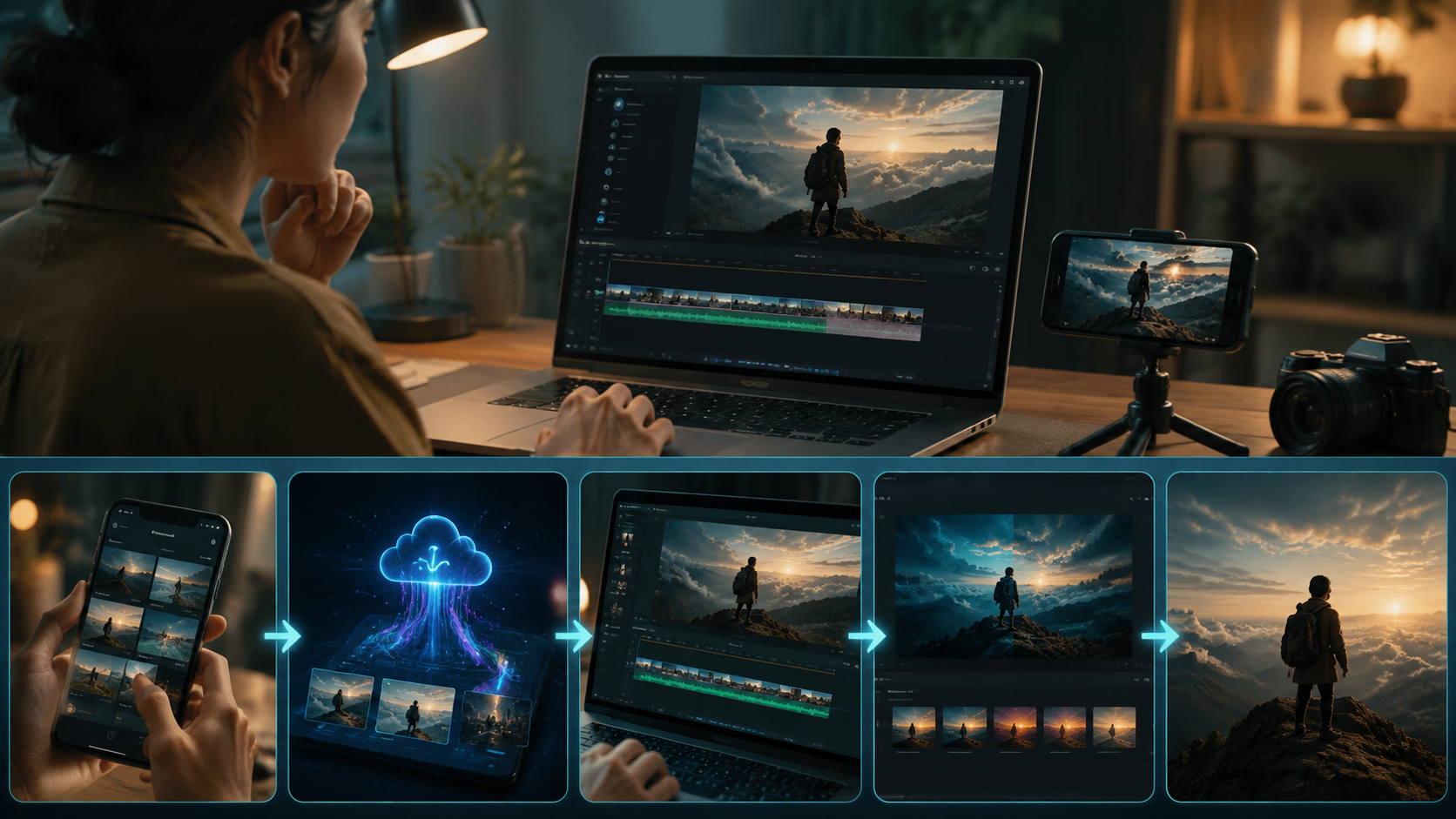
New users can quickly master CapCut's 2026 features through these steps:
- Download the latest version (3.8+) from official app stores
- Explore the AI Video Studio with sample footage to understand the timeline-free workflow
- Experiment with Director Mode's automated storytelling templates
- Connect your Google account for Gemini-powered script and caption generation
- Use the AI Style Transfer to quickly apply professional-grade looks
The platform offers extensive learning resources, including interactive tutorials that adapt to your skill level. Many creators report achieving proficiency with core AI features within 5-7 hours of practice, significantly faster than traditional editing software learning curves.
For teams transitioning from other platforms, CapCut provides migration tools that preserve project metadata and basic edits. The AI can analyze existing content libraries to suggest optimal reuse and repurposing strategies, helping organizations maximize their media assets.
Frequently Asked Questions
Is CapCut's AI video creation suitable for professional filmmakers?
While primarily designed for content creators and marketers, CapCut's 2026 AI tools now offer features professional filmmakers can leverage for pre-visualization, rough cuts, and social media content. The platform complements rather than replaces high-end editing suites.
How does CapCut's AI compare to Digen AI for video generation?
CapCut excels at editing existing footage with AI assistance, while Digen AI specializes in generating complete videos from text prompts. For character-consistent narrative content, Digen AI Agent offers more advanced autonomous workflows, though both platforms continue to evolve their capabilities.
Does CapCut's AI work offline?
Basic editing functions work offline, but advanced AI features like Director Mode and Gemini integration require internet connectivity for cloud processing. Approximately 40% of AI capabilities are available in offline mode with reduced functionality.
What file formats does CapCut AI support?
The 2026 version supports all major video formats including ProRes, DNxHR, and H.265, with improved AI-powered conversion between codecs. The system automatically optimizes exports for different platforms while preserving quality.
Is there a watermark on free version videos?
The free version includes a subtle CapCut logo, while paid subscriptions (starting at $9.99/month) offer watermark-free exports along with premium AI features and cloud storage. Educational institutions receive 50% discounts on team plans.
Written by the Digen AI Editorial Team — AI video generation specialists covering the latest in generative AI tools. Learn more about Digen AI.



Comments ()