
Canva AI Video vs Other Tools: 2026 Comparison
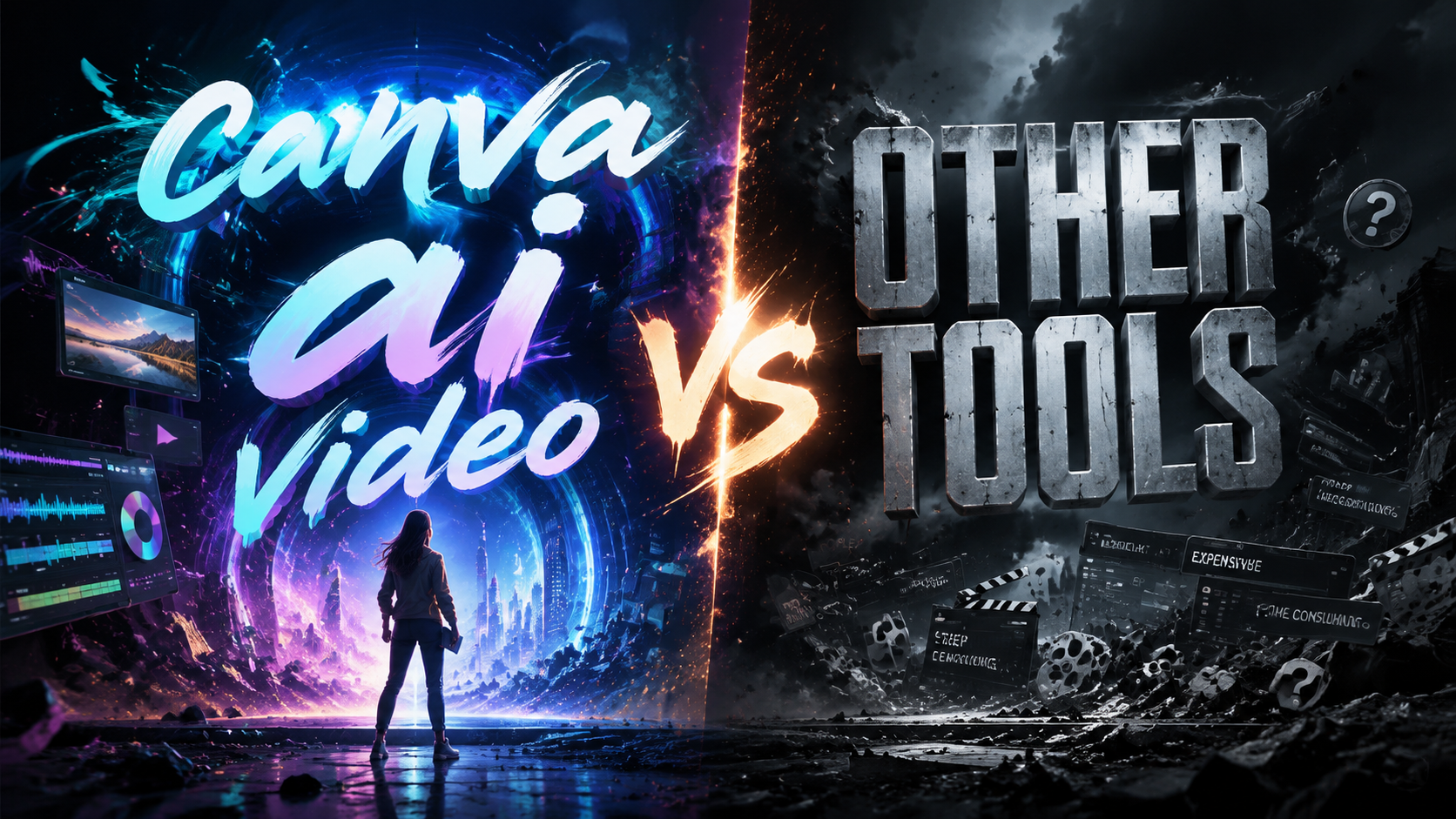
Canva AI Video has rapidly evolved into a serious contender in the AI video generation space, but how does it truly stack up against dedicated tools like CapCut, Runway, and Pika in 2026? This comparison examines Canva's AI video features—including its recent object‑removal update and free Affinity tools—against other leading platforms to help you decide which solution fits your creative workflow.
TL;DR: Canva AI Video offers the best all‑in‑one value for non‑professionals in 2026, with affordable pricing and seamless integration into its design ecosystem, while specialized tools like Runway and Pika still lead in advanced AI text‑to‑video and cinematic output.
Canva AI Video is a versatile, budget‑friendly AI video generator and editor that combines Magic Studio AI tools with a full suite of design capabilities. It now rivals CapCut after its latest video update, but for professional‑grade generative video and high‑resolution outputs, tools like Runway and Pika remain the gold standard.
- ✓ Canva AI Video offers AI text‑to‑video, object removal, and free Affinity‑powered tools in one platform.
- ✓ Its latest video update (Nov 2025) directly competes with CapCut, making it a CapCut “victim” according to Android Police.
- ✓ Canva ranks among the top 100 Gen AI consumer apps (a16z 6th Edition, Mar 2026).
- ✓ For high‑end AI cinematic video, Runway and Pika still provide superior output quality and control.
- ✓ Pricing: Canva’s free tier is generous; paid plans start at $13/month, while Runway’s Pro plan costs $15/month.
Overview of Canva AI Video in 2026
Canva has transformed from a simple graphic design tool into a full‑fledged AI video platform. As of 2026, its Magic Studio suite includes text‑to‑video generation, AI‑powered object removal, and automatic background editing. According to Built In, Canva now serves over 100 million monthly active users, making it one of the most accessible creative ecosystems.
The platform’s most significant leap came in November 2025, when an update introduced advanced video editing capabilities that Android Police described as having “turned CapCut into its next big victim.” This update added multi‑track timelines, keyframe animation, and AI‑driven scene detection, all without leaving the browser. Combined with the free Affinity‑powered tools praised by ZDNET in late 2025, Canva now offers professional‑grade video features at a fraction of the cost of traditional software.
In the Andreessen Horowitz Top 100 Gen AI Consumer Apps (6th Edition, March 2026), Canva remains in the top tier of consumer AI applications, reflecting its widespread adoption. The platform’s AI video features have been a key driver of this growth, especially among marketers, educators, and small business owners who need quick, high‑quality video content without a steep learning curve.
What Canva AI Video Offers
Canva AI Video includes three core generative features: Text‑to‑Video (generate short clips from prompts), Image‑to‑Video (animate still images), and Magic Edit for Video (AI object removal/replacement). The object removal tool, highlighted in a 2026 Hackread guide, lets users erase unwanted elements from footage with a single click, a feature previously exclusive to high‑end editors.
Additionally, Canva’s integration with Affinity Designer and Affinity Photo—now available for free on Canva’s platform—provides vector and raster editing capabilities that enhance video post‑production. This bundling of design and video tools distinguishes Canva from standalone video generators, offering a complete creative pipeline.
The platform also supports team collaboration, cloud libraries, and mobile editing, making it ideal for remote teams. Its AI style presets allow users to apply consistent visual branding across multiple videos, a feature that many dedicated video tools lack without additional plugins.
Canva AI Video vs Other Tools: Key Comparison
To help you evaluate options, the comparison table below focuses on the most important factors: AI generation quality, editing power, pricing, and ease of use. The tools compared are Canva AI Video, CapCut (now owned by ByteDance), Runway Gen‑3 Alpha, Pika 2.0, and Synthesia (for AI avatars).
| Feature / Tool | Canva AI Video | CapCut | Runway Gen‑3 | Pika 2.0 | Synthesia |
|---|---|---|---|---|---|
| Text‑to‑Video Quality | Good for short clips (5‑15 sec) | Basic; limited to templates | Excellent; up to 4K cinematic | Very good; stylized outputs | Avatar‑focused; limited scene variety |
| Object Removal / Editing | AI object removal (free tier available) | Yes (in‑app purchase) | Advanced (RMB‑stem, inpainting) | Basic frame editing | Not available |
| Free Tier | Generous (5‑min video export, limited AI) | Free with watermark; many effects free | Free trial; limited credits | Free trial; low resolution | Free demo; limited to 1 video |
| Paid Pricing (monthly) | Pro $13; Teams $27 | Pro $7.99 (mobile); $12 (desktop) | Pro $15; Unlimited $95 | Pro $10; Unlimited $30 | Starter $29; Pro $89 |
| Ease of Use | Superb (drag‑and‑drop, 60+ templates) | Excellent for mobile; desktop less intuitive | Moderate (node‑based editing) | Good (prompt‑focused interface) | Very easy for avatar videos |
| Best For | Marketers, educators, teams | TikTok creators, mobile editors | Filmmakers, advanced AI artists | Creative storytellers, style experiments | Corporate training, sales videos |
The table reveals that no single tool dominates all categories. Canna AI Video excels in value and versatility, especially after its November 2025 update that closed the gap with CapCut in basic editing. However, for high‑fidelity generative video—where you need rich cinematic quality and precise control—Runway or Pika remain superior.
According to the G2 Learning Hub’s 7 Best AI Video Generators (April 2026), Canva was praised for its “all‑in‑one approach and affordability,” while Runway was noted for “industry‑leading generation speed and realism.” Pika stood out for “unique style presets and community trends.”
AI Video Generation Capabilities: Canva vs Specialized Generators
Text‑to‑video generation is the headline feature of most AI video tools. Canva’s implementation is designed for convenience: you enter a prompt, choose a style (such as “cinematic,” “vintage,” or “typography”), and the AI produces a 5‑15 second clip at up to 1080p. This is ideal for social media posts, ads, and explainer videos. However, the output can occasionally feel formulaic, lacking the nuance of purpose‑built generators.
Runway Gen‑3, by contrast, offers 4K resolution, multi‑character consistency, and camera control. It allows you to define scene transitions, lens effects, and even motion‑brush directions. According to a16z’s rankings, Runway remains among the top 5 Gen AI apps for creative professionals. Pika 2.0 focuses on stylized outputs—animations, surreal landscapes, and retro visuals—making it a favorite among digital artists and small‑scale indie creators.
For users who need fast, reliable, and corporate‑ready video (such as talking‑head presentations or product demos), Synthesia remains the leader. Its AI avatar creation is unmatched, but it lacks the general‑purpose generative capabilities of Canva or Runway. Canva’s advantage lies in its ability to combine generative video with traditional editing and design tools in a single workspace, saving time on asset creation.
Editing and Post‑Production: Object Removal, Effects, and More
One of the most practical AI video features in 2026 is object removal. Whether you need to erase a stray microphone, a logo, or an unwanted person in the background, AI‑powered tools have become remarkably accurate. Canva’s Magic Edit for Video, updated in early 2026, uses semantic segmentation to identify and remove objects with minimal manual brushwork.
The Hackread guide (April 2026) compared object‑removal capabilities across tools and noted that Canva is “surprisingly effective for casual use” but that Runway’s version (based on its RMB‑stem model) handles complex backgrounds better. CapCut also offers object removal, but its implementation is more manual and sometimes leaves artifacts.
Beyond removal, Canva offers AI‑driven color grading, auto‑captions (with multi‑language support), and music synchronization. Its integration with the free Affinity tools (as reported by ZDNET) means you can edit still frames or create vector graphics directly within the same project, something no other video tool provides. For post‑production finesse, Runway and Pika offer gen‑active effects like motion blur, depth‑of‑field, and AI‑assisted rotoscoping, which are still absent from Canva’s 2026 feature set.
Pricing and Value for Money
Pricing is often the deciding factor for small teams and solo creators. Canva’s free tier allows you to export up to 5 minutes of video per month at 720p, with watermarks. The Pro plan at $13/month (billed annually) unlocks 4K exports, background removal, and unlimited AI video generations. For teams, the $27/month plan includes brand kits, approval workflows, and 100GB storage.
CapCut offers a more affordable mobile‑first model: $7.99/month for its Pro tier on mobile, and $12/month for the desktop version. However, its generative AI features (text‑to‑video and language expansion) are still in beta. Runway’s Pro plan at $15/month gives you 625 credits, which typically allows about 25‑50 short generations. Pika’s $10/month Pro plan offers unlimited low‑resolution generations plus 100 high‑resolution credits.
For corporate users needing avatar‑based videos, Synthesia’s $29/month starter plan is a bargain, but its video quality and customization are narrower. Canva’s free inclusion of Affinity tools (valued at $100+ separately) sweetens the deal considerably, as noted by ZDNET. Overall, Canva provides the best bang for the buck if you need a complete video‑plus‑design suite, while specialized tools are better investments if generative quality is your top priority.
Who Should Choose Canva AI Video (and Who Shouldn’t)
Canva AI Video is ideal for marketers who need to produce social media clips, ads, and educational videos quickly without a team of editors. Teachers and trainers benefit from its easy‑to‑use templates, automatic captions, and team collaboration. Small business owners can create product demos and testimonials without hiring freelancers.
However, if you are a filmmaker or advanced video artist requiring ultra‑realistic footage, precise lighting control, or multi‑shot storytelling, you will likely outgrow Canva’s capabilities. Runway or Pika—or even traditional tools like Adobe After Effects with AI plugins—will serve you better. Similarly, if you are a TikTok content creator who edits entirely on a phone, CapCut’s mobile‑first design remains more fluid and intuitive.
For enterprise‑scale video production (e.g., training libraries, sales enablement), Synthesia or a suite of tools may be more appropriate. Canva’s strength is its breadth, not its depth in any single category. As the 2026 G2 guide concludes, “the best tool depends on your workflow—Canva wins on accessibility, others win on specialization.”
Expert Tips for Getting the Most Out of AI Video Tools in 2026
To maximize the value of any AI video tool, start by defining your output format before generating. If you plan to upload to YouTube or TikTok, the ideal aspect ratio and length differ—for example, vertical 9:16 clips perform best on short‑form platforms. Most AI generators (including Canva) now offer preset templates for each platform.
Leverage Prompt Engineering
Practice writing detailed, structured prompts. Instead of “a car driving through a city,” try “a silver sedan driving at dusk along a rain‑soaked street, neon reflections, cinematic lens flare, 24fps.” Tools like Pika and Runway reward this level of specificity; Canva’s AI also responds well to stylistic tags. The G2 guide recommends using at least 10–15 words per prompt for best results.
Combine AI with Manual Editing
No AI tool is perfect. Use the AI to generate base footage or remove objects, then polish in a traditional editor. Canva’s timeline allows manual trimming, transitions, and overlay effects, while Runway lets you export individual frames for fine‑tuning. The object removal feature from Hackread’s guide suggests always reviewing frames after removal to catch artifacts.
Stay Updated on Tool Updates
AI video tools evolve monthly. Subscribe to official blogs or follow community forums. In 2025, Canva’s major update made it a CapCut alternative; similar leaps happen every quarter. The a16z report notes that the Gen AI consumer app landscape is highly dynamic, so re‑evaluate your toolset every six months to stay competitive.
Frequently Asked Questions
Is Canva AI Video free to use in 2026?
Yes, Canva offers a free tier that includes AI video generation, but with limited export length (5 minutes/month) and watermark. The Pro plan at $13/month removes restrictions and adds 4K export.
How does Canva’s object removal compare to Runway?
Canva’s object removal is great for casual use—removing logos, people, or small objects with one click. Runway is superior for complex backgrounds and high‑resolution footage, but requires a paid plan.
Which tool generates the best cinematic AI video in 2026?
Runway Gen‑3 and Pika 2.0 currently produce the highest‑quality cinematic outputs with 4K resolution, camera control, and consistent character rendering. Canva is best for short social clips.
Can Canva replace CapCut for mobile video editing?
Canva now matches CapCut in basic mobile editing and surpasses it in AI features (text‑to‑video, object removal). However, CapCut remains more fluid for pure mobile editing with a larger effect library.
What are the free Affinity tools included in Canva?
Canva integrated Affinity Designer and Affinity Photo for free in late 2025. These tools provide professional‑grade vector and raster editing, enabling users to create custom graphics and animations directly within Canva.
How often should I re‑evaluate my AI video tool choice?
Given rapid updates, check major changes every 6 months. Canva’s November 2025 update and a16z’s March 2026 report both signal significant shifts in the landscape. Subscribe to G2 or a16z newsletters for alerts.
Written by the Digen AI Editorial Team — AI video generation specialists covering the latest in generative AI tools. Learn more about Digen AI.
Comments ()