
Canva AI Video Generator vs Invideo: 2026 Comparison
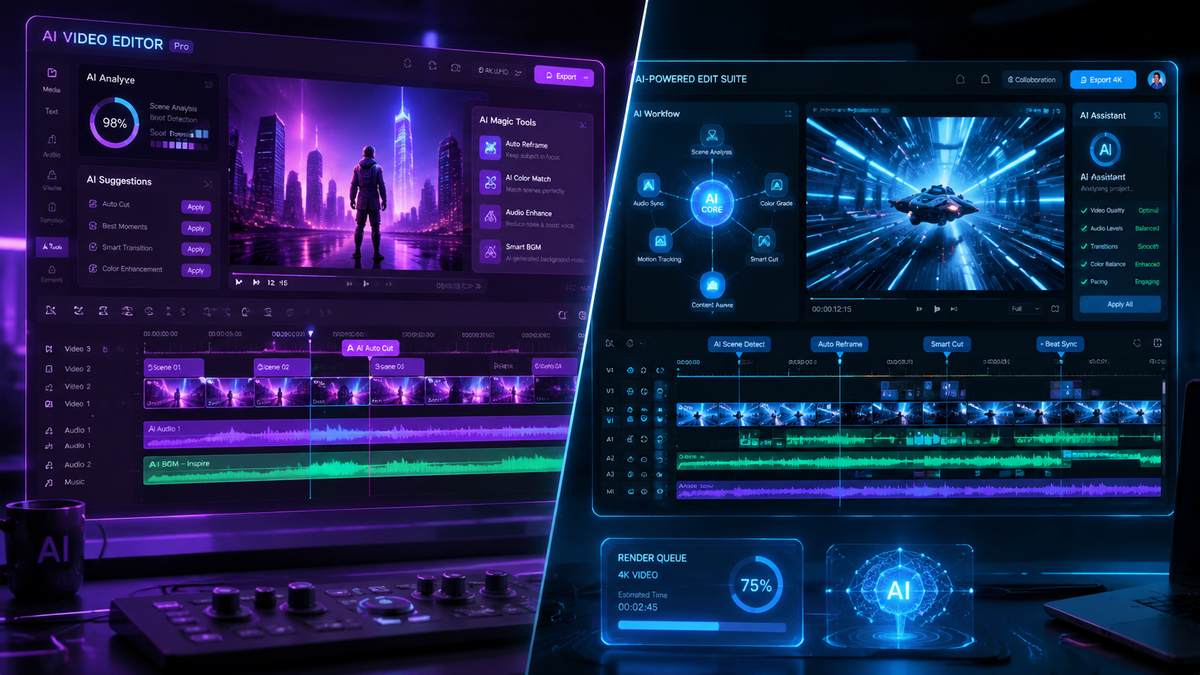
The choice between the canva ai video generator vs invideo in 2026 depends on whether you need a comprehensive design ecosystem or a dedicated, prompt-to-video powerhouse. Canva is the superior choice for brand-consistent social media assets integrated with graphic design, while Invideo remains the industry leader for generating complete, narrated long-form videos from a single text prompt. In 2026, both platforms have integrated advanced cinematic models to compete with high-end engines like OpenAI’s Sora.
Canva AI Video Generator is a design-first tool that excels at enhancing existing layouts with AI-generated clips and magic transitions. Invideo is a video-first platform specializing in "AI Video Agents" that script, voiceover, and edit entire documentaries or ads from a simple description. For most creators, Canva is for quick clips, while Invideo is for full-scale content production.
- ✓ Canva's 2026 updates have positioned it as a direct competitor to mobile editors like CapCut by integrating advanced timeline features.
- ✓ Invideo leads the market in automated workflows, offering the most sophisticated text-to-video engine for YouTube and TikTok creators.
- ✓ Both platforms now support 4K AI-generated output and real-time collaborative editing.
- ✓ Canva is generally more cost-effective for small businesses already using its "Magic Studio" suite.
The Landscape of AI Video Generation in 2026
As we navigate through 2026, the distinction between simple editing tools and generative engines has blurred. According to Exploding Topics, AI video generators are now essential for maintaining the volume of content required by modern algorithms. The "canva ai video generator vs invideo" debate is no longer about which tool can make a video, but which tool fits your specific workflow. Canva has evolved from a static design tool into a "Magic" powered video hub, while Invideo has doubled down on its "AI Video Agent" technology, which handles the heavy lifting of research and assembly.
Recent industry shifts have seen Canva aggressively targeting the creator market. As reported by Android Police late last year, Canva’s latest video updates were designed to displace popular mobile editors by offering professional-grade features like multi-track editing and AI-driven motion matching. Meanwhile, Search Engine Land notes that the integration of models similar to Sora has leveled the playing field, making high-fidelity cinematic b-roll accessible to anyone with a subscription to either platform.
For users deciding between these two giants, the decision typically hinges on the "input-to-output" ratio. Canva requires a bit more manual "designing" but offers infinite creative control. Invideo requires more "prompting" but delivers a finished product that often requires only minor tweaks to the script or voiceover. Both are now staples in the 2026 digital marketing toolkit.
How to Use AI Video Generators for Maximum Engagement

Regardless of whether you choose the Canva AI video generator or Invideo, the process for creating high-ranking content follows a similar trajectory in 2026. Follow these steps to generate your first AI-assisted video:
- Define Your Concept: Start with a clear objective. Are you making a 15-second TikTok ad or a 10-minute YouTube explainer?
- Input Your Prompt: In Invideo, provide a detailed prompt including tone and target audience. In Canva, use "Magic Media" to generate specific clips for your layout.
- Refine the Script: Review the AI-generated script for brand voice consistency. Use the built-in AI writers to shorten or punch up the dialogue.
- Select Your Visual Style: Choose between photorealistic, 3D render, or cinematic styles. According to G2 Learn Hub, consistent visual styling is the #1 factor in viewer retention for 2026.
- Edit and Export: Use the multi-track timeline to add music, transitions, and captions. Export in 4K for the highest quality across platforms.
Comparing Canva AI Video Generator vs Invideo: Key Features
To help you decide, we have broken down the core capabilities of both platforms as they stand in 2026. While Canva dominates the "all-in-one" category, Invideo remains the specialist for video-centric workflows.
| Feature | Canva AI Video Generator | Invideo AI |
|---|---|---|
| Primary Use Case | Social media ads & brand assets | YouTube, documentaries & explainers |
| AI Text-to-Video | Generates individual clips (up to 15s) | Generates full videos (up to 15 min) |
| Voiceovers | Basic text-to-speech options | Advanced ultra-realistic AI cloning |
| Stock Library | 100M+ photos, videos, and graphics | 8M+ premium clips (iStock/Storyblocks) |
| Learning Curve | Very Low (Drag-and-drop) | Low (Prompt-based) |
| Pricing (2026) | Included in Canva Pro ($120/yr) | Tiered subscription ($20-$60/mo) |
Canva’s 2026 Magic Studio Capabilities
Canva’s "Magic Media" tool has seen significant upgrades this year. It now allows for "Image-to-Video" transformations where a static brand photo can be animated into a high-definition cinematic sequence. This is particularly useful for e-commerce brands that need to turn product photography into engaging video ads without a production crew. According to Siliconindia, the value proposition of free vs. paid AI tools has shifted; Canva’s paid tier now offers "limitless" generation credits, making it a favorite for high-volume agencies.
Invideo’s AI Video Agent Technology
Invideo has differentiated itself in 2026 through its "AI Video Agent." Unlike standard generators, the agent can browse the web to find real-time data to include in your video script. If you ask it to make a video about "The State of AI in 2026," it will pull current facts and figures, cite sources, and select relevant b-roll automatically. This level of automation is currently unmatched by Canva’s more design-centric approach.
Canva AI Video Generator vs Invideo: Deep Dive into Workflow
When looking at the canva ai video generator vs invideo workflow, the difference is between "building" and "directing." Canva feels like a digital canvas. You start with a template, and you use AI to fill the gaps. You might generate a background of a futuristic city using the AI tool, then drag in your brand logo and add a "Magic Animate" transition. It is a tactile, visual experience that appeals to designers who want total control over every pixel.
Invideo, on the other hand, feels like working with a production assistant. You give it a command like, "Create a 5-minute travel guide for Tokyo in a cinematic style with a British male voiceover," and it executes the entire project. You then use a chat interface to make changes, such as "Change the music to be more upbeat" or "Replace the clip at 0:45 with something more modern." This "command-based editing" is the hallmark of Invideo’s 2026 platform.
Furthermore, Tycoonstory Media highlights that for creators looking for "shorts" and "reels," Invideo’s ability to auto-crop and segment long videos into viral-ready clips gives it a slight edge for influencers. Canva remains the king of the "Brand Kit," ensuring that every video generated matches the exact hex codes and fonts of your company’s identity—a feature that is still somewhat clunky in Invideo.
Pricing and Value for Money in 2026
The cost of these tools has stabilized as the technology matured. Canva continues to offer a "freemium" model, but the most powerful AI video features are locked behind the Canva Pro and Canva for Teams subscriptions. For a single monthly fee, users get access to the entire suite of design tools, which makes it an incredible value for solo entrepreneurs. As Siliconindia points out, what you actually get at "$0" is often just a teaser, and the real productivity gains in 2026 come from the paid AI credits.
Invideo’s pricing is more specialized. They offer a free tier with watermarks, but their paid plans are structured around the "AI Video Agent" usage. If you are a professional YouTuber or a marketing agency producing dozens of videos a month, Invideo’s higher price point is justified by the hours of labor it saves in scripting and sourcing footage. In 2026, the cost of "not" using AI is often higher than the subscription fees due to the speed at which competitors are moving.
Which Tool Should You Choose?
Choosing between the canva ai video generator vs invideo ultimately comes down to your output goals. If your primary output is social media posts, presentations, and printed materials that occasionally need video, Canva is the undisputed winner. Its integration across all forms of media makes it the most versatile tool in any creator's arsenal. It is the "Swiss Army Knife" of the 2026 creative world.
However, if your primary goal is to grow a YouTube channel, produce educational courses, or create high-end video advertisements from scratch, Invideo is the superior platform. Its dedicated focus on the video timeline, advanced audio editing, and automated scripting makes it a "Powerhouse" for video-first creators. By 2026, many professionals have actually found that using both tools in tandem—Canva for the visual assets and Invideo for the final assembly—yields the best results.
Is Canva's AI video generator better than Invideo for beginners?
Yes, Canva is generally more intuitive for beginners because of its drag-and-drop interface and familiar design tools. Invideo is also beginner-friendly but requires learning how to prompt the AI effectively to get the best results.
Can I create full-length YouTube videos with Canva AI?
While possible, it is more labor-intensive. Canva is optimized for shorter clips and social media. Invideo is specifically designed to handle long-form content, including automatic scripting and voiceover synchronization for 10-minute+ videos.
Does Invideo support 4K export in 2026?
Yes, as of 2026, Invideo supports 4K exports on its professional plans, allowing creators to produce high-fidelity content suitable for large screens and professional broadcasts.
Are the AI-generated videos copyright-free?
Both platforms provide licenses for the content generated using their tools, but users should check the specific terms of service for 2026. Generally, you own the rights to the final composition, but the underlying AI models have specific usage agreements.
Can I use my own voice for the AI voiceovers?
Invideo offers advanced "Voice Cloning" features in 2026, allowing you to narrate videos using a digital version of your own voice. Canva has limited voiceover features and typically relies on third-party integrations or pre-recorded uploads.



Comments ()