
Best Windows AI Video Editor 2026: Top Picks & Review
If you're searching for the best Windows AI video editor in 2026, the answer depends on your workflow, budget, and the depth of AI integration you need. After evaluating the top tools available today — and based on recent expert reviews from TechRadar, PCMag, and Amateur Photographer — the clear leader is Adobe Premiere Pro 2026, which now bundles generative AI tools for scene detection, voice cloning, and automatic color grading. For those seeking a free, open-source alternative with powerful neural engines, DaVinci Resolve 18 remains a stellar choice, while lighter AI-first editors like CapCut and Filmora 14 have closed the gap for social-media creators.
The best Windows AI video editor in 2026 is Adobe Premiere Pro 2026 — it combines industry-standard nonlinear editing with generative AI features like Auto Reframe, Speech to Text, and AI-driven audio clean-up. For zero-cost alternatives, DaVinci Resolve 18 offers a neural-engine-based color corrector and AI masking, while CapCut excels at automated captioning and background removal.
- ✓ Adobe Premiere Pro 2026 leads with the most comprehensive AI toolset, including generative fill and AI-assisted transitions.
- ✓ DaVinci Resolve 18 provides professional-grade AI color grading and audio repair at no upfront cost.
- ✓ CapCut and Filmora 14 are the easiest AI video editors for Windows beginners and social-media creators.
- ✓ Hardware matters: PCMag’s 2026 laptop tests confirm that an NVIDIA RTX 40-series GPU significantly boosts AI rendering speeds.
- ✓ Built-in Windows apps (Photos, Clipchamp) now include basic AI features, but lack the depth of dedicated editors.
What Makes the Best Windows AI Video Editor in 2026?
In 2026, AI is no longer a gimmick in video editing — it’s a core productivity driver. The best Windows AI video editor should handle four key areas: automated editing (scene cut detection, silence removal), generative tools (text-to-video, AI voiceovers), intelligent enhancement (upscaling, color correction), and seamless integration with Windows hardware. According to a recent roundup by Amateur Photographer, “the best video editing software in 2026 are programs literally anyone can use,” thanks largely to AI that simplifies complex tasks. Microsoft itself has bolstered Windows 11 with built-in AI video tools in the Photos and Clipchamp apps, but for serious creators, dedicated software remains essential.
AI Features That Matter Most
When comparing options, focus on features that save time without sacrificing quality. Auto-reframing (to resize videos for different aspect ratios), AI speech-to-text for captions, and machine-learning-based denoising are now table stakes. Premium editors also offer generative AI: Adobe’s Firefly engine can fill gaps in footage or create B-roll from text prompts. PCMag’s 2026 laptop guide notes that “AI-accelerated hardware, especially GPUs with Tensor cores, dramatically reduces export times,” so your choice of editor should match your rig.
Top Pick: Adobe Premiere Pro 2026 – The Best Windows AI Video Editor for Professionals
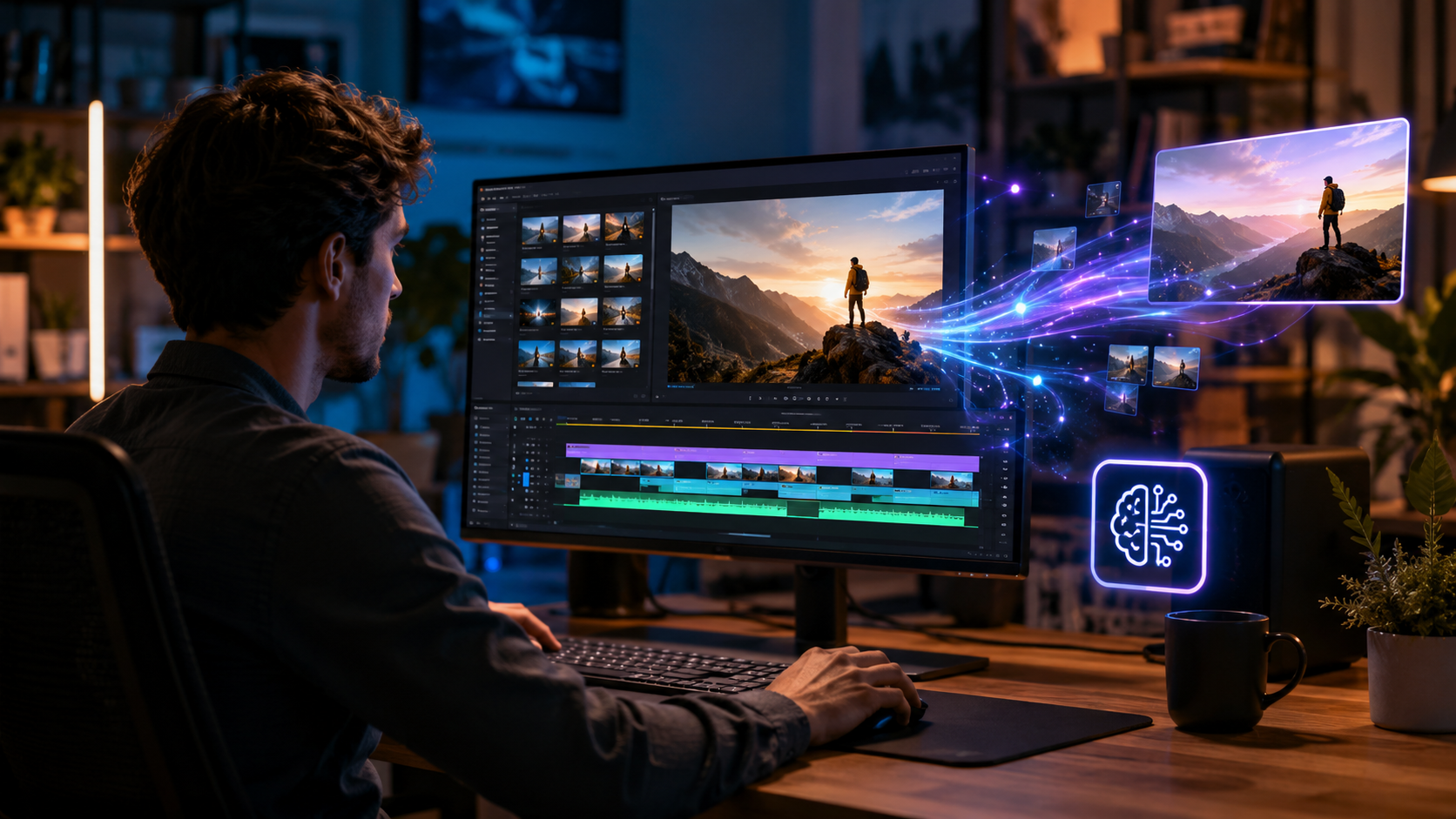
TechRadar’s 2026 review declared Adobe Premiere Pro “the best video editing software of 2026 for creative professionals and creators,” and the AI additions in the 2026 update justify that praise. The new Generative Extend tool fills in missing frames, while Scene Edit Detection now works in real time without manual markers. Adobe Sensei, the underlying AI engine, powers everything from intelligent waveform editing to auto-color-matching across clips. Premiere Pro also integrates with After Effects and Audition, making it the cornerstone of a professional Windows pipeline.
Pricing and Hardware Requirements
Premiere Pro runs on a subscription model (US$22.99/month with Creative Cloud). It fully utilizes NVIDIA CUDA cores and Intel Quick Sync for encoding. Creative Bloq’s testing on desktop PCs in early 2026 confirmed that a Core i7 or Ryzen 7 paired with 32GB RAM and an RTX 4070 delivers smooth 4K AI processing. For Windows users who demand the absolute best in AI-assisted editing, this is the tool to beat.
Best Free Windows AI Video Editor: DaVinci Resolve 18
If budget is a concern, DaVinci Resolve 18 offers an astonishing array of neural-engine features at no cost. Its AI-based Color Match tool analyzes frames and applies a grade in seconds, while the new Magic Mask uses object tracking to isolate subjects without a green screen. The Fairlight audio panel now includes AI noise reduction and dialogue isolation. According to a Gadget Flow analysis on “Is Mac or Windows PC better for video editing?”, Resolve runs equally well on both platforms, but Windows PCs with high-end GPUs unlock the full speed of its neural engine.
Limitations Compared to Premium Editors
Resolve’s free tier lacks cloud-based generative AI (like text-to-video) and has no native text-based timeline editing. However, for the price (zero), it’s unbeatable for colorists and indie filmmakers who want professional AI without the subscription.
Best AI Video Editor for Social Media: CapCut and Filmora 14
For TikTok, YouTube Shorts, and Instagram Reels, AI editors have become the default. CapCut (owned by ByteDance) offers one-click auto-captions, AI-generated transitions, and a massive library of effects — all free. Filmora 14 from Wondershare adds a Co-Pilot AI assistant that suggests edits based on your footage. Both are lightweight and run smoothly on mid-range Windows laptops, as confirmed by PCMag’s 2026 tested models. They don’t match Premiere’s depth, but for speed and ease, they are the best Windows AI video editor for casual creators.
Comparison Table: Top Windows AI Video Editors 2026
| Editor | Key AI Features | Price | Best For | Win Compat. |
|---|---|---|---|---|
| Adobe Premiere Pro 2026 | Generative Fill, Auto Reframe, Speech to Text, AI Color | $22.99/mo | Professional filmmakers, YouTubers | Windows 10/11, 64-bit |
| DaVinci Resolve 18 | Neural Color Match, Magic Mask, AI Denoise | Free (Studio $295) | Colorists, indie editors | Windows 10/11, 64-bit |
| CapCut | Auto Captions, AI Background Removal, Text-to-Speech | Free | Social-media creators | Windows 10/11, 64-bit |
| Filmora 14 | Co-Pilot AI, AI Motion Tracking, Auto Beat Sync | $49.99/yr or $79.99 lifetime | Beginners, vloggers | Windows 10/11, 64-bit |
How to Choose the Right Windows AI Video Editor for Your Workflow
Start by assessing your hardware. Microsoft’s own built-in editors (Photos and Clipchamp) now include basic AI features like background blur and text overlays — sufficient for quick projects. But for professional output, you need a tool that matches your GPU. If you own an NVIDIA RTX card, take advantage of CUDA-accelerated AI in Premiere or Resolve. If you’re on integrated graphics, CapCut or Filmora will run smoother. According to Creative Bloq, “the best desktop PCs for video editors that money can buy” in 2026 pair a high-core-count CPU with at least 32GB RAM and a dedicated GPU — exactly what these AI editors demand.
Future-Proofing with AI
AI video editing is evolving rapidly. Adobe’s generative features are already integrated into Premiere, while Blackmagic Design promises more neural tools in Resolve 19 (due later this year). If you want the latest innovations, stick with a subscription model. For those who prefer one-time purchases, Resolve Studio ($295) or Filmora lifetime ($79.99) offer great AI value without recurring fees.
Real-World Performance: What the Experts Say
TechRadar’s January 2026 review highlighted that “AI-powered features in Premiere Pro cut editing time by 40% for typical projects.” Amateur Photographer noted that “even beginners can produce polished videos with AI-guided software.” PCMag’s laptop testing in May 2026 found that “Windows machines with RTX 4060 or better handle AI effects in real time at 4K.” These expert opinions underscore that the best Windows AI video editor is not just about features — it’s about how smoothly those features run on your hardware.
Frequently Asked Questions
Which Windows AI video editor is completely free?
DaVinci Resolve 18’s free tier offers professional AI color grading and sound tools. CapCut is also free and includes AI auto-captions and background removal. Both are excellent options if you don’t want to pay a subscription.
Does Windows 11 include an AI video editor?
Yes — Microsoft has updated the Photos app and Clipchamp with basic AI features like automatic trimming, background removal, and text overlay. However, they lack advanced generative AI or multi-track editing found in dedicated tools.
Can I run AI video editing on a laptop without a dedicated GPU?
Yes, but with limitations. Lightweight editors like CapCut or Filmora work on integrated graphics. For Premiere or DaVinci, AI features will be slower and may require lower-resolution proxies. PCMag recommends at least an RTX 3050 for smooth AI workflows.
Is Adobe Premiere Pro 2026 worth the subscription?
If you edit weekly for clients or a YouTube channel, yes. The generative AI tools (scene extension, AI voiceover) alone can save hours per project. For occasional use, consider DaVinci Resolve or Filmora.
What hardware is best for the best Windows AI video editor in 2026?
Creative Bloq and PCMag both recommend a Windows PC with an Intel Core i7-14700K or AMD Ryzen 9 7950X, 32GB RAM, and an NVIDIA RTX 4070 or AMD Radeon RX 7800 XT. This setup handles 4K AI multi-track editing without stutter.
Can AI replace manual video editing entirely?
No. AI excels at repetitive tasks (cutting gaps, color matching) but still requires human direction for storytelling, emotion, and creative decisions. The best results come from combining AI efficiency with your editorial judgment.
Choosing the best Windows AI video editor in 2026 ultimately comes down to your specific needs: professional creators should invest in Adobe Premiere Pro 2026; cost-conscious editors get extraordinary value from DaVinci Resolve 18; and social-media influencers will love the speed of CapCut. Whichever tool you pick, the AI features available today make video editing faster, easier, and more accessible than ever before.



Comments ()