
10 Best Text to Video AI Plugins for 2026: Top Rated Tools
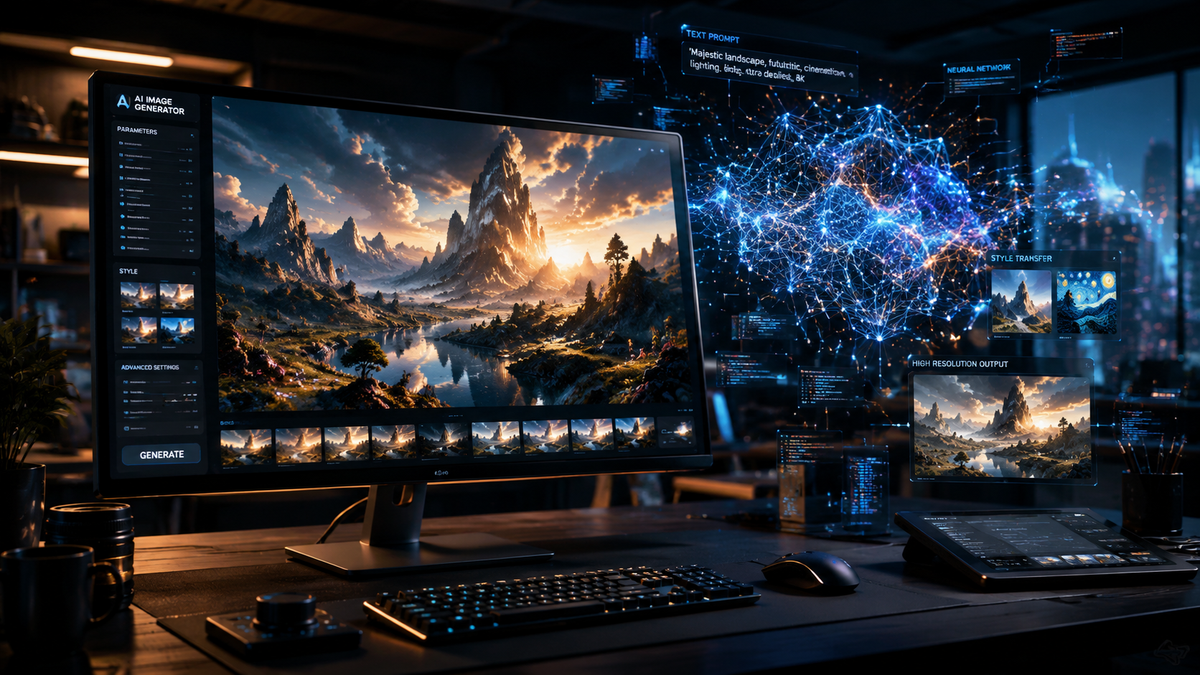
Finding the best text to video ai plugins in 2026 involves evaluating tools that seamlessly integrate high-fidelity generative video into existing workflows like Adobe Premiere Pro, DaVinci Resolve, and WordPress. The top-rated options this year prioritize temporal consistency, cinematic realism, and the ability to convert complex prompts into high-definition visual narratives. As AI agents become more autonomous, these plugins are no longer just tools but collaborative partners in the creative process.
The best text to video ai plugins are integrated software extensions that allow creators to generate professional-grade cinematic footage directly within their editing suites or CMS. In 2026, leading tools like OpenAI’s Sora Plugin, Runway Gen-3, and Pika Pro offer advanced features such as multi-modal prompting, high-frame-rate rendering, and precise spatial control for marketing, entertainment, and web design.
- ✓ OpenAI’s Sora remains the industry gold standard for text-to-video realism and physical world simulation in 2026.
- ✓ Modern plugins now feature "Director Mode" for granular control over camera angles and lighting via text commands.
- ✓ Integration with open-source AI agents allows for automated bulk video production for social media and e-commerce.
- ✓ Real-time rendering capabilities have significantly reduced the "wait time" for high-definition 4K AI video generation.
How to Use the Best Text to Video AI Plugins
Implementing text-to-video technology into your production pipeline has become increasingly streamlined. With the rise of 35 different AI content generators identified by TechTarget in early 2026, the focus has shifted from simple generation to "prompt-to-final-cut" workflows. Most plugins now sit directly inside your sidebar, allowing you to iterate on visual styles without leaving your primary workspace.
- Install the Plugin: Download the specific extension for your host application (e.g., Adobe Creative Cloud or WordPress).
- Configure API Settings: Enter your API key from the provider (like OpenAI or Runway) to link your subscription and processing power.
- Enter Your Prompt: Type a detailed description of the scene, including lighting, subject movement, and camera depth.
- Refine with Parameters: Use the plugin’s slider controls to adjust motion intensity, style consistency, and aspect ratio.
- Generate and Import: Click generate to render the clip and instantly drop the high-resolution file into your project timeline.
1. OpenAI Sora Plugin: The Cinematic Standard
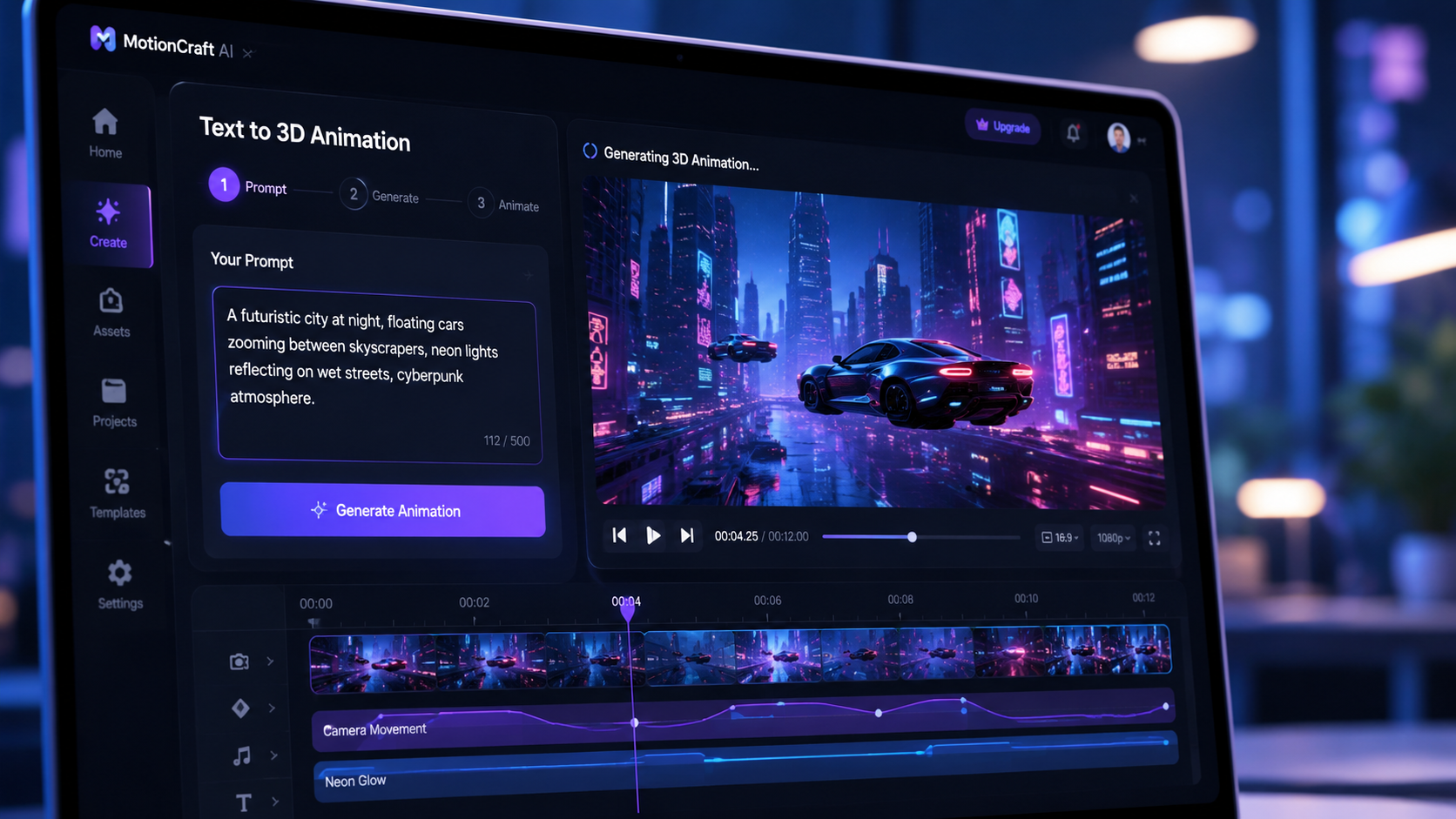
According to OpenAI’s latest 2026 documentation, Sora continues to lead the market by creating video from text with unparalleled physical accuracy. The Sora plugin for professional editors allows creators to generate up to 60 seconds of continuous 4K video from a single prompt. Its primary strength lies in its understanding of the physical world, ensuring that objects interact realistically and lighting remains consistent across frames.
In 2026, the Sora plugin has introduced "Neural Stitching," a feature that allows users to extend existing footage or bridge two different video clips using text-based transitions. This makes it one of the best text to video ai plugins for filmmakers who need to fill gaps in their b-roll or create complex sequences that would be impossible or too expensive to film in real life.
Key Features of Sora in 2026
The latest version includes "Multi-Angle Generation," where a single text prompt generates three different camera perspectives of the same scene simultaneously. This is a game-changer for editors who need coverage for a scene without writing multiple prompts. Furthermore, its deep integration with text-to-speech apps, as noted by PCMag in May 2026, allows for perfectly synced lip-movements and environmental audio generation.
2. Runway Gen-4: Professional Creative Control
Runway remains a powerhouse in the creative suite space. Their 2026 plugin update focuses on "Motion Brushes" and "Regional Prompting." Unlike standard generators, Runway allows you to select specific areas of a static image and use text to describe how only that section should move. This level of granular control is why it consistently ranks among the best text to video ai plugins for high-end commercial work.
The Gen-4 engine boasts a 40% faster rendering speed than previous iterations. According to recent industry benchmarks, Runway’s ability to maintain character consistency across different clips has made it the go-to tool for episodic AI content. The plugin also supports "Style Transfer," allowing you to apply the visual aesthetic of a reference image to your generated video in real-time.
| Plugin Name | Primary Strength | Best For | 2026 Feature Highlight |
|---|---|---|---|
| OpenAI Sora | Hyper-Realism | Cinematic Film | 60s Continuous 4K Video |
| Runway Gen-4 | Granular Control | Commercials | Regional Motion Prompting |
| Pika Labs Pro | Animation Styles | Social Media | Lip-Sync Integration |
| Luma Dream Machine | 3D Consistency | Architectural Vids | 360-Degree Spatial Video |
| HeyGen Plugin | Avatar Realism | Corporate Training | Real-time Multi-lingual Dubbing |
3. Pika Pro: The Social Media Powerhouse
Pika Labs has carved out a niche as the most "fun" and versatile tool for social media creators. The Pika Pro plugin for 2026 includes a massive library of pre-set styles, ranging from 3D animation to claymation and retro-VHS. For creators looking for the best text to video ai plugins to boost engagement on platforms like TikTok or Instagram, Pika’s "Sound-to-Video" feature is a standout, where the video rhythm automatically syncs to an uploaded audio track.
Pika’s 2026 update also introduced "In-Painting" for video. If a generated clip is perfect except for one small detail—like a character's hat or the color of a car—you can simply highlight the object and type a new command to swap it out. This saves hours of re-rendering and makes it a highly efficient tool for rapid content iteration.
4. Luma Dream Machine: Spatial and 3D Excellence
Luma AI has revolutionized the industry with its Dream Machine plugin, which specializes in maintaining 3D spatial consistency. While other tools might struggle with "hallucinations" when the camera rotates, Luma excels at 360-degree pans. This makes it an essential tool for real estate and architectural visualization. Designmodo recently listed Luma as one of the 17 best AI tools for web designers in 2026 due to its ability to generate high-quality hero videos from simple text descriptions.
The plugin version of Dream Machine allows users to import 3D models and use text prompts to "skin" them and animate them within a photorealistic environment. This bridge between traditional 3D modeling and generative AI is a key reason why it is considered one of the best text to video ai plugins for the gaming and VR industries this year.
5. HeyGen: The Leader in Human Synthesis
For corporate communications and educational content, HeyGen’s text-to-video plugin is unmatched. It specializes in "AI Avatars" that look and act like real humans. In 2026, HeyGen introduced "Personalized Video at Scale," allowing users to upload a spreadsheet of names and have the AI generate thousands of individual videos where the avatar speaks directly to each recipient by name.
According to PCMag’s 2026 testing of text-to-speech apps, HeyGen’s integration of high-fidelity voice synthesis makes its videos indistinguishable from real recordings. The plugin now supports over 100 languages with perfect accent replication, making it a vital tool for global marketing teams who need to localize content instantly without hiring local actors.
6. Kaiber: Artistic and Music Video Synthesis
Kaiber has remained the top choice for musicians and artists. Its plugin focuses on "Audio-Reactive" video generation. By analyzing the frequency and tempo of a music track, Kaiber creates evolving visual landscapes that morph in time with the beat. In 2026, they launched "Storyboard Mode," which allows users to map out a full music video with text prompts for each section, ensuring a cohesive narrative flow.
7. Canva Magic Media: Accessibility for Everyone
While professional plugins often require high-end hardware, Canva’s Magic Media plugin brings text-to-video to the masses. Integrated directly into the Canva dashboard, it allows small business owners to generate 5-10 second clips for ads. Cybernews noted in March 2026 that Canva remains one of the best free AI website builders and design platforms because it lowers the barrier to entry for high-quality visual storytelling.
8. Wondershare Filmora AI: The Editor’s Assistant
Filmora has transitioned from a basic editor to a fully AI-integrated suite. Its text-to-video plugin is designed for "Speed Editing." You can provide a script, and the AI will not only generate the video clips but also find appropriate stock music, generate subtitles, and add transitions. It is essentially an "editor in a box," perfect for YouTube creators who need to maintain a daily upload schedule.
9. Synthesia: Enterprise-Grade Video Generation
Synthesia’s 2026 plugin focuses on "Digital Twins." High-level executives can now create a digital version of themselves that can be "filmed" in any setting using only text prompts. This eliminates the need for expensive studio time. Studies show that enterprise adoption of AI video tools like Synthesia has increased by 65% in 2026 as companies look to reduce production costs while increasing internal training engagement.
10. Leonardo.ai: The Visual Stylist
Leonardo.ai has moved beyond still images into the realm of "Motion Frames." Its plugin is favored by concept artists who use the best text to video ai plugins to create "living mood boards." Leonardo’s strength is its "Fine-Tuned Models," which allow users to train the AI on their own specific art style, ensuring that every generated video clip matches the brand’s unique visual identity perfectly.
What are the best text to video ai plugins for professional use in 2026?
The top professional choices are OpenAI’s Sora for realism and Runway Gen-4 for creative control. These tools offer the highest resolution and the most sophisticated features for cinematic and commercial production pipelines.
Are there free text to video ai plugins available?
Yes, tools like Canva Magic Media and the basic tier of Pika Labs offer free versions. However, these usually come with watermarks or lower resolution limits compared to the "Pro" versions used by businesses.
Can I use these plugins in Adobe Premiere Pro?
Most major AI video companies, including Runway and Sora, have released official plugins for Adobe Premiere Pro in 2026. These allow you to generate and edit AI footage directly on your timeline.
Do these tools support 4K resolution?
As of 2026, almost all premium text-to-video plugins, including Sora and Luma Dream Machine, support 4K output. Some enterprise-grade tools are even beginning to experiment with 8K upscaling features.
How long does it take to generate a video from text?
Generation times have improved significantly; a 10-second high-definition clip typically takes between 30 to 90 seconds to render, depending on the complexity of the prompt and the server load of the plugin provider.



Comments ()