
Best Text to Video AI for Instagram in 2026: Top Tools
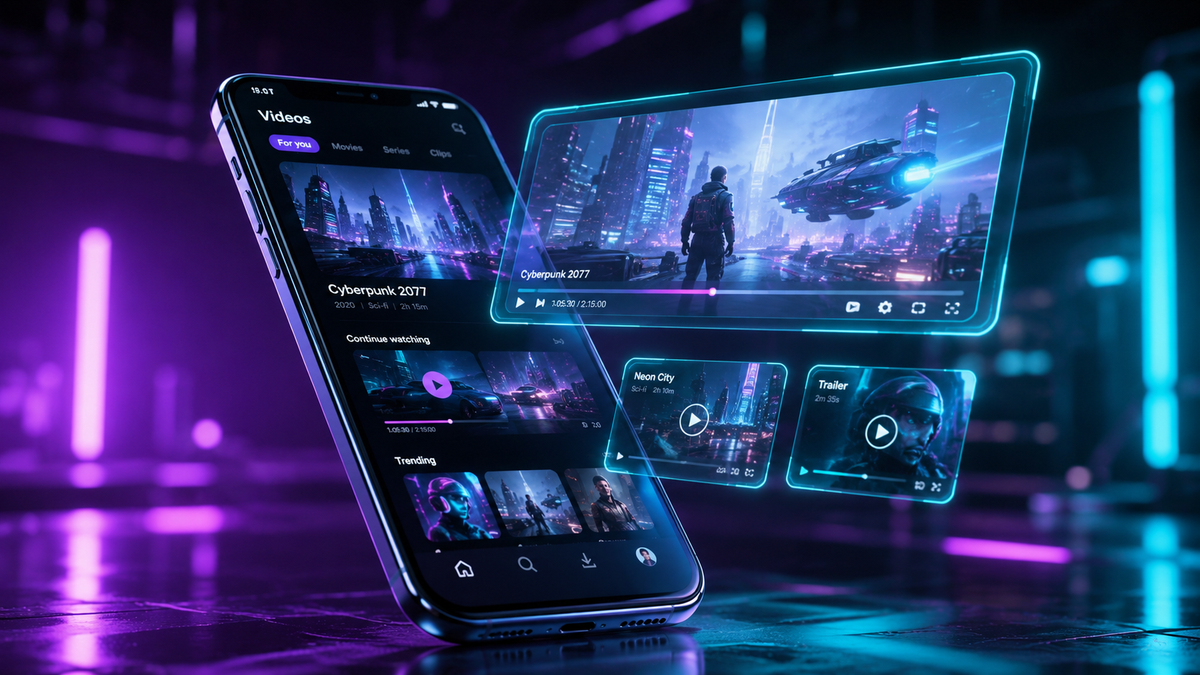
In 2026, the best text to video AI for instagram is no longer just a third-party luxury but a native necessity, following Instagram's massive April 2026 integration of AI video generation directly into its "Edits" suite. Content creators now utilize these tools to transform written prompts into high-fidelity Reels and Stories that maintain the platform's high aesthetic standards. Whether you are using Instagram’s built-in generative tools or advanced external platforms, the goal is to streamline production while maximizing engagement through hyper-realistic or stylized artificial intelligence.
Text to video AI for Instagram is a generative technology that converts natural language descriptions into short-form vertical videos optimized for Reels and Stories. In 2026, this technology is defined by Instagram’s native "AI Edits" feature and third-party generators that offer seamless 9:16 aspect ratios, physics-informed motion, and integrated "Restyle" capabilities for consistent brand aesthetics.
- ✓ Instagram now features native AI video generation within the "Edits" menu as of April 2026.
- ✓ High-performing AI videos focus on "Restyle" effects to maintain a human-centric but artistic feel.
- ✓ Authenticity remains a key metric, with the BBC noting that unnatural motion is the primary "tell" for AI content.
- ✓ Top tools in 2026 offer direct API integration for one-click publishing to Instagram Reels.
How to Use Text to Video AI for Instagram: A Step-by-Step Guide
Creating high-quality social content has shifted from manual filming to strategic prompting. With the latest updates released in April 2026, Instagram has simplified the pipeline for creators. By leveraging the text to video AI for instagram capabilities now found in the app, you can generate B-roll or background elements without ever picking up a camera.
- Open the Instagram Camera: Navigate to the Reels creator and select the "AI Edits" button located in the side menu.
- Enter Your Prompt: Type a detailed description of the scene you want to generate. For best results, include lighting (e.g., "cinematic golden hour") and camera movement (e.g., "slow drone pan").
- Select Your Style: Use the "Restyle" tool to apply a consistent visual filter, ensuring the AI-generated segment matches your existing brand color palette.
- Review and Refine: Watch the generated clip for "AI tells" like distorted limbs or inconsistent backgrounds. According to the BBC, the number one sign of an AI video is often flickering in high-detail areas like hair or water.
- Add Audio and Share: Sync the video with trending audio from the Instagram library and publish directly to your feed.
The Evolution of Native Instagram AI Video Tools
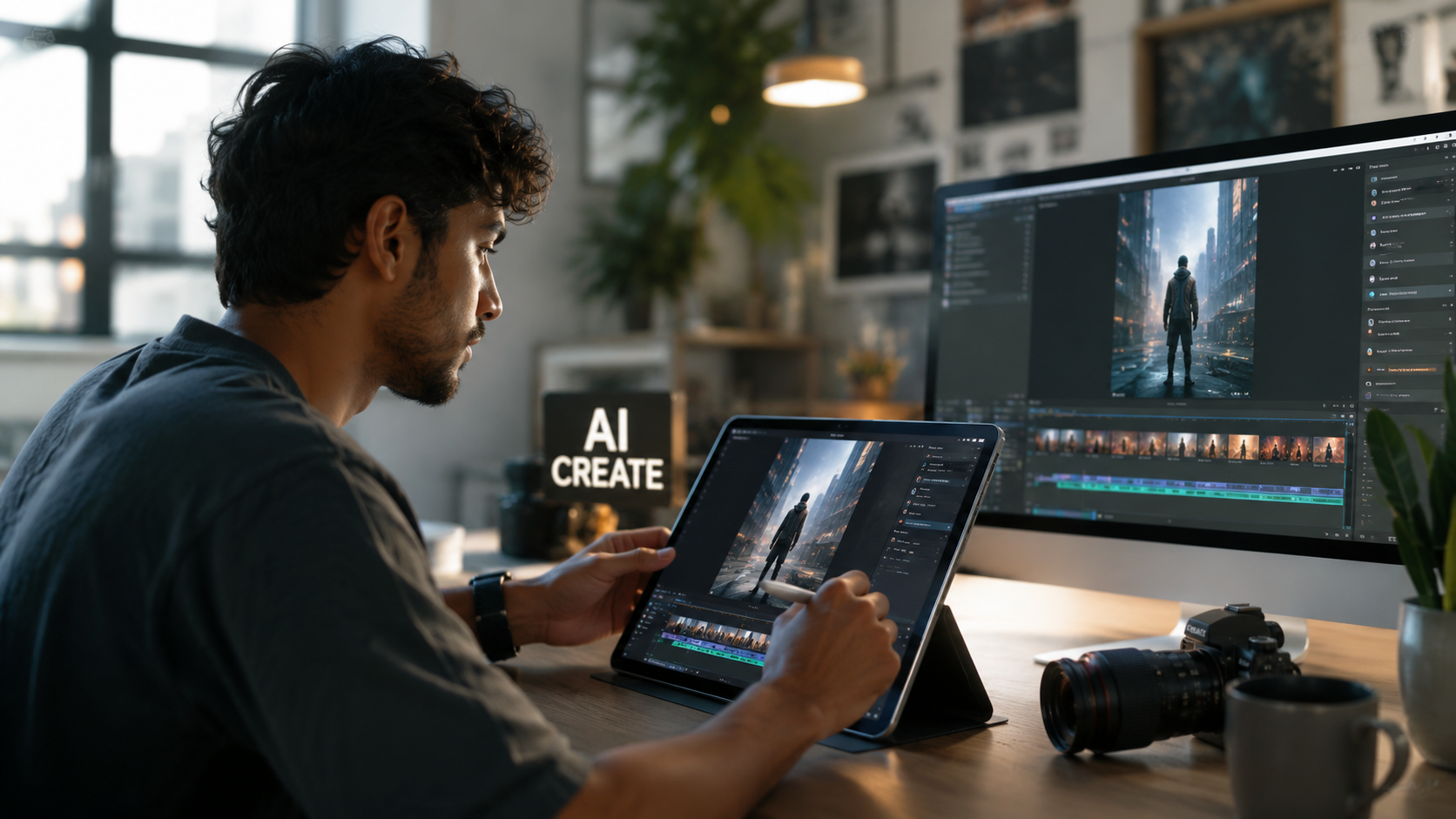
The landscape of social media content changed significantly in early 2026. According to Social Media Today, Instagram officially brought simplified AI video generation to its "Edits" feature on April 26, 2026. This move was designed to lower the barrier to entry for small businesses and creators who lack the budget for high-end production gear. Instead of filming a product in every possible location, users can now describe the setting, and the AI renders it in seconds.
Furthermore, ALM Corp reports that the new AI Video Generation feature in Edits is specifically tailored for short-form engagement. It allows for "seamless looping," a critical feature for the Instagram algorithm. The integration also includes safety filters that prevent the generation of copyrighted material or deepfakes, ensuring that creators stay within the platform's community guidelines while experimenting with the cutting edge of text to video AI for instagram.
The Power of AI Restyle for Stories
Beyond full video generation, Instagram has expanded its "Restyle" feature. Originally debuted in late 2025, the 2026 version of Restyle allows for more granular control. Mashable noted in October 2025 that these tools allow users to take a boring, static video and transform it into a "claymation" style or "cyberpunk" aesthetic using only text prompts. This hybrid approach—taking real footage and enhancing it with AI—is currently the most popular way to use AI on the platform because it retains the creator's authentic likeness.
Top 5 Text to Video AI Tools for Instagram Comparison
While native tools are convenient, professional creators often turn to dedicated third-party platforms for higher resolution and more complex physics. These tools provide the raw power needed for viral marketing campaigns and high-budget digital storytelling. Below is a comparison of the top performers in 2026 based on research from PC Tech Magazine.
| Tool Name | Key Feature | Best For | Instagram Integration |
|---|---|---|---|
| Instagram AI Edits | Native In-App Generation | Quick Reels & Stories | Direct (Built-in) |
| Runway Gen-4 | Multi-Motion Brush | Cinematic B-Roll | Export to Gallery |
| Sora Pro (2026) | 60-Second Coherent Clips | Long-form Storytelling | Cloud Sync |
| Luma Dream Machine | High-Speed Rendering | Daily Content Creators | Direct Share to IG |
| Kling AI Global | Realistic Human Physics | Fashion & Lifestyle | API Integration |
Why Authenticity Still Matters in the Age of AI
Despite the rise of text to video AI for instagram, the human element remains the most valuable currency on social media. A fascinating case study from February 2026 involves the brand Chipotle. While many of its competitors aired fully AI-generated ads during major sporting events, Chipotle launched a campaign highlighting its "no artificial ingredients" philosophy by giving away $1 million in real food. This highlights a growing trend: as AI content becomes more common, "real" content becomes a premium asset.
Creators must find a balance. Using AI to generate a stunning background or a surreal transition can enhance a video, but replacing the human face entirely can lead to a drop in engagement. Data from 2025 and 2026 suggests that users are more likely to interact with "AI-assisted" content than "AI-only" content. The goal of using a text to video AI for instagram should be to augment your creativity, not to outsource your personality.
Identifying and Fixing AI Artifacts
To rank well on Instagram’s Explore page, your videos must look professional. Common AI artifacts can trigger the algorithm to de-prioritize your content as "low quality." According to the BBC's 2025 report on AI detection, creators should look for "ghosting" around the edges of moving objects. To fix this, use the "Motion Smoothing" settings found in most 2026 AI video tools, or overlay a subtle grain filter to unify the AI-generated elements with your real-world footage.
Advanced Prompting Techniques for Instagram Success
To get the most out of a text to video AI for instagram, your prompts need to be more than just a single sentence. In 2026, the leading AI models respond best to "layered prompting." This involves describing the subject, the environment, the lighting, and the camera lens in a structured format. For example, instead of prompting "a cat in a coffee shop," a professional creator would prompt: "Macro shot of a ginger tabby cat sipping milk in a sun-drenched Parisian cafe, 35mm lens, soft bokeh, 4k, cinematic motion."
The more specific you are about the "vibe," the less editing you will have to do later. Instagram’s internal AI tools are particularly sensitive to mood keywords like "aesthetic," "vintage," or "minimalist." By mastering these keywords, you can ensure that the text to video AI for instagram produces content that fits perfectly into the current visual trends of the platform.
Optimizing AI Videos for the Instagram Algorithm
The Instagram algorithm in 2026 prioritizes "Watch Time" and "Re-watch Rate." AI-generated videos have a unique advantage here because they can create "impossible" visuals that catch the user's eye and force them to look twice. Using AI to create a seamless loop—where the end of the video perfectly matches the beginning—is a proven strategy to boost your metrics. When using third-party tools, always check the "Loop" feature before exporting your 9:16 vertical video.
Frequently Asked Questions about Instagram AI Video
Is there a free text to video AI for Instagram?
Yes, Instagram’s native "AI Edits" feature, released in April 2026, is free for all users within the app. However, it may have daily generation limits compared to paid professional tools like Runway or Sora.
Does Instagram penalize AI-generated content?
Instagram does not penalize AI content as long as it follows community guidelines and is labeled correctly. In 2026, the platform often automatically applies an "AI Info" tag to photorealistic generated videos to maintain transparency.
What is the best AI style for Instagram Reels?
The "Restyle" and "Dreamy" filters are currently the most popular in 2026. These styles enhance the visual appeal without making the video look completely artificial, which helps maintain high engagement levels.
How long can AI-generated videos be on Instagram?
Most native AI tools on Instagram generate clips between 3 to 10 seconds, which are ideal for stitching into longer Reels. Third-party tools like Sora Pro can generate up to 60 seconds of continuous video.
Can I use AI to generate ads for my business on Instagram?
Absolutely. Many brands use AI to create high-performing background visuals for product ads. However, as seen with the Chipotle 2026 campaign, balancing AI with "real" brand values is essential for long-term trust.
As we move further into 2026, the line between human-made and AI-enhanced content will continue to blur. By staying updated on the latest text to video AI for instagram features—especially the native tools integrated into the app—you can stay ahead of the competition and produce stunning visual content in a fraction of the time it used to take. The key is to use these tools as a bridge for your creativity, ensuring that every video you post still carries your unique voice and brand identity.



Comments ()