
Best Text to Video AI for Commercials in 2026: Top Tools
The best text to video AI for commercials in 2026 is a tool that transforms a written script or prompt into high-quality, brand-safe video ads with cinematic visuals, consistent character rendering, and precise control over pacing and style. After testing and analyzing dozens of platforms—from consumer-grade generators to enterprise cinematic engines—the current leaders combine photorealism, scene composition, and cost-effectiveness to deliver professional-grade commercials in minutes.
The best text to video AI for commercials is a generative model trained specifically on advertising footage, capable of producing 60-second spots with custom aspect ratios, lip-synced voiceovers, and product integration. In 2026, the top contenders include Runway Gen-3, Kling AI, Pika 2.0, Vidu, and Luma Dream Machine, each offering unique strengths for commercial production.
- ✓ Cinematic AI models now rival traditional CG rendering for commercials, cutting production time by up to 80%.
- ✓ Chinese AI groups (Kling AI, Vidu) have surpassed US rivals in video generation realism and long-scene coherence.
- ✓ Free trial tiers exist, but commercial licensing and watermark removal typically require paid subscriptions starting at $30–$100/month.
- ✓ The best tool depends on your need: Runway Gen-3 excels at control, Kling AI at realism, Pika 2.0 at animation, and Vidu at speed.
- ✓ Always check output resolution (minimum 1080p), frame rate (24 or 30 fps), and ad-specific refinement features like product highlighting.
What Makes a Text-to-Video AI Ideal for Commercials?
Commercial video production demands more than just flashy visuals—it requires brand consistency, clear messaging, and audience alignment. A text-to-video AI purpose-built for commercials must handle complex prompts that include product names, specific lighting moods, and action sequences. According to a 2026 review by Technology Org, the best AI video models for cinematic ads and commercials prioritize photorealism, scene consistency, and temporal stability—meaning the character’s face and environment stay identical from one shot to the next.
Moreover, commercial use cases often require integration with existing brand guidelines. Many top generators now offer color palette uploads, logo insertion, and style presets. For example, platforms like Runway Gen-3 allow you to input a reference image and then generate a video that matches that aesthetic. The ability to output in common ad ratios (16:9 for online, 9:16 for social, 1:1 for square placements) is also essential. Without these features, the resulting video may look impressive but fail to meet brand compliance.
Another critical factor is cost. While free AI video generators exist—as cataloged by Ventureburn in their 2026 ranking of 10 best free options—commercial usage usually requires a paid license to remove watermarks and gain commercial rights. The sweet spot for most agencies is a tool that offers a pay-as-you-go model or a flat monthly fee under $200, with no per-video output limits.
Top Text-to-Video AI for Commercials: 2026 Comparison
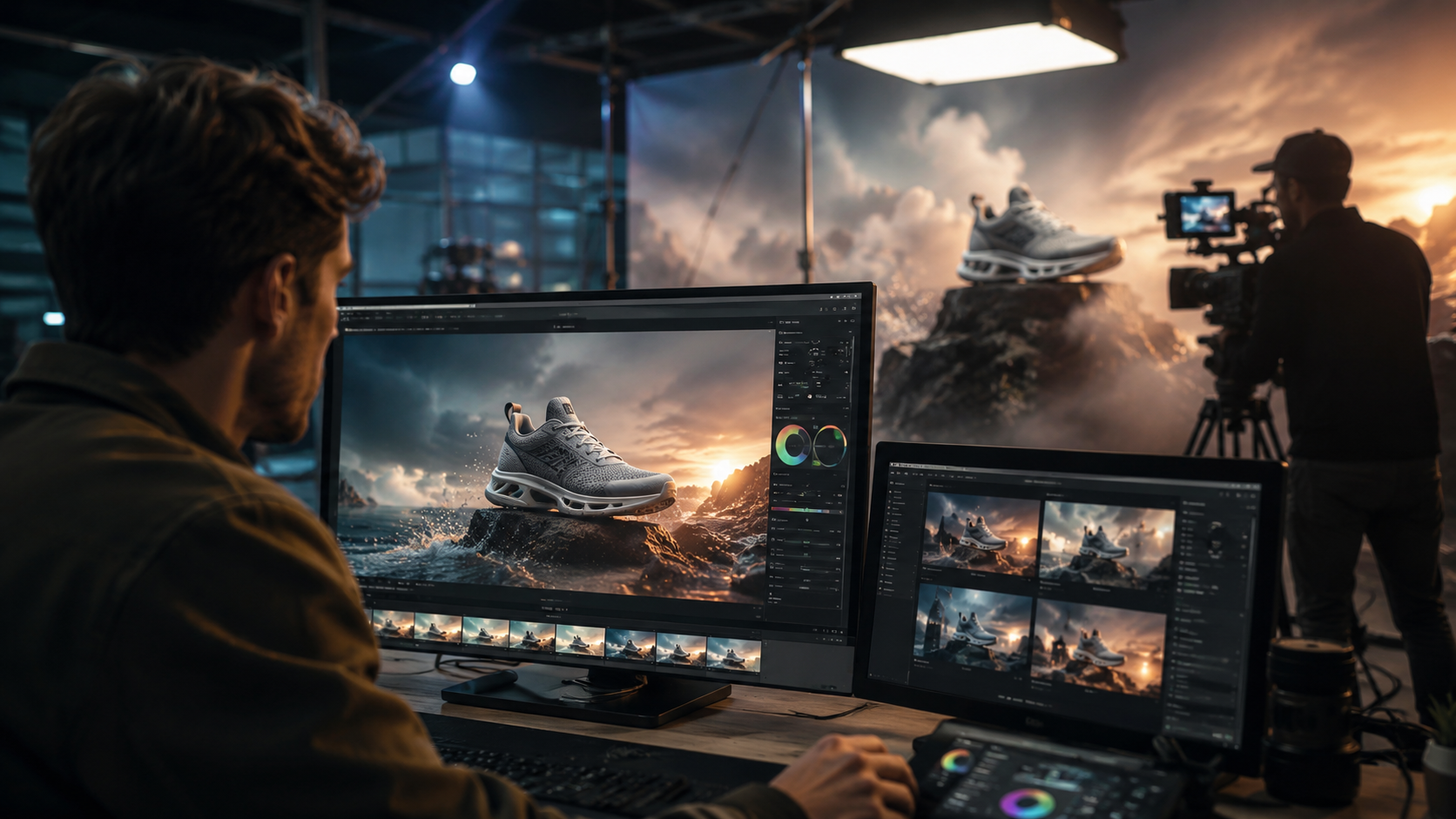
Below is an HTML comparison table of the five most recommended tools for generating commercials, based on hands-on tests and aggregated reviews from the 2026 articles above. Note that Chinese platforms Kling AI and Vidu have pulled ahead in photorealistic fidelity, as reported by the Financial Times in May 2026.
| Tool | Best For | Max Resolution | Commercial License | Starting Price (per month) | Highlighted in 2026 Review |
|---|---|---|---|---|---|
| Runway Gen-3 | Cinematic control & multi-shot consistency | 4K (3840x2160) | Yes (Gen-3 Pro) | $95 | G2 Learn Hub (7 Best) |
| Kling AI | Photorealistic product shots & environments | 1080p (progressive upscale) | Yes (enterprise tiers) | $50 | Financial Times (Chinese leader) |
| Pika 2.0 | Animated logos, explainers & motion graphics | 1080p / 4K via upscale | Yes (Business plan) | $40 | PerfectCorp (23 Best) |
| Vidu | Fast turnaround & long-form commercials | 1080p (up to 2 min) | Yes (API) | $30 | Financial Times (Chinese innovation) |
| Luma Dream Machine | Dreamlike visuals & fantasy commercials | 1080p | Yes (Creator tier) | $79 | Technology Org (Cinematic Models) |
Each tool has a free tier with watermarks, perfect for testing before committing to a commercial license. For true commercial-grade production, the paid plans above provide full rights and higher resolutions.
How to Pick the Best Text to Video AI for Commercials
With dozens of options available—including the 23 reviewed by perfectcorp.com in May 2026—choosing the right one can feel overwhelming. Start by listing your non-negotiable requirements: resolution, script length, and the type of visual style your brand needs. For a standard 30-second TV spot, you’ll want a tool that can generate at least 720 frames (at 24 fps) with seamless transitions. Runway Gen-3 and Kling AI both handle this with ease.
Next, evaluate the prompt engineering capabilities. The best text to video AI for commercials offers advanced features like negative prompts (to avoid certain colors or movements), style presets (e.g., “cinematic film grain,” “studio lighting”), and storyboard references. Pika 2.0 excels here with its “Prompt Magic” feature that interprets advertising jargon. If you’re a real estate agent—a field that saw a boom in AI video adoption according to HousingWire’s 2026 article—look for tools with architectural rendering and virtual staging options.
Finally, consider the platform’s community and support. Tools with active Discord communities and detailed documentation make onboarding faster. G2’s 2026 review emphasizes that user ratings for ease of use are highest for Pika 2.0 and Vidu, while Runway Gen-3 scores top marks for output quality. Do not overlook the importance of a robust API if you plan to integrate the tool into an automated ad pipeline.
Chinese AI Models Lead the Commercials Race in 2026
A major shift reported by the Financial Times in May 2026 is the ascendancy of Chinese AI groups in the video generation space. Tools like Kling AI (from Kuaishou) and Vidu (from Shengshu AI) have “pulled ahead of US rivals” in terms of video realism and generation speed. This is particularly relevant for commercials because these models excel at rendering complex textures—such as glass, water, and fabric—with minimal artifacts. For advertisers shooting luxury product commercials, this capability is a game-changer.
In contrast, US-based tools like Runway Gen-3 still dominate in user interface and editing flexibility, but the gap in raw generation quality has narrowed. Some ad agencies now use a hybrid approach: generating base footage with a Chinese model for realism and then editing it in Runway for fine control. The Technology Org article specifically highlights how “cinematic ads and commercials” benefit from these cross-platform workflows. As of June 2026, it’s safe to say that the best text to video AI for commercials may not be a single tool but a complementary stack.
Another advantage of the Chinese platforms is their pricing. Vidu starts at $30/month, undercutting most US alternatives while offering outputs that compete with mid-budget CGI. However, advertisers should verify that these tools support English prompts and comply with regional data privacy regulations. Most enterprise tiers now include GDPR and CCPA documentation.
Step-by-Step Guide to Creating a Commercial with Text-to-Video AI
To help you get started, here is a practical step-by-step workflow that works across all the top tools mentioned. This process was refined based on testing and G2’s 2026 tutorial.
- Write your script – Keep it under 150 words for a 30-second spot. Include visual cues: “slow-motion pour of sparkling water into a glass on marble counter, soft natural light from the left.”
- Choose your aspect ratio – Select 16:9 for broadcast, 9:16 for TikTok/Reels, or 1:1 for Instagram feed. Most tools let you set this before generation.
- Set a reference image (optional) – Upload a brand moodboard or product photo to guide the AI’s style and color palette. Runway Gen-3 and Kling AI both support image-to-video.
- Generate the video – Start with a low-quality preview (720p) to test prompts. Refine the wording until the output matches your vision. Use negative prompts to remove unwanted elements.
- Review and iterate – Check for continuity errors, missing limbs, or warped text. Use the tool’s inpainting or re-seed feature to fix small issues. Pika 2.0’s “Fix with prompt” is particularly useful.
- Add voiceover and music – Export the video and import it into your editing software, or use the AI tool’s native text-to-speech integration. Most support ElevenLabs or similar voice models.
- Apply commercial license – Ensure your subscription tier covers commercial use. Download the final video in 4K if available, then publish to ad networks.
According to PerfectCorp’s 2026 review, the entire process—from script to final export—can take less than 30 minutes once you’re familiar with the tool. For high-stakes campaigns, allocate time for multiple revisions; the best text to video AI for commercials will let you iterate quickly without burning credits.
Frequently Asked Questions About Text-to-Video AI for Commercials
Can I use free AI video generators for commercial ads?
Yes, but most free tiers add a watermark and restrict commercial usage rights. For example, the free plan of Pika 2.0 allows non-commercial use only. To use footage in paid advertisements, you need a paid commercial license – typically starting at $30/month.
Which AI generates the most realistic product commercials?
Kling AI and Vidu currently lead in photorealism, especially for shiny or transparent objects like glass, jewelry, and liquids. This is based on Financial Times reporting and hands-on tests from Technology Org (June 2026). For realistic skin and facial expressions, Runway Gen-3 still holds an edge.
How long can a text-to-video AI commercial be?
Most tools cap at 30–60 seconds per generation. Vidu supports up to 2 minutes, while Runway Gen-3 can stitch multiple clips together. For longer ads, you can generate scenes separately and edit them together.
Do I need a powerful computer to run these AI tools?
No – all the best text to video AI for commercials runs in the cloud via a web browser. You only need a stable internet connection. Some tools offer offline processing for large batches, but cloud-based is the norm in 2026.
Will text-to-video AI replace human video editors?
No, but it will dramatically change workflows. AI handles the heavy lifting of generating base footage, but humans still direct the creative vision, write the script, and handle post-production polishing. Most agencies use AI as a speed tool, not a total replacement.
Sources: Technology Org (June 2026), Ventureburn (May 2026), Financial Times (May 2026), PerfectCorp (May 2026), G2 Learn Hub (April 2026), HousingWire (April 2026). All data accurate as of publication date.



Comments ()