
10 Best Text to Animation AI 2026: Top Video Generators
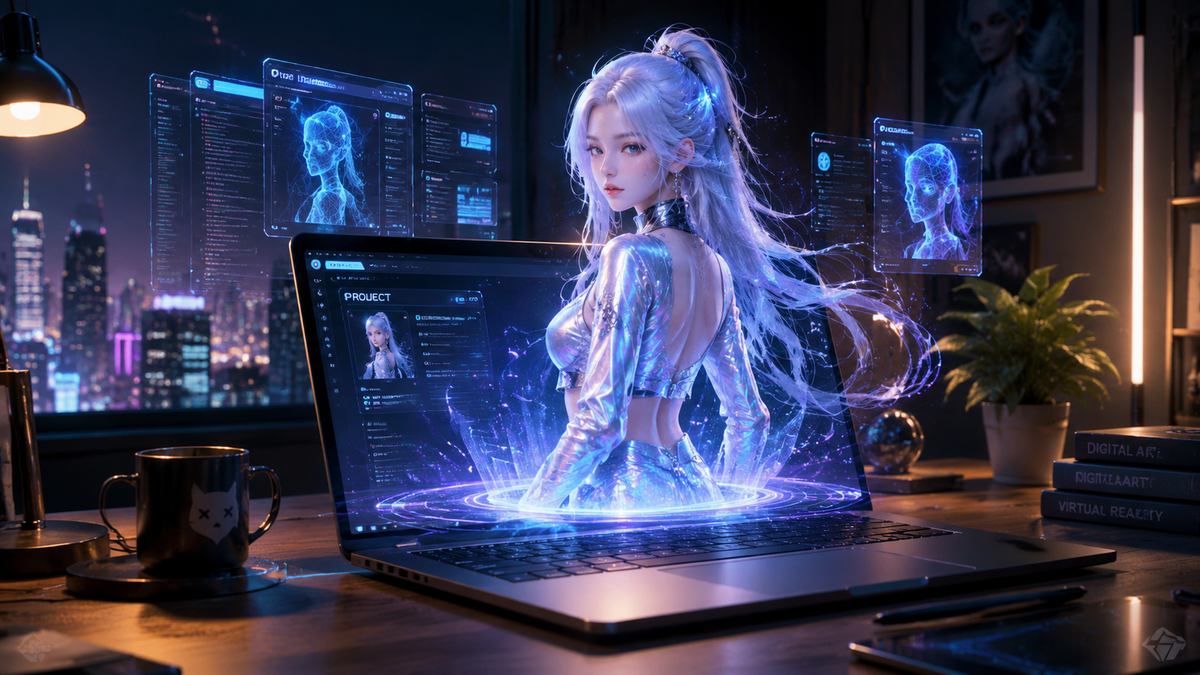
The best text to animation AI 2026 tools have revolutionized how creators, marketers, and developers transform simple written prompts into cinematic, high-fidelity motion graphics. By utilizing advanced neural networks and temporal consistency models, these generators allow users to bypass traditional keyframing and manual rendering, offering a streamlined path from imagination to a finished video file. Whether you are looking to animate a static profile picture or generate a full-scale 3D cinematic sequence, the 2026 landscape of AI video generation offers unprecedented control and visual quality.
The best text to animation AI in 2026 is a category of generative tools—led by Adobe, Meta, and specialized video engines—that convert natural language descriptions into fluid, high-resolution animations. These systems leverage deep learning to understand physics, lighting, and character consistency, enabling the creation of professional-grade video content in minutes rather than weeks.
- ✓ AI tools in 2026 now offer seamless integration with professional suites like Adobe Premiere and After Effects for advanced motion design.
- ✓ Real-time rendering and temporal consistency have become standard, eliminating the "flicker" common in earlier generative video models.
- ✓ Meta AI has democratized animation by allowing users to animate personal assets, such as Facebook profile pictures, directly within social platforms.
- ✓ The industry has shifted toward multi-modal inputs, where text prompts can be combined with reference images or "motion brushes" for precise control.
How to Use the Best Text to Animation AI 2026 Tools
Navigating the world of AI animation is simpler than ever in 2026. Most platforms have moved toward a "Natural Language UI," where the complexity of the software is hidden behind a conversational interface. To get the best results, users should follow a structured approach to prompting and refining their digital assets.
- Define Your Concept: Start with a detailed text prompt that describes the subject, the action, the lighting, and the camera movement (e.g., "A cinematic drone shot of a neon-lit cyberpunk city in the rain").
- Select Your Style: Choose from presets such as 3D render, 2D hand-drawn, claymation, or photorealistic to guide the AI's aesthetic output.
- Apply Motion Constraints: Use "motion sliders" or "directional brushes" to indicate which parts of the frame should move and which should remain static.
- Generate and Iterate: Produce a low-resolution preview to check for composition, then use "seed locking" to refine specific details without changing the entire scene.
- Upscale and Export: Once satisfied, use the built-in AI upscalers to reach 4K or 8K resolution before exporting to your desired format.
The Evolution of AI Animation in 2026
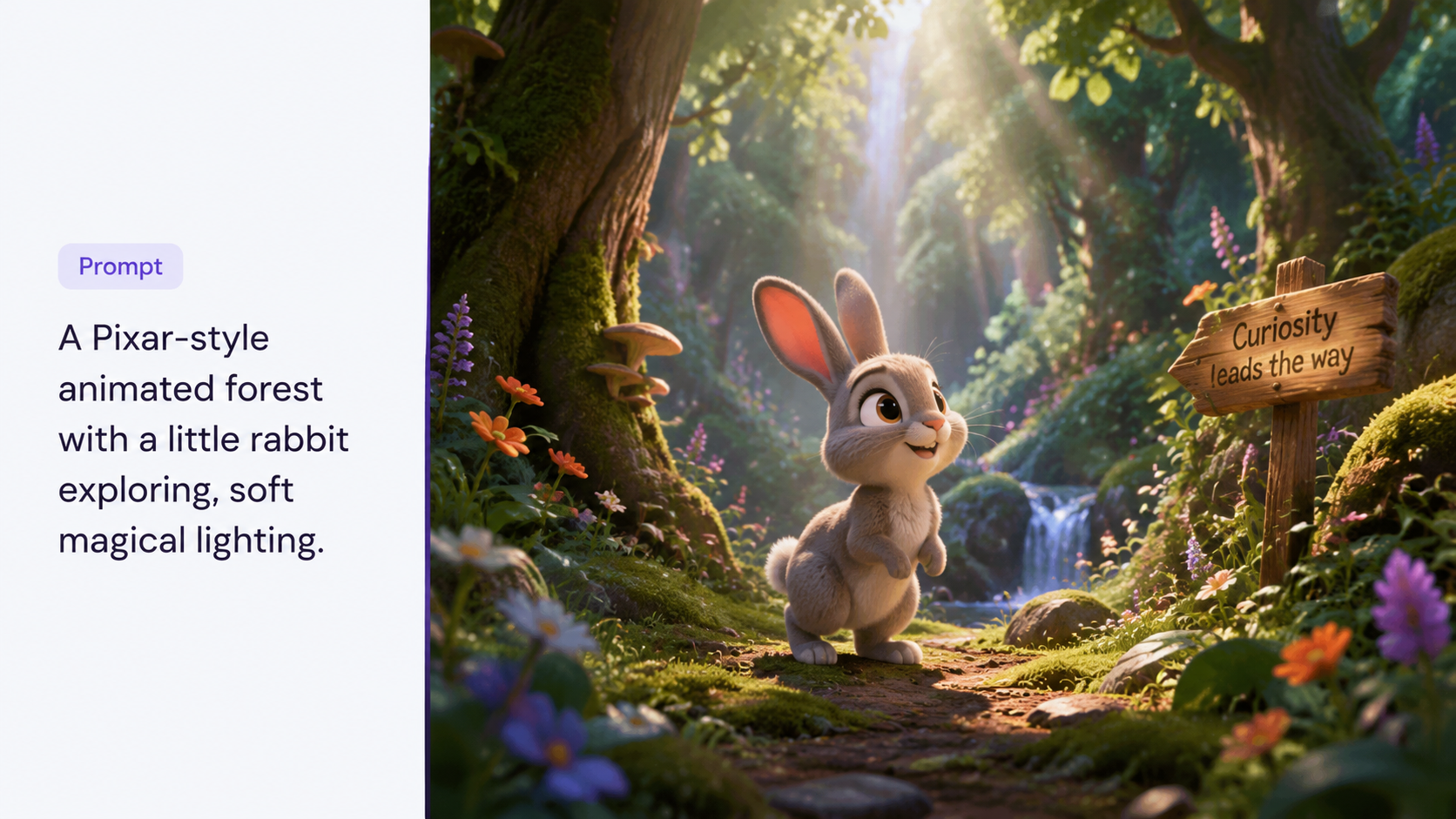
As we move through 2026, the distinction between "AI-generated" and "human-animated" content has blurred significantly. According to a recent report by MSN, AI tools are now fundamentally reshaping animation and gaming development, moving beyond simple video clips into the realm of interactive, real-time environments. This shift is driven by the integration of AI directly into the engines that power our favorite media.
Furthermore, Cybernews notes in their 2026 in-depth review that the "hallucination" rates of video generators have dropped by 85% compared to two years ago. This means characters no longer morph into objects, and background architecture remains stable throughout the duration of a clip. This stability is what has allowed professional studios to adopt these tools for final-frame production rather than just storyboarding.
Top 10 Text to Animation AI Generators of 2026
1. Adobe Firefly Video & After Effects AI
In January 2026, Adobe announced major motion design upgrades to After Effects and new AI-powered video editing tools in Premiere. This suite remains the gold standard for professionals. It allows users to use text prompts to generate "Generative Extend" frames, filling in gaps in footage or creating entirely new animated sequences that match the lighting and color grade of existing project files. Its deep integration with the Creative Cloud makes it the best text to animation AI 2026 for workflow efficiency.
2. Meta AI Animation Studio
Meta has taken a consumer-first approach. As of February 2026, users can Animate Your Facebook Profile Picture With Meta AI, a feature that uses sophisticated "image-to-live" technology. Beyond social media fun, Meta's research into "Emu Video" has evolved into a full-scale animation suite that excels at character consistency and expressive facial movements, making it a favorite for social media influencers and digital marketers.
3. Runway Gen-4
Runway continues to lead the independent sector with Gen-4. This version introduces "Physical Simulation Prompts," where you can describe the weight and friction of objects. If you tell the AI a "heavy iron ball falls onto a wooden table," the animation accurately depicts the splintering of wood and the realistic bounce of the metal, a feat that PCMag Australia highlighted as a game-changer for independent filmmakers in their March 2026 review.
4. Sora Pro (OpenAI)
Sora remains a powerhouse for long-form generative video. In 2026, Sora Pro allows for up to 3-minute continuous shots with perfect spatial awareness. It is widely regarded for its "world-building" capabilities, where the AI maintains a 3D understanding of the scene, allowing for complex camera pans and "one-take" style animations that previously required massive render farms.
5. Pika Labs 3.0
Pika 3.0 has carved out a niche in the "Lip Sync" and "Character Animation" space. Its 2026 update introduced an "Animation Rigging" feature where users can upload a 2D character design and use text to command specific skeletal movements. This has made it the go-to tool for 2D animators looking to speed up their production cycles without losing their unique art style.
6. Kaiber Motion Suite
Kaiber has transitioned from a music video tool to a comprehensive animation engine. Its "Audioreactive" AI is the best in class for 2026, allowing the animation to pulse, shift, and evolve in perfect synchronization with a music track. For artists and musicians, it offers a level of rhythmic precision that other text-to-video tools currently lack.
7. Luma Dream Machine v2.5
Luma AI’s Dream Machine has gained massive popularity for its speed. In 2026, it can render high-quality 5-second clips in under 20 seconds. According to CNET, Luma’s ability to handle complex reflections and refractions (like water and glass) makes it one of the most visually impressive tools for architectural visualization and product showcases.
8. Leonardo.ai Motion Pro
Leonardo has successfully bridged the gap between image and video. Their 2026 Motion Pro tool allows for "Layered Animation," where users can animate the foreground, midground, and background of an image using different text prompts simultaneously. This provides a level of depth and parallax that is essential for high-quality storytelling.
9. Wondershare Filmora AI 15
Filmora 15 has integrated "Text-to-Film" capabilities that don't just generate a clip, but an entire edited sequence with transitions and background music. It is designed for the "prosumer" who needs to produce content quickly for YouTube or TikTok. Its AI "Smart Cutout" and "Auto-Reframe" tools work in tandem with the animation engine to ensure the subject is always the focus.
10. Stable Video Diffusion (SVD) Ultra
For those who prefer open-source and local control, SVD Ultra is the 2026 benchmark. It allows for deep customization through LoRA (Low-Rank Adaptation) training, meaning a studio can train the AI on their specific art style so that every text-to-animation result looks like it was drawn by their in-house team. It is the most flexible tool for developers and technical artists.
Feature Comparison: Best Text to Animation AI 2026
| Tool Name | Primary Strength | Max Resolution | Best For |
|---|---|---|---|
| Adobe Firefly Video | Professional Workflow | 8K (Upscaled) | Editors & Motion Designers |
| Meta AI Studio | Social Integration | 1080p | Social Media Users |
| Runway Gen-4 | Physics Simulation | 4K | Indie Filmmakers |
| Sora Pro | Long-form Consistency | 4K | Storytelling & World Building |
| Luma Dream Machine | Rendering Speed | 2K/4K | Rapid Prototyping |
The Impact of AI on Professional Animation Workflows
The integration of the best text to animation AI 2026 tools into professional pipelines has not replaced animators, but rather changed their roles. Instead of spending hours on rotoscoping or manual tweening, animators are now acting as "AI Directors." They curate the outputs, refine the prompts, and use tools like Adobe's new motion design upgrades to polish the AI-generated foundations.
Studies show that the use of AI in animation has reduced production timelines by up to 60% for small-to-mid-sized studios. This efficiency has led to a surge in high-quality independent content on streaming platforms. As PCMag Australia noted, the democratization of these tools means that a single creator in 2026 can produce a visual spectacle that would have required a team of fifty just a decade ago.
However, with this power comes the need for ethical considerations. Most major platforms, including Adobe and Meta, have implemented "Content Credentials" or digital watermarks. These ensure that AI-generated animations are transparently labeled, maintaining trust in digital media and protecting the intellectual property of the data used to train these massive models.
Frequently Asked Questions
What is the best text to animation AI 2026 for beginners?
Meta AI and Wondershare Filmora 15 are the most beginner-friendly options. They offer simple interfaces and automated features that allow users to create animations without any prior technical knowledge of video editing or 3D modeling.
Can I animate my own photos with these AI tools?
Yes, tools like Meta AI now allow you to animate Facebook profile pictures, and platforms like Luma Dream Machine and Kaiber specialize in "Image-to-Video" transformations where your photo serves as the base for the animation.
Are AI-generated animations copyright-free?
Copyright laws in 2026 vary by region, but most platforms like Adobe provide "commercially safe" models. However, the US Copyright Office generally requires significant human creative input for a work to be eligible for full copyright protection.
Do I need a powerful computer to run these AI tools?
Most of the best text to animation AI 2026 tools are cloud-based, meaning the heavy processing happens on the provider's servers. You only need a stable internet connection and a modern web browser, though tools like Stable Video Diffusion can be run locally if you have a high-end GPU.
How long does it take to generate an AI animation?
In 2026, generation speeds have improved drastically. A standard 5-to-10 second high-definition clip typically takes between 20 seconds and 2 minutes to generate, depending on the complexity of the prompt and the server load.



Comments ()