
Best Professional AI Video Generator 2026: Expert Guide
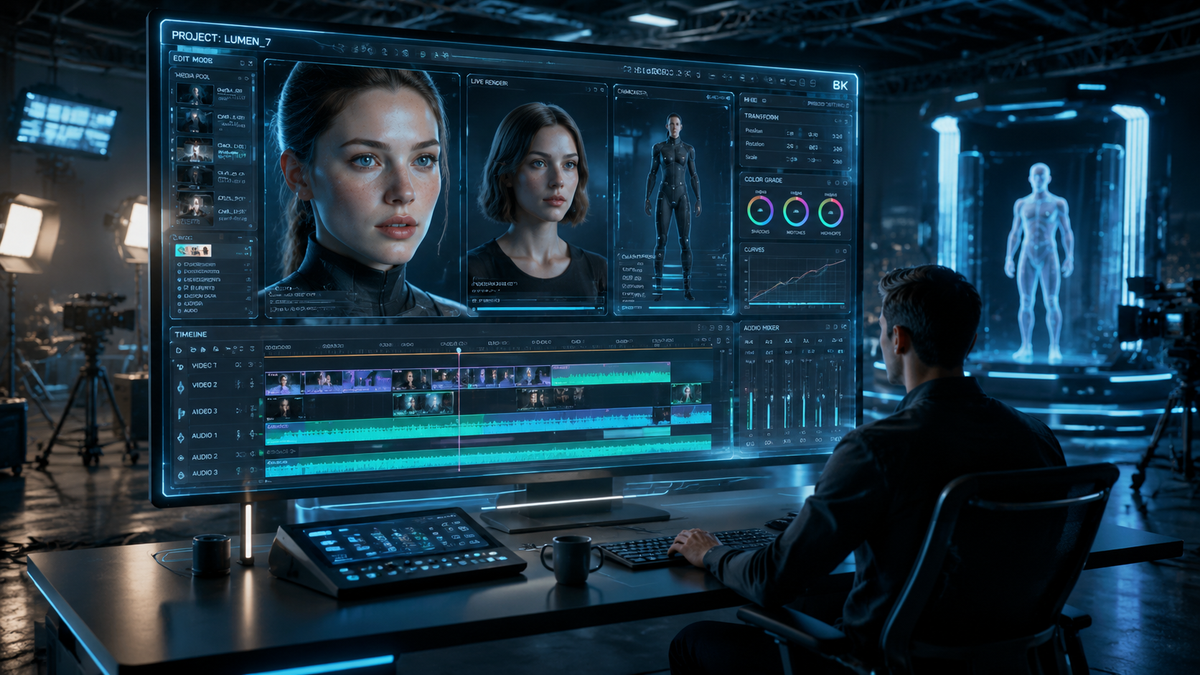
The best professional AI video generator 2026 is a platform that integrates generative cinematic quality with high-fidelity temporal consistency, allowing creators to produce 4K-resolution clips from simple text or image prompts. As of mid-2026, the industry has shifted toward multimodal systems that handle physics-accurate motion and spatial reasoning, making these tools indispensable for marketing, film pre-visualization, and social media content creation. Finding the right tool requires balancing rendering speed, frame-rate stability, and the granularity of directorial controls.
A professional AI video generator 2026 is an enterprise-grade software solution that utilizes diffusion models and transformer architectures to synthesize high-resolution video content. These platforms, such as the latest iterations from Adobe and specialized labs, allow for precise control over camera angles, lighting, and character consistency, effectively reducing production timelines from weeks to minutes for global creative teams.
- ✓ Professional AI video generators in 2026 now offer full 4K resolution with consistent character mapping across multiple scenes.
- ✓ Integration with Adobe Creative Cloud has become the standard for professional post-production workflows.
- ✓ Real-time physics engines within AI models have solved previous issues with "hallucinated" motion and flickering.
- ✓ Cost-efficiency has improved, with high-end platforms offering competitive subscription tiers for independent creators.
How to Use a Professional AI Video Generator 2026
Navigating the landscape of generative video requires a strategic approach to prompting and iterative editing. In 2026, the process has become more intuitive, moving away from "keyword stuffing" toward natural language descriptions and structural "guiding" layers. Professionals now use a combination of "Directorial Prompts" and "Reference Frames" to ensure the output aligns with brand guidelines and specific aesthetic requirements.
- Define the Visual Concept: Start by inputting a detailed text prompt that describes the subject, lighting, camera movement (e.g., "dolly zoom"), and atmospheric conditions.
- Upload Reference Assets: Use the "Image-to-Video" or "Character Consistency" feature to upload a source image, ensuring the AI maintains the same protagonist or product design throughout the clip.
- Configure Technical Parameters: Select the desired aspect ratio (16:9 for film, 9:16 for social), frame rate (typically 24fps or 60fps), and duration. Most professional tools in 2026 now support clips up to 60 seconds per generation.
- Apply Regional Editing: Use "In-painting" tools to select specific areas of the video that need modification without re-generating the entire scene.
- Export and Upscale: Once the motion is perfected, export the video using high-bitrate codecs or direct-to-cloud integrations for further editing in software like Premiere Pro.
The Evolution of Generative Video Technology in 2026
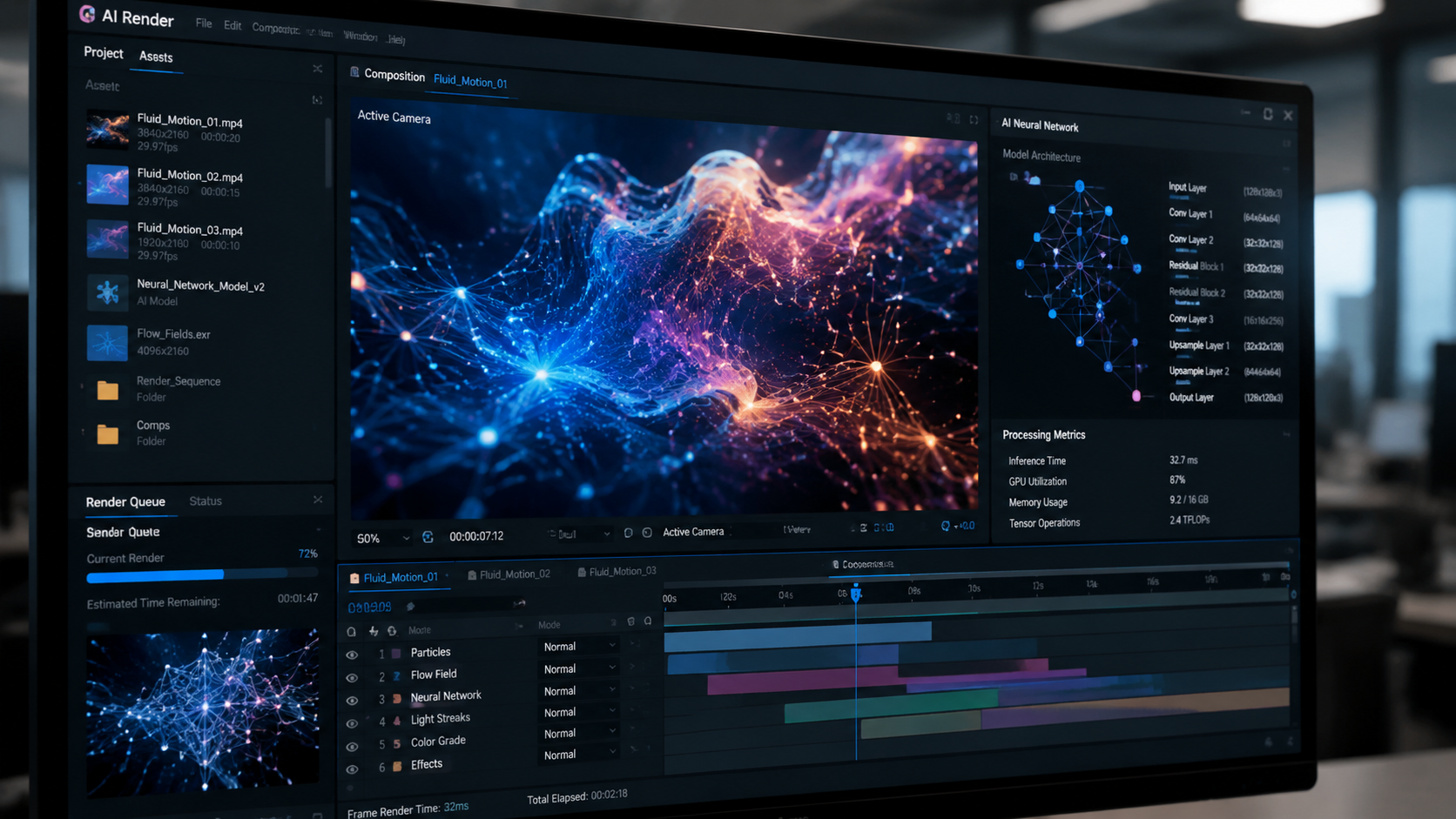
The year 2026 marks a significant turning point in digital media. According to CNET, the latest reviews of AI video generators highlight a massive leap in "spatial awareness," where the AI understands the 3D volume of objects. This means that if a character walks behind a tree, they emerge on the other side with consistent clothing and features—a feat that was a major struggle in previous iterations. The "So Long, Sora" sentiment echoed by PCMag suggests that while early pioneers set the stage, new challengers have refined the technology for better professional utility.
Furthermore, the integration of AI into established ecosystems has reached its zenith. Indiatimes reports that the 2026 updates to Adobe Creative Cloud have seamlessly embedded generative video into the timeline, allowing for "Generative Extend" features that can add seconds to a shot where the camera didn't run long enough. This blend of pure generative art and practical utility defines the current professional landscape.
Key Features of High-End AI Video Platforms
When selecting a professional AI video generator 2026, creators look for "Motion Brushes" and "Camera Control" sliders. These features allow a user to manually dictate the path of an object or the trajectory of a virtual lens. Unlike the randomized outputs of 2024, the 2026 models prioritize "Deterministic Output," meaning if you run the same prompt with the same seed, the results are predictable and repeatable for professional consistency.
Another critical advancement is the inclusion of integrated audio synthesis. Modern platforms do not just generate the visual; they analyze the movement in the scene to create synchronized foley sounds—the rustle of leaves, the hum of a car engine, or the rhythmic sound of footsteps—creating a truly immersive experience right out of the box.
Comparing Top Professional AI Video Generators of 2026
Choosing the right platform depends on your specific needs, whether it is for hyper-realistic cinematic shots or rapid-fire social media marketing. According to Analytics Insight, the market is currently divided between "Creative Powerhouses" and "Efficiency Experts." The following table compares the leading categories of tools available this year.
| Feature Category | Enterprise Solutions | Creative Suites (Adobe) | Boutique AI Labs |
|---|---|---|---|
| Max Resolution | 8K Upscaled | 4K Native | 4K Native |
| Max Clip Length | 5 Minutes | 2 Minutes | 60 Seconds |
| Control Depth | High (API & Script) | Very High (Timeline) | Medium (Prompt-based) |
| Best For | Film & Advertising | Post-Production | Rapid Prototyping |
| Primary Strength | Physics Accuracy | Workflow Integration | Stylistic Variety |
Why Professionals are Switching to AI Video in 2026
The shift toward AI-driven production is not just about novelty; it is about the bottom line. G2 Learn Hub notes that in their testing of the 7 best AI video generators, the average cost of producing a high-quality 30-second commercial spot has dropped by nearly 70% compared to traditional live-action shoots. This democratization of high-end visuals allows smaller agencies to compete with global firms by producing "Stunning Clips in Minutes," as highlighted by Analytics Insight.
Beyond cost, the speed of iteration is the greatest advantage. In a traditional environment, changing the lighting of a scene from "golden hour" to "midnight" would require a reshoot or hours of color grading. In 2026, a professional AI video generator can perform this "Environment Swap" in seconds. This flexibility allows for real-time creative collaboration during client meetings, where feedback can be implemented and visualized instantly.
The Impact of Ethics and Content Provenance
As the power of these tools grows, so does the importance of transparency. Most professional-grade platforms in 2026 have adopted the C2PA standard for content provenance. This metadata ensures that AI-generated content is tagged appropriately, protecting creators from copyright disputes and helping audiences distinguish between synthesized and captured media. This ethical framework has been a major focus of CNET's 2026 reviews, noting that the "Best" platforms are those that also prioritize responsible AI usage.
Advanced Techniques for the Professional AI Video Generator 2026
To truly master a professional AI video generator 2026, one must look beyond the basic text box. The most successful creators are using "Multi-Modal Prompting," which involves feeding the AI a combination of a script, a storyboard sketch, and a specific music track. The AI then uses the rhythm of the music to dictate the pacing of the cuts and the intensity of the motion within the frame.
Additionally, the concept of "LoRA" (Low-Rank Adaptation) has moved from image generation into video. Professionals can now "train" a mini-model on a specific product—for example, a new sneaker design—to ensure that the AI never deviates from the actual physical dimensions and branding of that product. This level of precision is what separates a hobbyist tool from a professional AI video generator 2026.
Optimizing for Different Platforms
A professional guide would be incomplete without addressing distribution. The AI models of 2026 are "Aware" of where the video will be posted. When selecting an output, users can choose "LinkedIn Optimized" for a professional, muted aesthetic, or "TikTok/Reels Optimized" for high-energy transitions and vibrant color palettes. This contextual intelligence ensures that the "Stunning Clips" mentioned by Analytics Insight actually perform well in their intended environment.
Frequently Asked Questions
What is the best professional AI video generator 2026?
The "best" tool depends on your workflow, but according to 2026 reviews from CNET and PCMag, platforms that offer high temporal consistency and integration with professional suites like Adobe Creative Cloud are currently leading the market. Tools that prioritize directorial control over random generation are preferred by experts.
Can AI video generators create 4K content in 2026?
Yes, most professional AI video generators in 2026 support native 4K output. Some enterprise-level platforms even offer 8K upscaling features that maintain texture detail and reduce the "smooth" or "plastic" look common in earlier AI versions.
How long does it take to generate a professional AI video?
While it varies by complexity, a standard 10-second high-quality clip typically takes between 2 to 5 minutes to render on modern cloud-based AI servers. Real-time preview modes allow you to see low-resolution "drafts" in seconds before committing to a full render.
Is AI-generated video copyrightable in 2026?
In 2026, copyright laws have evolved to recognize "Human-AI Collaboration." Generally, if a professional provides significant creative direction through complex prompting, structural guiding, and post-editing, the resulting work can be registered for copyright, though specific regulations vary by region.
Do I need a powerful computer to run these AI tools?
No, most professional AI video generators in 2026 are cloud-based. The heavy computational lifting is done on remote server farms (using the latest H200 or B200 GPUs), meaning you only need a stable internet connection and a standard web browser or light desktop integration to create high-end video.
In conclusion, the landscape of the professional AI video generator 2026 is defined by a move toward precision, integration, and ethical standards. Whether you are using these tools to supplement a traditional film crew or to power an entire marketing department, the ability to create "Stunning Clips in Minutes" has transformed the creative economy. As PCMag and G2 suggest, the most powerful tools are no longer just the ones with the most "hype," but the ones that provide the most reliable and controllable results for the modern professional.



Comments ()