
Best Professional AI Video Editor 2026: Top Software Reviewed
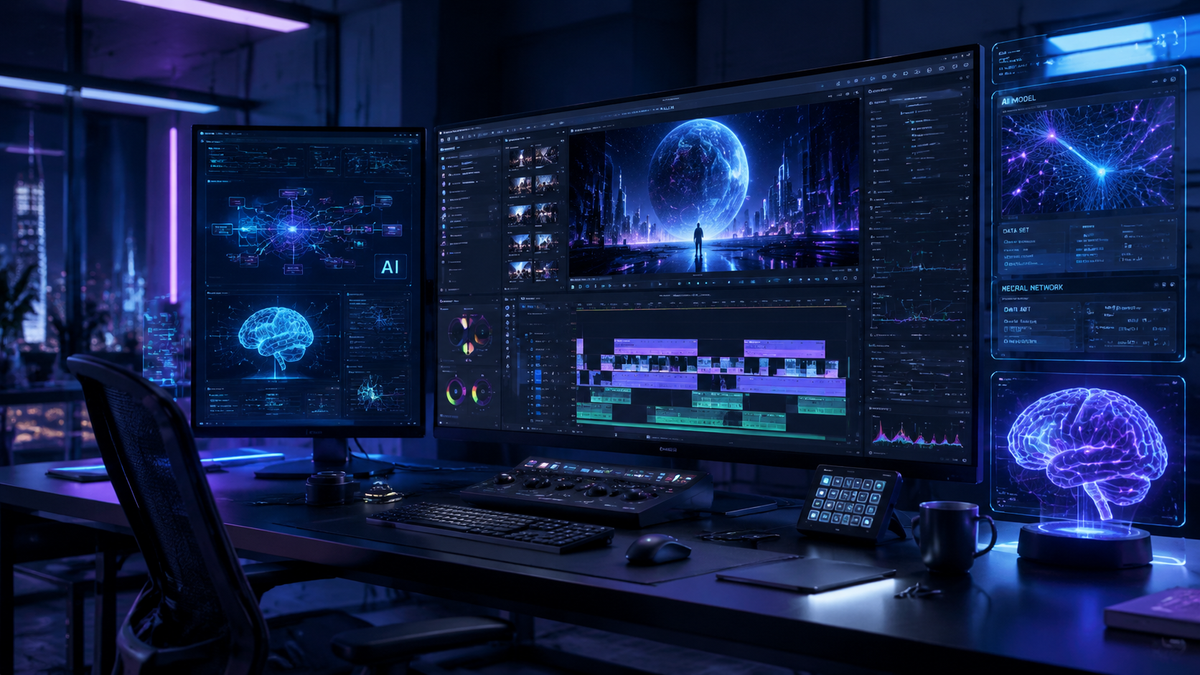
Choosing the best professional ai video editor 2026 requires a balance between traditional timeline precision and the latest generative automation. In 2026, the industry has shifted toward hybrid workflows where AI handles tedious tasks like object removal and color matching, allowing editors to focus on creative storytelling. Based on recent testing by industry leaders like PCMag and CNET, the top professional choices this year include Adobe Premiere Pro, DaVinci Resolve, and specialized AI-native platforms like AI Video Cut.
A professional AI video editor in 2026 is a software platform that integrates generative AI and machine learning to automate complex post-production tasks such as rotoscoping, audio ducking, and generative fill. These tools, led by Adobe Premiere and DaVinci Resolve, streamline the editing process for high-end commercial and cinematic productions.
- ✓ Adobe Premiere Pro remains the industry standard with its 2026 AI-powered motion design and generative fill upgrades.
- ✓ Mobile editing has reached professional parity, with apps now capable of producing high-fidelity cinematic content.
- ✓ Generative AI tools like AI Video Cut have simplified the "rough cut" process to a single click.
- ✓ Real-time collaboration and cloud-based AI rendering are now standard features for professional teams.
According to reports from PCMag in May 2026, the landscape of video editing has been fundamentally altered by the integration of deep learning models that can predict user intent. Furthermore, The Sunday Guardian highlights that mobile applications are no longer just for social media; they now offer professional-grade tools that rival desktop counterparts. As we navigate the mid-point of 2026, the distinction between "human-made" and "AI-assisted" content has blurred, creating a new standard for efficiency in the creative arts.
How to Choose and Use a Professional AI Video Editor 2026
Selecting the right software depends heavily on your specific output goals. If you are working in a studio environment, integration with motion graphics and color grading suites is paramount. However, for independent creators, the speed of AI-driven assembly is often the most valuable feature. The "professional" label in 2026 signifies that the software supports high-bitrate exports, multi-cam editing, and advanced metadata management.
To get started with a modern AI-driven workflow, follow these essential steps:
- Ingest and Auto-Tag: Upload your footage and allow the AI to generate descriptive metadata and transcripts for searchable b-roll.
- Generative Rough Cut: Use text-to-video editing to create an initial sequence based on your script or transcript.
- AI-Enhanced Refinement: Apply generative fill to remove unwanted objects or extend backgrounds in shots that were framed too tightly.
- Automated Audio Mastering: Utilize AI voice leveling and noise reduction to ensure professional-grade sound without manual keyframing.
- Optimized Export: Leverage AI-assisted encoding to render your project in multiple formats optimized for specific platforms automatically.
Comparison of Leading Professional AI Video Editors
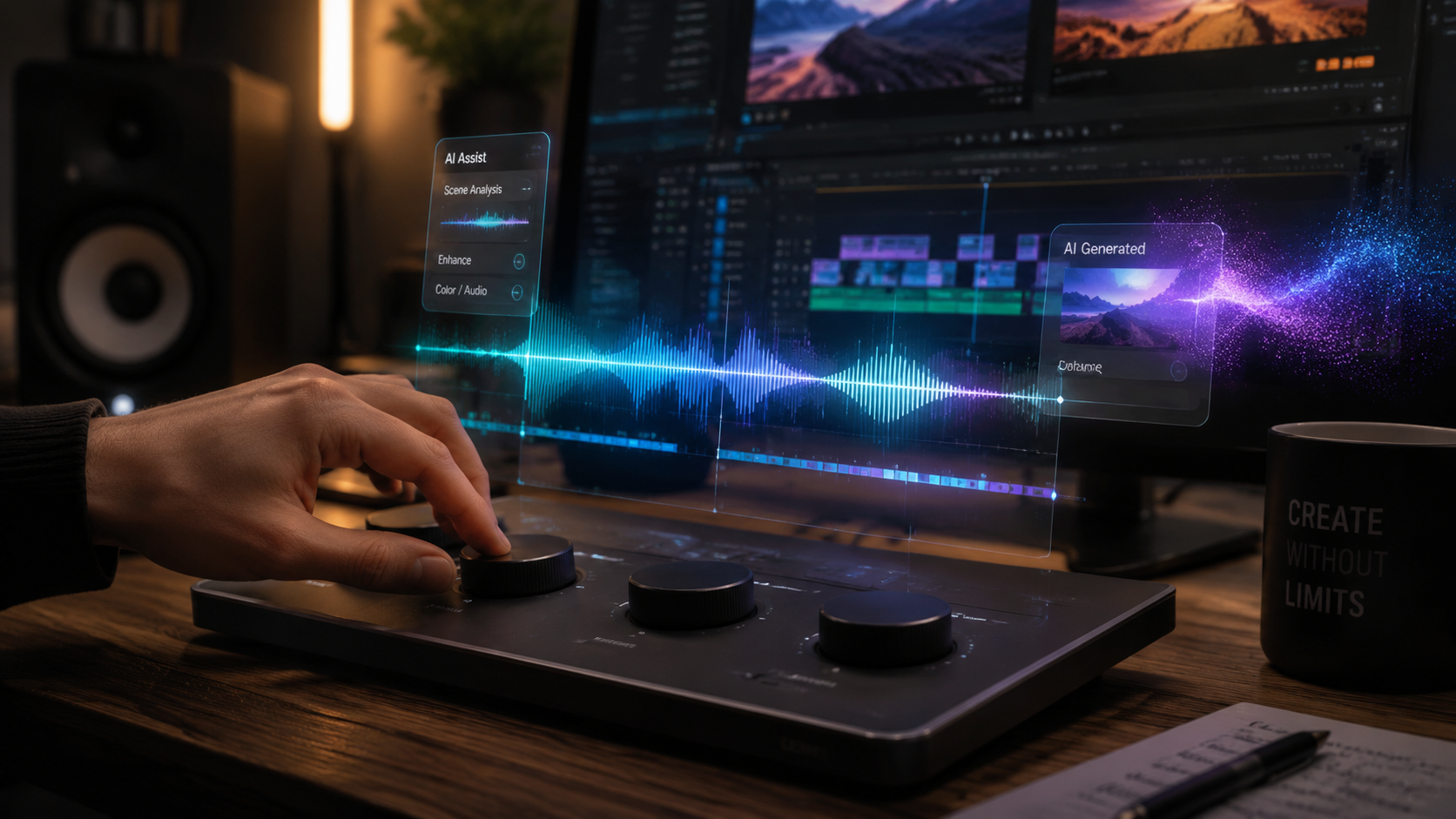
In 2026, the market is divided between legacy giants that have integrated AI and new, "AI-first" platforms. The following table compares the top performers based on their 2026 feature sets as reviewed by CNET and Amateur Photographer.
| Software | Primary AI Feature | Best For | Platform |
|---|---|---|---|
| Adobe Premiere Pro (2026) | Generative Motion Design | Commercial & Film | Desktop (Win/Mac) |
| AI Video Cut | One-Click Auto-Assembly | Social Media Pro | Web/Mobile |
| DaVinci Resolve 19+ | Neural Engine Color Grading | Cinematic Grading | Desktop/iPad |
| CapCut Pro 2026 | AI Character Animation | Viral Content | Mobile/Desktop |
Adobe Premiere Pro: The 2026 Industry Standard
Adobe continues to dominate the professional space. In January 2026, Adobe announced a significant update to Premiere Pro that introduced new AI-powered video editing tools specifically designed for motion design integration. This update allows editors to manipulate motion graphics directly within the video timeline using natural language commands, effectively merging the roles of editor and motion designer.
Advanced Generative Fill and Extend
One of the most revolutionary features in the 2026 version of Premiere Pro is the enhanced Generative Fill. Unlike earlier iterations, the 2026 version can intelligently synthesize missing frames in high-resolution 8K footage. This is particularly useful for "saving" shots where a boom mic might have entered the frame or where a background element distracts from the subject. According to Amateur Photographer, these tools are now so intuitive that "literally anyone can use them" to achieve professional results.
Seamless After Effects Integration
The synergy between Premiere Pro and After Effects has been bolstered by the "Major Motion Design Upgrades" released earlier this year. Editors can now pull complex AI-generated visual effects from After Effects into their Premiere timeline without the need for intermediate rendering. This "Live Link" AI workflow reduces production time by nearly 40% for high-end visual effects projects, making it the premier professional ai video editor 2026 for high-budget productions.
The Rise of AI-Native Editors: AI Video Cut
While Adobe focuses on enhancing traditional workflows, platforms like AI Video Cut are redefining what it means to edit. Released as a major contender in mid-2026, AI Video Cut focuses on the "Easiest Way to Create Videos," according to perfectcorp.com. This software uses a "black box" approach where the user provides raw assets and a prompt, and the AI handles the pacing, music synchronization, and transition logic.
Automated Narrative Structuring
AI Video Cut is not just a simple trimmer; it understands narrative arc. By analyzing the emotional tone of the footage and the spoken dialogue, it can automatically select the most impactful takes. For professionals working on tight deadlines for digital agencies, this tool serves as a "virtual assistant" that prepares the first 80% of a project, leaving the final 20% of creative polish to the human editor.
Cloud-Based Collaborative Intelligence
A standout feature of AI Video Cut in 2026 is its collaborative cloud environment. Multiple editors can work on the same generative project, with the AI tracking changes and suggesting "alternative realities" for different scenes. If one editor changes the music, the AI automatically re-times all cuts across the project to maintain the rhythm, a feature that was once a manual, multi-hour task.
Professional Mobile Editing in 2026
The gap between mobile and desktop editing has officially closed in 2026. The Sunday Guardian recently reviewed the "8 Best Video Editing Apps for Mobile in 2026," noting that these apps now make mobile-shot videos look indistinguishable from professional studio work. This is largely due to the integration of mobile-specific NPU (Neural Processing Unit) acceleration that allows for real-time AI masking and tracking.
Cinematic AI on Mobile Devices
Modern mobile editors now include "Cinematic AI" modes that automatically adjust depth of field and focal points after the footage has been shot. This technology, which began in consumer smartphones, has matured into a professional tool that allows for precise rack focusing in post-production. For journalists and documentary filmmakers on the go, the ability to perform high-end color correction and audio cleanup on a tablet is a game-changer.
The Best Mobile Apps for 2026
Leading the pack in the mobile space are apps that prioritize "Professional Look" with minimal effort. These apps utilize pre-trained models on millions of hours of cinematic footage to suggest the best color luts and transition styles. According to The Sunday Guardian, these tools are essential for creators who need to maintain a high-quality output while operating outside of a traditional studio environment.
The Impact of AI Video Generators on Professional Workflows
In 2026, a professional ai video editor 2026 is often expected to incorporate entirely synthetic elements. CNET recently reviewed the "Best AI Video Generators of 2026," highlighting how these tools are no longer just for memes but are used for high-fidelity b-roll and background replacement. When a specific shot is missing from a production, editors now "generate" it rather than scheduling a reshoot.
Integrating Synthetic Media
The workflow for 2026 involves a hybrid of captured and generated media. Professional editors use AI generators to create "set extensions" or to change the weather in a scene. For example, a scene shot on a sunny day can be transformed into a rainy evening using AI overlays that interact realistically with the lighting of the original footage. This level of control was previously reserved for high-budget VFX houses but is now accessible within the video editor itself.
Ethics and Authenticity in 2026
With great power comes the need for transparency. Most professional AI video editors in 2026 now include "Content Credentials" or digital watermarking that identifies which parts of a video were AI-generated. This is a critical feature for news organizations and documentary filmmakers who must maintain journalistic integrity while still utilizing the efficiency of AI tools.
The Future of Video Post-Production
As we look toward the remainder of 2026 and into 2027, the trend is clear: the "editor" is becoming a "director of AI." The manual labor of cutting, syncing, and masking is being replaced by high-level creative direction. PCMag notes that the best video editing software in 2026 is the one that stays out of the way and lets the creator's vision flourish through intuitive AI prompts.
The democratization of these tools means that the barrier to entry for high-quality video production has never been lower. However, the value of professional human insight—pacing, emotional resonance, and unique storytelling—remains the deciding factor in what makes a video truly stand out in a saturated digital landscape. Whether you choose the robust ecosystem of Adobe or the streamlined efficiency of AI Video Cut, the tools of 2026 are designed to amplify your creativity, not replace it.
What is the best professional AI video editor in 2026?
Adobe Premiere Pro is widely considered the best overall for professionals due to its deep integration of generative AI tools and motion design upgrades. For those seeking ease of use, AI Video Cut is the top-rated AI-native alternative.
Can AI video editors replace human editors in 2026?
No, AI is currently a tool that augments the editing process by handling repetitive tasks. While it can generate rough cuts, the creative nuance and emotional storytelling required for high-end professional work still require human expertise.
Are mobile video editing apps professional enough for 2026?
Yes, according to The Sunday Guardian, the top mobile apps in 2026 offer features like AI masking, cinematic depth control, and 8K support, making them suitable for professional-grade content creation.
What is "Generative Fill" in video editing?
Generative Fill is an AI feature that allows editors to add, remove, or extend elements within a video frame by describing the desired change in text. It uses machine learning to match the lighting, texture, and movement of the original footage.
Is AI Video Cut free to use?
AI Video Cut typically offers a tiered pricing model, including a free version for basic edits and a professional subscription for advanced generative features and high-resolution exports.



Comments ()