
Best Open Source AI Video Generator 2026: Top Free Models
Finding the open source ai video generator 2026 has become a priority for creators seeking high-quality, uncensored, and cost-effective alternatives to proprietary models. As of mid-2026, the industry has shifted toward decentralized, high-performance models that rival commercial giants, with HappyHorse-1.0 currently leading the pack in terms of cinematic fidelity and temporal consistency. These open-source tools allow developers and artists to run powerful video synthesis locally or on private clouds, ensuring complete creative control without the recurring subscription fees of closed-source platforms.
An open source AI video generator 2026 is a community-accessible machine learning model, such as HappyHorse-1.0 or Stable Video Diffusion Next, that allows users to generate high-definition video from text or images. These models are characterized by their transparent architecture and the ability to be self-hosted, providing a free and flexible alternative to corporate video synthesis tools.
- ✓ HappyHorse-1.0 is currently ranked the #1 open-source video model on the Artificial Analysis Global Leaderboard as of April 2026.
- ✓ Modern open-source models now support 4K resolution and 60fps output with minimal motion artifacts.
- ✓ Local hosting of these models requires significant GPU VRAM, typically 24GB or more for real-time generation.
- ✓ The shift toward "So Long, Sora" reflects a growing preference for open-source flexibility over closed-wall AI ecosystems.
How to Use an Open Source AI Video Generator 2026
Getting started with open-source video generation has become significantly more streamlined in 2026. While previous years required complex command-line knowledge, the current ecosystem utilizes unified installers and web-based interfaces like ComfyUI and Automatic1111-Video. These platforms allow you to plug in the latest weights from models like HappyHorse-1.0 and begin rendering cinematic sequences within minutes.
- Hardware Preparation: Ensure your system has a compatible GPU. For 2026 models, an NVIDIA RTX 50-series or 4090 with at least 24GB of VRAM is recommended for local 4K synthesis.
- Environment Setup: Download a containerized environment such as Docker or a specialized AI manager to handle dependencies like Python 3.12 and PyTorch 2.5.
- Model Acquisition: Download the model weights (e.g., HappyHorse-1.0) from official repositories or Hugging Face. Ensure you have the corresponding VAE and encoder files.
- Interface Launch: Open your preferred UI (WebUI or ComfyUI) and select the video generation tab. Load the model into the VRAM.
- Prompting and Rendering: Enter your text prompt, set your frame count (typically 120-240 frames for a 4-8 second clip), and adjust the motion bucket settings before hitting "Generate."
The Rise of HappyHorse-1.0: The New Leader in Open Video
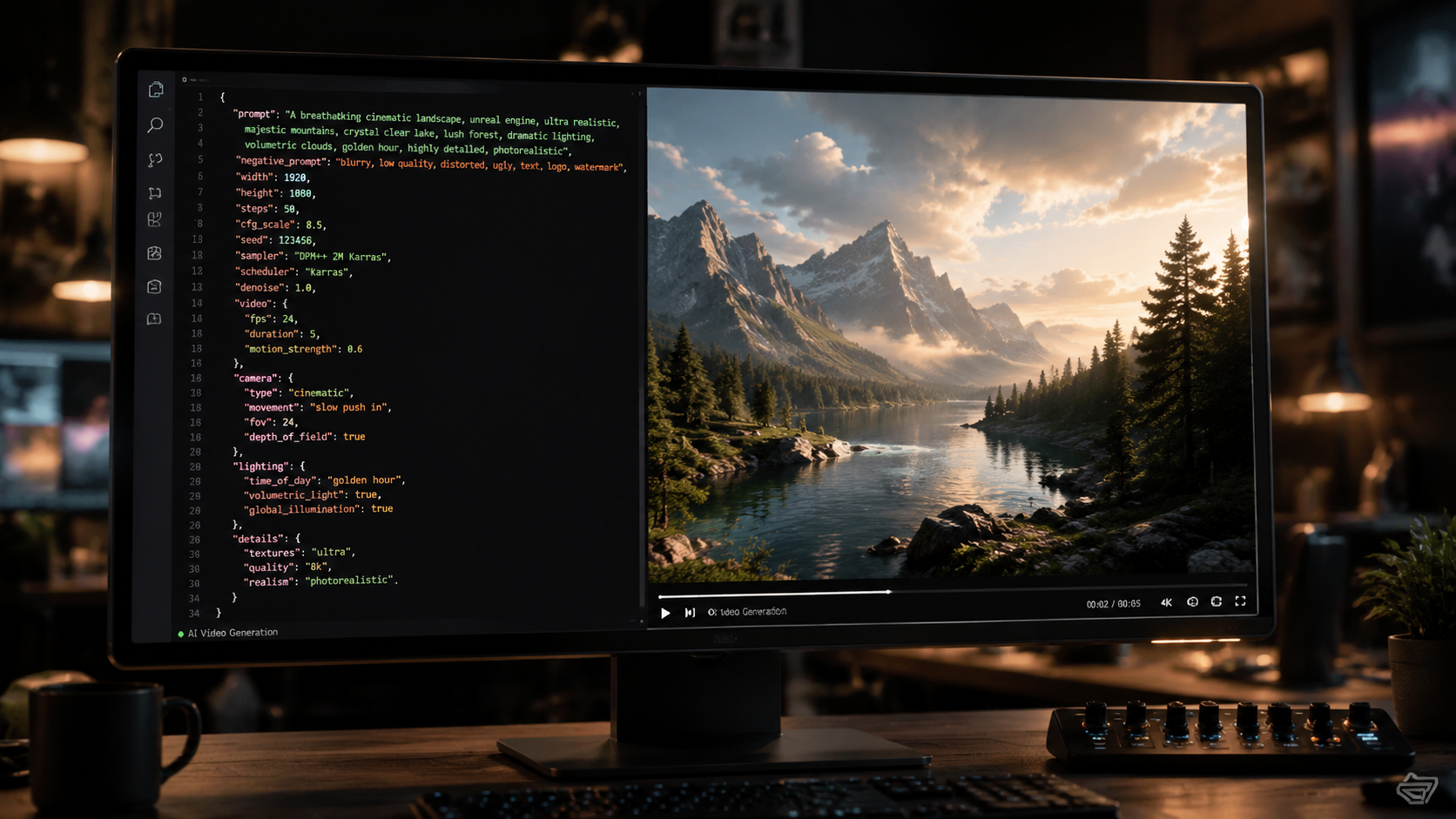
The landscape of generative video changed significantly in April 2026 when HappyHorse-1.0 was officially crowned the #1 open-source AI video generator. According to reports from the 24-7 Press Release Newswire and The Norfolk Daily News, this model managed to top the Artificial Analysis Global Leaderboard, surpassing both community-driven projects and several well-funded corporate competitors. The success of HappyHorse-1.0 is attributed to its unique architecture, which prioritizes "temporal anchoring," a technique that prevents the "morphing" effect often seen in earlier AI videos.
One of the most impressive feats of HappyHorse-1.0 is its ability to maintain character consistency across long-form generations. In 2026, the demand for open-source tools has skyrocketed because they allow for fine-tuning. Creators are no longer stuck with the "base look" of a model; they can train LoRA (Low-Rank Adaptation) weights on specific actors or art styles, a feature that remains limited in proprietary models. According to Artificial Analysis, HappyHorse-1.0 offers a 35% improvement in prompt adherence compared to the leading open-source models of late 2025.
Technical Specifications and Performance
HappyHorse-1.0 utilizes a DiT (Diffusion Transformer) backbone, which has become the standard for high-end video generation in 2026. It supports native widescreen, vertical, and square aspect ratios without the need for post-process cropping. This flexibility is vital for social media creators who need to pivot between TikTok and YouTube formats. Furthermore, the model's "Zero-Shot" capabilities allow it to understand complex physics, such as fluid dynamics and fabric movement, with startling accuracy.
For those looking to integrate this into a professional workflow, the model supports ControlNet for video, allowing users to guide the motion using depth maps or skeletal animations. This level of precision is why many studios are saying "So Long, Sora" and moving toward local, open-source pipelines that offer better security and no per-generation costs. As PCMag noted in their March 2026 review, the power of these models has finally caught up to—and in some cases exceeded—the capabilities of the early pioneers in the space.
Comparing the Top Open Source AI Video Generators of 2026
While HappyHorse-1.0 holds the top spot, the "open source ai video generator 2026" market is diverse, with different models excelling in various niches. Some models are optimized for speed, allowing for near-instant previews, while others are designed for maximum photorealism. The following table provides a breakdown of the leading models available for free download this year.
| Model Name | Best For | Max Resolution | VRAM Required | License Type |
|---|---|---|---|---|
| HappyHorse-1.0 | Cinematic Realism | 4K (Upscaled) | 24GB | Apache 2.0 |
| Stable Video Diffusion v3 | General Purpose | 1080p | 16GB | Open Rail-M |
| AnimateDiff-Ultra | Stylized/Anime | 720p | 12GB | MIT |
| Open-Sora Next | Long Sequences | 1080p | 32GB | Apache 2.0 |
| Lumiere-Open | Natural Motion | 1080p | 20GB | Creative Commons |
Choosing the Right Model for Your Hardware
When selecting an open source ai video generator 2026, your hardware is the primary bottleneck. If you are running a consumer-grade laptop with 8GB of VRAM, you will likely be restricted to AnimateDiff-Ultra or distilled versions of Stable Video Diffusion. These models use "LCM" (Latent Consistency Models) technology to generate video in fewer steps, making them faster but slightly less detailed. According to a 2026 study by Artificial Analysis, distilled models can produce a 2-second clip in under 30 seconds on mid-range hardware.
Conversely, for professional-grade output, HappyHorse-1.0 is the gold standard. It requires a beefy setup, but the results are indistinguishable from high-budget CGI. The model's ability to handle complex lighting and reflections makes it the preferred choice for indie filmmakers. As quasa.io highlighted in May 2026, the rapid release cycle of these models means that even if a model is "king" today, the community is constantly pushing updates that lower the hardware requirements or improve the visual fidelity.
Key Features to Look for in 2026 Video Models
The evolution of AI video has moved beyond simple "text-to-video" prompts. In 2026, a top-tier open source ai video generator 2026 must include several advanced features to be considered competitive. The most critical of these is "Temporal Consistency." This refers to the AI's ability to keep objects, colors, and backgrounds the same from the first frame to the last. Early models often suffered from "flickering," but 2026 models like HappyHorse-1.0 have virtually eliminated this through advanced attention mechanisms.
Another essential feature is "Multi-Modal Input." This allows the user to provide a text prompt, an initial image (Image-to-Video), and even a "motion mask" to specify which parts of the image should move. For example, you could upload a photo of a waterfall and use a mask to ensure only the water moves while the surrounding rocks remain static. This level of control is what separates professional tools from mere toys.
Sound and Video Integration
A burgeoning trend in 2026 is the inclusion of integrated audio generation. Some open-source video models now ship with "foley" generators that automatically create synchronized sound effects for the generated video. If the AI generates a video of a car racing down a street, it simultaneously synthesizes the engine roar and the screech of tires. While still in the experimental phase for some models, HappyHorse-1.0 has shown promising results in generating "audio-aware" video frames.
Furthermore, the ability to perform "In-Painting" and "Out-Painting" on video has become a standard requirement. In-painting allows you to select an object in a video (like a person's shirt) and change it to something else (like a suit) while maintaining the original motion. Out-painting allows you to expand the aspect ratio of a video, essentially "hallucinating" what is happening outside the original frame. These tools are revolutionizing the post-production industry by making complex edits accessible to everyone.
The Future of Open Source AI Video: Beyond 2026
As we look at the trajectory of the open source ai video generator 2026 movement, it is clear that decentralization is the future. With the rise of "DePIN" (Decentralized Physical Infrastructure Networks), creators are beginning to pool their GPU power to train even larger models than HappyHorse-1.0. This community-driven approach ensures that the most powerful AI tools remain in the hands of the public rather than behind corporate paywalls.
According to CNET, the quality of AI-generated content is improving so rapidly that by late 2026, distinguishability tests (AI vs. Human) are expected to fail more than 80% of the time for short-form content. This parity is driving a surge in "Free Models" that are supported by community donations and open-source contributions rather than traditional business models. The "So Long, Sora" sentiment is not just about performance; it is a statement of independence for the global creative community.
What is the best open source AI video generator in 2026?
HappyHorse-1.0 is currently considered the best open-source AI video generator of 2026. It holds the top spot on the Artificial Analysis Global Leaderboard due to its superior temporal consistency and 4K output capabilities.
Can I run these AI video generators for free?
Yes, all the models mentioned, including HappyHorse-1.0 and Stable Video Diffusion, are free to download and use. However, you will need a powerful computer with a high-end GPU (ideally 24GB VRAM) to run them locally without cost.
Is HappyHorse-1.0 better than Sora?
As of 2026, many experts and publications like PCMag suggest that HappyHorse-1.0 rivals or exceeds Sora in terms of creative control and consistency. Being open-source, it allows for fine-tuning and local execution, which Sora does not currently offer.
Do I need a specific operating system for AI video generation?
While most models are developed on Linux (Ubuntu), they are highly compatible with Windows 11 through WSL2 (Windows Subsystem for Linux) or native Python environments. macOS support is limited but improving for M4-series chips.
Are there any copyright issues with open-source AI video?
Most open-source models in 2026 use licenses like Apache 2.0 or MIT, which generally allow for commercial use. However, you should always check the specific "Open Rail" license for each model to ensure compliance with ethical use guidelines.



Comments ()