
Best Montage AI Video Editing Tool: 2026 Creative Guide
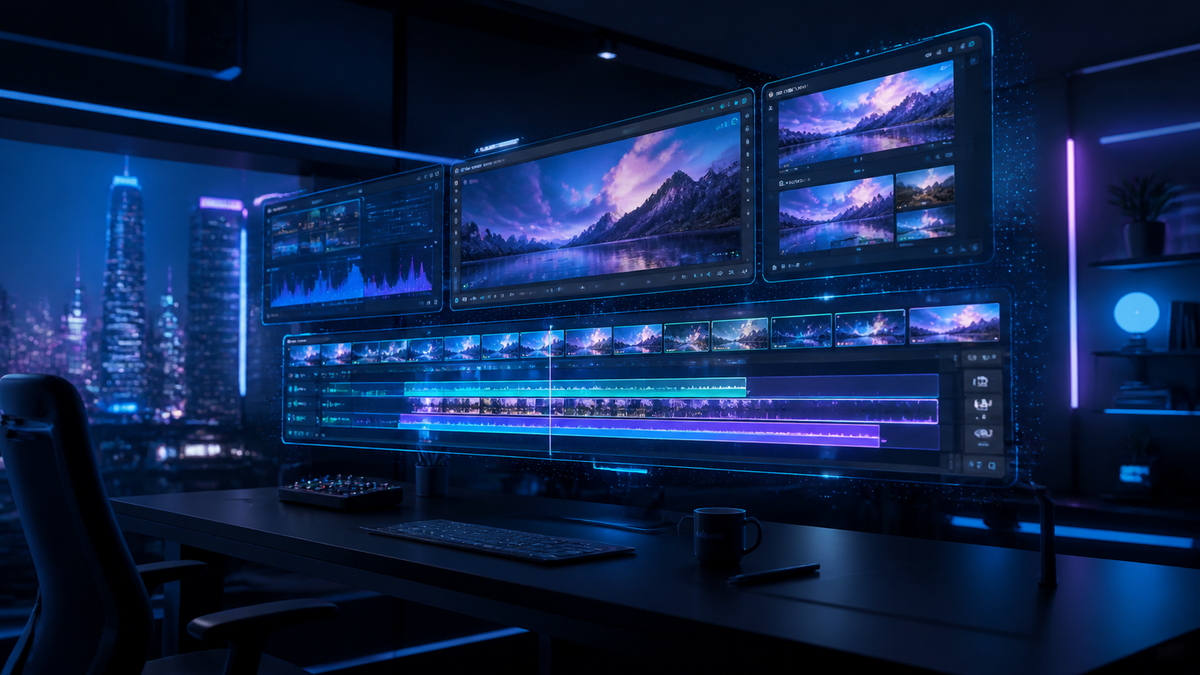
The best montage ai video editing tool in 2026 is a platform that automates the selection of highlights, syncs transitions to rhythmic beats, and utilizes generative fill to expand frames. With the recent launch of Apple Creator Studio and major AI overhauls in Adobe Premiere and Final Cut Pro, creators now have access to sophisticated neural engines that can assemble a professional-grade montage in seconds. These tools prioritize semantic understanding of footage, allowing the AI to distinguish between emotional close-ups and scenic landscape shots automatically.
A montage ai video editing tool is an advanced software application that uses machine learning algorithms to automatically trim, sequence, and sync video clips into a cohesive narrative. By analyzing metadata, visual cues, and audio beats, these tools—such as the new Apple Creator Studio and AI-integrated Final Cut Pro—drastically reduce manual editing time for content creators and professionals.
- ✓ AI-driven montage creation is now natively integrated into industry standards like Final Cut Pro and Adobe Premiere.
- ✓ Apple Creator Studio has emerged as a powerhouse for mobile and desktop creators seeking a unified AI ecosystem.
- ✓ Modern AI tools offer "no-watermark" exports and generative background expansion as standard features in 2026.
- ✓ Real-time beat matching and semantic clip sorting are the most sought-after features for social media montages.
How to Use a Montage AI Video Editing Tool: Step-by-Step
In 2026, the workflow for creating a high-impact video montage has shifted from manual timeline management to high-level creative direction. The AI handles the "grunt work" of finding the best frames, while the human editor focuses on the emotional resonance and stylistic choices. According to Digital Camera World, the latest updates to Final Cut Pro allow users to simply describe the mood of their montage to generate a first draft instantly.
- Import and Index: Upload your raw footage into your chosen montage ai video editing tool. The AI will immediately begin "indexing" the clips, identifying faces, actions, and lighting conditions.
- Select Your Soundscape: Choose a music track. The AI will analyze the BPM (beats per minute) and emotional peaks of the audio to establish "cut points."
- Define the Narrative: Use a text prompt or select a "Style Preset" (e.g., "Fast-paced Action" or "Cinematic Travel") to tell the AI how to prioritize your footage.
- Refine with Generative Tools: Use features like Adobe’s new generative AI to fill in gaps or extend clips that are too short for the desired transition.
- Export and Optimize: Finalize your project. Most leading apps in 2026, as noted by PCMag, offer direct-to-platform optimization for TikTok, Reels, and YouTube Shorts.
The Evolution of AI Video Editing in 2026
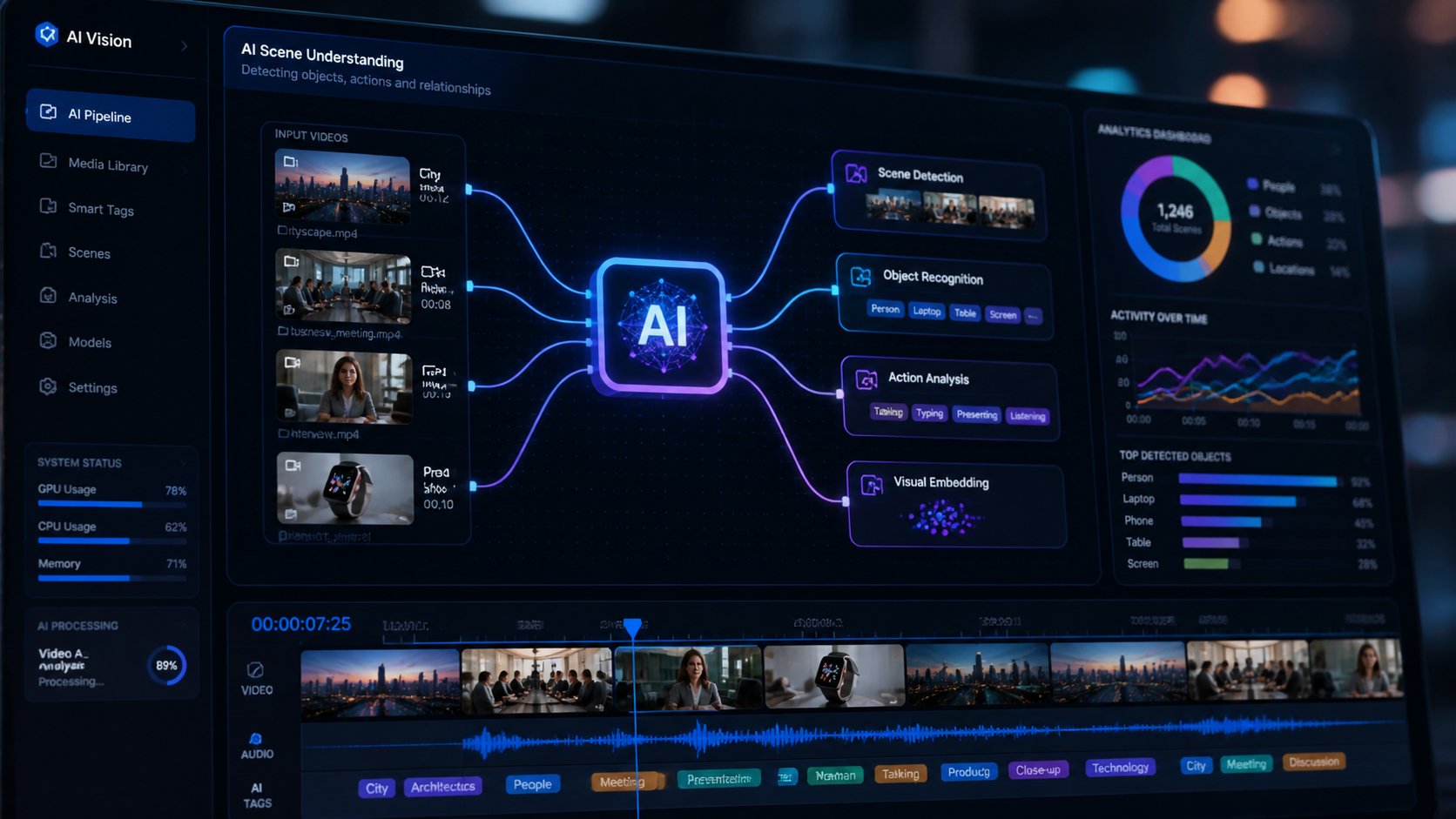
The landscape of digital creation has been fundamentally altered by the release of Apple Creator Studio in January 2026. This suite represents a shift toward "invisible" AI, where the software anticipates the editor's needs. Instead of manually searching through hours of B-roll, the montage ai video editing tool within the studio uses semantic search to find "that one shot of the sunset" in milliseconds. This level of integration ensures that the technical barrier to entry for high-quality video production is lower than ever before.
Furthermore, Adobe has made significant waves by dropping the "Pro" moniker from its flagship software, now simply known as Premiere. As reported by Digital Production, this rebranding coincides with the introduction of "Serious AI," a system that can rebuild low-resolution footage and automatically generate transitions that match the camera movement of the original clips. This ensures that even novice editors can produce results that previously required years of color grading and motion graphics expertise.
The Rise of Apple Creator Studio
Released on January 13, 2026, Apple Creator Studio has become the benchmark for integrated creative apps. It combines the power of Logic Pro's audio intelligence with the visual prowess of Final Cut. For those looking for the ultimate montage ai video editing tool, the Studio's "Magic Montage" feature is a standout. It utilizes the M5 chip's neural engine to process 8K footage in real-time, applying cinematic color transforms based on the detected subject matter.
Final Cut Pro’s Automated Montage Features
Digital Camera World recently highlighted that "AI will soon make a montage for you in Final Cut Pro," a prediction that has been realized with the latest version 11.5 update. The software now includes an "Auto-Cutter" that listens to the dialogue and music simultaneously, ensuring that cuts happen on the beat or during natural pauses in speech. This makes it an essential tool for documentary filmmakers and wedding videographers who deal with massive amounts of raw data.
Comparing the Top Montage AI Video Editing Tools
Choosing the right tool depends on your hardware and your specific output needs. Whether you are working on a high-end workstation or a mobile device, the 2026 market offers specialized solutions. TechRadar recommends different apps for Android and iOS, noting that the gap between mobile and desktop performance has virtually disappeared thanks to cloud-based AI rendering.
| Tool Name | Key AI Feature | Primary Platform | Best For |
|---|---|---|---|
| Apple Creator Studio | Semantic Search & Magic Montage | macOS / iPadOS | Professional Ecosystems |
| Adobe Premiere | Generative Frame Expansion | Windows / macOS | Commercial Production |
| Final Cut Pro | Rhythmic Auto-Cutting | macOS | Fast Narrative Edits |
| LumaFusion AI | Neural Color Matching | iOS / Android | Mobile Journalists |
| CapCut 2026 Pro | One-Tap Viral Templates | Web / Mobile | Social Media Creators |
Mobile Editing: The Power of Portability
According to PCMag’s testing of mobile video editing apps for 2026, the efficiency of AI on smartphones has reached an all-time high. Mobile versions of these tools are no longer "lite" versions; they are fully capable of handling complex montage ai video editing tool tasks. The integration of 6G connectivity allows these apps to offload heavy rendering to the cloud, making it possible to edit multi-layer 4K projects on a standard smartphone.
For creators on the go, the ability to film, edit, and publish a professional montage within minutes is a competitive necessity. TechRadar’s 2025-2026 recommendations emphasize that the best apps now include "No-Watermark" exports as a standard feature to attract serious influencers. This trend, supported by findings from perfectcorp.com, shows that users are gravitating toward tools that offer clean, professional results without the need for expensive subscriptions.
No-Watermark AI Editing
A significant pain point for creators has historically been the presence of watermarks on free versions of software. In 2026, the market has shifted. Tests conducted by perfectcorp.com on six leading video editors revealed that "watermark-free" is the new industry standard for AI-driven tools. This shift allows emerging creators to maintain brand integrity while utilizing high-end features like AI background removal and automated subtitle generation.
The Role of Generative AI in Montages
Generative AI is not just about creating images from scratch; in the context of a montage ai video editing tool, it is about enhancing existing reality. If a clip is slightly off-center, the AI can "re-center" the subject by generating the missing edges of the frame. If a montage needs a specific transition that wasn't filmed, the AI can synthesize a "match-cut" transition between two disparate scenes, creating a seamless visual flow that was previously impossible.
Why AI is Essential for Video Montages in 2026
The volume of content required for modern digital marketing is staggering. Studies show that brands using AI-assisted video tools produce 4x more content than those using traditional methods. By leveraging a montage ai video editing tool, a single editor can perform the work of a small post-production house. The AI doesn't just work faster; it works smarter by analyzing audience retention data to suggest where cuts should be made to keep viewers engaged.
Moreover, the precision of AI in 2026 is unmatched. According to Digital Production, the "Serious AI" in the new Premiere can detect micro-expressions in subjects, allowing the montage tool to automatically select clips where the subject looks most confident or happy. This emotional intelligence in software is what separates a standard slideshow from a compelling video montage.
Cost-Efficiency and Accessibility
In the past, high-end video editing required expensive hardware and software licenses. Today, the democratization of AI means that powerful montage tools are available via web browsers. This accessibility ensures that small business owners and independent creators can compete with larger corporations in terms of visual quality. The cost-per-video has plummeted, while the production value has skyrocketed.
Future-Proofing Your Creative Workflow
As we move further into 2026, the reliance on AI will only increase. Learning to collaborate with a montage ai video editing tool is now a core skill for any digital professional. Those who embrace these tools find that they have more time for the "creative" part of creative work—storyboarding, conceptualizing, and directing—while the AI handles the technical execution.
What is the best montage AI video editing tool in 2026?
Apple Creator Studio and the AI-enhanced Final Cut Pro are currently the top-rated tools. They offer seamless integration of generative AI and automated clip sequencing, making them ideal for both professionals and hobbyists.
Can AI video editors remove watermarks for free?
Yes, according to recent tests by perfectcorp.com in 2026, many leading AI video editors now offer high-quality, watermark-free exports as a standard feature to remain competitive in the creator economy.
Does Adobe Premiere still have AI features?
Absolutely. In early 2026, Adobe rebranded its video software and introduced "Serious AI," which includes advanced features like generative frame expansion and automated color matching across different camera types.
Is Apple Creator Studio available on mobile?
Yes, Apple Creator Studio was introduced as a cross-platform collection of apps available on macOS and iPadOS, allowing for a consistent AI editing experience across desktop and mobile devices.
How does AI sync video to music?
Modern AI montage tools analyze the waveform of a music track to identify rhythmic peaks and frequency changes. The software then aligns the "in" and "out" points of your video clips to these audio markers for a perfect beat-sync.



Comments ()