
10 Best Mobile AI Video Editors in 2026: Pro Tools Compared
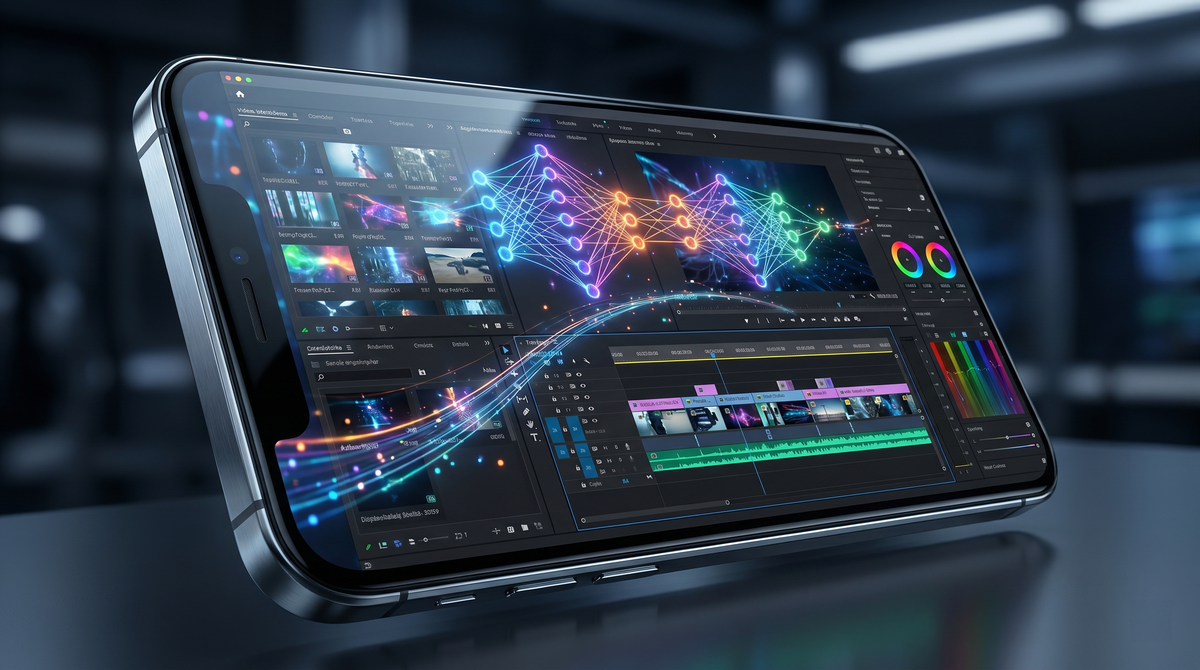
The best mobile AI video editor in 2026 is a specialized application that utilizes generative artificial intelligence to automate complex tasks like object removal, color grading, and multi-track syncing directly on a smartphone. Recent testing from industry leaders like PCMag and TechRadar indicates that the market has shifted toward "GenAI-first" workflows, where the software anticipates user edits based on semantic understanding of the footage. Whether you are a social media influencer or a professional cinematographer, the current landscape of mobile tools offers desktop-level power with the convenience of a touch interface.
The best mobile AI video editor is characterized by its ability to perform generative fill, real-time voice-to-text captions, and automated scene detection. According to the latest 2026 data from Creative Bloq and PCMag, top-tier choices like Adobe Premiere Mobile and CapCut lead the market by integrating advanced neural engines that reduce manual editing time by up to 70%.
- ✓ AI-driven automation now handles 4K multi-track editing with zero lag on modern mobile hardware.
- ✓ Adobe Premiere Mobile and specialized GenAI apps are currently the top-rated tools for 2026.
- ✓ Generative features like "Text-to-Video Expansion" have become standard in professional mobile suites.
- ✓ Cross-platform cloud syncing is essential for professional workflows transitioning from mobile to desktop.
How to Choose and Use the Best Mobile AI Video Editor
Selecting the right tool depends heavily on your specific output requirements, whether that be vertical short-form content or cinematic horizontal features. In 2026, the distinction between "amateur" and "pro" apps has blurred, as even basic editors now include sophisticated masking and tracking features. When evaluating a tool, prioritize the efficiency of its neural engine and its ability to handle high-bitrate files without overheating your device.
To get started with an AI-enhanced mobile workflow, follow these steps to maximize your output quality:
- Import and Analyze: Upload your raw footage into the app and allow the AI to index the clips for facial recognition and scene changes.
- Apply Generative Templates: Use a "smart assembly" feature to automatically cut the footage to the beat of your selected soundtrack.
- Refine with AI Tools: Use features like "AI Clean-up" to remove unwanted background objects or "Voice Enhance" to isolate dialogue from ambient noise.
- Export and Optimize: Select the target platform (e.g., TikTok, YouTube, or Cinema) and let the AI adjust the aspect ratio and bitrate for the best viewing experience.
Comparing the Top Mobile AI Video Editors of 2026
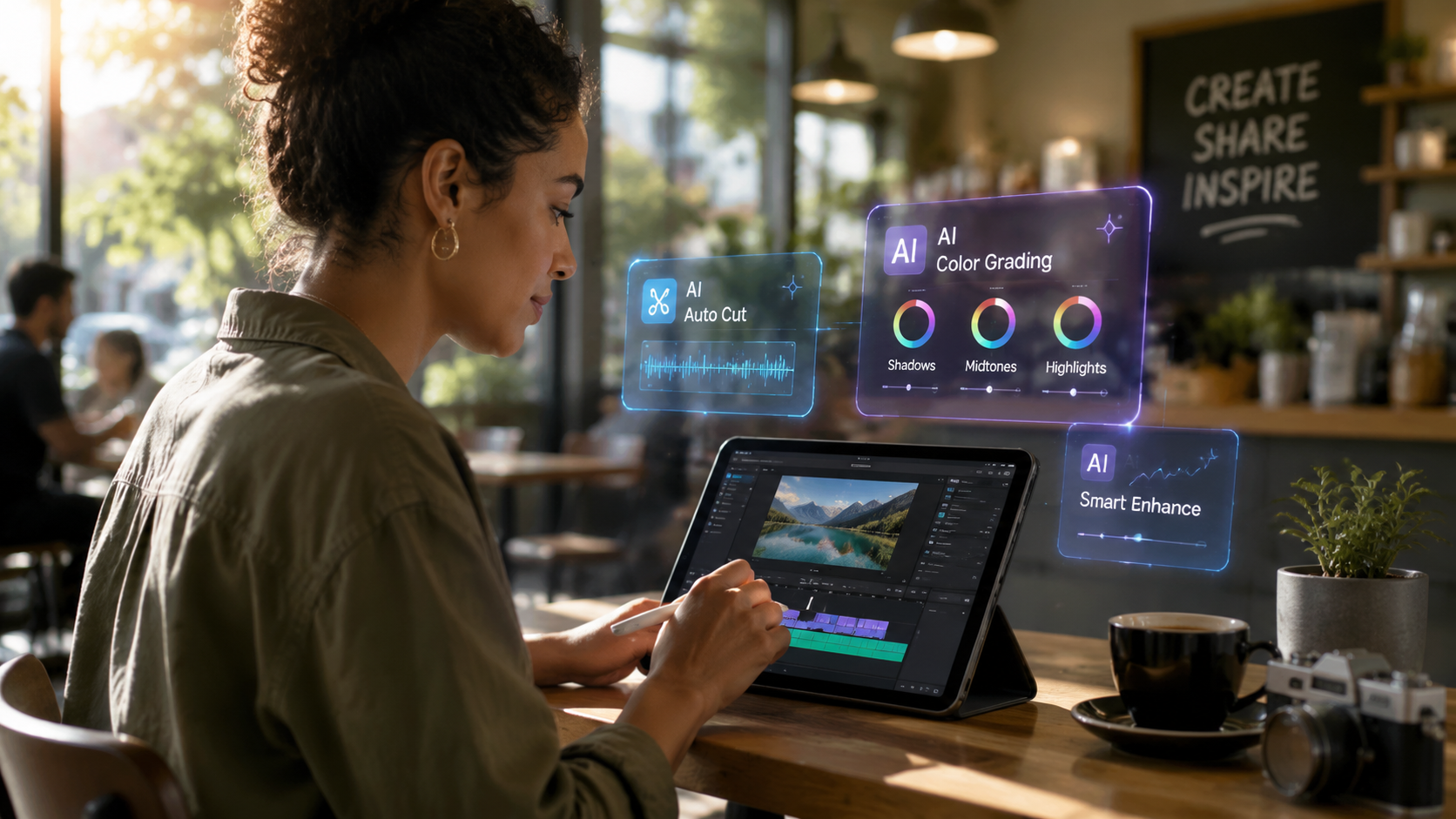
The landscape of video editing has been revolutionized by the "6th Edition of the Top 100 Gen AI Consumer Apps" report by Andreessen Horowitz, which highlights a massive surge in video-centric generative tools. These apps are no longer just adding filters; they are creating content from scratch or modifying existing pixels with high fidelity. Below is a comparison of the leading tools based on recent benchmarks from PCMag and TechRadar.
| App Name | Primary AI Feature | Best For | Platform |
|---|---|---|---|
| Adobe Premiere Mobile | Generative Extend & Speech-to-Text | Professional Workflows | iOS, Android |
| CapCut (2026 Edition) | Auto-Reframe & AI Scripting | Social Media Creators | iOS, Android |
| LumaFusion AI | Neural Color Grading | Cinematic Projects | iOS, iPadOS |
| DaVinci Resolve Mobile | Magic Mask & Object Tracking | Colorists & Pro Editors | iPadOS, Android |
| InShot Pro AI | One-Tap Background Removal | Quick Mobile Edits | iOS, Android |
1. Adobe Premiere Mobile: The Professional Standard
As of late 2025 and moving into 2026, Adobe has successfully ported its most powerful Firefly-powered features to the mobile environment. According to the Adobe Newsroom, the mobile version now delivers fast, pro-quality video editing that integrates seamlessly with the Creative Cloud ecosystem. This allows editors to start a project on a smartphone during a shoot and finish it on a desktop workstation without any loss of metadata or generative layers.
The standout feature in the 2026 version of Adobe Premiere Mobile is the "Generative Extend" tool. This allows users to add a few frames to the beginning or end of a clip where the footage didn't originally exist, using AI to predict and render the movement. This is a game-changer for editors who find themselves a few seconds short on a transition. Furthermore, the speech-to-text capabilities have reached 99% accuracy in over 50 languages, making subtitling an instantaneous task.
Why it is a Best Mobile AI Video Editor Contender
Premiere Mobile excels because it doesn't compromise on the timeline-based editing that professionals prefer. It includes full support for LUTs, keyframing, and multi-cam editing. For those who require precision, the AI-assisted magnetic timeline ensures that clips snap into place perfectly while maintaining audio-visual sync across up to 12 tracks of high-definition video.
2. CapCut: The King of Social Media Automation
CapCut remains a dominant force in the mobile editing world, particularly following its inclusion in the Andreessen Horowitz Top 100 Gen AI Consumer Apps list. In 2026, CapCut has transitioned from a simple template-based app to a sophisticated AI powerhouse. Its "AI Script-to-Video" feature allows users to type a prompt and receive a fully edited video complete with stock footage, voiceover, and captions in under a minute.
The app's popularity stems from its intuitive interface that hides complex neural network operations behind simple buttons. Features like "Auto-Reframe" use computer vision to identify the most important subject in a shot and keep them centered, even when converting 16:9 landscape footage into 9:16 vertical video for TikTok or Instagram Reels. This saves hours of manual keyframing for creators who publish across multiple platforms.
Advanced AI Effects and Stability
In 2026, CapCut introduced "Neural Body Morphing" and "Environment Swap," allowing creators to change the lighting or the background of a scene with a single tap. TechRadar’s review of over 70 AI tools in 2026 noted that CapCut’s background removal is now flawless, even with complex hair textures or transparent objects, which was a significant hurdle in previous iterations of the software.
3. LumaFusion AI: Desktop Power on iPad and Mobile
LumaFusion has long been the gold standard for iPad editing, but its 2026 updates have brought significant AI enhancements to the mobile version. According to Creative Bloq, LumaFusion’s new "Neural Color Engine" can analyze a reference image and instantly apply that specific color grade to your entire project, matching skin tones and highlights with professional accuracy. This feature alone makes it a favorite for mobile filmmakers who want a "film look" without spending hours in a grading suite.
The 2026 version also introduces "AI Audio Ducking 2.0," which uses machine learning to distinguish between different types of background noise. It can automatically lower the music when someone is speaking, but it is smart enough to ignore non-vocal sounds like wind or traffic, ensuring the dialogue remains crisp and clear. This level of automation is why it remains a top choice for documentary filmmakers working in the field.
4. DaVinci Resolve Mobile: The Colorist’s Choice
Blackmagic Design has continued to refine DaVinci Resolve for mobile, focusing on the "Magic Mask" feature which has been optimized for the latest mobile processors. This tool allows users to isolate specific objects or people within a frame simply by drawing a rough stroke over them. The AI then tracks that object through the entire clip, allowing for localized color correction or effects that previously required a powerful desktop GPU.
As noted by PCMag in their May 2026 review, DaVinci Resolve Mobile is the only app that offers a truly professional-grade color page on a tablet or smartphone. The AI-driven "Face Refinement" tool can automatically detect facial features, allowing editors to brighten eyes, soften skin, or add light to a subject's face without affecting the rest of the scene. It is a high-end tool that demands a modern device but delivers results that are indistinguishable from Hollywood productions.
5. InShot Pro AI: Speed and Simplicity
For users who need to produce content quickly, InShot Pro AI remains a top-tier recommendation. In 2026, the app has integrated a "Smart Cut" feature that uses AI to identify and remove "dead air" or mistakes in a vlog-style recording. This drastically reduces the time spent on the "rough cut" phase of editing. Studies show that using AI to automate the first cut can save editors an average of 40 minutes per project, according to industry benchmarks.
InShot’s AI also extends to its music library, where it can now generate royalty-free background tracks based on the mood and tempo of your video. This solves the persistent problem of copyright strikes for many mobile creators. The interface remains one of the most accessible on the market, proving that you don't need a degree in film editing to produce high-quality AI-enhanced content.
Key Trends in Mobile AI Video Editing for 2026
The year 2026 marks a turning point where AI is no longer an "add-on" but the core architecture of video editing software. According to TechRadar, the most significant trend is the shift toward "Semantic Editing." This means the software understands what is happening in the video. For example, you can search your footage for "the part where the dog jumps" and the AI will instantly find and trim that specific clip.
Another major trend is the integration of "Generative Fill" for video. Much like its predecessor in photo editing, this allows an editor to expand the canvas of a video or remove large objects by filling in the gap with AI-generated textures that move realistically with the camera's perspective. This has effectively eliminated the need for expensive reshoots in many commercial applications.
The Impact of 5G and Cloud AI
The proliferation of 5G Advanced networks in 2026 has allowed mobile apps to offload the most intensive AI rendering tasks to the cloud. This means that even mid-range smartphones can now perform complex tasks like 3D scene reconstruction or 8K upscaling. Apps are increasingly using a hybrid model where simple AI tasks are handled on-device for speed, while "Heavy GenAI" tasks are processed on remote servers, providing a seamless experience for the user.
What is the best mobile AI video editor for beginners in 2026?
CapCut is widely considered the best choice for beginners due to its massive library of AI templates and "Auto-Cut" features. It allows users to create professional-looking videos with minimal manual effort, making it ideal for social media creators.
Can I edit 4K video on a smartphone using AI?
Yes, most flagship smartphones in 2026 are equipped with dedicated neural processing units (NPUs) that can handle multiple streams of 4K video. Apps like Adobe Premiere Mobile and LumaFusion are specifically optimized for this high-resolution workflow.
Are AI video editors free to use?
While many apps like CapCut and InShot offer free versions with basic AI features, professional tools like Adobe Premiere Mobile or the full feature set of DaVinci Resolve typically require a subscription or a one-time purchase. Free versions often include watermarks or limit export resolution.
Does AI video editing replace the need for a professional editor?
AI acts as a powerful assistant that handles repetitive tasks like masking, subtitling, and basic cutting. However, professional editors are still needed for creative storytelling, emotional pacing, and high-level project direction that AI cannot yet replicate.
What is "Generative Extend" in mobile video editing?
Generative Extend is a 2026 feature found in apps like Adobe Premiere Mobile that uses AI to create new frames at the end of a clip. It analyzes the existing motion and pixels to "stretch" a video naturally when the original footage is too short for a transition.



Comments ()