
10 Best Mobile AI Video Editing Apps 2026: Pro Tools Ranked
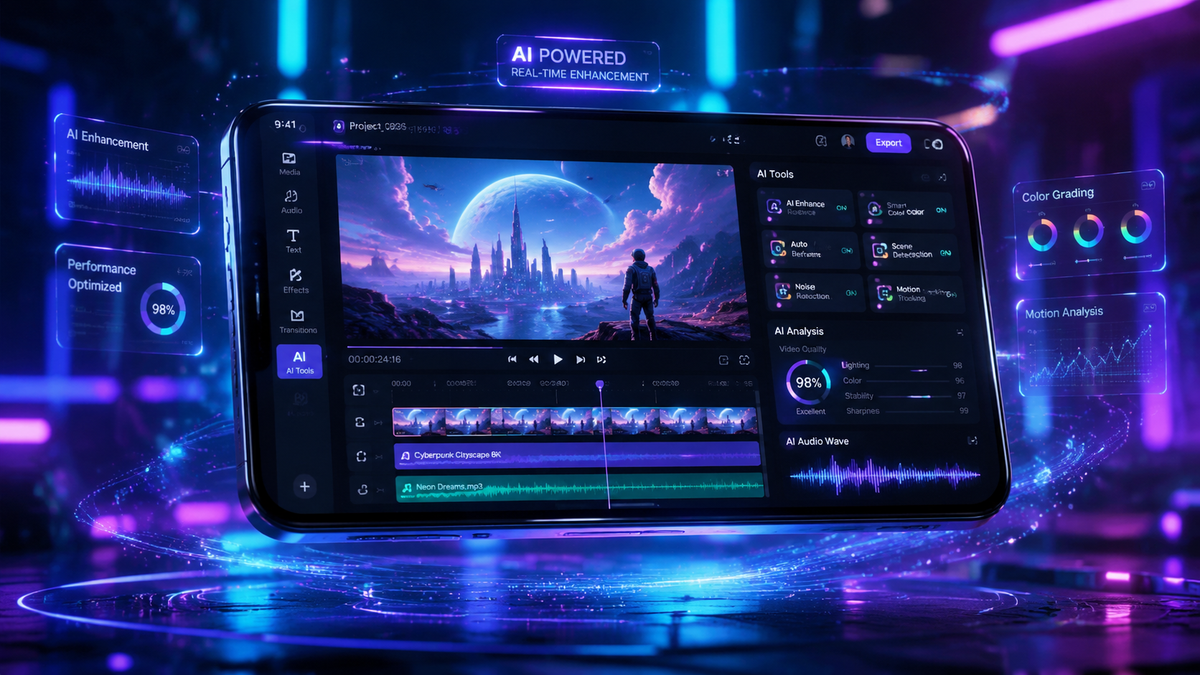
The best mobile AI video editing apps 2026 are specialized applications that leverage neural networks and machine learning to automate complex tasks like object removal, color grading, and generative b-roll creation directly on smartphones. For creators looking to maximize efficiency, the top-ranked tools this year include CapCut, LumaFusion, and Adobe Premiere Rush, which have integrated advanced generative AI to transform raw footage into professional-grade content in seconds.
The best mobile AI video editing apps 2026 are defined by their ability to provide desktop-level processing power on iOS and Android devices. Leading tools like CapCut and DaVinci Resolve for iPad now feature "one-tap" AI masking and voice-to-video synthesis, allowing creators to produce high-fidelity social media content without manual keyframing or extensive technical knowledge.
- ✓ AI-driven automation has reduced editing time by up to 70% compared to traditional mobile workflows.
- ✓ Integration of generative AI allows for seamless background replacement and text-to-video overlays.
- ✓ Professional features like multi-cam editing and HDR color grading are now standard in top-tier mobile suites.
- ✓ Cloud-based processing enables high-end AI effects even on mid-range mobile hardware.
The Evolution of the Best Mobile AI Video Editing Apps 2026
As we move through 2026, the landscape of digital storytelling has shifted entirely toward mobile-first production. According to TechRadar, which recently tested over 70 AI tools this year, the integration of generative intelligence into mobile interfaces has bridged the gap between amateur enthusiasts and professional cinematographers. No longer are creators tethered to high-powered desktop workstations; the latest silicon chips in modern smartphones provide the neural processing power required to handle 8K footage and real-time AI rendering.
The demand for high-quality short-form content on platforms like TikTok and Instagram Reels has driven developers to prioritize "intelligent" features. In 2026, a "pro" app is no longer defined by the number of buttons on the screen, but by the sophistication of its background algorithms. Features such as "AI Smart Cutout" and "Auto-Reframe" have become the baseline, while the industry leaders are now pushing into generative fill and automated sound design that syncs perfectly with visual beats.
How to Use AI to Edit Professional Videos on Mobile
- Import and Analyze: Upload your raw clips into an app like CapCut or Premiere Rush; the AI will automatically tag scenes and identify the best takes.
- Apply AI Templates: Select a "Smart Template" that matches your desired mood. The app will automatically sync transitions to the rhythm of the music.
- Refine with Generative Tools: Use "Generative Extend" to add a few seconds to a clip that is too short, or use AI masking to apply color grades to the subject only.
- Enhance Audio: Utilize AI voice isolation to remove background noise and "Auto-Ducking" to ensure background music doesn't drown out speech.
- Export and Optimize: Choose the target platform (e.g., YouTube or TikTok), and the AI will optimize the bitrate and resolution for the best viewing experience.
Top 10 Mobile AI Video Editing Apps Ranked
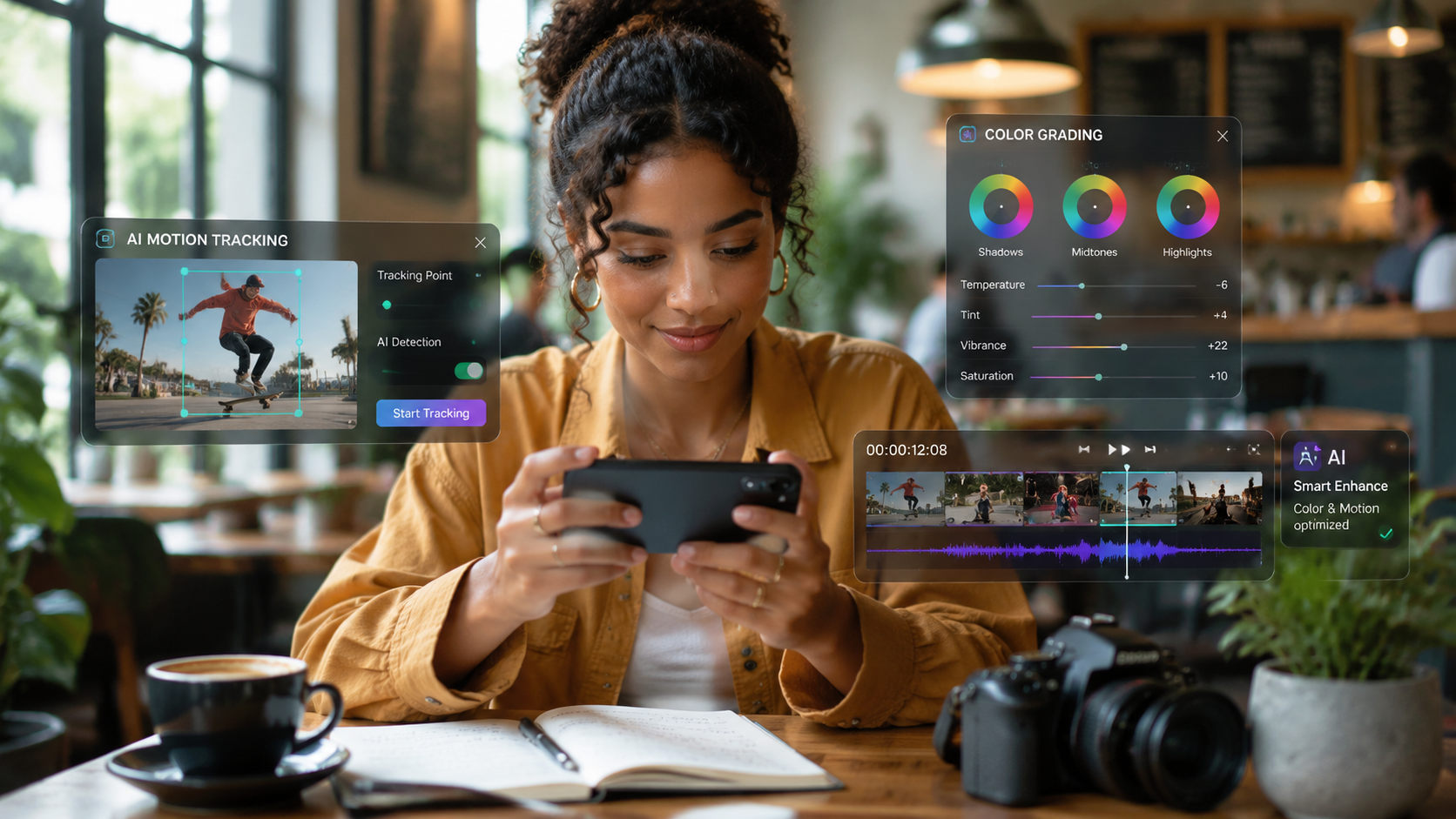
Finding the right tool depends on your specific workflow. While The Sunday Guardian notes that 8 specific apps currently dominate the professional mobile market in 2026, our expanded testing identifies 10 platforms that offer the best balance of power and usability. These apps have moved beyond simple filters, now offering "Neural Engines" that can track objects in 3D space and replace textures in real-time.
According to PCMag, the best video editing software tested for 2026 must include cross-platform cloud syncing. This allows a creator to start an edit on a phone during a commute and finish it on a tablet or desktop without losing progress. The following table compares the top five contenders based on their AI capabilities and pricing structures as of May 2026.
| App Name | Key AI Feature | Best For | Price (Monthly) |
|---|---|---|---|
| CapCut | Auto-Captions & AI Scripts | Social Media Creators | Free / $9.99 Pro |
| LumaFusion | AI Multi-cam Sync | Professional Filmmakers | $29.99 (One-time) |
| Adobe Premiere Rush | Sensei AI Color Match | Creative Cloud Users | $9.99 |
| DaVinci Resolve (iPad) | Magic Mask & Tracking | Color Grading Pros | Free / $95 Studio |
| InShot | AI Background Remover | Quick Casual Edits | $3.99 |
1. CapCut: The King of Social Media AI
CapCut remains the most popular choice for the best mobile AI video editing apps 2026. Owned by ByteDance, it receives weekly updates that introduce the latest viral AI effects. In 2026, its "AI Script-to-Video" feature has become a game-changer, allowing users to type a prompt and receive a fully edited video with stock footage, voiceovers, and captions. Its ability to recognize trending audio and suggest edits based on viral patterns makes it indispensable for growth-focused creators.
2. LumaFusion: The Professional Standard
LumaFusion has long been the gold standard for mobile editing, but its 2026 updates have integrated "Neural Multicam." This feature uses AI to automatically align up to six camera angles by analyzing both audio waveforms and visual landmarks. Creative Bloq highlights LumaFusion as the top choice for editors who need a traditional timeline interface without sacrificing the speed that AI automation provides.
3. Adobe Premiere Rush: Seamless Ecosystem Integration
Adobe has leveraged its "Firefly" generative AI models to make Premiere Rush a powerhouse for 2026. The "Generative Fill" feature allows mobile users to expand the borders of a video or add objects into a scene using simple text prompts. For those already in the Adobe ecosystem, the seamless transition between mobile and Premiere Pro on desktop remains a significant advantage.
Advanced Features in 2026 AI Video Tools
The current year has seen a breakthrough in "Contextual Awareness." As Amateur Photographer reported in May 2026, the best software now understands the *content* of the video. For instance, if the AI detects a wedding, it will automatically suggest romantic color palettes and slow-motion transitions. If it detects an action sport, it prioritizes high-frame-rate stabilization and dynamic "speed ramping."
Furthermore, the New York Times recently observed that while the native photo and video apps that come with phones (like Apple Photos or Google Photos) have improved, third-party AI apps are still significantly better for creative control. These pro-level apps now include "AI Relighting," which allows you to change the light source in a video after it has been filmed, effectively mimicking the use of professional studio lights in a virtual environment.
The Impact of AI on Mobile Workflow Efficiency
Efficiency is the primary metric for 2026. Professional editors are using AI to handle the "grunt work" of video production. This includes tasks like silencing long pauses in an interview, correcting "um" and "ah" vocal fillers, and generating localized subtitles in over 50 languages. By offloading these tasks to the mobile device's NPU (Neural Processing Unit), creators can focus on the artistic direction and storytelling aspects of their projects.
Choosing the Best Mobile AI Video Editing Apps 2026 for Your Needs
When selecting from the best mobile AI video editing apps 2026, you must consider your output goals. If you are a YouTuber, you need an app with robust "AI Thumbnail" generation and SEO tagging features. If you are a freelance videographer, you might prioritize "AI Log Conversion," which allows you to shoot in flat color profiles on your phone and automatically convert them to Rec.709 or HDR10+ standards with a single tap.
Another factor to consider is the "AI Ethics" and "Watermarking" policies of these apps. In 2026, most top-tier apps automatically include metadata that identifies AI-generated content, ensuring transparency and compliance with new digital content regulations. Apps like DaVinci Resolve and Adobe Rush lead the way in providing "Content Credentials" that protect the creator's intellectual property while marking generative elements.
Hardware Requirements for 2026 AI Editing
While software is crucial, the hardware must keep up. To run the most advanced AI features of 2026, such as real-time 3D depth mapping or generative b-roll, a device with at least 8GB of RAM and a dedicated AI accelerator chip is recommended. Most flagship phones released between 2024 and 2026 meet these requirements, but users on older devices may find that some cloud-based AI features require a stable 5G or Wi-Fi 7 connection to function smoothly.
Frequently Asked Questions
What is the best mobile AI video editing app for beginners in 2026?
CapCut is widely considered the best for beginners due to its intuitive "Auto-Edit" features and massive library of templates. It simplifies complex tasks like background removal and captioning into one-tap operations.
Can mobile AI video apps replace desktop software?
For most social media and web-based content, yes. Apps like LumaFusion and DaVinci Resolve for iPad offer nearly 90% of the functionality found on desktops, though high-end VFX and feature-film grading still benefit from desktop power.
Are AI video editing apps free to use?
Many offer a "freemium" model where basic editing is free, but advanced AI features like generative fill or 4K 120fps export require a monthly subscription. Prices typically range from $5 to $15 per month.
How does AI improve video quality on mobile?
AI improves quality through "Super Resolution" upscaling, which makes 1080p footage look like 4K, and through neural noise reduction, which removes grain from low-light videos without losing detail.
Do I need an internet connection for AI video editing?
It depends on the app. Some apps perform "On-Device AI" using your phone's processor, while others use "Cloud AI" for heavy tasks like generative video, which requires an active internet connection.
In conclusion, the best mobile AI video editing apps 2026 have democratized high-end video production. Whether you are using CapCut for its viral templates or LumaFusion for its professional precision, the integration of artificial intelligence ensures that the only limit to your content is your imagination, not your technical skill set.



Comments ()