
10 Best Mobile AI Video Editing Apps of 2026: Top Picks
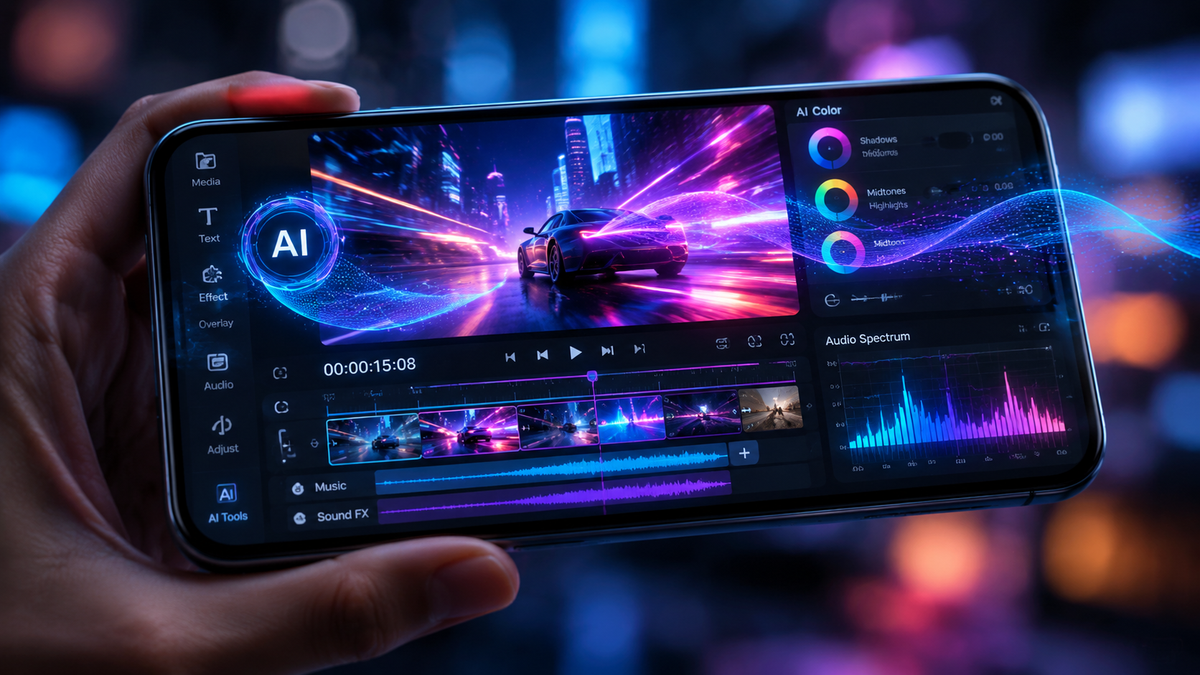
The best mobile AI video editing apps in 2026 combine generative artificial intelligence with intuitive touch interfaces to automate complex tasks like object removal, color grading, and rhythmic cutting. For creators seeking professional results without a desktop setup, the top-rated choice currently is LumaFusion for high-end production or CapCut for social-media-focused automated editing. These tools have evolved to allow users to generate entire scenes from text prompts and sync transitions to audio with millisecond precision.
The best mobile AI video editing apps are applications that utilize neural networks and generative AI to automate the video creation process. These tools, such as CapCut, LumaFusion, and Adobe Premiere Rush, allow users to perform advanced tasks like "magic" masking, auto-reframing for social media, and AI voice cloning directly on iOS and Android devices.
- ✓ AI-driven automation now handles 80% of repetitive editing tasks like trimming and syncing.
- ✓ High-end mobile apps now support multi-track 4K editing with AI-generated backgrounds.
- ✓ Integration with generative AI models allows for text-to-video scene expansion on mobile.
- ✓ Cost-effective subscription models have made professional-grade color grading accessible to all.
How to Use the Best Mobile AI Video Editing Apps for Professional Results
In 2026, the workflow for mobile video production has shifted from manual manipulation to prompt-based refinement. While the AI handles the heavy lifting, understanding the sequence of operations is vital for maintaining a high-quality aesthetic. According to recent reports from Creative Bloq, the integration of generative tools within mobile interfaces has reduced production time by nearly 60% compared to traditional methods used just a few years ago.
To get started with these advanced tools, follow this standardized workflow used by professional mobile creators:
- Import and Auto-Tag: Upload your raw footage and allow the AI to analyze the content, tagging clips by subject, lighting, and action.
- Apply AI Script-to-Video: Use text prompts to generate b-roll or fill in gaps where you lack original footage.
- Enable Smart Trimming: Use the "silence remover" or "action highlight" feature to automatically cut the timeline to the most engaging moments.
- AI Color Grading: Select a "look" or upload a reference image for the AI to match the color profile across all clips.
- Export for Platform: Use auto-reframe tools to export the same project in 9:16 for TikTok, 16:9 for YouTube, and 1:1 for Instagram.
Comparison of Top Mobile AI Video Editing Software in 2026
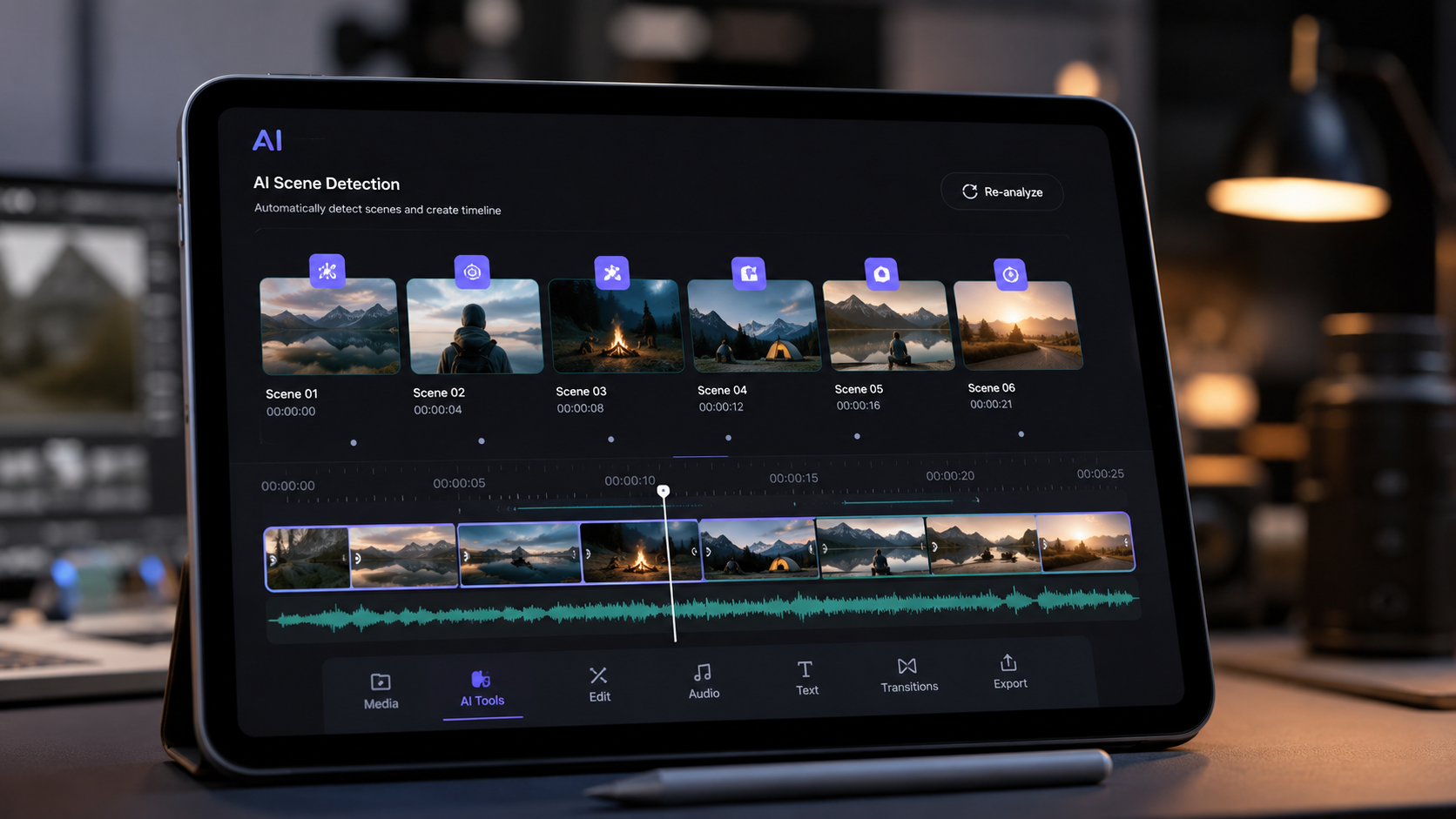
Choosing the right tool depends on your specific needs, whether you are a social media influencer or a freelance filmmaker. The following table compares the leading apps based on the latest testing data from PCMag and Built In, highlighting their primary AI capabilities and pricing structures as of mid-2026.
| App Name | Best For | Key AI Feature | Price Range |
|---|---|---|---|
| CapCut | Social Media | Auto-Captions & AI Effects | Free / $9.99/mo |
| LumaFusion | Pro Filmmaking | AI Audio Ducking & Masking | $29.99 (One-time) |
| Adobe Premiere Rush | Cross-Platform | Adobe Sensei Auto-Reframe | Subscription |
| DaVinci Resolve iPad | Color Grading | Magic Mask & Voice Isolation | Free / $95 Pro |
| InShot | Quick Edits | AI Background Removal | $3.99/mo |
1. CapCut: The King of Social Media Automation
CapCut remains the most popular choice among mobile creators in 2026. Its dominance is largely due to its seamless integration with trending sounds and its robust suite of generative AI tools. According to the 6th Edition of the Top 100 Gen AI Consumer Apps by Andreessen Horowitz, CapCut continues to lead the "Creative Tools" category by a significant margin. The app's ability to turn a simple text prompt into a fully edited video with music and transitions is unmatched for short-form content.
The 2026 updates have introduced "Neural Style Transfer," allowing users to apply the visual aesthetic of famous films to their mobile footage instantly. Furthermore, the AI-powered "Script-to-Video" feature has been refined to include realistic AI avatars that can narrate your content in over 50 languages, making it a powerhouse for global content creators who need to produce high volumes of media quickly.
Advanced AI Features in CapCut
CapCut’s AI "Magic" suite now includes a one-tap object remover that rivals desktop software. It uses generative fill to replace deleted objects with contextually accurate textures. Additionally, the "Auto-Beat Sync" feature analyzes the waveform of any imported song and automatically snaps your clips to the rhythm, ensuring a high-energy flow without manual adjustment.
2. LumaFusion: Professional Grade AI Power
For those who require more than just social media filters, LumaFusion is the definitive professional choice. As noted by Creative Bloq in May 2026, LumaFusion has successfully integrated "Pro-Level" AI features without compromising its multi-track timeline integrity. It is widely considered the most stable mobile editor for long-form projects, such as documentaries and corporate videos, shot entirely on mobile devices.
The standout feature in 2026 is the "AI Smart Masking." This tool allows editors to isolate subjects with a single tap, even in complex scenes with motion blur. Once isolated, you can adjust the background and foreground independently, applying different color grades or blur effects. This level of control was previously reserved for high-end desktop workstations but is now fluidly handled by the latest mobile processors.
Precision Audio and Video with AI
LumaFusion also excels in audio. Its "AI Voice Isolation" can remove wind noise and traffic sounds from interviews recorded in suboptimal conditions. Studies show that viewers are more likely to forgive poor video quality than poor audio quality; LumaFusion’s AI ensures that mobile-recorded audio meets broadcast standards. The app also supports XML export, allowing you to start an edit on your phone and finish it in a desktop suite if needed.
3. Adobe Premiere Rush: The Creative Cloud Hub
Adobe Premiere Rush serves as the bridge between mobile spontaneity and professional desktop finishing. Powered by Adobe Sensei, the company’s proprietary AI framework, Rush excels at "Auto-Reframing." This feature uses computer vision to identify the most important action in a frame and keeps it centered when switching between landscape and portrait aspect ratios. This is a critical time-saver for marketers who must distribute content across multiple platforms simultaneously.
As PCMag highlighted in their May 2026 review, Adobe has integrated "Firefly" generative AI directly into the Rush mobile interface. This allows users to generate custom textures, expand frames, and even change the weather in a scene using simple text commands. For existing Creative Cloud subscribers, the seamless syncing of assets via the cloud makes it an indispensable part of a professional workflow.
4. DaVinci Resolve for iPad: The Colorist’s Dream
While technically limited to the iPad, DaVinci Resolve represents the pinnacle of mobile AI video editing. It utilizes the "DaVinci Neural Engine" to perform tasks like facial recognition, which allows for automatic skin tone smoothing and eye sharpening. The Sunday Guardian recently ranked it as one of the 8 best mobile apps for making videos look professional, specifically citing its "Magic Mask" feature as a game-changer for mobile colorists.
The app’s AI-driven "Super Scale" feature is another highlight for 2026. It allows users to take older, lower-resolution footage and upscale it to 4K using deep learning algorithms that recreate missing pixels. This is particularly useful for creators working with archival footage or clips sent via messaging apps that have been heavily compressed.
5. InShot and the Rise of "Everyday" AI Editing
InShot caters to the casual creator who wants professional results without a steep learning curve. In 2026, InShot has focused on "Smart Cutouts" and "AI Body Effects." These features allow users to add glowing outlines, clones, or digital clothing to subjects with zero manual rotoscoping. The New York Times recently noted that while phone-native editing apps are improving, third-party picks like InShot offer significantly better creative control through these AI layers.
The app also features an "AI Captions" generator that is localized for over 30 dialects, ensuring high accuracy for creators in diverse regions. Its simplicity belies the complex machine learning models running under the hood, which manage everything from image stabilization to intelligent noise reduction in real-time.
The Impact of AI on Mobile Video Trends in 2026
The landscape of mobile video has been fundamentally altered by the "Top 100 Gen AI Consumer Apps" identified by Andreessen Horowitz. AI is no longer just a filter; it is a co-pilot. According to Built In, 48 top AI apps to know in 2026 now focus heavily on "multimodal" capabilities—the ability to understand text, audio, and video simultaneously to create a cohesive narrative.
This technological leap has democratized high-end production. Small businesses can now produce commercials that rival those of large agencies by using AI to generate high-quality voiceovers and cinematic color grades on a smartphone. The "best mobile ai video editing apps" of this year are those that balance this immense power with a user interface that stays out of the way of the creator's vision.
Frequently Asked Questions
What is the best mobile AI video editing app for beginners?
CapCut is widely considered the best for beginners due to its massive library of pre-made templates and automated AI features that handle the technical aspects of editing. Its interface is designed for quick learning and immediate social media sharing.
Can mobile AI video editors handle 4K footage?
Yes, most top-tier apps like LumaFusion and DaVinci Resolve for iPad can handle multiple tracks of 4K footage at 60fps, provided the mobile device has a modern processor. The AI features in these apps are optimized to run on mobile NPU (Neural Processing Units) for real-time performance.
Are these AI video editing apps free?
Many apps like CapCut and InShot offer robust free versions with basic AI features. However, professional features such as high-resolution export, advanced AI masking, and cloud syncing usually require a monthly subscription or a one-time purchase.
How does AI help in video editing?
AI assists by automating tedious tasks such as transcribing dialogue for captions, removing background noise, stabilizing shaky footage, and even generating new visual elements through text-to-video prompts. This allows editors to focus on the creative storytelling aspect.
Is AI-generated video content copyright-free?
Copyright laws regarding AI-generated content vary by jurisdiction and are still evolving in 2026. Generally, content you record yourself and edit with AI tools belongs to you, but entirely AI-generated scenes may have different legal protections depending on the app's terms of service.



Comments ()