
Best Free Text to Video AI Tools in 2026: Top Rated Picks
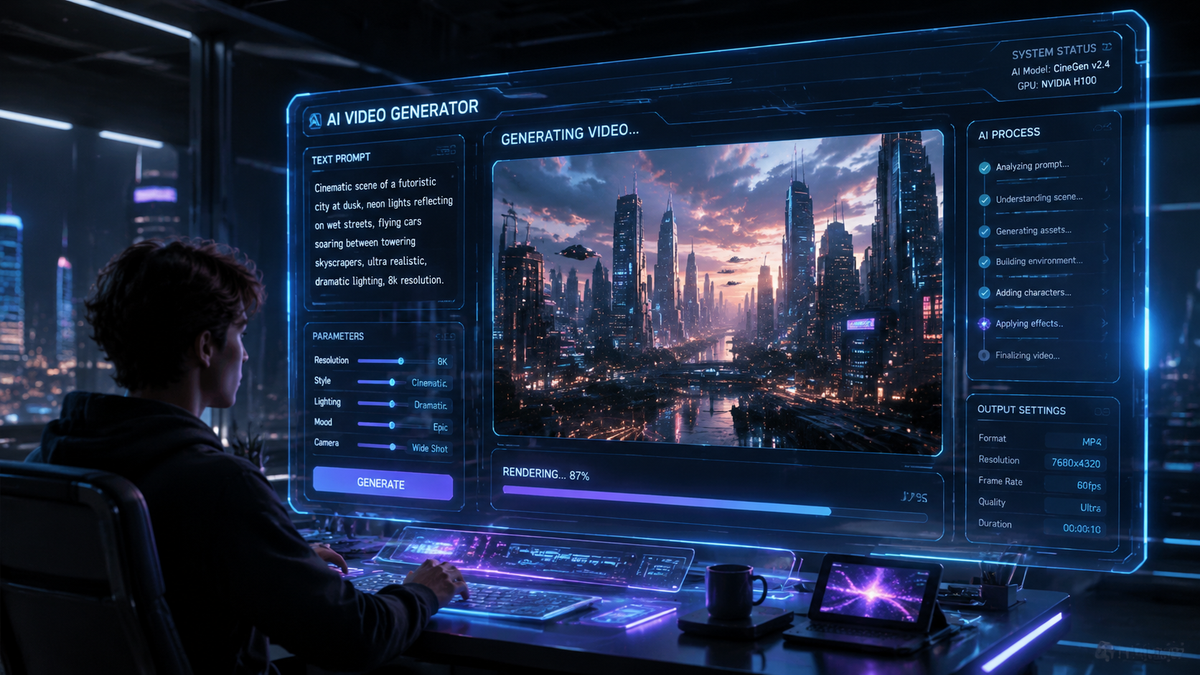
Finding the best free text to video AI in 2026 allows creators, marketers, and educators to transform written concepts into high-quality cinematic visuals without the need for expensive production equipment. As of April 2026, the leading tools for generating video from text include OpenAI’s Sora, InVideo AI’s agent-based platform, and specialized tools like Video Transcriber AI, many of which offer robust free tiers or trial credits for new users. By leveraging advanced generative models, these platforms can interpret complex prompts to produce everything from hyper-realistic 4K footage to stylized social media content in seconds.
Free text to video AI is a generative technology that uses natural language processing and diffusion models to convert written scripts into full-motion video files. In 2026, this technology has evolved to support high-fidelity physics and "AI Agents" that can autonomously edit, voice-over, and refine video content based on simple conversational commands.
- ✓ OpenAI’s Sora remains the gold standard for hyper-realistic physics and 60-second continuous clips.
- ✓ InVideo AI now utilizes "AI Agents" to handle end-to-end video production, including scripting and media sourcing.
- ✓ Free tiers in 2026 typically offer 5-10 minutes of watermarked video generation per month.
- ✓ Modern tools now support "Video-to-Video" and "MP4-to-Text" capabilities for seamless multimodal editing.
How to Use Free Text to Video AI: A Step-by-Step Guide
The process of generating video from text has become significantly more intuitive in 2026. Most platforms have moved away from complex parameter tuning in favor of natural language interactions. Whether you are using a mobile app or a desktop interface, the core workflow remains consistent across the top-rated tools.
- Draft Your Prompt: Write a detailed description of the scene you want to create. Include details about the lighting, camera movement, and the specific actions of the subjects.
- Select Your AI Model: Choose between realistic, cinematic, or animated styles depending on the platform's available presets.
- Define Technical Specifications: Set the aspect ratio (e.g., 9:16 for TikTok/Reels or 16:9 for YouTube) and the desired duration.
- Generate and Refine: Use the "AI Agent" or chat interface to request specific changes, such as "make the lighting warmer" or "change the background to a futuristic city."
- Export and Share: Download the final MP4 file. Note that free versions may include a watermark or limited resolution.
The Evolution of Free Text to Video AI in 2026
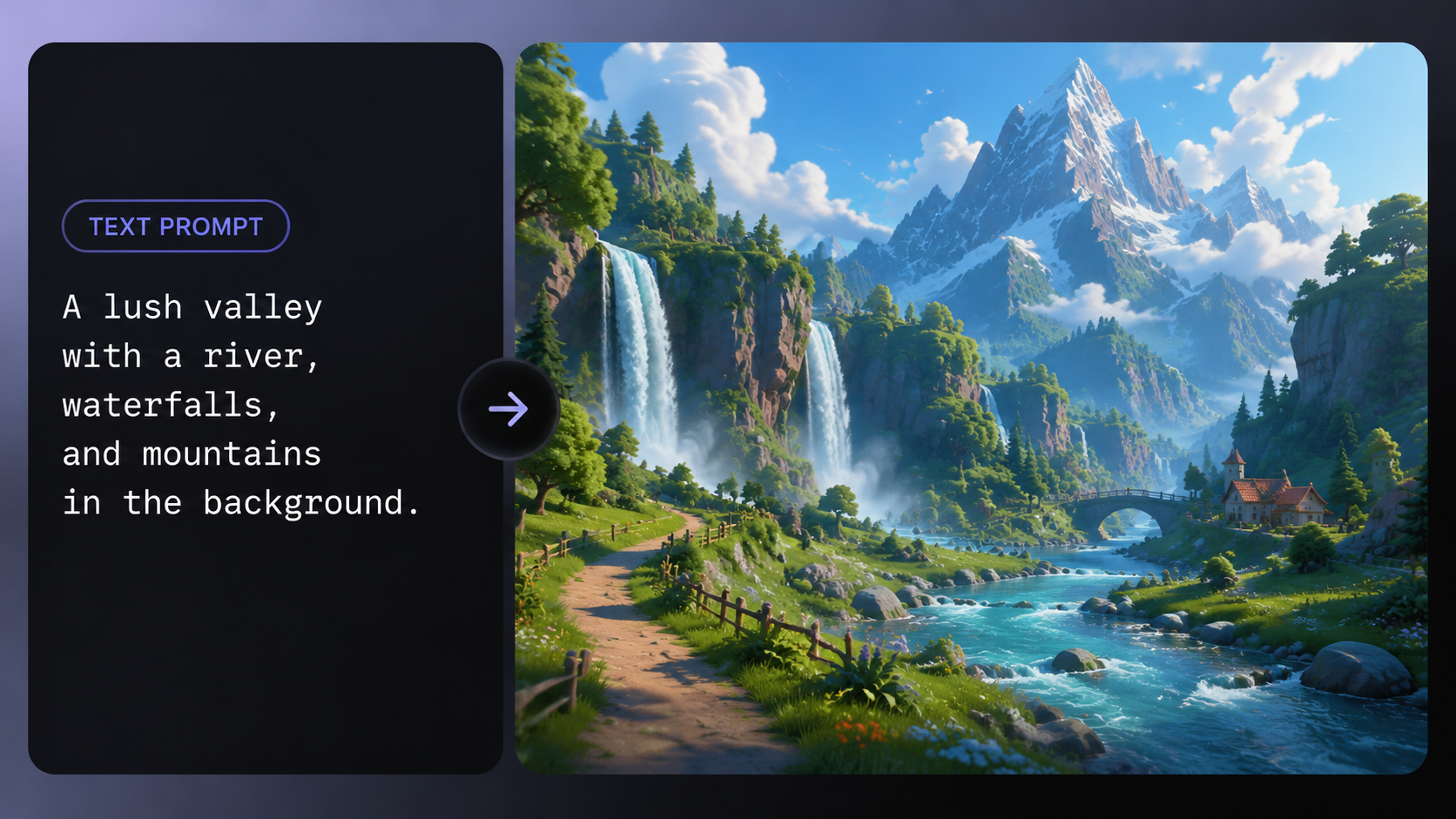
The landscape of artificial intelligence has shifted dramatically since the early experiments of previous years. According to Cybernews, the 16 best AI video generation tools for 2026 now feature enhanced temporal consistency, meaning characters and environments remain stable across long durations. This solves the "morphing" issues that plagued earlier versions of generative video. Users no longer need to be prompt engineering experts to get professional results; the AI now understands context and artistic intent with minimal input.
Furthermore, the integration of multimodal capabilities has become standard. As reported by North Penn Now, tools like Video Transcriber AI have bridged the gap between different media types, allowing users to not only generate video from text but also perform high-accuracy transcription and reverse-engineering of video files back into editable scripts. This bidirectional workflow is essential for creators who need to repurpose content across multiple platforms quickly and efficiently.
OpenAI Sora: The Benchmark for Realism
First announced in 2024 and reaching peak maturity in early 2026, Sora continues to lead the industry in visual fidelity. Sora is capable of generating complex scenes with multiple characters, specific types of motion, and accurate details of the subject and background. OpenAI has focused on ensuring that the AI understands not just what the user has asked for in the prompt, but how those things exist in the physical world. This makes Sora the preferred choice for those looking for cinematic quality in their free text to video AI experiments.
InVideo AI: The Rise of the Video Agent
InVideo has revolutionized the space by introducing an AI Agent that acts as a creative partner. According to a recent Unite.AI review, users can build entire videos with an AI agent in minutes. Rather than just generating a clip, the agent searches a vast library of stock footage, applies transitions, generates a human-like voiceover, and overlays text. This "all-in-one" approach makes it one of the most practical tools for businesses that need to produce high volumes of marketing content without a dedicated video editor.
Comparison of Top Free Text to Video AI Tools
To help you decide which tool fits your specific needs, we have compared the leading platforms based on their 2026 feature sets, free tier limitations, and primary use cases. Note that while many offer "free" access, this is often governed by a credit system that resets monthly.
| Tool Name | Best For | Max Duration (Free) | Key Feature |
|---|---|---|---|
| OpenAI Sora | Cinematic Realism | 60 Seconds | Advanced Physics Engine |
| InVideo AI | Marketing & YouTube | 10 Mins/Month | Conversational AI Agent |
| Pika Labs 3.0 | Animation & Stylization | 30 Seconds | Lip-Sync Integration |
| Runway Gen-4 | Professional Filmmaking | 15 Seconds | Motion Brush Control |
| Video Transcriber AI | Content Repurposing | Unlimited (Basic) | MP4 to Text Conversion |
Top Rated Picks for Every Creator Level
As highlighted by Perfect Corp in their review of the 22 best AI video generators for 2026, the market has segmented into niche categories. Some tools focus on "talking head" videos for corporate training, while others are designed for creative expression and experimental art. For those just starting out with free text to video AI, simplicity is key. Platforms that offer a "one-click" generation process are seeing the highest adoption rates among casual users.
According to OCNJ Daily, the democratizing power of these tools means that "anyone can generate videos from words," effectively removing the barrier of entry for high-end digital storytelling. This shift is particularly evident in the education sector, where teachers are using text-to-video tools to create engaging visual aids for complex scientific or historical topics, all within the free usage limits provided by developers.
Runway Gen-4 and the Creative Suite
Runway has maintained its position as a favorite for artists and professional editors. Their latest iteration, Gen-4, allows for granular control over camera angles and specific object movements. While the free tier is restricted in terms of resolution, it provides a powerful sandbox for testing concepts before committing to a paid subscription. The "Director Mode" in Runway is particularly noted for its ability to mimic specific lens types and cinematic lighting setups.
Pika Labs: The King of Animation
For those interested in stylized content, Pika Labs remains a top contender in 2026. It excels in creating anime, 3D claymation, and traditional 2D styles. The platform's free tier is generous, often rewarding active community members with extra credits. Its seamless integration of sound effects (SFX) that automatically match the generated visuals makes it a standalone powerhouse for social media creators who need "ready-to-post" content.
Technical Requirements and Accessibility
One of the most significant changes in 2026 is that most of these tools are now cloud-based, meaning you do not need a powerful GPU to run them. Whether you are on a smartphone or a basic laptop, the heavy lifting is done on the provider's servers. This accessibility has fueled the global explosion of AI-generated content. However, a stable internet connection is required to stream the previews and download the final high-definition renders.
Security and ethics have also taken center stage. Leading platforms now include invisible watermarking and metadata that identifies the content as AI-generated. This is a crucial step in maintaining transparency and preventing the spread of misinformation. When using free text to video AI, users are often required to adhere to strict content guidelines that prohibit the generation of deepfakes or harmful imagery, ensuring a safer environment for all creators.
Maximizing the Quality of Your AI-Generated Videos
To get the most out of a free text to video AI tool, your prompting strategy is vital. Instead of simple phrases like "a cat running," try to provide context: "A fluffy orange tabby cat sprinting through a sun-drenched meadow, cinematic lighting, 4k, slow motion." The more descriptive you are, the less the AI has to guess, resulting in a video that closer matches your vision.
Additionally, take advantage of the "seed" feature if available. If you find a style you like, the seed number allows you to generate consistent visuals across multiple clips. This is particularly useful if you are trying to create a series of videos or a short film where character and environment consistency is paramount. Many free users overlook these advanced settings, but they are the secret to producing professional-grade content on a zero-dollar budget.
Is there a completely free text to video AI?
Most AI video tools in 2026 operate on a "freemium" model. While platforms like InVideo and Sora offer free credits or trials, "unlimited" high-resolution generation usually requires a subscription to cover the high computational costs.
Can I use AI-generated videos for commercial purposes?
This depends on the platform's terms of service. Generally, videos created on a free tier are for personal or educational use only and may include a watermark. Commercial rights are typically reserved for paid subscribers.
How long does it take to generate a video from text?
In 2026, most tools can generate a 5-10 second preview in less than 30 seconds. A full 60-second high-definition clip may take between 2 to 5 minutes depending on the complexity of the prompt and server load.
Do I need to know how to code to use these tools?
No, modern text-to-video AI is designed for natural language use. You simply type what you want to see in plain English (or other supported languages), and the AI handles the technical execution.
What is the best tool for YouTube creators?
InVideo AI is widely considered the best for YouTube because its AI Agent can script, narrate, and edit a full-length video, significantly reducing the time required for content production.

Comments ()