
Best Free AI Video Maker for Business: 2026 Growth Guide
Finding the free ai video maker for business that fits your specific workflow is the most effective way to scale your content production in 2026 without inflating your marketing budget. Modern AI video tools have evolved beyond simple slideshows, now offering hyper-realistic avatars, text-to-video generation, and automated b-roll selection that allows small businesses to compete with enterprise-level production houses. By leveraging these free-tier platforms, companies can generate high-quality social media ads, internal training clips, and product explainers in a fraction of the time it took just two years ago.
A free AI video maker for business is a cloud-based software that utilizes generative artificial intelligence—such as Large Language Models (LLMs) and diffusion models—to transform text prompts, scripts, or blog posts into professional video content. These tools typically offer a "freemium" model, providing essential AI editing features, stock media access, and limited monthly exports at no cost to the user.
- ✓ AI video generators in 2026 now support high-definition exports and multi-language dubbing even on free plans.
- ✓ Automated script-to-video workflows can reduce production time by up to 80% compared to traditional editing.
- ✓ Leading platforms like those reviewed by CNET and PCMag now include "Brand Kits" to maintain visual consistency across AI-generated clips.
- ✓ The "best" tool depends on whether you need talking-head avatars, cinematic b-roll, or social-media-first templates.
How to Use a Free AI Video Maker for Business Growth
Implementing AI into your video marketing strategy doesn't require a background in cinematography. Most platforms in 2026 have streamlined their interfaces to be "prompt-first," meaning your primary job is to describe what you want rather than manually dragging clips onto a timeline. This shift allows business owners to focus on the message and the call-to-action while the AI handles the technical execution of lighting, transitions, and audio leveling.
To get started with a free ai video maker for business and see immediate results in your engagement metrics, follow this standardized five-step process used by top digital agencies:
- Input Your Objective: Start by pasting your script or a URL to a blog post. The AI will analyze the text to determine the core theme and sentiment.
- Select an AI Persona: Choose a digital avatar or a voiceover style that matches your brand's tone—ranging from professional and corporate to energetic and casual.
- Customize Visual Assets: Review the AI-generated storyboard. You can swap out suggested stock footage with your own product photos or use the tool's built-in generative art feature to create unique visuals.
- Apply Branding: Upload your logo and set your primary brand colors to ensure the video looks like an organic part of your business ecosystem.
- Export and Optimize: Download the video in the aspect ratio required for your platform (9:16 for TikTok/Reels or 16:9 for YouTube) and review the AI-generated captions for accuracy.
The Landscape of AI Video Generation in 2026
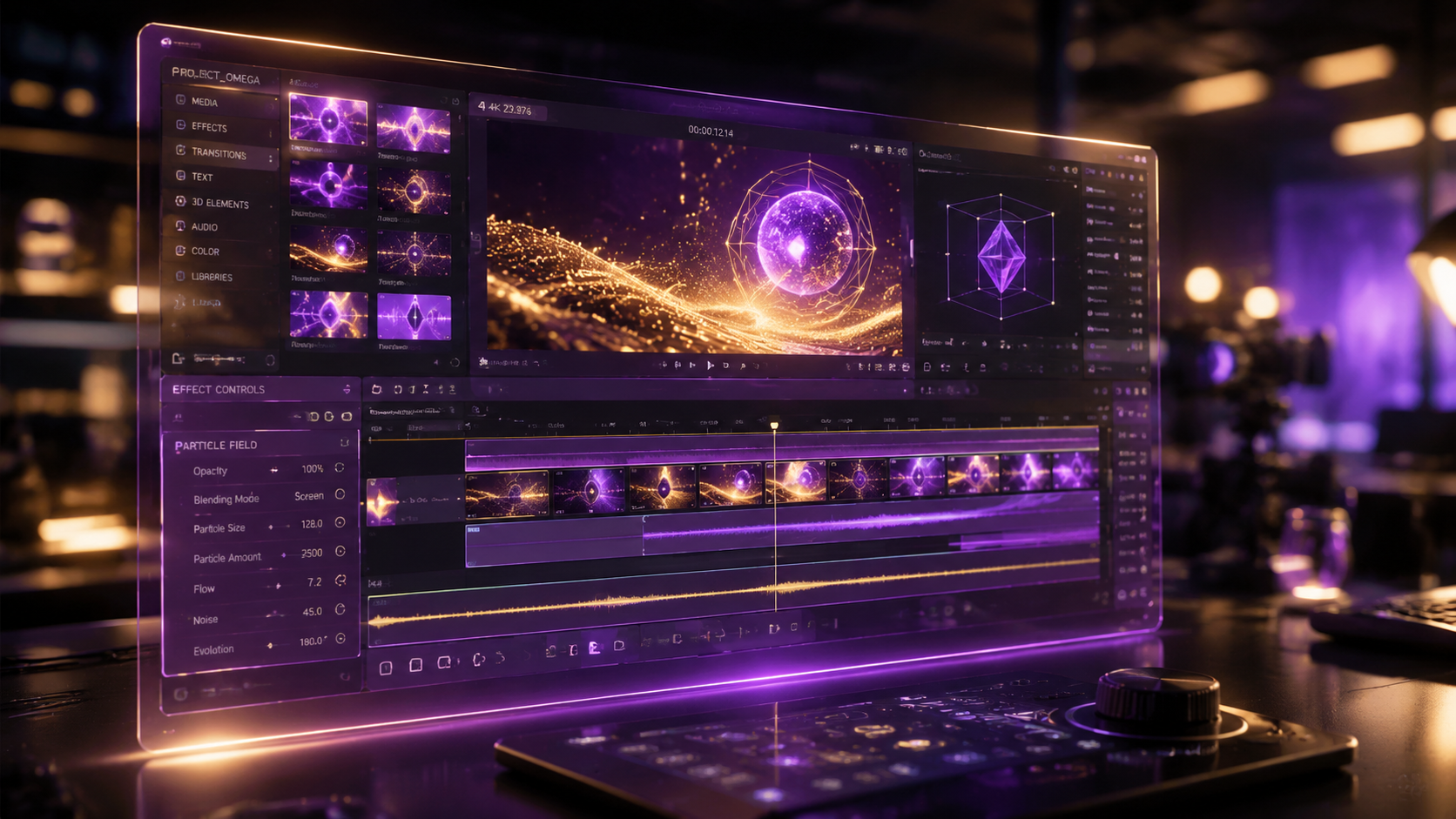
The year 2026 has marked a turning point for generative video technology. According to PCMag, the latest testing of video editing software shows that AI integration is no longer a "bonus feature" but the core architecture of the most successful platforms. This evolution means that even the free versions of these tools are now capable of producing 1080p resolution videos without the intrusive watermarks that were common in previous years. Businesses are no longer limited by their lack of "pro" equipment; they are limited only by the quality of their prompts.
Recent reports from Ventureburn highlight that the "10 Best Free AI Video Generators in 2026" have significantly improved their natural language processing (NLP) capabilities. This allows for more nuanced video creation where the AI understands context—for example, knowing to show a "growth chart" when a script mentions "quarterly revenue" without being explicitly told to do so. This level of semantic understanding is what separates the top-tier business tools from basic consumer apps.
Comparing Top Free AI Video Platforms for Business
With so many options available, businesses must weigh the trade-offs between export limits, feature access, and the quality of the AI's output. Below is a comparison of the key features found in the leading free AI video makers as of mid-2026.
| Feature | Standard Free Plan | Pro/Enterprise Tier | Business Impact |
|---|---|---|---|
| Max Resolution | 720p - 1080p | 4K - 8K Cinematic | Professionalism |
| AI Avatar Access | Limited (2-3 models) | Custom/Unlimited | Personalization |
| Stock Library | Standard Access | Premium/Exclusive | Visual Variety |
| Voice Cloning | Not Included | Full Voice Synthesis | Brand Authority |
| Monthly Credits | 5 - 10 Minutes | Unlimited / High Volume | Scalability |
Maximizing ROI with a Free AI Video Maker for Business
Using a free ai video maker for business is about more than just saving money on software; it is about the "opportunity cost" of your time. Cybernews recently reported that the 16 best AI video generation tools for 2026 have integrated "batch processing" features. This allows a business owner to turn an entire month's worth of tweets or LinkedIn updates into short-form videos in a single afternoon. This efficiency is the primary driver of ROI for small to medium-sized enterprises (SMEs).
Furthermore, BBN Times emphasizes that the best AI video maker guides for 2026 now focus heavily on YouTube creators and businesses looking to dominate search engine results. Video content is significantly more likely to appear in "Featured Snippets" and "Video Carousels" on search engines. By using AI to consistently produce video versions of your written content, you are essentially doubling your digital real estate and increasing the likelihood of capturing organic traffic from multiple sources.
The Role of Synthetic Media in Modern Marketing
Synthetic media—content generated or modified by AI—has become the standard for corporate communications. Whether it is a personalized sales video where an avatar greets a prospect by name, or a localized training video translated into five languages instantly, these "free" tools offer capabilities that were previously reserved for Fortune 500 companies. Studies from Perfect Corp show that in 2026, over 23 tested AI video generators now offer some form of facial expression mapping, ensuring that AI avatars look and move with human-like fluidity, which is crucial for maintaining viewer trust.
Future-Proofing Your Business Video Strategy
As we move through 2026, the gap between "amateur" and "professional" video content continues to shrink. The key to staying ahead is not just using the tools, but understanding the ethics and best practices surrounding them. Transparency is becoming a major factor in consumer trust; many businesses are now choosing to add a small "AI-Enhanced" disclaimer to their videos, which CNET suggests can actually improve brand perception by showing that the company is at the forefront of technological innovation.
To ensure your business remains competitive, you should regularly audit the output of your free ai video maker for business. Check for "hallucinations" in the video—such as distorted backgrounds or mismatched audio—and use the editing suite to fine-tune the results. While the AI does 90% of the work, that final 10% of human oversight is what ensures your content resonates emotionally with your audience and drives the desired conversions.
Key Features to Look for in 2026
- Multi-Modal Inputs: The ability to create video from images, text, or even simple hand-drawn sketches.
- Real-Time Collaboration: Free plans that allow at least two team members to comment on or edit the video project.
- API Integration: For businesses looking to automate, some free tiers offer limited API access to connect the video maker with your CRM or CMS.
- Privacy and Security: Ensure the platform has clear policies on how your data (and your customers' data) is used to train their future models.
Common Pitfalls to Avoid with Free AI Video Tools
While the allure of "free" is strong, businesses must be wary of several common traps. First is the "Watermark Trap," where a tool allows you to create a masterpiece but plasters a large logo over the center of the screen unless you pay. Always check the export settings before spending hours on a project. Second is the "Generic Content" issue. Because these tools use stock libraries, there is a risk that your video will look exactly like a competitor's. Use the AI's customization features to change colors, fonts, and pacing to ensure a unique brand identity.
Finally, remember that SEO for video is just as important as the video itself. Even the best AI-generated clip won't perform if it lacks a keyword-rich title, a compelling description, and accurate closed captioning. Most top-tier AI video makers in 2026 will automatically generate these metadata files for you—make sure you utilize them to maximize your reach on platforms like YouTube, LinkedIn, and Instagram.
Is there a truly free AI video maker for business without watermarks?
Yes, several platforms in 2026 offer a limited number of "clean" exports per month on their free tiers. However, these are often restricted to 720p resolution or shorter durations, such as 30 to 60 seconds.
Can I use AI-generated videos for commercial advertisements?
Most free ai video maker for business tools allow commercial use on their free plans, but you must verify that the stock music and footage included also carry commercial licenses. Always check the Terms of Service for "Commercial Rights" specifically.
How long does it take to create a video using AI?
For a standard 1-minute marketing video, the AI can usually generate a draft in under 3 minutes. With human editing and branding adjustments, a professional-ready video can be completed in approximately 15 to 20 minutes.
Do I need a high-end computer to run these AI tools?
No, almost all AI video generators in 2026 are cloud-based. The heavy processing happens on the provider's servers, meaning you only need a standard web browser and a stable internet connection to create high-quality content.
What is the best format for business videos on social media?
For 2026, vertical video (9:16 aspect ratio) is the dominant format for engagement on mobile-first platforms. Most AI makers allow you to toggle between vertical, square, and widescreen formats with a single click.



Comments ()