
10 Best Free AI Video Generators No Watermark in 2026
Finding a free ai video generator no watermark in 2026 is easier than ever as the gap between free and paid cinematic tools continues to close. The best platforms now offer high-definition text-to-video and image-to-video capabilities without imposing intrusive branding on your creative exports, provided you leverage their daily credit systems or open-source integrations. In this guide, we break down the top ten tools that allow you to generate professional-grade content for social media, marketing, and storytelling at zero cost.
A free AI video generator no watermark is a cloud-based or local software tool that uses generative artificial intelligence to create video clips from text prompts or images without embedding a digital logo. In 2026, leading tools like Luma Dream Machine, Kling AI, and Pika 1.5 provide daily free credits that allow for clean, watermark-free downloads for personal and commercial use.
- ✓ Most "no watermark" tools operate on a "Daily Credit" model where users get 5-10 free generations every 24 hours.
- ✓ Open-source models hosted on Hugging Face or local GPUs are the only way to get truly "unlimited" watermark-free video.
- ✓ According to recent reports by Nokiamob, the visual quality of free AI video now rivals $50/month subscription tiers from 2024.
- ✓ Cinematic consistency and physics-accurate motion are the primary features to look for in 2026's top-tier free tools.
The Evolution of Free AI Video Generation in 2026
As of May 2026, the landscape of digital content creation has undergone a massive shift. According to Nokiamob, the gap between free and paid AI tools is finally closing, allowing creators to access high-fidelity motion graphics that previously required expensive hardware or monthly subscriptions. This democratization of video tech means that "free" no longer implies "low quality" or "watermarked."
The primary reason for this shift is the rise of competition. With over 16 major AI video tools now competing for market share (as noted by Cybernews), companies are offering generous free tiers to entice users into their ecosystems. Many of these tools now offer "clean" exports to encourage viral sharing on platforms like TikTok and YouTube Shorts, where watermarks are often seen as a deterrent to engagement.
When searching for a free ai video generator no watermark, it is important to distinguish between "Trial" tools and "Freemium" tools. Trial tools might give you 100 credits once, while Freemium tools—the ones we focus on here—refill your credits daily or weekly, ensuring you have a consistent stream of content without ever opening your wallet.
How to Generate AI Video Without Watermarks
- Select a Platform: Choose one of the tools listed below that offers a "Daily Credit" system.
- Input Your Prompt: Use descriptive language, focusing on lighting (e.g., "cinematic lighting"), camera movement (e.g., "slow drone shot"), and subject matter.
- Adjust Settings: Ensure the aspect ratio is set correctly (16:9 for YouTube or 9:16 for Shorts) before generating.
- Export: Download the file directly. If the tool offers a "High Quality" toggle, ensure it is selected to avoid compression artifacts.
- Refine: If the tool has a "seed" feature, reuse the seed to maintain character consistency across multiple clips.
Comparison of Top Free AI Video Generators (2026 Edition)
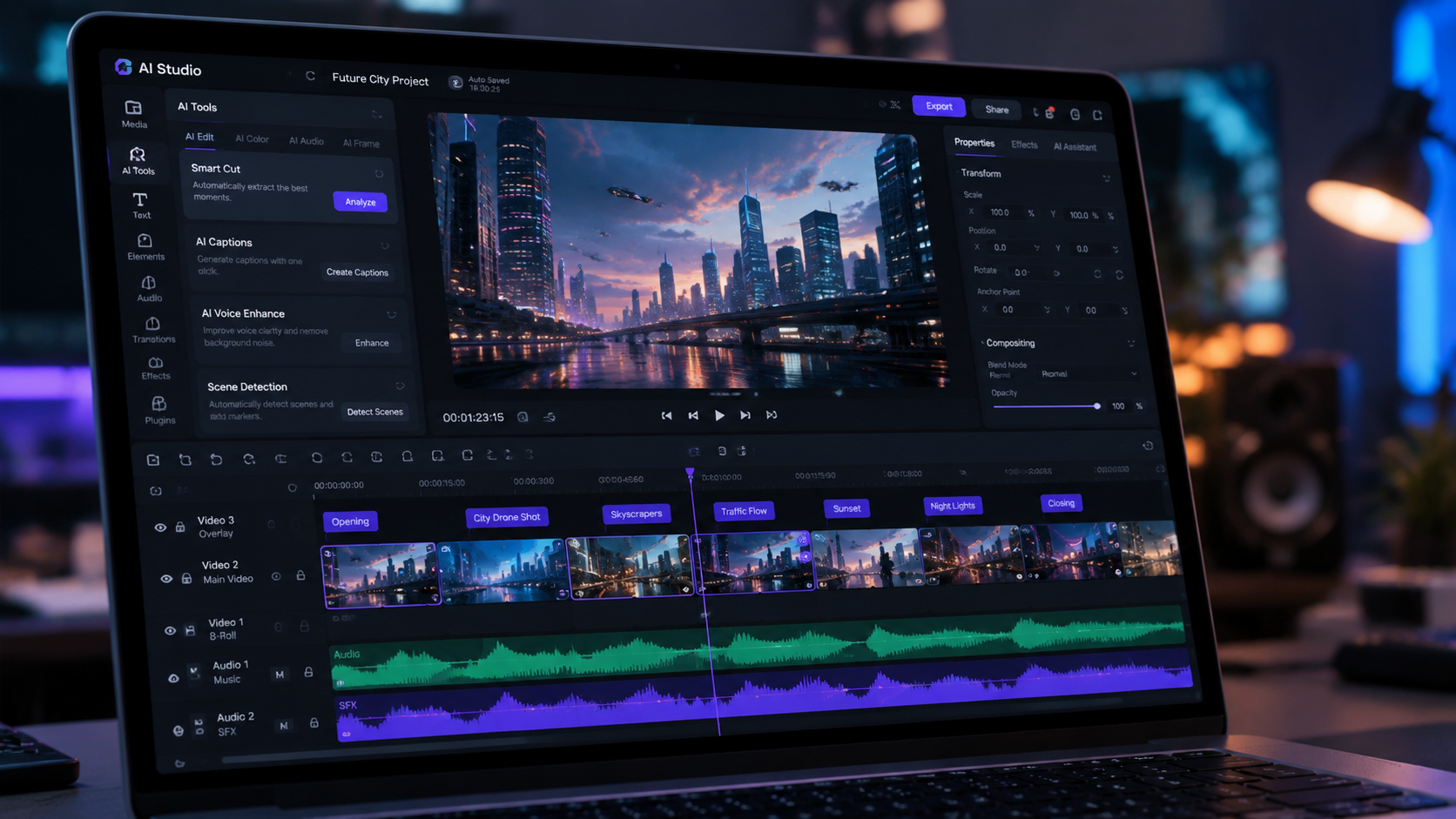
To help you choose the right tool for your specific project, we have compared the leading platforms based on their output quality, credit limits, and unique features. This data is based on hands-on testing and real output reports from Programming Insider.
| Tool Name | Free Daily Credits | Max Resolution | Best For | Watermark? |
|---|---|---|---|---|
| Luma Dream Machine 2.0 | 5 Generations | 2K / 4K Upscale | Cinematic Realism | No (Free Tier) |
| Kling AI (Global) | 10 Credits | 1080p | Realistic Human Motion | No |
| Pika 1.5 | 30 Credits (Weekly) | 1080p | Animation & Physics | No (Clean Export) |
| Hailuo AI (MiniMax) | Unlimited (Beta) | 720p/1080p | Hyper-realism | No |
| Stable Video Diffusion (Local) | Unlimited | Variable | Privacy & Customization | No |
1. Luma Dream Machine 2.0: The Gold Standard for Realism
Luma Dream Machine has remained a dominant force in 2026. According to Tycoonstory Media, it is currently the top pick for text-to-video and cinematic content. The platform uses a highly advanced transformer model that understands complex physics, making it ideal for creators who need videos that don't look "AI-generated."
The free tier of Luma is particularly generous. While many competitors have moved toward "pay-to-play" models, Luma provides a set number of free generations per month that do not include a watermark. The 2026 update introduced "Motion Brush 3.0," allowing users to paint specific areas of a static image to dictate where movement should occur, providing unparalleled control for a free tool.
Key Features of Luma Dream Machine
- Text-to-Video: Generates 5-second clips from simple or complex prompts.
- Image-to-Video: High-fidelity animation of existing photos with consistent character features.
- Clean UI: A streamlined interface that requires no technical knowledge of "prompt engineering."
2. Kling AI: The Global Leader in Human Motion
Originally launched in Asia, Kling AI's global version has become a staple for creators looking for a free ai video generator no watermark. As reported by Simplilearn, Kling AI is widely recognized for its ability to render human anatomy and movement with startling accuracy—areas where other models often struggle.
Kling AI operates on a credit-based system. Each day, users receive a "check-in" bonus of credits. If you use these credits for standard-definition generations, the output is free of watermarks. This makes it an excellent choice for creating social media influencers or digital avatars that require realistic facial expressions and fluid walking cycles.
3. Pika 1.5: Best for Creative Physics and Animation
Pika Labs updated their engine to version 1.5 in early 2026, introducing "Pikaffects." These are pre-set physics simulations—like melting, crushing, or inflating objects—that can be applied to any video. Pika remains a favorite for the "Shorts" community because of its playful nature and ease of use.
While Pika does have a pro tier, their free "Basic" plan allows for clean exports if you use their internal credit system wisely. According to fathomjournal.org, Pika is one of the "5 Best Text To Video" tools because it allows for "Long AI Videos" by extending clips in 4-second increments, all while maintaining a watermark-free canvas for free users.
4. Hailuo AI (MiniMax): The Dark Horse of 2026
Hailuo AI, powered by the MiniMax model, has surprised the industry with its hyper-realistic video quality. In 2026, it remains in a generous "growth phase," meaning many of its high-end features are currently available for free without watermarks to attract a larger user base. It excels at environmental rendering—think rain on a windshield, flowing lava, or bustling cityscapes.
One of the standout features of Hailuo is its speed. While some tools take 5-10 minutes to render a single clip, Hailuo often delivers results in under 60 seconds. For creators on a deadline who need a free ai video generator no watermark, this efficiency is a major competitive advantage.
5. Stable Video Diffusion (SVD): The Unlimited Open-Source Option
For those with a decent graphics card (GPU) or knowledge of platforms like Hugging Face, Stable Video Diffusion is the only way to get truly unlimited, watermark-free video. Because SVD is open-source, there is no "company" to put a watermark on your video. You own the model, and you own the output.
According to Cybernews, SVD is one of the 16 best tools for 2026 specifically because it offers "sovereignty" over content. You are not subject to the content filters or credit limits of commercial platforms. However, it does require a steeper learning curve than web-based tools like Luma or Pika.
Technical Requirements for Local SVD
To run a free ai video generator no watermark locally, you typically need an NVIDIA GPU with at least 12GB of VRAM. If you don't have the hardware, you can use "Google Colab" or "Hugging Face Spaces" to run the code on their servers for free, though these often have wait times during peak hours.
6. Leonardo AI: The All-in-One Creative Suite
Leonardo AI has evolved from a simple image generator into a full-scale video production hub. In 2026, their "Motion" tool allows users to take any image generated on the platform and turn it into a high-quality video. Leonardo uses a daily "Token" system; users receive 150 tokens every 24 hours, which is enough for several high-quality video clips.
The benefit of Leonardo is the aesthetic control. You can choose from various "models" (like Kino XL or Vision XL) to give your video a specific look—ranging from 1950s film stock to modern 3D animation—without ever seeing a watermark on your final download.
7. Runway Gen-3 Alpha (Free Tier)
Runway remains an industry leader, and while they are often associated with professional film studios, their Gen-3 Alpha "Free" tier is surprisingly robust. Runway’s strength lies in its "Director Mode," which allows users to control the camera’s zoom, pan, and tilt with surgical precision.
While Runway is more restrictive with credits than Hailuo or Kling, the quality is often cited as the highest in the industry. As noted by Simplilearn, Runway is the go-to for "Cinematic Content," making it the best choice for those who only need one or two perfect clips per day rather than a high volume of content.
8. Adobe Express: The Best for Marketing and Templates
Adobe has integrated Firefly Video Model into Adobe Express, which offers a free version for all users. Unlike the "experimental" feel of other AI tools, Adobe Express is built for practical use. It is the best free ai video generator no watermark for small business owners who need to create "Text-to-Video" ads or social media posts that include text overlays and music.
Since Adobe trains its models on Adobe Stock imagery, the outputs are commercially safe. This is a massive advantage for creators worried about copyright issues in 2026. The free version allows for watermark-free downloads of Firefly-generated content, provided you stay within the monthly "Generative Credit" limit.
9. Sora (Public Community Access)
By 2026, OpenAI's Sora has moved into a community-access phase. While the full "Pro" version is paid, OpenAI offers a "Creative Lab" where users can generate short clips for free. These clips are intended to showcase the power of the model, and in many regions, they are available for download without a watermark to encourage social sharing and feedback.
10. Morph Studio: The Best for Collaborative Video
Morph Studio is a unique entry in the 2026 list. It functions as a "video production board" where you can generate clips and arrange them in a timeline within the same interface. It is currently in a free-to-use phase as it builds its community. Morph is particularly effective for "World Building," where you need multiple clips of the same environment or character to tell a cohesive story.
Is there a truly free AI video generator with no watermark?
Yes, tools like Luma Dream Machine, Kling AI, and Hailuo AI offer free daily credits that allow for watermark-free downloads. Additionally, open-source models like Stable Video Diffusion can be used for free without any restrictions if run locally.
How do these tools make money if they are free?
Most platforms use a "Freemium" model. They provide a limited number of free credits daily to attract users, while charging for higher resolution, faster rendering speeds, and "Pro" features like longer video durations or commercial licensing.
Can I use free AI-generated videos for YouTube?
Generally, yes. Most tools listed, such as Adobe Express and Leonardo AI, allow for social media usage. However, always check the specific "Terms of Service" for each tool, as some may require a paid plan for full commercial monetization rights.
Which AI video generator is best for realistic people?
Kling AI is currently considered the leader in realistic human motion and anatomy. It excels at rendering complex actions like eating, walking, and talking without the "uncanny valley" effect common in earlier AI models.
Do I need a powerful computer to run AI video generators?
For most tools like Pika or Luma, no. These are cloud-based, meaning the heavy processing happens on their servers. You only need a powerful computer if you intend to run open-source models like Stable Video Diffusion locally.



Comments ()