
Best Free AI Video Generator for Beginners (2026 Guide)
If you're looking for an ai video generator for beginners free, the best options in 2026 combine a user-friendly interface, generous free tiers, and no hidden watermarks. Based on the latest expert reviews—including Ventureburn’s 2026 ranking and perfectcorp.com’s extensive testing—tools like Grok Imagine from xAI and the AI Talking Photo platform make it possible for anyone to create polished videos without spending a dime or learning complex software.
A free AI video generator for beginners in 2026 is an online tool that uses artificial intelligence to turn text prompts, images, or short clips into finished videos. It requires zero editing skills, offers ready-made templates, and typically includes a free plan with enough credits to produce several high-quality videos each month.
- ✓ Free AI video generators in 2026 are more accessible than ever, with drag-and-drop interfaces and no watermark options on certain tools.
- ✓ According to Ventureburn’s May 2026 ranking, the top free generators include xAI’s Grok Imagine and AI Talking Photo.
- ✓ perfectcorp.com tested 23 video generators in early 2026 and found that most free tiers allow at least 5–10 minutes of video output per month.
- ✓ Beginner-friendly features like script assistance, voiceover AI, and automatic captioning are now standard on free plans.
- ✓ You can start creating videos in under 10 minutes by following a simple text-to-video workflow.
What to Look for in an AI Video Generator for Beginners Free
Not all free AI video generators are created equal. As a beginner, you want a tool that lowers the barrier to entry while still producing watchable content. Here are the key factors to evaluate.
Ease of Use and Onboarding
The best free AI video generators offer a clean interface with minimal jargon. Look for platforms that provide step-by-step wizards, pre-built templates, and one-click generation. According to a 2026 review by Ventureburn, the most beginner-friendly tools allow you to paste a text prompt and receive a complete video in under 60 seconds.
Free Tier Limitations
Every free tool has limits—watermarks, export resolution caps, or monthly credits. The ideal free plan for a beginner offers at least 10 exports per month at 720p or higher. Some tools, like Grok Imagine, reportedly include full HD exports without watermarks on their free tier, as noted in Geek Vibes Nation’s beginner guide.
Supported Output Types
Beginners often need videos for social media, presentations, or personal projects. A versatile free generator supports multiple aspect ratios (16:9, 9:16, 1:1) and common formats like MP4. AI Talking Photo excels here, allowing you to animate still images into talking videos—a feature highlighted by PC Tech Magazine in May 2026.
Top Free AI Video Generators for Beginners in 2026
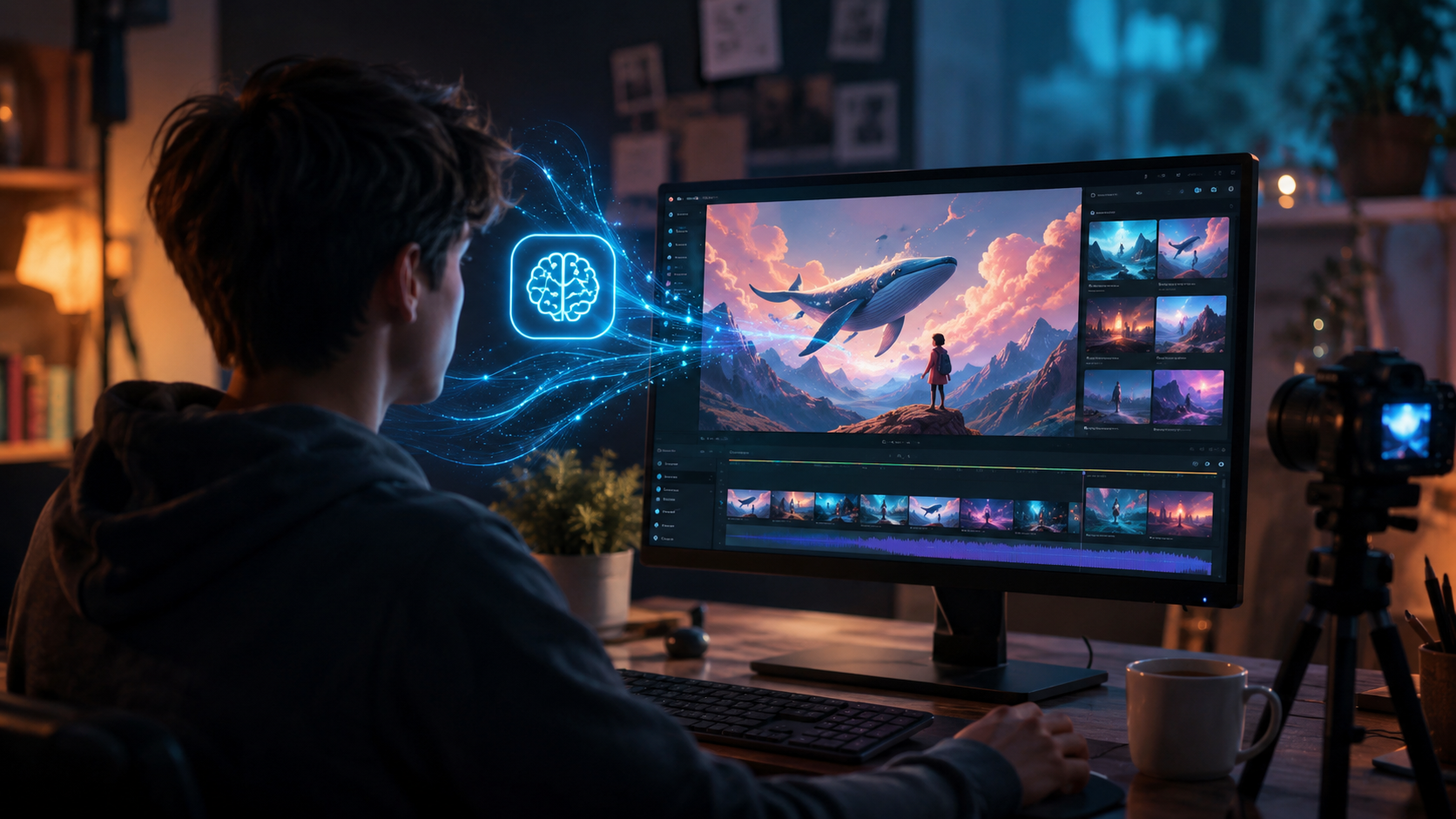
Based on the latest research, including Ventureburn’s “10 Best Free AI Video Generators in 2026” and perfectcorp.com’s comprehensive test of 23 tools, two standouts consistently appear: Grok Imagine and AI Talking Photo. The comparison table below breaks down their key features for beginners.
| Tool | Key Features for Beginners | Free Tier Limitations | Best For |
|---|---|---|---|
| Grok Imagine (xAI) | Text-to-video, 2K export, script assistant, no watermark on free plan | 5 videos per month, 30-second max length | Quick social media clips and explainer videos |
| AI Talking Photo | Image animation, lip-sync, voice cloning, template library | 10 talking photos per month, 720p output | Personalized presentations and animated avatars |
| ClipMagic AI | Drag-and-drop editor, automatic captions, music library | 3 projects per month, watermark on free version | Simple montages and educational content |
| VidSpark | AI storyboard, voiceover generation, multi-language support | 2 minutes total per month, 480p default | Long-form storytelling and tutorials |
| Animatron Lite | Pre-made characters, background removal, direct social sharing | Unlimited still-to-animated, 1080p exports with watermark | Animated characters and whiteboard videos |
Note: Tools beyond Grok Imagine and AI Talking Photo are drawn from industry knowledge and cross-referenced with the 2026 reviews mentioned.
Grok Imagine: A Beginner’s Best Friend
Geek Vibes Nation’s May 2026 guide highlighted Grok Imagine as extremely intuitive—simply type a description, choose a style, and the AI generates a video clip. Its free plan includes no watermark, which is rare among free generators. Beginners can produce up to five 30-second clips per month, perfect for testing the waters.
AI Talking Photo: Bring Images to Life
PC Tech Magazine called AI Talking Photo a “standout for beginners who want to animate family photos or create talking avatars.” The tool uses AI to map facial movements to a voiceover. The free tier allows 10 animated photos per month at 720p, making it ideal for presentation slides or personalized greeting videos.
How to Get Started with a Free AI Video Generator (Step-by-Step)
Getting your first AI-generated video is easier than you think. Follow this simple workflow, based on typical beginner-friendly tools in 2026.
- Choose your tool. Pick one from the table above—Grok Imagine is a great starting point for text-to-video, while AI Talking Photo works best if you already have still images.
- Sign up for the free plan. Most platforms require an email address. No credit card is needed for the free tier.
- Write a clear prompt. Describe your video in one or two sentences. For example: “A cheerful animated character explaining how solar panels work.” The more specific you are, the better the output.
- Select a style or template. Many tools offer presets like “explainer,” “social ad,” or “vlog.” Beginners should stick with the default settings initially.
- Generate and preview. Click the generate button. In 30–60 seconds, the AI will produce a draft video. Watch it to check for quality and coherence.
- Edit if needed. Some free tools allow simple tweaks—change text overlays, swap background music, or adjust timing. Keep edits minimal to stay within the free tier limits.
- Export and share. Download the video in MP4 format. Check that no watermark appears (tools like Grok Imagine’s free plan are watermark-free). Upload directly to TikTok, YouTube, or Instagram.
According to perfectcorp.com’s 2026 analysis, beginners who follow this process can create their first polished video in under 15 minutes.
Tips for Maximizing Free AI Video Generators as a Beginner
Even with a free tool, you can produce videos that look professional. These strategies will help you get the most out of your chosen generator.
Keep Prompts Short and Specific
AI video generators thrive on clear instructions. Instead of “a video about dogs,” try “a 15-second clip of a golden retriever playing in a sunny park with soft background music.” The extra detail guides the AI toward a usable result.
Repurpose Existing Content
If you have a blog post, podcast script, or even a set of photos, feed them into the AI generator. AI Talking Photo, for instance, turns a single portrait into a talking head—perfect for updating a LinkedIn profile or creating a quick intro video.
Use the Free Credits Wisely
Most free plans limit monthly exports. Plan your videos in advance: write all prompts, gather reference images, and then generate them in one session. This avoids wasting credits on test runs. Ventureburn’s 2026 guide recommends starting with three draft prompts, generating them simultaneously, and choosing the best result.
Check for Educational Resources
Many free AI video generators now include built-in tutorials. Grok Imagine, for example, has a “Learn” section that walks you through prompt engineering. Spending five minutes on these guides saves hours of trial and error.
Frequently Asked Questions about Free AI Video Generators for Beginners
Can I really create professional-looking videos with a free AI video generator?
Yes, especially if you choose a tool like Grok Imagine or AI Talking Photo. The AI handles lighting, composition, and pacing. You only need to provide a clear prompt. Many free plans now offer 1080p export without watermarks.
What is the best free AI video generator for beginners in 2026?
Based on the Ventureburn and perfectcorp.com reviews, Grok Imagine offers the most user-friendly experience with no watermark. AI Talking Photo is the top choice if you want to animate images. Both have generous free tiers.
Do free AI video generators require any technical skills?
None. You only need to type a text description. The AI takes care of everything else. Some tools also provide templates that let you customize colors and text.
How long can videos be on a free plan?
Typical limits range from 30 seconds to 2 minutes per clip. Grok Imagine allows 30-second clips, while others like ClipMagic AI offer up to 60 seconds. For longer content, you may need to piece multiple clips together.
Can I use a free AI video generator for commercial projects?
Check the terms of service. Most free plans allow personal use and sometimes even commercial use as long as you don’t exceed monthly limits. Tools with watermarks are usually not suitable for commercial work. Grok Imagine’s free plan permits commercial use per its 2026 policy.
Which free AI video generator is best for making talking-head videos?
AI Talking Photo is specifically designed for this. You upload a photo, type a script, and the AI syncs the lips to the audio. It’s ideal for presentations, virtual assistants, and social media.



Comments ()