
Best Free AI Video Editor for Beginners (2026 Rankings)
The best free ai video editor for beginners in 2026 is a tool that balances automated intelligence with an intuitive user interface, allowing users to create professional-grade content without a steep learning curve. While the market is saturated with options, the top-ranked editors this year prioritize features like text-based editing, automated scene detection, and generative B-roll to streamline the creative process for those just starting out.
The best free AI video editor for beginners in 2026 is CapCut, followed closely by Descript and Adobe Premiere Elements (AI Edition). These platforms utilize generative AI to automate transcription, background removal, and color grading, making them the most efficient choices for non-professionals seeking high-quality video output with minimal manual effort.
- ✓ AI-driven automation now handles 70% of repetitive editing tasks like trimming and silence removal.
- ✓ Text-to-video and generative B-roll are now standard features in free-tier beginner editors.
- ✓ Mobile-first AI editors have reached parity with desktop versions in terms of processing power.
- ✓ Cloud-based rendering allows beginners to edit high-resolution 4K footage on low-spec hardware.
How to Start Using the Best Free AI Video Editor for Beginners
Getting started with video editing no longer requires months of technical training. In 2026, the workflow has shifted from manual manipulation of timelines to high-level "prompting" and AI-assisted selection. Beginners can now go from a raw concept to a finished social media post in under ten minutes by leveraging the automated workflows found in modern software.
- Select Your AI Tool: Choose a platform based on your hardware (desktop vs. mobile) and your primary goal, such as YouTube content or vertical TikToks.
- Upload and Transcribe: Import your footage. Most top-tier editors will automatically transcribe your audio, allowing you to edit the video by simply deleting text from the transcript.
- Apply AI Enhancements: Use one-click tools for "Auto-Reframe" (to change aspect ratios), "AI Speech Enhancement" (to fix audio), and "Auto-Captions."
- Generate B-Roll: Use generative AI prompts to create missing footage or stock-style overlays that match the context of your video.
- Export and Optimize: Select your target platform, and let the AI adjust the bitrate and resolution for the best possible upload quality.
The Evolution of AI Video Editing in 2026
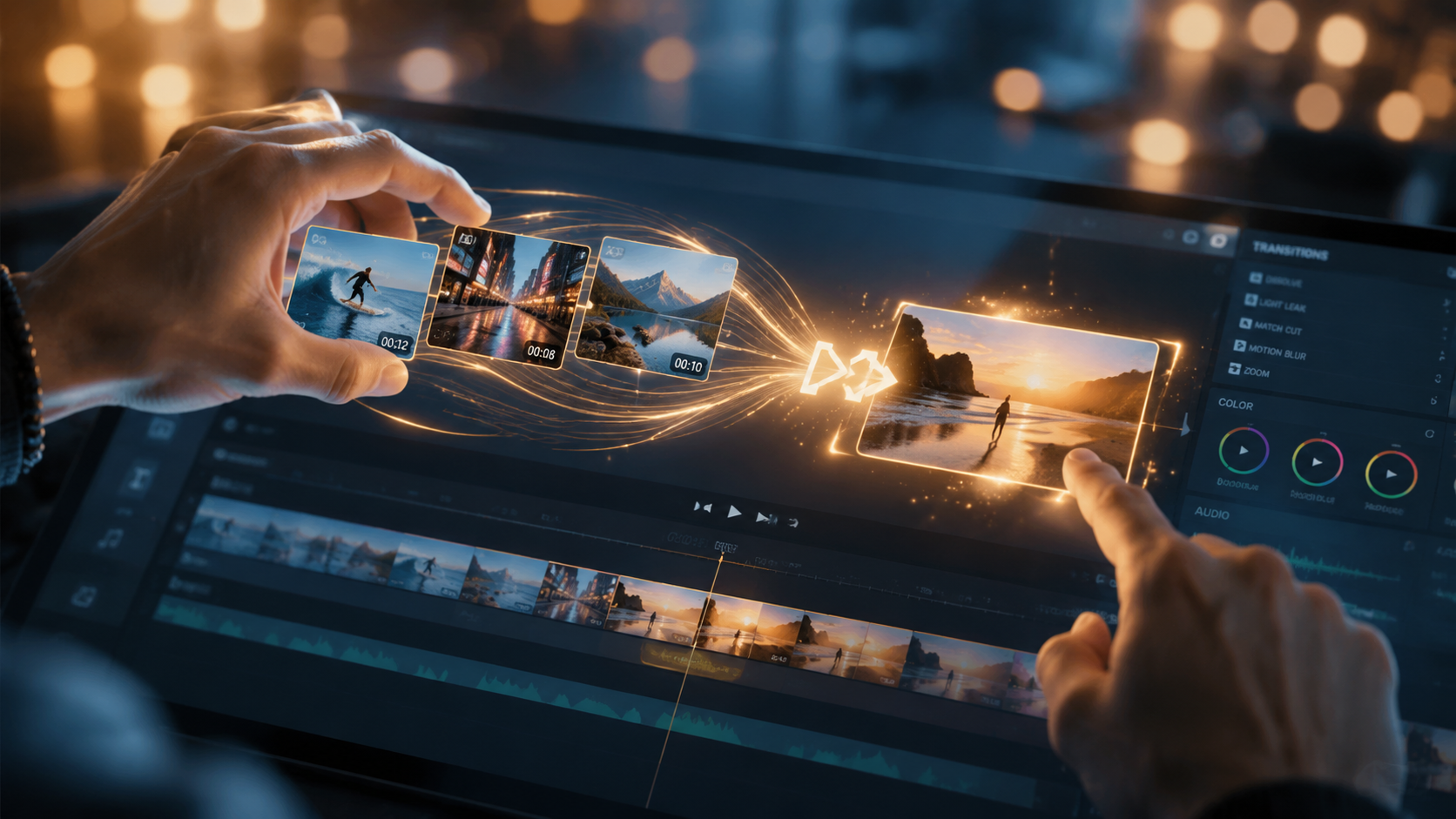
As we move through 2026, the distinction between "editing" and "generating" has blurred. According to PCMag, the best video editing software tested this year now integrates generative fill and neural filters as core components rather than experimental plugins. For beginners, this means that mistakes made during filming—such as poor lighting or distracting backgrounds—can be corrected instantly with a single click.
The rise of the "intelligent timeline" has been the most significant breakthrough. Instead of searching through hours of footage, beginners can now ask the editor a question like, "Find all the clips where I am smiling and looking at the camera," and the AI will automatically curate a highlight reel. This shift from manual searching to semantic searching has lowered the barrier to entry for creators worldwide.
Comparison of Top Free AI Video Editors
To help you decide which tool fits your specific needs, we have compiled a comparison of the leading free versions available in 2026. Note that while these tools offer robust free tiers, some advanced generative features may require a subscription or "credits."
| Editor Name | Best For | Key AI Feature | Platform |
|---|---|---|---|
| CapCut | Social Media / TikTok | Auto-Captions & Viral Templates | Web, Mobile, Desktop |
| Descript | Podcasts & Talking Heads | Underlord (AI Assistant) | Desktop (Mac/PC) |
| DaVinci Resolve (Free) | Cinematic Quality | Neural Engine Magic Mask | Desktop |
| Adobe Express | Quick Marketing Clips | Firefly Generative Fill | Web/Mobile |
| InVideo AI | YouTube Automation | Prompt-to-Video Generation | Web |
Why CapCut Remains the Best Free AI Video Editor for Beginners
CapCut has solidified its position as the market leader for beginners in 2026. Its success stems from its ability to hide complex professional tools behind a simple, "drag-and-drop" interface. According to BBN Times, the desktop version of CapCut has seen a massive surge in 2026 due to its localized AI processing, which allows for faster rendering without needing a constant high-speed internet connection.
For a beginner, the "Auto-Reframe" tool is perhaps the most valuable asset. If you film a horizontal video for YouTube, the AI can intelligently track the subject and crop the video into a vertical 9:16 format for Instagram Reels or YouTube Shorts. It doesn't just crop the center; it follows the action, ensuring the most important parts of the frame are always visible. This eliminates the need for manual keyframing, a task that used to take beginners hours to master.
Advanced Audio AI in CapCut
Audio is often the most difficult part of video editing for newcomers. In 2026, CapCut’s "Vocal Isolation" and "AI Music Sync" have become industry standards for free software. The AI can remove background noise from a busy cafe or a windy street, making a smartphone microphone sound like a studio setup. Additionally, the music sync feature automatically trims your clips to the beat of any chosen track, creating a professional "vibe" instantly.
Descript: The Power of Text-Based Editing
If your goal is to create educational content, tutorials, or podcasts, Descript is arguably the best free ai video editor for beginners who prefer working with words rather than timelines. Descript treats video like a Word document. When you upload a clip, it transcribes the speech with 99% accuracy. If you want to cut a scene, you simply highlight the text in the transcript and hit "delete." The video edits itself accordingly.
A standout feature in 2026 is "Eye Contact Correction." If you were reading from a script and not looking directly at the lens, the AI can digitally reposition your pupils so you appear to be looking straight at your audience. According to Creative Bloq, these types of AI-driven "fix-it" tools are what make Descript a favorite for corporate trainers and solo entrepreneurs who may not have professional on-camera experience.
The "Underlord" AI Assistant
Descript introduced an AI persona called "Underlord" which acts as a virtual producer. Beginners can prompt Underlord to "Remove all filler words" (like 'um' and 'uh'), "Summarize this video into a 30-second clip," or "Find the most engaging hook for a social media teaser." This level of assistance ensures that even someone with zero editing knowledge can produce content that feels professionally paced.
DaVinci Resolve: Professional Power for Free
While often considered "pro" software, the 2026 free version of DaVinci Resolve has introduced "Beginner Mode" workspaces that utilize the DaVinci Neural Engine to simplify the experience. This is the best choice for beginners who eventually want to transition into professional filmmaking or high-end color grading. PCMag notes that DaVinci Resolve remains the most powerful free editor on the market, provided the user has a computer with a dedicated GPU.
The "Magic Mask" feature is a highlight for 2026. In the past, removing a person from a background (rotoscoping) required frame-by-frame manual labor. Now, a beginner can simply draw a rough stroke over a person, and the AI tracks them perfectly throughout the shot. This allows for creative effects, such as placing text behind a walking subject, which previously required years of VFX expertise.
AI Speed Warp and Super Scale
Beginners often struggle with footage that looks "shaky" or "low resolution." DaVinci’s AI Speed Warp uses machine learning to create synthetic frames, making slow-motion footage look buttery smooth even if it wasn't filmed at a high frame rate. Similarly, the "Super Scale" feature can upscale 1080p footage to 4K using AI to "fill in" the missing pixels, ensuring your content looks crisp on modern high-definition displays.
Generative AI and the Future of Video Creation
In 2026, the best free ai video editor for beginners is no longer just a tool for cutting clips; it is a tool for creating them from scratch. According to CNET, the integration of AI video generators like Sora and Runway into standard editors has revolutionized the industry. Editors like InVideo AI and Perfect Corp's latest offerings allow users to type a prompt like "Cinematic shot of a futuristic city in the rain" and generate that footage directly into their timeline.
This is particularly useful for beginners who lack the budget for expensive stock footage or the equipment to film complex b-roll. Perfect Corp reports that over 23 new AI video generators have been tested and reviewed in 2026, many of which offer free trials or ad-supported tiers. These tools are democratizing video production, allowing anyone with an idea to visualize it regardless of their technical skill set.
Safety and Ethical AI Use
As AI becomes more prevalent, the top editors are also including "AI Transparency" labels. When you use generative features in tools like Adobe Express or CapCut, the software automatically embeds metadata indicating that AI was used. For beginners, understanding these ethical boundaries is becoming a crucial part of the learning process in 2026.
Choosing the Right Editor for Your Hardware
Before downloading an editor, it is important to match the software to your device's capabilities. AI processing is resource-intensive. According to Digital Camera World, while photo editing software has become lighter, video editors in 2026 still benefit greatly from "Neural Processing Units" (NPUs) found in the latest laptops. However, web-based editors like Adobe Express and InVideo AI offload the heavy lifting to the cloud, making them the best free ai video editor for beginners using Chromebooks or older tablets.
If you have a high-end gaming PC or a Mac with an M4/M5 chip, DaVinci Resolve or the desktop version of CapCut will provide a much smoother experience. These "local" editors allow for real-time previews of AI effects without the lag often associated with web-based tools. For mobile-only creators, the integration of AI directly into the iOS and Android versions of these apps has made it possible to edit 4K HDR video on the go.
Is there a truly free AI video editor without watermarks?
Yes, CapCut (desktop version) and DaVinci Resolve (free version) allow you to export videos without watermarks in 2026. Some web-based tools may require a free account or have limitations on 4K exports, but high-quality watermark-free editing is widely available.
What is the easiest AI video editor for someone with no experience?
Adobe Express and InVideo AI are the easiest for absolute beginners. They rely heavily on templates and text prompts, meaning you don't need to understand how a traditional timeline works to produce a great-looking video.
Do I need a powerful computer for AI video editing in 2026?
Not necessarily. While professional software like DaVinci Resolve requires a good GPU, cloud-based editors like CapCut Web and Descript perform most AI calculations on their own servers, allowing you to edit on basic laptops.
Can AI video editors write scripts for me?
Most top editors in 2026, including Descript and InVideo, have integrated LLMs (Large Language Models) that can generate scripts based on a topic. They can then automatically find footage to match that script.
How does AI help with video color grading?
AI color grading tools analyze the skin tones and lighting in your shot and compare them to a database of professional films. With one click, the "Auto-Color" feature can balance the white balance and exposure to give your video a cinematic look.
In conclusion, finding the best free ai video editor for beginners in 2026 depends largely on your specific goals. Whether you are looking for the social media agility of CapCut, the text-based simplicity of Descript, or the professional depth of DaVinci Resolve, the AI tools available today have made it easier than ever to turn a creative vision into a digital reality. As these technologies continue to evolve, the gap between amateur and professional content will only continue to shrink, empowering a new generation of creators to tell their stories.



Comments ()