
10 Best Free AI Video Editors for Beginners in 2026
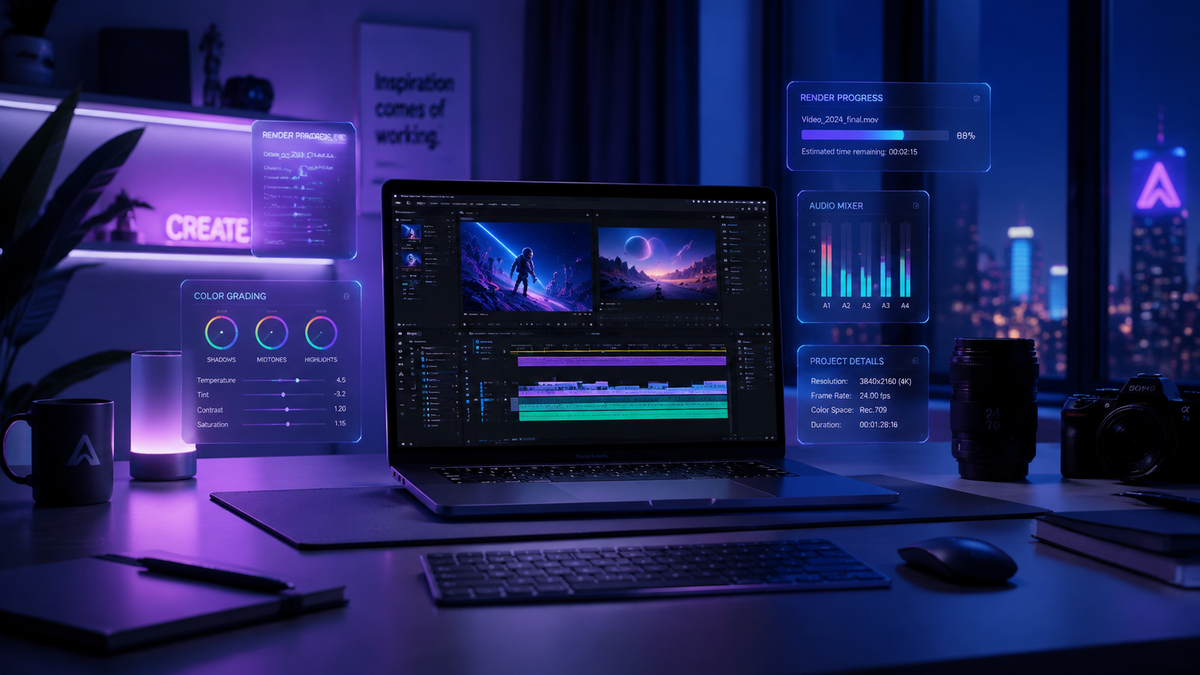
Finding the right free ai video editor for beginners in 2026 has become remarkably easy thanks to the integration of generative intelligence into mainstream creative software. Today's tools focus on removing the technical barriers of the timeline, allowing new creators to generate professional-grade content through text prompts, automated scene detection, and AI-driven color grading. Whether you are looking to create social media clips or long-form documentaries, the current landscape offers sophisticated features that were once reserved for Hollywood studios, now accessible for zero cost.
A free ai video editor for beginners is a cloud-based or desktop application that utilizes artificial intelligence to automate complex editing tasks like cutting, captioning, and color correction. In 2026, the best options include CapCut, DaVinci Resolve (Free Version), and Adobe Express, which allow users to create high-quality videos with minimal manual effort through generative AI features.
- ✓ AI-driven automation now handles 80% of repetitive editing tasks like transcription and silent gap removal.
- ✓ Cloud-based editors like Canva and Adobe Express offer the lowest barrier to entry for mobile creators.
- ✓ Professional-grade tools like DaVinci Resolve 19+ provide free advanced AI masking and tracking.
- ✓ Generative AI video expansion and "text-to-video" are now standard features in free starter tiers.
- ✓ Beginners should prioritize tools with "one-click" social media formatting for multi-platform publishing.
How to Start Editing with a Free AI Video Editor for Beginners
Starting your creative journey in 2026 doesn't require a degree in cinematography. Most modern AI editors are designed with a "chat-first" or "template-first" philosophy. This means you can often describe the video you want to make, and the AI will assemble a rough cut for you to refine. This workflow is significantly faster than the manual methods used just a few years ago.
- Choose Your Platform: Select an editor based on your hardware. Web-based editors work on any laptop, while desktop software like CapCut Desktop offers more processing power.
- Upload or Generate Assets: Import your footage or use the built-in AI generator to create b-roll footage from text descriptions.
- Apply AI Auto-Edit: Use the "Auto-Cut" or "Magic Edit" feature to remove silence, normalize audio levels, and sync clips to the beat of your music.
- Enhance with AI Effects: Add auto-captions, AI-generated voiceovers, or use "Generative Fill" to change the background of your shots.
- Export and Optimize: Choose your target platform (e.g., TikTok, YouTube, or Instagram) and let the AI resize the video and optimize the bitrate for the best quality.
According to The AI Journal, the transformation of modern content creation is largely driven by these free tools, which allow individuals to compete with large media houses in terms of production value. As we move through 2026, the gap between "beginner" and "professional" software continues to shrink, as AI handles the heavy lifting of technical precision.
Top 10 Free AI Video Editors Compared
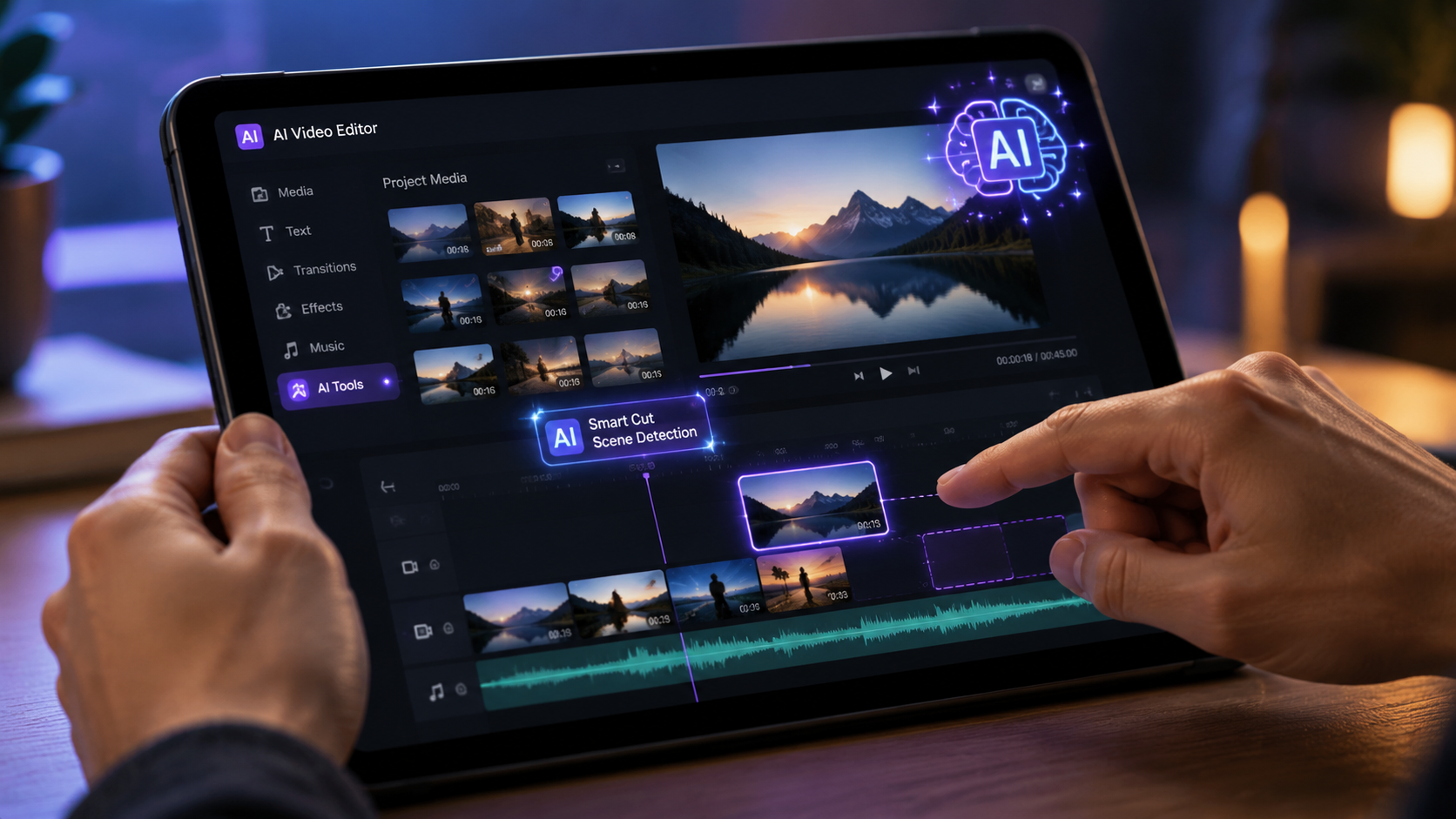
To help you decide which free ai video editor for beginners fits your specific needs, we have categorized the top performers based on their primary AI capabilities and ease of use. The following table highlights the key features you should look for when starting out this year.
| Editor Name | Best AI Feature | Ease of Use | Platform |
|---|---|---|---|
| CapCut (Free) | Auto-Captions & Script-to-Video | High | Web/Desktop/Mobile |
| DaVinci Resolve 19 | Neural Engine Masking | Medium | Windows/Mac/Linux |
| Adobe Express | Firefly Generative Fill | High | Web/Mobile |
| Canva Video | Magic Media Generation | High | Web/Mobile |
| Clipchamp | AI Auto-Composition | High | Windows/Web |
| InVideo AI | Full Prompt-to-Video | Very High | Web |
| Descript (Free) | Text-Based Audio Editing | High | Desktop/Web |
| Veed.io | AI Eye Contact Correction | High | Web |
| Wondershare Filmora | AI Smart Cutout | Medium | Desktop |
| Kdenlive | Open Source AI Plugins | Low | Desktop |
1. CapCut: The Social Media Powerhouse
CapCut remains the most popular free ai video editor for beginners in 2026, largely due to its seamless integration with social media platforms and its robust suite of AI features. Its "Script-to-Video" tool allows users to simply type a concept, and the AI will find relevant stock footage, add music, and generate a voiceover automatically. This makes it an essential tool for creators who need to produce high volumes of content quickly.
The 2026 version of CapCut has introduced "AI Body Morph" and "Dynamic Backgrounds," which allow beginners to perform complex visual effects tasks that used to require green screens. As noted by TechRadar, CapCut is specifically designed for those "just starting out," ensuring that the interface is intuitive while still offering powerful background removal and auto-reframe capabilities for different aspect ratios.
Advanced AI Audio Tools in CapCut
Beyond visuals, CapCut’s AI audio suite is a standout. It features "Vocal Isolation," which can remove background noise from a busy street recording with a single click. For beginners, the "AI Music Sync" is a game-changer; it automatically trims and aligns your video clips to the beats of any chosen track, ensuring a professional rhythm without manual timeline manipulation.
2. DaVinci Resolve: Professional Power for Free
While often considered professional software, DaVinci Resolve 19 and its subsequent 2026 updates have made the tool more accessible to beginners through the "Cut" page. This specific interface is streamlined for speed and utilizes the DaVinci Neural Engine to assist in tasks like facial recognition and object tracking. For a free ai video editor for beginners, it offers the highest ceiling for growth.
PCMag reports that DaVinci Resolve remains one of the best video editing programs tested for 2026, particularly for those who want to learn the art of color grading. The free version includes "AI Magic Mask," which allows you to select a person or object and apply effects only to that selection, even as it moves through the frame. This level of sophistication is rarely found in other free software packages.
AI Speed Warp and Motion Estimation
One of the most impressive AI features in the free version is "Speed Warp." If you have footage that wasn't filmed in slow motion, the AI generates new frames to create smooth, high-quality slow-motion effects without the stuttering typically seen in basic editors. This is perfect for beginners looking to add a cinematic flair to their b-roll footage.
3. Adobe Express: The King of Generative AI
Adobe Express has evolved into a formidable free ai video editor for beginners by leveraging the power of Adobe Firefly. In 2026, the "Generative Fill" feature allows users to add or remove objects from video frames simply by typing a prompt. This brings the power of Photoshop to moving images, making it incredibly easy to fix mistakes in a shot or add creative elements that weren't there during filming.
As Creative Bloq highlights, Adobe Express is one of the best apps for users who want to create "on-the-go" content. The platform provides thousands of professionally designed templates that are "AI-aware," meaning they can automatically adjust their layout based on the video content you upload. This ensures that your text overlays and graphics never obscure the main subject of your video.
One-Click Branding and Animation
For small business owners or personal brands, Adobe Express offers an "AI Brand Kit" in its free tier. Once you upload your logo and colors, the AI can apply your branding to any video project instantly. Furthermore, the "Animate from Audio" feature allows beginners to create animated characters that lip-sync to their voice recordings, providing a fun and easy way to create unique social content.
4. Canva Video: Design Meets Motion
Canva has transitioned from a graphic design tool to a comprehensive video editing suite. Its AI "Magic Design" for video allows beginners to upload a few images and clips, which the AI then transforms into a cohesive story with transitions, music, and text. It is perhaps the most user-friendly free ai video editor for beginners available in 2026, requiring zero prior experience.
According to Amateur Photographer, Canva is part of a new wave of programs that "literally anyone can use." The 2026 updates have introduced "AI Style Match," which can take the color palette and "vibe" of any reference image and apply it to your entire video project. This ensures a consistent look across all your content without needing to understand complex color theory.
AI-Powered Content Translation
Canva’s "Magic Translate" is a critical feature for creators looking to reach a global audience. With one click, the AI can translate the text overlays and even the spoken audio in your video into over 100 languages. For a free tool, this provides immense value to beginners looking to expand their reach across different geographic regions.
5. Clipchamp: Windows' Built-in AI Editor
Microsoft Clipchamp has become a staple for Windows users, offering a surprisingly deep set of AI features for a built-in app. Its "Auto-Compose" feature is the highlight for beginners; it walks you through a short wizard where you select a video theme and mood, and the AI handles the rest. This makes it a great free ai video editor for beginners who want a native desktop experience without a steep learning curve.
BBN Times notes that desktop AI editors like Clipchamp are bridging the gap between mobile simplicity and desktop power. In 2026, Clipchamp includes an "AI Content Suggestor" that analyzes your footage and suggests the best stock music and overlays from its library to match the sentiment of your clips. This effectively acts as a creative director for the user.
Text-to-Speech and Speaker Selection
Clipchamp features one of the most natural-sounding AI text-to-speech engines on the market. Beginners can choose from hundreds of voices across various languages and accents, allowing them to create narrated videos without ever needing a microphone. The 2026 update includes "Emotional Tone" settings, letting you choose if the AI voice sounds excited, professional, or empathetic.
Frequently Asked Questions about AI Video Editors
What is the best free AI video editor for beginners in 2026?
CapCut is widely considered the best overall for social media creators due to its intuitive interface and powerful auto-captioning tools. For those looking for professional features, the free version of DaVinci Resolve 19 offers unmatched AI-driven color and masking tools.
Can I use AI to edit videos for free without a watermark?
Yes, tools like CapCut, Clipchamp, and the free version of DaVinci Resolve allow you to export videos without watermarks in 2026. Some platforms like Canva may require you to use their free stock library to avoid watermarks on specific premium assets.
Does AI video editing require a powerful computer?
Not necessarily. Cloud-based editors like Adobe Express, Canva, and InVideo AI perform all the heavy AI processing on their own servers, meaning you can edit on a basic laptop or even a smartphone. Only desktop-heavy tools like DaVinci Resolve require significant local hardware.
What is "Text-to-Video" in AI editing?
Text-to-video is a generative AI feature where you type a description of a scene, and the AI creates the visual footage from scratch. In 2026, many free editors include a limited number of these generations per month to help beginners create b-roll footage.
Is AI video editing safe for copyright?
Most reputable AI video editors in 2026 use licensed or ethically sourced datasets for their generative features. However, it is always recommended to check the specific terms of service of the tool you are using to ensure the output is cleared for commercial use.
The Future of AI Video Editing for Beginners
As we look further into 2026, the role of the "editor" is shifting from a technician to a curator. Studies show that by 2026, over 90% of online video content will be created or enhanced by AI tools. For beginners, this means the focus should be on storytelling and creative direction rather than learning where every button is located in a complex interface. The free ai video editor for beginners is no longer just a tool; it is a collaborative partner that helps bring ideas to life with unprecedented speed.
The democratization of these tools, as reported by The AI Journal, ensures that high-quality video production is accessible to everyone regardless of their budget. By starting with any of the ten editors listed above, you are positioning yourself at the forefront of the modern digital economy, equipped with the tools to share your vision with the world.
Comments ()