
10 Best Free AI Video Editors in 2026: Top Rated Tools
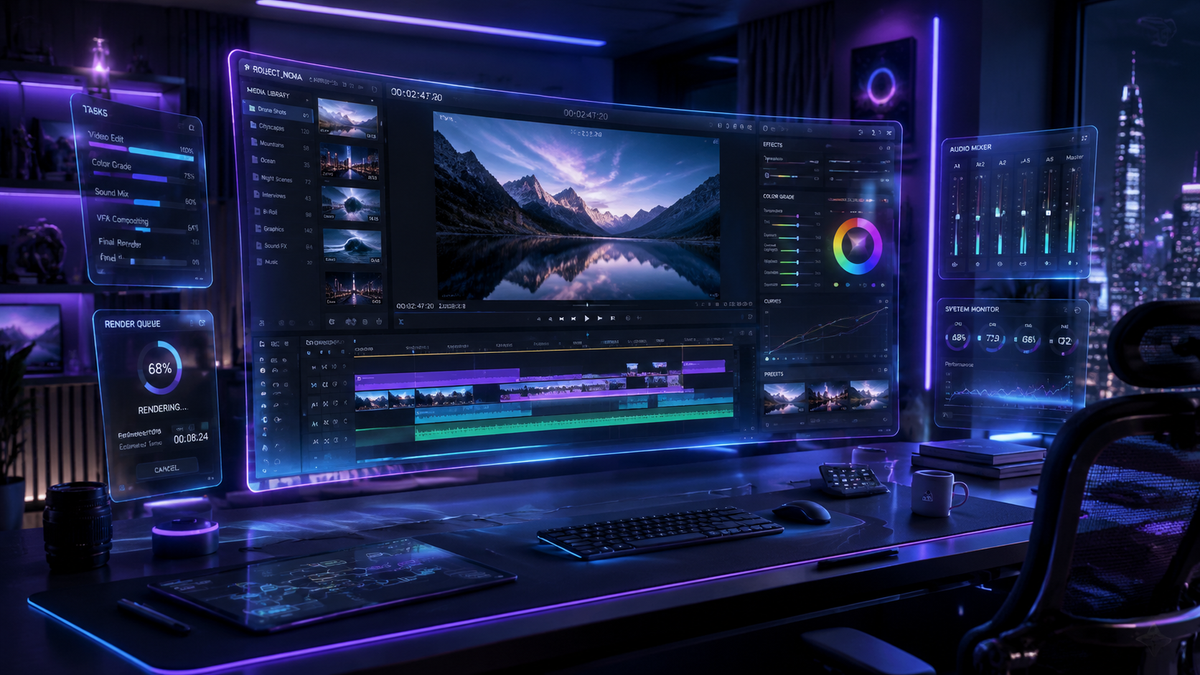
Finding the best free ai video editor in 2026 involves looking for tools that combine generative artificial intelligence with intuitive timeline controls to streamline the creative process. The top-rated free options now offer sophisticated features like text-to-video generation, automated scene detection, and AI-driven color grading without requiring a subscription. Whether you are a social media creator or a professional filmmaker, these tools leverage the latest neural networks to turn simple prompts into high-quality cinematic content.
The best free ai video editor is a software or web-based platform that utilizes machine learning to automate video production tasks such as trimming, captioning, and visual effects. In 2026, leading tools like CapCut, DaVinci Resolve (Free Version), and emerging generative platforms allow users to create professional-grade videos using text-to-video and image-to-video AI technologies at no cost.
- ✓ AI-driven automation can reduce video editing time by up to 80% compared to traditional manual methods.
- ✓ Modern free editors now include generative AI features like "Image-to-Video" and "AI Art Generation" as standard tools.
- ✓ Accessibility has improved, with tools now catering specifically to beginners who have no prior editing experience.
- ✓ The top free tools in 2026 offer high-definition exports (up to 4K) without intrusive watermarks on specific tiers.
How to Start Using the Best Free AI Video Editor
In 2026, the barrier to entry for video production has never been lower. Most AI-powered editors follow a "cloud-first" approach, meaning you don't need a high-end workstation to render complex visual effects. According to The AI Journal, the rise of "beginner-first" AI makers has shifted the focus from technical skill to creative prompting.
- Select Your Platform: Choose an editor that fits your needs, such as a browser-based tool for quick social media clips or a desktop application for more granular control.
- Upload or Generate Assets: Import your raw footage or use the built-in AI art generators to create unique B-roll and backgrounds from text prompts.
- Apply AI Automations: Use tools like "Auto-Subtitle," "Silence Remover," or "AI Color Match" to handle the tedious aspects of the edit.
- Refine with Generative Tools: Enhance your video by using image-to-video generators to animate static photos, a feature highlighted by Tycoonstory Media as a top trend in 2026.
- Export and Share: Choose your desired resolution and aspect ratio (e.g., 9:16 for TikTok or 16:9 for YouTube) and let the AI optimize the bitrate for the best quality.
Comparison of the Top 5 AI Video Editors in 2026
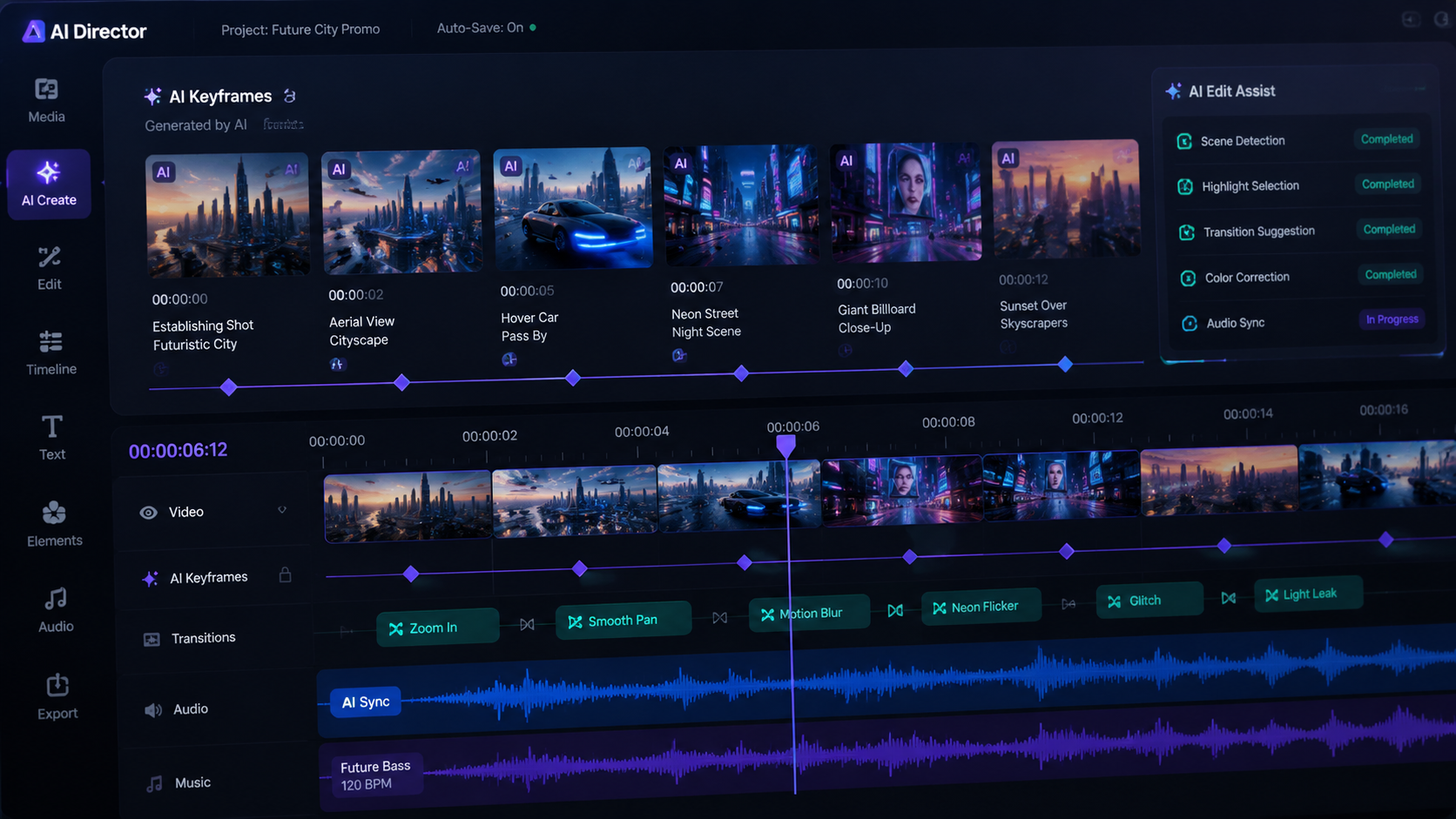
Choosing the best free ai video editor depends heavily on your specific workflow. Some tools excel at generating content from scratch, while others are designed to polish existing footage. CNET recently reviewed and ranked the top generators of 2026, noting that the gap between free and paid software is narrowing rapidly.
| Editor Name | Key AI Feature | Best For | Free Tier Limit |
|---|---|---|---|
| CapCut AI | Auto-Captions & Magic Tools | TikTok/Reels Creators | Unlimited (with watermark options) |
| DaVinci Resolve 19+ | Neural Engine Reframing | Professional Colorists | No Watermark / Limited Effects |
| InVideo AI | Text-to-Video Generation | Marketing & YouTube | 10 mins/week AI generation |
| Runway Gen-4 | Motion Brush & Inpainting | Experimental Filmmakers | Credit-based daily refresh |
| Adobe Premiere Express | AI Speech Enhancement | Beginners & Vloggers | 2GB Cloud Storage |
1. CapCut: The Social Media Powerhouse
CapCut remains a dominant force in 2026, largely due to its seamless integration with social platforms and its robust suite of "Magic Tools." As noted by TechRadar in their review of over 70 AI tools this year, CapCut’s ability to remove backgrounds and generate auto-captions with 99% accuracy makes it an essential tool for mobile-first creators.
The 2026 version introduces advanced "AI Script-to-Video" capabilities. Users can simply input a topic, and the editor will write a script, find relevant stock footage, and overlay a realistic AI voiceover. This level of automation is why many consider it the best free ai video editor for those who need to produce high volumes of content quickly.
Advanced Image-to-Video Integration
Following the trends identified by Tycoonstory Media, CapCut now includes high-fidelity image-to-video generators. This allows users to take a static product photo and transform it into a dynamic 3D advertisement. The AI handles the lighting and physics, ensuring that the motion looks natural and professional without any manual keyframing.
2. DaVinci Resolve: Professional Grade for Free
For those who require Hollywood-level quality, the free version of DaVinci Resolve continues to be the industry standard. While it has a steeper learning curve, Amateur Photographer reports that the 2026 updates have made its interface significantly more accessible for beginners. The software now includes a "Creative Assistant" that suggests edits based on the rhythm of the music.
The "Neural Engine" inside DaVinci Resolve is the standout feature. It can automatically track objects, isolate people from backgrounds (Magic Mask), and even upscale low-resolution footage to 4K using sophisticated AI algorithms. It is the best free ai video editor for users who want to learn professional color grading and sound design without an upfront investment.
AI-Powered Audio Post-Production
In 2026, audio is just as important as video. DaVinci Resolve’s Fairlight page now uses AI to remove background noise and level voices automatically. According to TechRadar, this "Voice Isolation" feature is so effective it can make a recording done on a smartphone sound like it was captured in a professional studio.
3. InVideo AI: The Ultimate Text-to-Video Solution
InVideo AI has revolutionized the "lazy" editing workflow. It is designed for users who don't want to deal with a timeline at all. By typing a prompt like "Create a 2-minute video about the history of Mars with a cinematic tone," the AI assembles the entire project. This tool is frequently cited by The AI Journal as the top choice for beginners in 2026.
The free tier is generous, allowing for several minutes of AI-generated content per week. The platform utilizes a massive library of millions of stock media assets, which the AI intelligently selects to match the context of your script. It is arguably the best free ai video editor for educators, marketers, and small business owners who need to explain complex concepts visually.
4. Runway: The Frontier of Generative Video
Runway continues to push the boundaries of what is possible with generative AI. Their latest models allow for "Motion Brush" technology, where you can simply paint over an area of a still image to tell the AI where you want movement. CNET ranked Runway as one of the most innovative tools of 2026 for its ability to generate entirely new video frames from scratch.
While Runway operates on a credit system, its free tier allows users to experiment with the latest Gen-3 and Gen-4 models. This makes it a playground for filmmakers who want to add "impossible" visual effects to their projects. If you are looking for a best free ai video editor that specializes in artistic and experimental content, Runway is the clear winner.
AI Art and Asset Generation
Beyond video, Runway’s integration with AI art generators allows for the creation of custom textures and backgrounds. As eWeek noted in their report on "No-Cost Masterpieces," these generators are now capable of producing photorealistic assets that can be seamlessly blended into video projects, reducing the need for expensive location shoots.
5. Pika Labs: Simplistic Animation for Everyone
Pika Labs has moved from a Discord-based tool to a full web-based suite in 2026. It specializes in "animation-on-demand." Users can upload a photo of a character and give it a command to "smile" or "walk," and the AI generates the movement. This specific focus on character consistency makes it a favorite for creators making short films or memes.
The simplicity of Pika is its greatest strength. It doesn't overwhelm the user with buttons or sliders. Instead, it relies on natural language processing to understand creative intent. For those searching for the best free ai video editor to animate static artwork or social media posts, Pika offers a unique, high-quality solution that requires zero technical knowledge.
The Future of AI Video Editing: What to Expect
As we move through 2026, the definition of "editing" is changing. We are seeing a shift from "manipulating pixels" to "directing intent." According to a study cited by The AI Journal, over 60% of digital content created in 2026 involves some form of AI generation or enhancement. This trend is driven by the increasing power of local hardware and the efficiency of cloud-based neural networks.
Privacy and ethics are also becoming central to the development of these tools. The best free ai video editor platforms now include "AI labels" automatically to distinguish between captured footage and generated content, ensuring transparency in journalism and social media. This evolution ensures that while the tools become more powerful, they also remain responsible and trustworthy for the general public.
Is there a completely free AI video editor without watermarks?
Yes, the free version of DaVinci Resolve allows for high-resolution exports without watermarks. Additionally, CapCut offers watermark-free exports if you use their mobile app or meet certain social media sharing requirements.
What is the best free ai video editor for beginners?
InVideo AI and CapCut are widely considered the best for beginners. They offer "one-click" solutions and intuitive interfaces that do not require prior knowledge of video editing timelines or color theory.
Can AI video editors create videos from just text?
Yes, tools like InVideo AI and Runway can generate entire video sequences, including scripts, visuals, and music, based on a single text prompt. This is a standard feature in most top-rated tools in 2026.
Do I need a powerful computer to use AI video editors?
Not necessarily. Many of the best tools, such as Runway and CapCut Web, perform their AI processing in the cloud. You only need a stable internet connection and a modern web browser to use them effectively.
Are AI-generated videos legal for commercial use?
Most platforms allow commercial use of AI-generated content, but it often depends on your subscription tier. Always check the specific Terms of Service of the editor you are using to ensure you have the necessary rights for advertising or resale.


Comments ()