
10 Best Free AI Video Editing Tools to Use in 2026
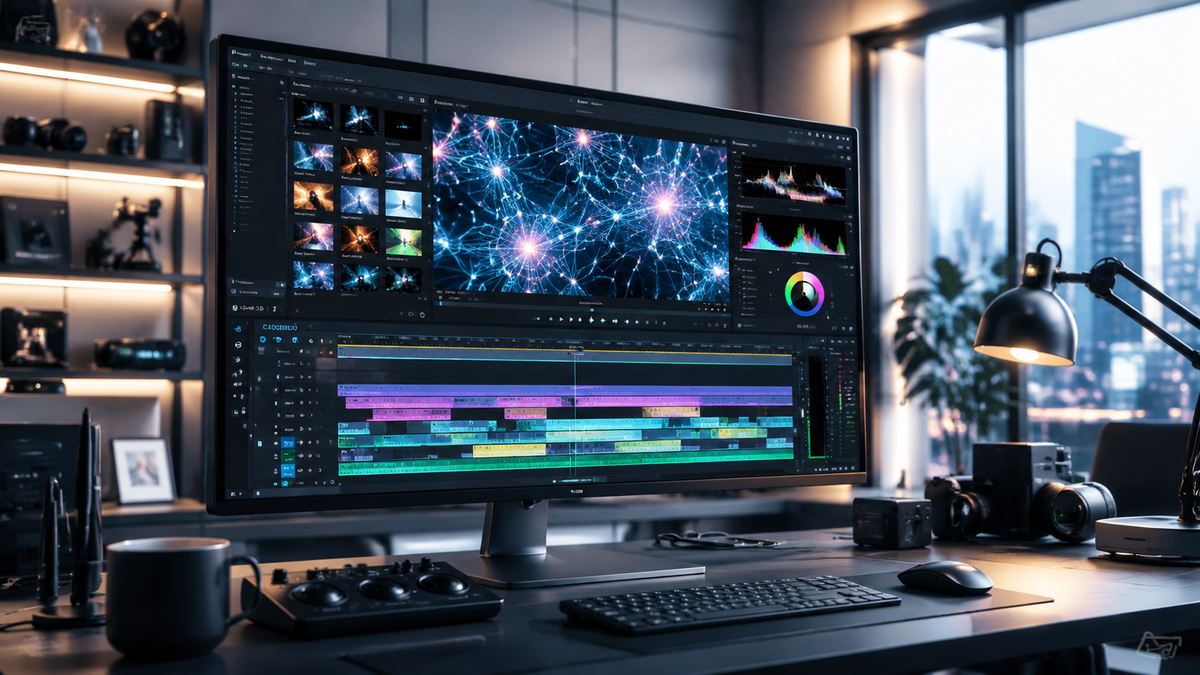
The best free AI video editing tools in 2026 are software applications that leverage generative artificial intelligence and neural networks to automate complex tasks like color grading, motion tracking, and scene composition without requiring a paid subscription. Leading the market this year are DaVinci Resolve’s latest free version, CapCut AI, and emerging browser-based generators that allow creators to produce professional-grade content through simple text prompts and automated workflows.
Free AI video editing tools are software platforms that utilize machine learning to simplify the video production process. In 2026, these tools provide features like AI-driven color matching, automated subtitle generation, and "talking photo" animation, enabling both amateur and professional creators to produce high-quality cinematic content at zero cost.
- ✓ DaVinci Resolve remains the industry leader for free AI-powered color grading and professional finishing.
- ✓ Generative AI tools now allow for "AI Talking Photo" and text-to-video creation within seconds.
- ✓ Modern free editors focus on accessibility, featuring "Lightroom-style" interfaces for simplified editing.
- ✓ Cloud-based AI tools are bridging the gap between mobile convenience and desktop power.
The Evolution of Free AI Video Editing Tools in 2026
As we navigate through 2026, the landscape of digital creation has undergone a seismic shift. According to recent insights from Trend Hunter, AI video editing tools have moved beyond simple automation to become intuitive creative partners. The integration of generative AI means that editors no longer just cut clips; they describe scenes, and the software executes the vision. This evolution has democratized filmmaking, allowing anyone with a smartphone or a standard laptop to access tools that were previously reserved for high-budget Hollywood studios.
One of the most significant changes this year is the convergence of photography and cinematography tools. As reported by TechRadar, the team behind DaVinci Resolve has revolutionized the free software market by bringing Lightroom-style color tools into their latest version. This move acknowledges that the way people create has fundamentally changed, favoring speed and aesthetic consistency across different media types. Whether you are a social media influencer or an independent documentarian, the current crop of free AI video editing tools offers unprecedented power.
Furthermore, the barrier to entry has been lowered by "literally anyone can use" interfaces. Amateur Photographer notes that the best video editing software in 2026 is defined by its ability to hide complex algorithms behind user-friendly sliders and natural language processing. This ensures that the technical learning curve no longer stifles the creative process, making "free ai video editing tools" the most searched category for digital entrepreneurs this year.
How to Start Using Free AI Video Editing Tools
- Select your platform: Choose between a desktop powerhouse like DaVinci Resolve or a browser-based tool like CapCut or Canva based on your hardware capabilities.
- Import and Analyze: Upload your raw footage and allow the AI engine to index your clips, identify faces, and categorize scenes automatically.
- Apply AI Enhancements: Use text prompts to generate subtitles, remove background noise, or apply "Lightroom-style" color presets to your entire timeline.
- Review and Export: Fine-tune the AI-generated transitions and export your video in 4K or 8K resolution, optimized for your target social media platform.
Comparison of Top Free AI Video Editing Software
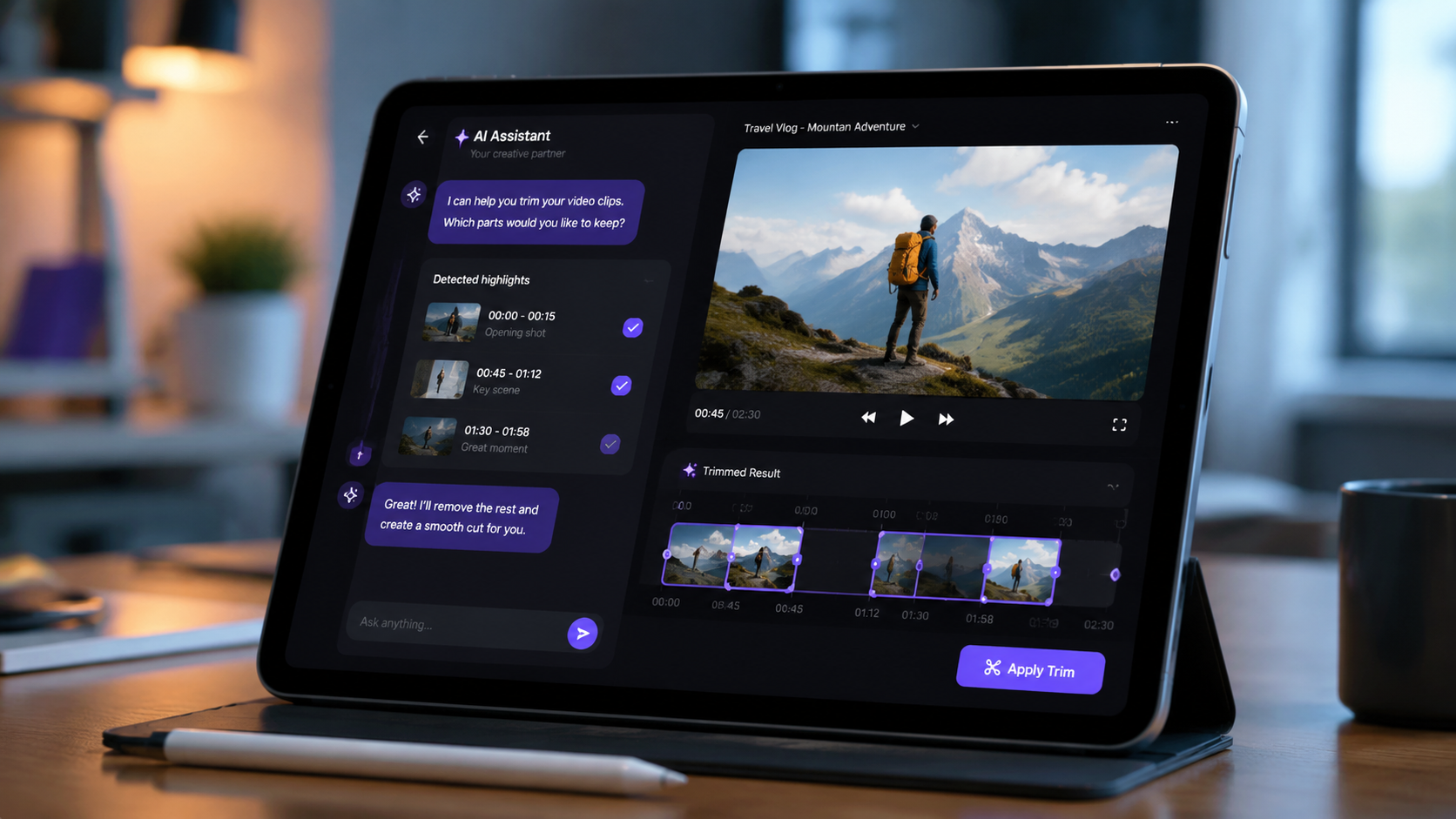
With so many options available, choosing the right tool depends on your specific needs—whether that is professional color grading, quick social media cuts, or generative AI content. The following table compares the leading free options available in May 2026.
| Tool Name | Primary AI Feature | Best For | Platform |
|---|---|---|---|
| DaVinci Resolve (Free) | Neural Engine Color Grading | Cinematic Filmmaking | Windows, Mac, Linux |
| CapCut AI | Auto-Captions & Magic Tools | TikTok & Reels | Web, Mobile, Desktop |
| PC Tech AI Generator | AI Talking Photo | Marketing Avatars | Browser-based |
| Adobe Premiere Rush | Auto-Reframe | Quick Cross-Platform Edits | Mobile & Desktop |
| Clipchamp | AI Text-to-Speech | Business Presentations | Windows & Web |
1. DaVinci Resolve: The Professional Standard Goes AI-First
In 2026, DaVinci Resolve continues to dominate the conversation regarding free ai video editing tools. The latest update has been a game-changer for the industry. According to TechRadar, the developers have integrated "Lightroom-style" color tools into the free version, making professional-grade color science accessible to those who are used to photo editing workflows. This integration allows for a seamless transition between capturing a moment and stylizing it with cinematic flair.
The software’s "Neural Engine" uses advanced machine learning to handle tasks like facial recognition, object removal, and "Super Scale" upscaling. For creators working on a budget, the fact that these features remain in the free tier is revolutionary. It allows for complex masking and tracking that previously required hours of manual rotoscoping. In 2026, DaVinci Resolve isn't just a tool; it's a comprehensive AI-driven post-production suite that happens to be free.
Key AI Features of DaVinci Resolve in 2026
- Magic Mask: Automatically isolate people or objects for specific effects without manual tracking.
- Voice Isolation: Uses AI to remove background noise from dialogue with a single click, rivaling professional studio recordings.
- Smart Reframe: Automatically identifies the action in a 16:9 video and crops it for vertical formats like TikTok.
2. CapCut: The King of Social Media Automation
CapCut has evolved from a simple mobile app into a powerhouse of generative AI. By mid-2026, it has become the go-to for creators who need to produce high-volume content quickly. Its "Magic Tools" suite includes everything from background removal to AI-generated scripts. The ability to sync music beats automatically with video cuts has made it a favorite for the "fast-content" era. Because it is owned by ByteDance, it stays ahead of the curve with trends, offering AI filters that are updated weekly to match the latest viral aesthetics.
The browser-based version of CapCut has also seen significant upgrades, allowing for cloud-based rendering that doesn't tax the user's local hardware. This accessibility is a core reason why it remains a top contender for the best free ai video editing tools. Its "Auto-Caption" feature now supports over 100 languages with 99% accuracy, making global content creation easier than ever before.
3. AI Talking Photos and Generative Visuals
A new category of video editing has emerged in 2026: the AI Video Generator. As highlighted by PC Tech Magazine, tools that create "AI Talking Photos" are now integrated into standard editing workflows. These tools allow users to upload a static image and a script; the AI then animates the face to speak the words naturally. This is particularly useful for educational content, corporate training, and personalized marketing videos where a human presenter isn't available for filming.
According to CNET, the best AI image generators of 2026 are now feeding directly into these video tools. You can generate a background or a character using an AI image prompt and then immediately animate it within the same editing environment. This vertical integration of generative AI is what defines the "free ai video editing tools" market this year—moving from "editing what you have" to "creating what you imagine."
Top Generative Features for 2026
- Text-to-Video: Generate 10-second B-roll clips simply by describing the scene in the editor's search bar.
- AI Avatar Synthesis: Create a digital twin that can present your video content in multiple languages.
- Generative Fill: Expand the borders of a video or change the clothing of a subject using simple text commands.
4. Browser-Based Editors: The Rise of Accessibility
In 2026, the power of a video editor is no longer limited by the RAM of your computer. Browser-based "free ai video editing tools" like Canva and Adobe Express have integrated sophisticated AI that runs on remote servers. Creative Bloq notes that these apps are now the preferred choice for small business owners and educators. They offer "one-click" solutions for complex tasks, such as removing a cluttered background or generating a custom soundtrack that matches the mood of the footage.
The collaborative features of these online tools have also been enhanced by AI. Multi-user editing sessions now include an "AI Assistant" that can suggest edits based on the collective style of the team. This ensures brand consistency across different videos produced by different people. For those looking for a "plug-and-play" experience, browser editors represent the pinnacle of 2026's user-centric design philosophy.
5. Mobile AI Editing: Professional Power in Your Pocket
The gap between mobile and desktop editing has virtually disappeared. As Amateur Photographer points out, the software available in 2026 is designed so that "literally anyone can use" it, regardless of the device. Mobile versions of LumaFusion and even the iPad version of DaVinci Resolve offer AI-driven features like "Optical Flow" for smooth slow-motion and "Scene Cut Detection" for rapid assembly of long-form footage.
Mobile editors are also benefiting from the latest smartphone chips, which include dedicated neural processing units (NPUs). This allows for real-time AI effects, such as "Portrait Video" mode that can blur backgrounds with professional-level bokeh or "Live Translate" for international interviews. In the realm of free ai video editing tools, mobile apps are no longer "lite" versions; they are fully capable creative suites.
Frequently Asked Questions
What are the best free AI video editing tools in 2026?
The top choices include DaVinci Resolve for professional color grading, CapCut for social media automation, and browser-based tools like Canva for quick, AI-assisted design. These tools offer a mix of generative AI and traditional editing features at no cost.
Is DaVinci Resolve actually free to use in 2026?
Yes, DaVinci Resolve offers a robust free version that includes many of its advanced AI Neural Engine features. While there is a paid "Studio" version, the free tier is sufficient for most independent creators and even professional-level projects.
Can AI generate a full video from just text?
Yes, by 2026, several free tools allow for text-to-video generation. Platforms mentioned by PC Tech Magazine and CNET can create short clips and "Talking Photos" based entirely on text prompts and static images.
Do I need a powerful computer for AI video editing?
Not necessarily. While desktop tools like DaVinci Resolve benefit from high-end GPUs, many free AI video editors are now browser-based or mobile-optimized, using cloud processing to handle the heavy lifting of AI computations.
Are AI video editors safe for privacy?
Most reputable free AI video editing tools in 2026 have strict data privacy policies, but it is always recommended to check if your footage is being used to train their AI models. Many professional tools now offer an "opt-out" for data training to protect creator intellectual property.



Comments ()