
Best Free AI Video Editing Tool 2026: Top Picks & Reviews
The best free AI video editing tool in 2026 is DaVinci Resolve 21, which combines professional-grade editing, color correction, and visual effects with newly integrated AI-powered features such as a Lightroom-style Photos tool for intelligent color-grading of still images. This all-in-one application offers a free tier that rivals paid software, making it the top choice for creators who want advanced AI capabilities without spending a dime.
DaVinci Resolve 21 is the best free AI video editing tool in 2026 because it offers a complete post-production suite with AI-driven color grading, object detection, and a new Photos module that applies machine learning to enhance and color-match images. Its free version includes nearly all professional features, with no watermarks or time limits.
- ✓ DaVinci Resolve 21 is the standout free AI video editing tool in 2026, praised by TechRadar for its new Lightroom-style Photos tool.
- ✓ Several other free tools like CapCut, HitFilm Express, and Shotcut also integrate AI features for tasks such as auto-captioning, scene detection, and motion tracking.
- ✓ When choosing a free AI video editor, prioritize tools that offer native AI features, robust export options, and solid community support.
- ✓ According to tech-insider.org’s tested picks for best video editing software 2026, DaVinci Resolve remains the top free option for both beginners and professionals.
- ✓ The growing trend of AI in video editing means even free tools now offer features once exclusive to expensive subscription software.
Why DaVinci Resolve 21 Is the Best Free AI Video Editing Tool 2026
DaVinci Resolve has long been the gold standard for free video editing software, and the 2026 release (version 21) cements its lead by adding meaningful AI enhancements. As reviewed by TechRadar on June 5, 2026, the update “gets big improvements and a new Lightroom-style Photos tool for color-grading images.” This tool uses machine learning to analyze photos and apply consistent color grades across your video project, saving hours of manual adjustment. It’s a game-changer for editors who mix stills with footage, such as travel vloggers or commercial videographers.
Beyond the Photos tool, DaVinci Resolve 21 includes AI-powered object tracking, smart reframing, and voice isolation. The free version supports 4K exports at up to 60fps, unlimited timeline tracks, and professional color wheels. According to tech-insider.org’s tested picks for Best Video Editing Software 2026, DaVinci Resolve “continues to offer features you’d normally pay hundreds for in a subscription.” This combination of AI capabilities and zero cost makes it the definitive answer to “what is the best free AI video editing tool 2026?”
Key AI Features in DaVinci Resolve 21
- AI Color Match: Automatically balances colors between clips using scene detection and neural networks.
- Smart Tracking: Uses AI to track objects and faces across frames without manual keyframes.
- Voice Isolation: Removes background noise with a single click, powered by deep learning.
- Photos Module: Lightroom-style AI tools for adjusting exposure, white balance, and color in still images.
Top Alternatives to Consider for the Best Free AI Video Editing Tool 2026
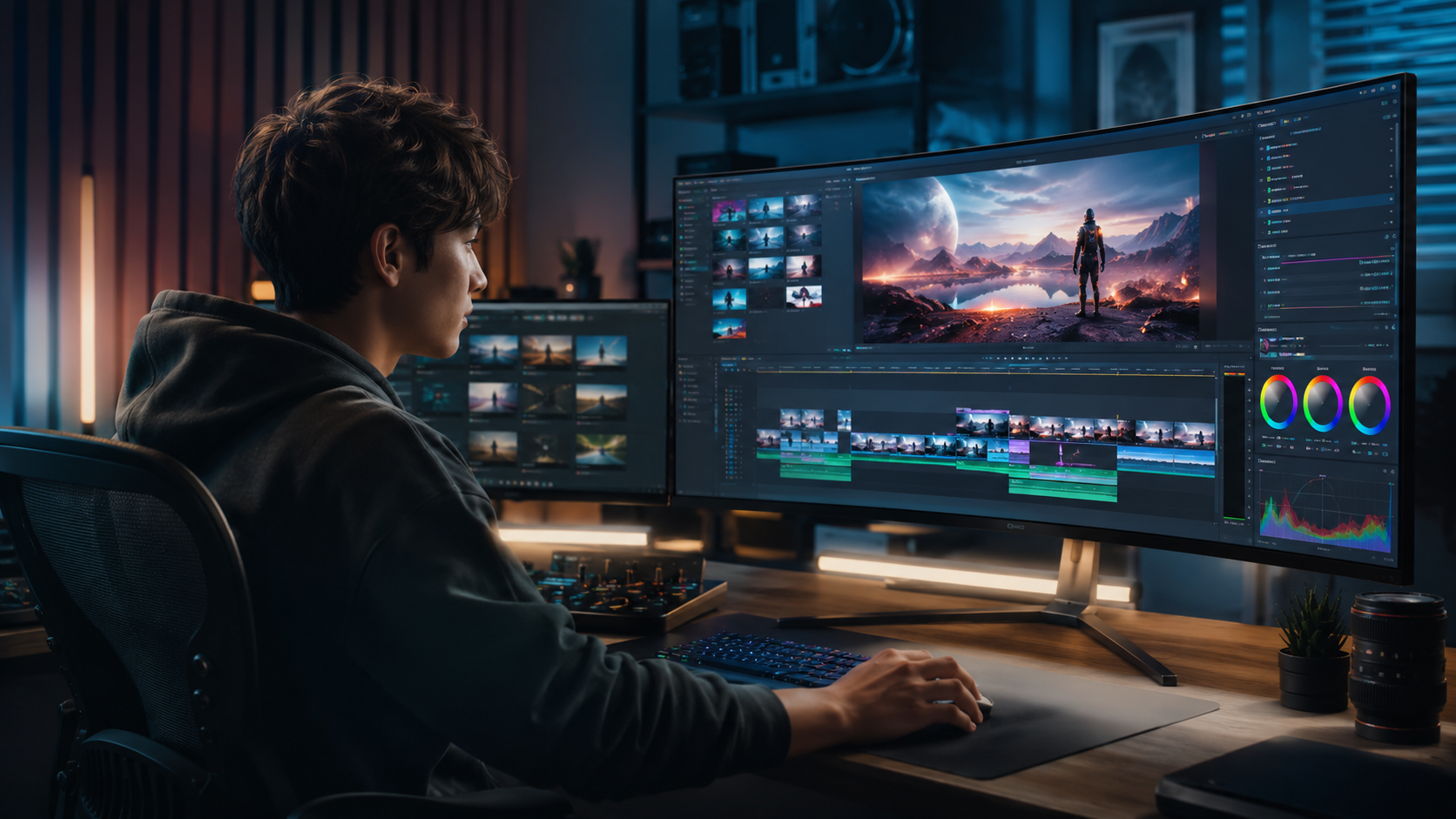
While DaVinci Resolve 21 takes the crown, several other free AI video editing tools deserve attention in 2026. Each serves different workflows, from social media creators to open-source enthusiasts. Below we examine four strong contenders that integrate AI in unique ways.
CapCut – AI for Social Media Editors
CapCut (developed by ByteDance) remains the go-to free editor for TikTok and Instagram creators. Its AI features include auto-caption generation, text-to-speech with natural voices, and AI-powered background removal. While less powerful than DaVinci Resolve for long-form work, CapCut’s mobile-first design and cloud sync make it ideal for quick edits. The free version has no watermarks and offers up to 4K exports. For short-form content, CapCut is often the best free AI video editing tool 2026 for beginners.
HitFilm Express – AI-Assisted Visual Effects
HitFilm Express combines video editing with compositing tools. Its AI features include automatic scene detection, color grading presets powered by machine learning, and a new “AI Retimer” that smooths slo-mo footage. The free version is limited to 1080p export but includes over 400 effects. It’s a solid choice for indie filmmakers who want cinematic looks without paying for Adobe After Effects.
Shotcut – Open-Source AI Integration
Shotcut is a free, open-source editor that supports third-party AI plugins. In 2026, the community has developed plugins for face detection, audio noise reduction via RNNoise, and AI upscaling. While not as polished as proprietary tools, Shotcut offers complete customization and no restrictions on exports. It’s ideal for tech-savvy users who want to build their own AI workflow.
OpenShot – User-Friendly AI Auto-Editing
OpenShot’s 2026 update includes an AI “Auto Edit” feature that analyzes your raw clips and assembles a rough cut based on shot composition and audio quality. It also offers AI-based motion tracking and transitions. Though less advanced than DaVinci Resolve, OpenShot’s simplicity makes it a great entry point for new editors searching for the best free AI video editing tool 2026.
Comparison Table: Best Free AI Video Editing Tools 2026
| Tool | AI Features | Max Export Resolution | Platform | Best For |
|---|---|---|---|---|
| DaVinci Resolve 21 | AI color grading, object tracking, voice isolation, Photos module | 4K (free version) | Win/Mac/Linux | Professional projects, color grading |
| CapCut | Auto captions, AI background removal, text-to-speech | 4K | Win/Mac/Mobile/Web | Social media, short-form video |
| HitFilm Express | AI scene detection, AI Retimer, automated color presets | 1080p (free) | Win/Mac | Visual effects, indie films |
| Shotcut | Face detection, AI upscaling (via plugins), noise reduction | Up to 4K (unrestricted) | Win/Mac/Linux | Customization, open-source enthusiasts |
| OpenShot | AI Auto Edit, AI motion tracking, smart transitions | 4K (unrestricted) | Win/Mac/Linux | Beginners, quick edits |
How to Choose the Best Free AI Video Editing Tool 2026 for Your Needs
Not all free AI video editing tools are created equal, and the right choice depends on your specific workflow. Start by identifying the type of content you create. If you produce long-form documentaries or cinematic shorts, DaVinci Resolve 21’s suite of AI color tools and professional timeline is unmatched. For rapid social media posts, CapCut’s AI captions and effects save huge amounts of time.
Consider your hardware as well. DaVinci Resolve 21 requires a powerful GPU for optimal AI performance, while CapCut runs smoothly on most modern laptops. If you prefer open-source software and want to fine-tune every AI model, Shotcut offers flexibility that proprietary apps can’t match. According to Ventureburn’s May 2026 ranking of free AI video generators, the trend is clear: AI is becoming a standard feature in free tools, so you don’t have to sacrifice quality for cost.
Finally, test the learning curve. DaVinci Resolve has a steeper initial learning curve, but its extensive free tutorials and community support help. CapCut and OpenShot are more intuitive for beginners. Whichever you choose, each of these tools represents the best free AI video editing tool 2026 for its respective audience.
Step-by-Step: Getting Started with DaVinci Resolve 21’s AI Photo Tool
- Download and install DaVinci Resolve 21 from Blackmagic Design’s official website (free version).
- Open the application and create a new project. Import your video clips and any still images you want to color-grade.
- Navigate to the Color workspace. Under the new “Photos” tab, select an image to edit.
- Use the AI-powered auto-balance tool to match exposure and white balance across your stills.
- Apply the color grade to your video clips using the grade preview function, which uses machine learning to analyze lighting.
- Export your final video in 4K or 1080p with no watermarks.
Frequently Asked Questions About Free AI Video Editing Tools in 2026
Is DaVinci Resolve 21 completely free?
Yes, the standard version of DaVinci Resolve 21 is free to download and use for commercial projects. It includes all core editing, color grading, Fusion effects, and Fairlight audio tools. The only paid version is DaVinci Resolve Studio, which adds advanced AI features like neural engine processing and stereoscopic 3D.
What AI features does DaVinci Resolve 21 have in 2026?
Version 21 introduces a Lightroom-style Photos tool for AI-powered color grading of still images, plus enhanced object tracking, voice isolation, and automatic color matching. These features are available in the free version, making it the best free AI video editing tool 2026 for professionals.
Can I use CapCut for commercial projects?
Yes, CapCut’s free version does not require attribution and allows commercial use of your exports. However, its AI features (like auto-captions) may have usage limits. Always check the terms of service for the latest updates.
Which free AI video editor is best for beginners in 2026?
For beginners, CapCut and OpenShot offer the simplest interfaces with AI-assisted auto-editing. OpenShot’s AI Auto Edit can assemble a rough cut from your clips, while CapCut’s one-click subtitles and effects require no prior experience.
How do free AI video editing tools compare to paid ones in 2026?
Free tools like DaVinci Resolve 21 now include AI features that rival paid software such as Adobe Premiere Pro. The main differences are in cloud storage, premium AI models, and customer support. For most independent creators and small businesses, the best free AI video editing tool 2026 provides everything needed.
Are there any hidden costs in free AI video editors?
No, the tools listed—DaVinci Resolve 21, CapCut, HitFilm Express, Shotcut, and OpenShot—have fully functional free versions with no time limits or watermark exports. Some may offer optional paid upgrades for extra cloud storage or advanced AI effects, but you can use the base free tier indefinitely.
In summary, the best free AI video editing tool 2026 is DaVinci Resolve 21 thanks to its professional-grade AI color grading suite and zero-cost access. Whether you’re a seasoned editor or just starting out, the AI features in today’s free software make high-quality video production accessible to everyone. Explore the tools mentioned in this guide to find the one that best fits your creative workflow.



Comments ()