
10 Best Free AI Video Editing Software Tools for 2026
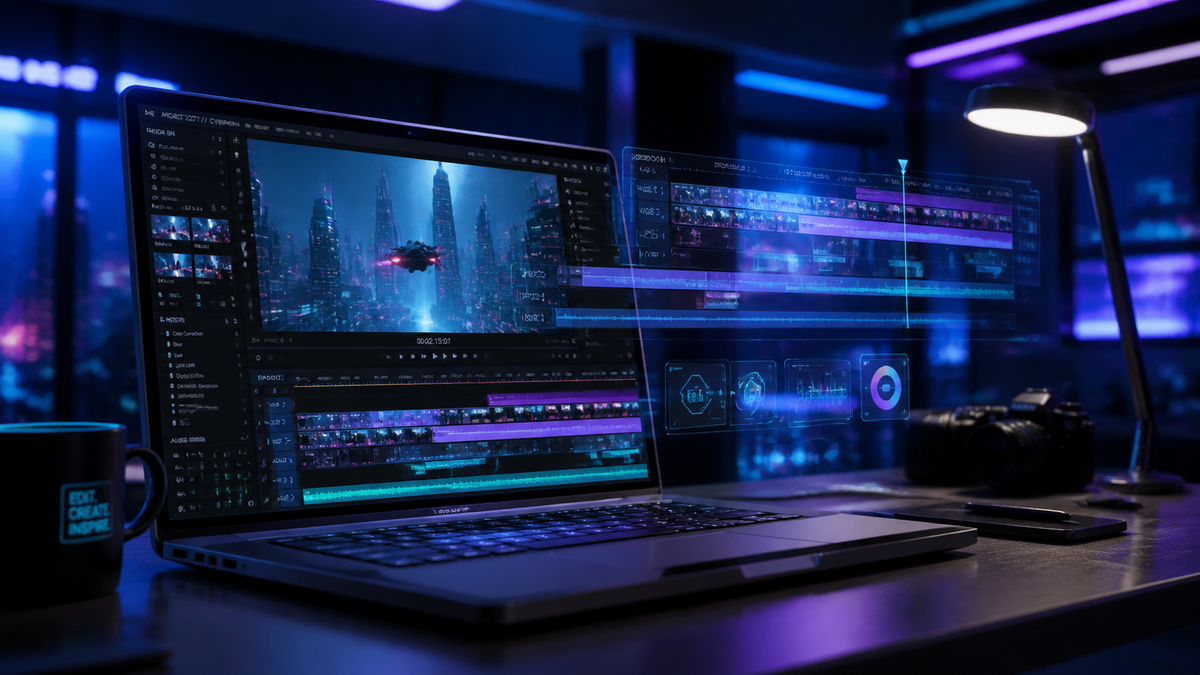
Finding the right free ai video editing software in 2026 is no longer about settling for basic features; it is about accessing professional-grade automation that was once reserved for Hollywood studios. As of April 2026, the landscape of video creation has shifted toward "generative editing," where AI tools can now handle everything from dynamic effect placement to automated color grading and scene expansion without manual intervention. Whether you are a content creator on YouTube or a filmmaker, these free tools allow you to produce high-quality cinematic content in minutes.
Free AI video editing software is a category of digital tools that utilize machine learning models to automate complex tasks like object removal, motion tracking, auto-captioning, and generative scene creation. In 2026, the best options include DaVinci Resolve’s Neural Engine, the AI Video Editor suite for dynamic effects, and cloud-based generators that transform text prompts into fully edited video sequences.
- ✓ AI-driven automation now allows users to add dynamic effects without manual keyframing.
- ✓ Professional tools like DaVinci Resolve have integrated photo-realistic editing that rivals dedicated photography software.
- ✓ The "Generative Era" of 2026 enables text-to-video editing directly within the timeline.
- ✓ Most free tiers now include 4K exports and advanced AI masking as standard features.
How to Choose the Best Free AI Video Editing Software
Selecting the right tool depends on your hardware and your specific creative needs. In 2026, the market is split between "heavyweight" desktop applications that require a dedicated GPU and "cloud-native" editors that run in your browser. According to Metricool, the primary trend for 2026 is the democratization of video creation, where the barrier to entry is no longer technical skill but creative vision.
If you are looking to get started immediately, follow these steps to integrate AI into your workflow:
- Identify your primary task: Decide if you need generative AI (creating scenes from scratch) or assistive AI (editing existing footage).
- Check hardware compatibility: Ensure your system can handle the local processing required by tools like DaVinci Resolve, or opt for a cloud-based AI Video Editor suite.
- Import and Analyze: Upload your footage and allow the AI engine to index your clips for faces, objects, and speech.
- Apply AI Enhancements: Use one-click tools for noise reduction, auto-reframe for social media, and dynamic effect application.
- Export and Optimize: Utilize AI-based encoding to compress your video without losing 4K or 8K clarity.
As TechRadar noted after testing over 70 AI tools in April 2026, the most effective software often combines traditional timeline editing with a "prompt-based" interface, allowing users to describe the changes they want to see rather than manually dragging sliders.
Comparison of Top Free AI Video Editing Tools for 2026
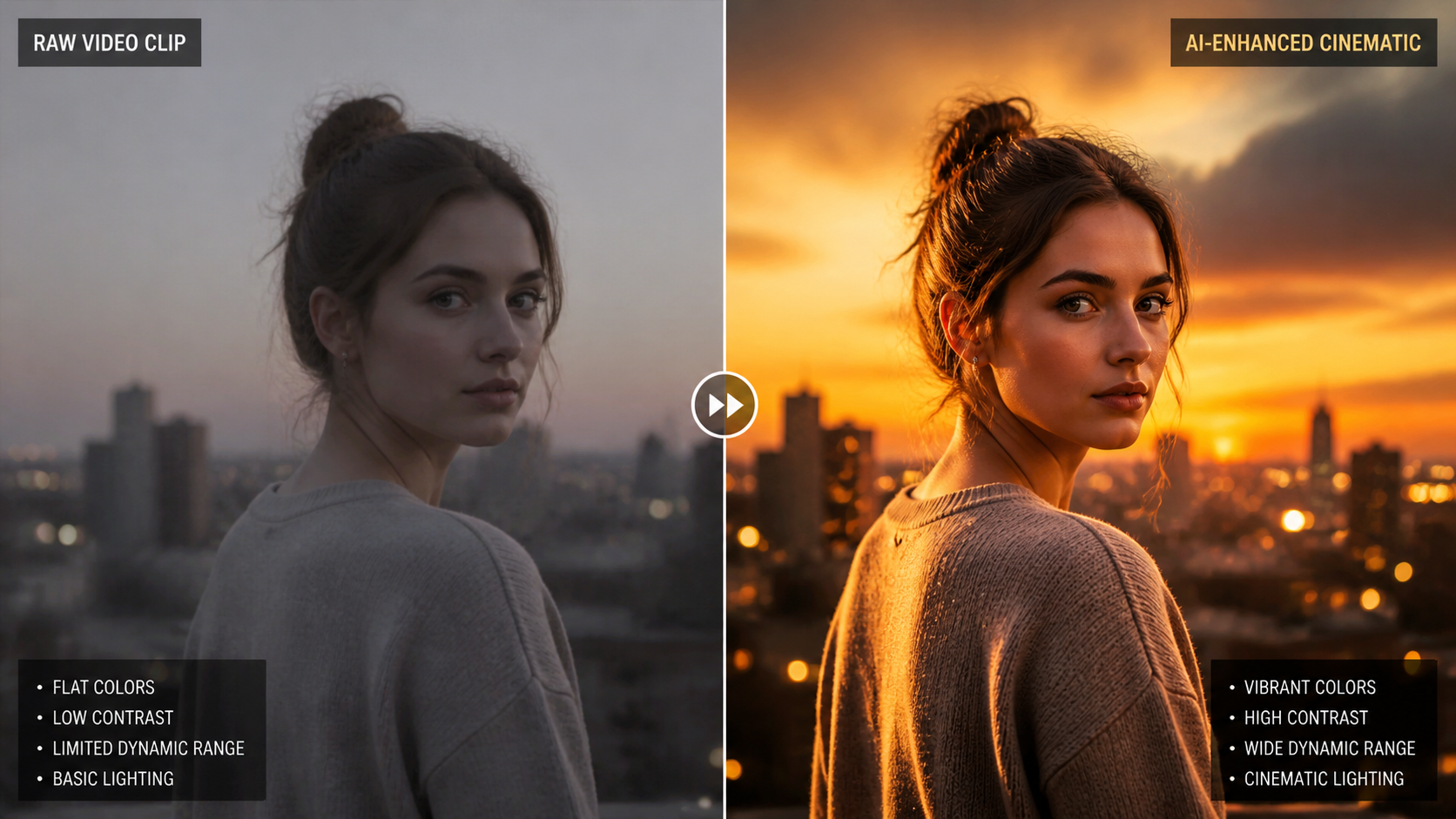
To help you decide which platform fits your workflow, we have compared the leading free versions based on their AI capabilities and export limits.
| Software Name | Best For | Key AI Feature | Free Export Limit |
|---|---|---|---|
| DaVinci Resolve 19+ | Professional Color & FX | Neural Engine Masking | 4K (No Watermark) |
| AI Video Editor Suite | Dynamic Social Media | Auto-Effect Placement | 1080p / 4K with Ads |
| CapCut Desktop 2026 | Short Form Content | Generative Script-to-Video | 4K (With Login) |
| Sora-Integrated Editor | Generative B-Roll | Text-to-Video Expansion | 3 Credits/Day |
| Clipchamp AI | Windows Users | Auto-Composition Creator | 1080p Unlimited |
1. DaVinci Resolve: The Powerhouse of Free AI Video Editing Software
DaVinci Resolve continues to dominate the industry in 2026. Following recent updates in April 2026, Creative Bloq posed the question of whether DaVinci Resolve has effectively "killed" traditional photo editing tools like Lightroom due to its advanced AI-driven photo and frame manipulation features. For video editors, this means the free version now includes sophisticated neural tools that can isolate subjects with incredible precision.
Advanced Neural Engine Capabilities
The 2026 iteration of the DaVinci Neural Engine allows users to perform tasks like "Magic Mask," which tracks people and objects across frames automatically. In the free ai video editing software space, this is revolutionary because it eliminates the need for rotoscoping. You can also use the AI Voice Isolation tool to remove background noise from amateur recordings, making them sound like they were filmed in a professional studio.
AI Color Grading and Scene Recognition
Another standout feature is the AI-based color matching. If you are filming with multiple cameras, the software can analyze the color science of a "target" clip and apply it to your entire timeline. This ensures visual consistency without hours of manual grading. According to Amateur Photographer, these programs are now designed so that "literally anyone can use" them, regardless of prior technical knowledge.
2. AI Video Editor Suite: Dynamic Effects Without Manual Labor
As reported by EastMojo in late April 2026, the new AI Video Editor suite has introduced a "hands-off" approach to visual effects. This software is specifically designed for creators who want to add high-energy transitions and dynamic overlays without spending hours on a timeline. The AI analyzes the beat of the music and the movement in the frame to suggest the perfect placement for effects.
Automated Motion Graphics
The software uses a proprietary "Dynamic Effect" engine that tracks the motion of subjects and anchors graphics to them. For example, if a creator is running, the AI can automatically wrap glowing lines around their silhouette or place floating text that stays locked to their position. This level of automation was previously only possible in complex software like After Effects.
Smart Trimming and Content Summarization
For those dealing with long-form footage, the AI Video Editor suite can scan hours of video and extract the "highlights" based on facial expressions, speech sentiment, and action density. This makes it an essential tool for streamers and event videographers who need to turn long recordings into short, punchy social media clips quickly.
3. The Rise of Generative AI Video Generators
In 2026, the line between an "editor" and a "generator" has blurred. CNET recently reviewed and ranked the best AI video generators of 2026, noting that the top tools now allow for "in-painting" and "out-painting" within the video editor. This means if your shot is too tight, the AI can generate the surrounding environment to turn a vertical video into a cinematic widescreen masterpiece.
Text-to-Video Integration
Many free ai video editing software platforms now include a generative prompt box. If you are missing a specific shot—such as "a drone shot of a futuristic city"—you can simply type the description, and the AI will generate a 10-second clip to fill the gap in your timeline. This reduces the reliance on expensive stock footage sites.
AI-Driven Scripting and Voiceovers
Modern generators don't just handle the visuals; they handle the narrative. By inputting a few keywords, the software can generate a script, create a realistic AI voiceover in multiple languages, and sync the footage to the speech patterns automatically. This "all-in-one" workflow is a hallmark of the 2026 video creation landscape.
4. Mobile-First AI Editors for 2026
Mobile editing has reached parity with desktop software thanks to specialized AI chips in modern smartphones. These apps focus on "instant" editing, where the AI takes the lead on creative decisions. Tools like CapCut and the mobile AI Video Editor suite leverage cloud processing to handle heavy AI tasks, ensuring that even mid-range phones can produce 4K content.
One-Tap Cinematic Styles
Users can now apply "Cinematic AI" filters that don't just change the color but actually re-light the scene. Using depth-mapping technology, these apps can identify the distance of objects from the camera and apply a realistic "bokeh" (background blur) or add "god rays" that interact with the environment. This makes mobile footage look like it was shot on a full-frame sensor.
Real-Time AI Subtitling
Accessibility is a major focus in 2026. Free mobile editors now offer real-time, 99% accurate subtitling in over 50 languages. The AI also handles "auto-captions" styling, ensuring that text is readable against busy backgrounds by automatically adjusting shadows and contrast based on the underlying video content.
5. The Future of Video Creation: Trends to Watch
According to Metricool, the future of video creation is moving toward "Hyper-Personalization." AI video editors are starting to offer features that allow the video content to change based on who is watching it. While this is currently in the experimental phase for free users, the underlying technology—AI-driven modular editing—is already present in 2026's software lineup.
AI as a Creative Partner
We are moving away from AI as a tool and toward AI as a "Co-Pilot." Software now suggests edits based on current social media trends. If a specific style of transition is going viral on TikTok or Instagram, your free ai video editing software might suggest applying a similar style to your project to increase engagement. This trend-awareness is a key differentiator in 2026 tools.
Ethical AI and Content Provenance
With the power of AI comes the responsibility of transparency. Most reputable free AI tools in 2026 now automatically include "Content Credentials" in the metadata. This tells viewers which parts of the video were captured by a camera and which were generated or enhanced by AI, maintaining trust between creators and their audiences.
Frequently Asked Questions (FAQ)
What is the best free AI video editing software for beginners?
For beginners, the AI Video Editor suite and CapCut are the top choices in 2026. They offer intuitive interfaces with "one-click" AI features that automate the most difficult parts of editing, such as transitions and background removal.
Is DaVinci Resolve really free to use in 2026?
Yes, DaVinci Resolve offers a very generous free version that includes most of its AI Neural Engine features. While there is a "Studio" version for $295, the free version does not add watermarks and supports exports up to 4K resolution.
Can AI video editors create videos from just text?
Yes, many tools in 2026 now feature "Text-to-Video" capabilities. Users can type a prompt, and the AI will generate high-quality footage, though free versions may limit the length or number of clips you can generate per day.
Do I need a powerful computer for AI video editing?
Not necessarily. While desktop tools like DaVinci Resolve require a good GPU, many modern free ai video editing software options are cloud-based, meaning the heavy AI processing happens on the provider's servers rather than your device.
Are AI-edited videos copyright-free?
In 2026, copyright laws vary by region, but generally, the footage you record yourself and edit with AI remains your property. However, content entirely generated by AI from text prompts may have different ownership rules depending on the software's terms of service.
Comments ()