
10 Best Free AI Video Editing Apps in 2026: Top Rated Tools
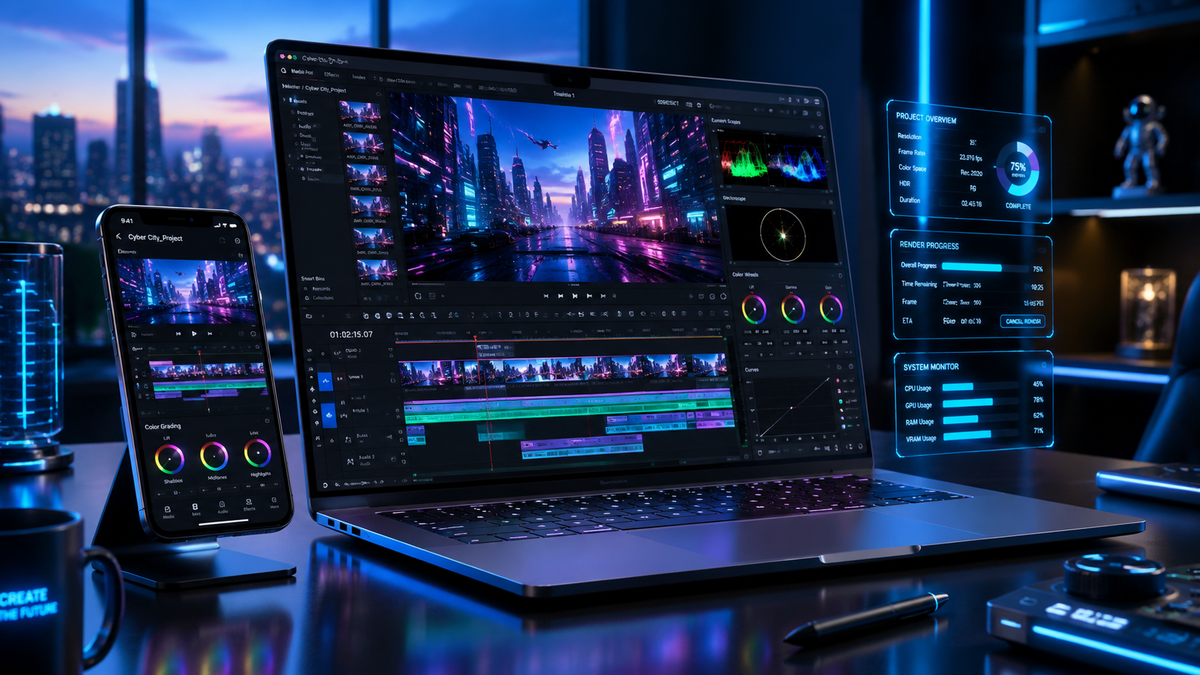
The best free AI video editing apps in 2026 are CapCut, Adobe Premiere Rush, and DaVinci Resolve, which utilize advanced neural networks to automate color grading, object removal, and transcript-based editing. These tools allow creators to produce professional-grade content without the steep learning curve of traditional software, offering robust free tiers that cater to both social media influencers and amateur filmmakers. In 2026, the shift toward generative AI means these applications can now synthesize B-roll and generate realistic voiceovers directly within the timeline.
The best free AI video editing apps are software applications that leverage artificial intelligence to automate complex post-production tasks like rotoscoping, noise reduction, and automated reframing. In 2026, these tools prioritize "text-to-video" workflows and "one-click" enhancements, making high-end cinematography accessible to anyone with a smartphone or laptop at no initial cost.
- ✓ AI-driven automation now reduces traditional editing time by up to 80% through automated scene detection.
- ✓ Cloud-based processing in 2026 allows mobile devices to handle 8K AI upscaling without local hardware strain.
- ✓ Most top-rated free apps now include generative fill features to expand video backgrounds or remove unwanted objects.
- ✓ Collaboration features are standard, with AI managing version control and real-time feedback loops.
How to Start Using the Best Free AI Video Editing Apps
Getting started with modern video editing requires less technical knowledge than ever before. In 2026, the workflow has shifted from manual splicing to "intent-based" editing. This means you tell the AI what you want to achieve, and the software provides a rough cut based on your media library and prompt. According to TechRadar, which tested over 70 AI tools in 2026, the integration of generative AI into standard editing timelines has become the industry benchmark for efficiency.
- Select Your Tool: Choose an app from our list below based on your device (iOS, Android, or Desktop).
- Upload and Index: Import your footage; the AI will automatically scan, tag, and transcribe your clips for easy searching.
- Apply AI Templates: Use "Smart Cuts" or "Auto-Reframe" to instantly adapt your footage for various social media aspect ratios.
- Refine with Prompts: Use text commands to "make the lighting warmer" or "remove the background noise."
- Export and Upscale: Save your project using AI-enhanced bitrates to ensure the highest quality even at smaller file sizes.
1. CapCut: The King of Social Media AI
CapCut remains a dominant force in 2026, particularly for short-form content creators. Owned by ByteDance, the app has evolved far beyond simple filters. Its 2026 update introduced "Generative B-Roll," where the app analyzes your script and automatically inserts relevant AI-generated imagery or stock footage to fill gaps in your narrative. This feature has revolutionized the way TikTok and Reel creators produce educational and storytelling content.
The AI-powered "Auto-Captioning" in CapCut is now 99% accurate across 50+ languages, including regional dialects. Furthermore, the "Magic Script" feature allows users to input a topic, and CapCut will generate a script, record a teleprompter-guided video, and edit it automatically. For those looking for the best free AI video editing apps, CapCut’s accessibility and deep integration with social trends make it an unbeatable choice for mobile-first users.
2. Adobe Premiere Rush: Professional Power for Free
Adobe Premiere Rush has maintained its status as a top-tier free tool by inheriting advanced features from its "Pro" sibling. In 2026, Adobe's Firefly AI integration allows Rush users to perform "Generative Extend," which adds frames to the beginning or end of a clip to perfectly time a transition. This level of sophisticated temporal manipulation was previously reserved for high-end desktop suites.
According to PCMag’s 2026 review of video editing software, Premiere Rush excels in cross-platform synchronization. You can start an edit on your phone during a commute and finish it on a desktop with full AI-assisted color matching across different camera sources. The "Auto Reframe" tool is particularly noteworthy, as it uses computer vision to identify the subject of a shot and keep them centered, regardless of whether you are exporting for YouTube or vertical platforms.
3. DaVinci Resolve (Free Version): Hollywood Grade AI
DaVinci Resolve continues to offer the most powerful free version of any professional video editor. In 2026, the "Neural Engine" has been optimized for the latest consumer chips, allowing for real-time "Magic Mask" tracking. This allows users to draw a rough stroke over a person or object, and the AI will create a perfect mask that follows them through the scene, enabling isolated color grading or background replacement without tedious frame-by-frame work.
While the Studio version has more features, the free version includes the essential "Voice Isolation" AI, which removes even the most intrusive background noises—like wind or traffic—leaving only crystal-clear dialogue. Amateur Photographer notes that in 2026, DaVinci Resolve's free tier is "literally a program anyone can use" to achieve a cinematic look, thanks to AI-driven "Look Up Table" (LUT) suggestions that analyze the mood of your footage.
Comparison of Top Free AI Video Editing Apps
To help you decide which tool fits your specific needs, we have compared the leading options based on their most impactful AI features and platform availability. As of mid-2026, the competition has moved toward who can offer the most "compute-heavy" features for free via cloud processing.
| App Name | Best For | Key AI Feature (2026) | Platform |
|---|---|---|---|
| CapCut | Viral Social Content | Generative B-Roll Sync | iOS, Android, Web |
| Adobe Premiere Rush | Multi-device Editing | Firefly Generative Extend | Mobile & Desktop |
| DaVinci Resolve | Cinematic Color/VFX | Neural Magic Masking | Windows, Mac, iPad |
| InShot | Quick Mobile Edits | AI Background Remover | iOS, Android |
| Canva Video | Business Presentations | Text-to-Video Animation | Web-based |
4. InShot: The Simplified AI Powerhouse
InShot has transitioned from a simple trimmer to a comprehensive AI suite. In 2026, its standout feature is the "AI Body Effects," which tracks human movement to apply neon outlines, clones, or glitch effects that move seamlessly with the subject. This is a favorite for dance videos and sports highlights. The app's simplicity remains its core strength, proving that the best free ai video editing apps don't need to be complex to be effective.
The 2026 version of InShot also includes "Smart Music Sync," which uses AI to analyze the beats of any imported track and automatically aligns your cuts to the rhythm. This removes the guesswork from creating high-energy montages. While it lacks the deep color grading of Resolve, its speed and ease of use on mobile devices make it a top-rated tool for 2026.
5. Canva Video: AI for Non-Editors
Canva has disrupted the video editing space by focusing on the "non-editor." Its video suite is entirely browser-based, utilizing cloud AI to perform heavy lifting. The "Magic Media" tool in 2026 allows users to generate entirely new video clips from text prompts, which can then be integrated into templates for social media ads or presentations. CNET’s 2026 rankings highlighted Canva as a leader in "Generative Design," noting its ability to maintain brand consistency through AI.
Canva’s "Beat Sync" and "Magic Switch" are essential for business owners. Magic Switch can take a single horizontal video and automatically create versions for Instagram, LinkedIn, and YouTube, resizing text and repositioning elements using AI layout logic. This makes it one of the best free ai video editing apps for marketing professionals who need to scale content production rapidly.
6. LumaFusion (Free Trial/Lite): Mobile Professionalism
While historically a paid app, the "LumaFusion Lite" version released in late 2025 has become a 2026 favorite. It brings professional multi-track editing to mobile with an AI-assisted "Magnetic Timeline." According to Creative Bloq, LumaFusion’s AI "Smart Search" is a game changer, allowing editors to find specific moments in hours of footage by searching for keywords like "sunset," "smiling," or "dog."
The app’s AI stabilization is also worth noting. It uses gyroscope data combined with visual analysis to smooth out shaky handheld footage more effectively than standard software stabilization. For creators who demand precision on an iPad or Android tablet, this tool offers a level of control that feels more like a desktop experience than a mobile app.
The Impact of AI on Video Post-Production in 2026
The landscape of video editing has been fundamentally altered by the democratization of AI. In previous years, tasks like rotoscoping (separating a subject from their background) took hours of manual labor. In 2026, this is a background task that happens instantly upon import. This shift allows creators to focus on the "why" of their story rather than the "how" of the software.
Industry experts at PCMag suggest that by the end of 2026, "prompt-based" editing will be the primary way most people interact with video. Instead of dragging sliders, you might simply type "make this look like a 1970s film," and the AI will adjust the grain, color science, and frame rate accordingly. This evolution ensures that the best free ai video editing apps are not just tools, but creative partners.
The Rise of Generative Video
Generative AI has moved from a novelty to a necessity. Most of the apps mentioned now include some form of "Generative Fill." If you filmed a video in your bedroom but want it to look like a professional studio, the AI can swap the background while maintaining realistic lighting and shadows on your face. This has significantly lowered the barrier to entry for high-quality production.
AI-Powered Audio Engineering
Audio is often the most difficult part of video editing. In 2026, free apps have integrated "Speech Enhancement" that uses neural networks to reconstruct lost frequencies in low-quality recordings. This means a video recorded on a windy beach can sound like it was captured in a soundproof booth. This "Audio AI" is a standard feature in our top-rated tools for 2026.
Are free AI video editing apps safe to use?
Yes, most reputable apps like CapCut and Adobe Rush use secure cloud processing. However, always check the privacy policy regarding how your uploaded footage is used to train their AI models.
Do I need a powerful phone for AI video editing?
In 2026, many apps use cloud-based AI, meaning the heavy processing happens on the company's servers. This allows even budget smartphones to use advanced features like object removal and upscaling.
Can AI video editors replace professional editors?
AI acts as an assistant that handles repetitive tasks. While it can automate the technical side, the creative vision, storytelling, and emotional pacing still require a human touch.
Which free app is best for removing backgrounds?
CapCut and InShot offer the best "one-click" background removal for mobile users, while DaVinci Resolve provides the most professional results for desktop users via its Magic Mask tool.
Do these free apps leave watermarks?
Many of the "best free" versions, such as CapCut (with a social media end-slide) and DaVinci Resolve, do not leave intrusive watermarks on your actual footage, making them suitable for professional-looking projects.
Choosing the best free AI video editing apps in 2026 depends on your specific goals. If you are focused on speed and social trends, CapCut is your best bet. If you want to learn the ropes of professional filmmaking, DaVinci Resolve offers a path to Hollywood-level skills. Regardless of your choice, the AI tools available today are more powerful than the most expensive professional suites from just five years ago, proving that 2026 is truly the golden age for independent content creators.



Comments ()