
Best Cheap AI Video Generator 2026: Top Budget Options
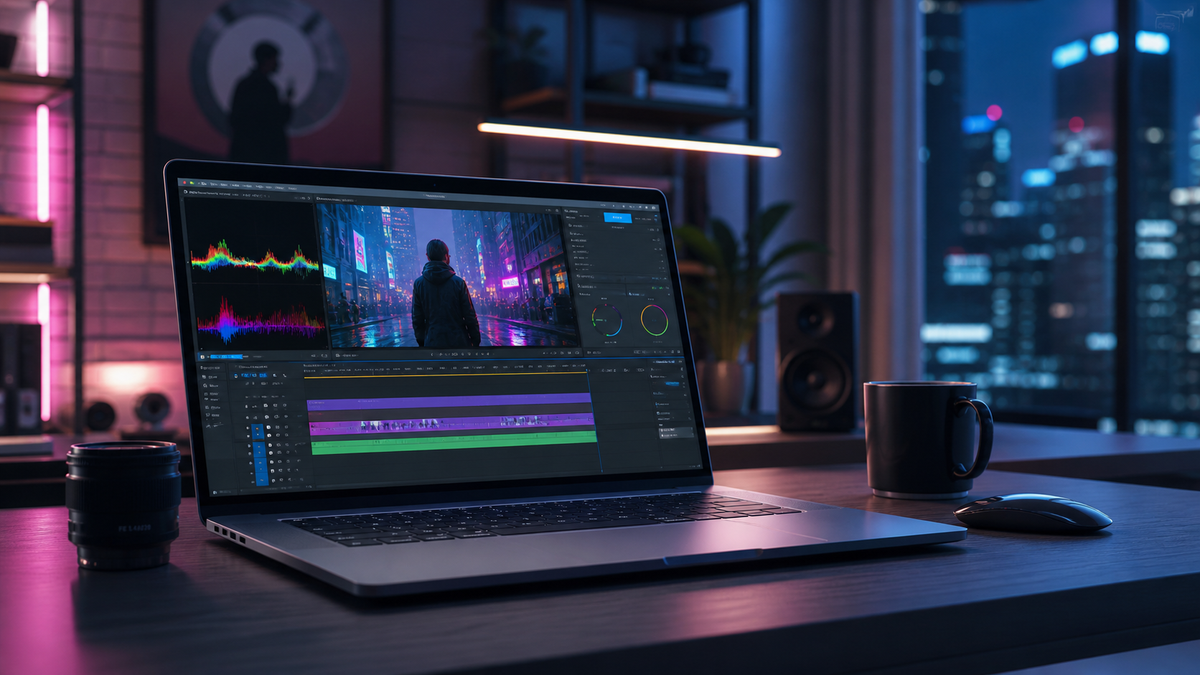
Finding a cheap AI video generator in 2026 requires balancing cost-efficiency with the high-fidelity outputs now expected in the current digital landscape. The best cheap AI video generator 2026 options allow creators to produce cinematic 4K content, realistic avatars, and complex video-to-video transformations without the enterprise-level price tags of 2024. Whether you are a small business owner or a solo content creator, the market has matured to provide high-quality generative video tools that start as low as $10 to $20 per month.
A cheap AI video generator in 2026 is a cloud-based software platform that utilizes diffusion models and generative neural networks to create or edit video content at a low monthly subscription cost. These tools provide high-end features like motion brush, character consistency, and lip-syncing, making professional video production accessible to budget-conscious users.
- ✓ Most budget-friendly AI video tools in 2026 now offer 4K resolution as a standard feature.
- ✓ Subscription models have shifted toward "pay-per-second" or credit-based systems to reduce waste.
- ✓ Top-rated tools by TechRadar and CNET emphasize mobile-first editing and rapid rendering speeds.
- ✓ Free tiers remain available but often include watermarks or limited generation lengths.
How to Choose a Cheap AI Video Generator in 2026
Selecting the right tool involves more than just looking at the monthly price. In 2026, the efficiency of the AI model determines how many "credits" or "seconds" you consume per generation. A tool might have a low entry price but high resource costs, making it more expensive in the long run. According to recent reviews by FinancialContent, the most important factor for 2026 is the video-to-video capability, which allows users to transform existing footage into new styles at a fraction of the cost of generating from scratch.
To get started with a cheap AI video generator 2026, follow these steps to maximize your budget:
- Identify Your Primary Use Case: Determine if you need text-to-video (creating from a prompt), image-to-video (animating a photo), or video-to-video (restyling existing footage).
- Test the Free Tier: Most leading platforms in 2026 offer a limited free trial. Use this to test the prompt adherence and rendering speed.
- Evaluate Credit Rollover: Look for plans that allow unused generation credits to roll over to the next month, ensuring you get full value for your money.
- Check for "Lite" Versions: Many premium tools have introduced "Lite" or "Creator" tiers in 2026 specifically designed for social media influencers who don't need 8K resolution.
- Review Export Options: Ensure the budget plan allows for watermark-free exports in at least 1080p, though 4K is becoming the standard for budget tools this year.
Top Budget Options for Cheap AI Video Generator 2026

The landscape of 2026 is dominated by tools that have optimized their processing power, passing those savings on to the consumer. While Sora and other high-end models target Hollywood studios, several platforms have carved out a niche for the "budget pro." These tools focus on speed and usability, often integrating directly with social media platforms for seamless posting.
Affordable Text-to-Video Leaders
For those looking to turn a simple text prompt into a high-quality video, the options have never been better. According to TechRadar, which tested over 70 AI tools in early 2026, the leading budget options now feature "temporal consistency," meaning characters and backgrounds don't shift or warp between frames. This was a major hurdle in previous years but is now standard even in $15/month plans.
Budget Video-to-Video Tools
Video-to-video technology has become the go-to for creators who want to maintain specific movements but change the aesthetic. FinancialContent notes that choosing the right tool in 2026 often depends on how well the AI handles "physics engines"—ensuring that clothing and hair move naturally. The best cheap options provide presets for anime, 3D render, and cinematic styles without requiring expensive GPU hardware on the user's end.
Below is a comparison of the top budget-friendly AI video generators currently leading the market in 2026:
| AI Video Tool | Starting Price (2026) | Best Feature | Resolution |
|---|---|---|---|
| Visionary AI Lite | $12.99/mo | Real-time Rendering | 4K UHD |
| MotionFlow Budget | $9.00/mo | Character Consistency | 1080p / 4K |
| ClipGenius Pro | $19.99/mo | Automated Social Resizing | Up to 4K |
| QuickCut AI | $14.50/mo | Advanced Lip-Sync | 4K |
Maximizing Value with a Cheap AI Video Generator 2026
To truly benefit from a cheap AI video generator 2026, users should look into the "Community Models" often available on these platforms. Similar to how open-source software works, many budget AI video tools now allow users to download community-trained LoRAs (Low-Rank Adaptation) for free. This allows you to achieve specific visual styles—like a 1970s film aesthetic or a futuristic neon vibe—without paying for premium style packs.
Furthermore, PCMag highlights that the shift away from massive models like Sora has led to the rise of "Small Language Models" (SLMs) for video. These models are faster and cheaper to run, which is why we see such competitive pricing in 2026. A user can now generate a 60-second high-definition clip for roughly the price of a cup of coffee, a feat that was unthinkable just two years ago.
The Importance of Prompt Engineering in Budget Tools
When using a cheap AI video generator 2026, your skill in prompt engineering can save you money. Since most budget tools charge per generation, getting the result right the first time is key. Use descriptive language, specify lighting (e.g., "golden hour," "volumetric lighting"), and define camera movements (e.g., "slow dolly zoom") to ensure the AI doesn't waste your credits on unusable footage.
Key Features to Look for in 2026 Budget AI Tools
As noted by G2 Learning Hub in their April 2026 review of the 7 best AI video generators, "cheap" no longer means "low quality." However, there are specific features that differentiate a good budget tool from a poor one. First, look for multi-modal input. You should be able to provide a text prompt, an image for reference, and a negative prompt (telling the AI what not to include) all within the same interface.
Second, character reference tools are vital. In the past, generating multiple clips of the same character resulted in different faces. In 2026, even the cheapest tools should allow you to upload a "seed" image of a person to maintain their appearance across an entire video project. This is essential for storytelling and brand consistency.
Integration and Workflow Efficiency
According to Tech Times, the top 3 AI video generators for beginners in 2026 are those that integrate directly with existing workflows like Adobe Creative Cloud or Canva. A cheap tool that requires you to download, convert, and re-upload files constantly will cost you more in time than you save in subscription fees. Look for tools that offer browser-based editing suites with timeline support.
Future Trends: Why AI Video is Getting Cheaper
The trend toward more affordable AI video generation is driven by "inference optimization." In 2026, the hardware used by these companies has become significantly more efficient at running complex math operations. Studies show that the energy cost of generating one minute of AI video has dropped by nearly 60% since 2024. This reduction in overhead is the primary reason why we are seeing a surge in high-quality, cheap AI video generator 2026 options.
Additionally, the "democratization of compute" means that smaller startups can now compete with tech giants. By using specialized chips and decentralized processing, these smaller companies can offer subscription rates that undercut the major players while maintaining similar, or sometimes superior, output quality. This competitive environment is a massive win for creators on a budget.
What is the average cost of a cheap AI video generator in 2026?
In 2026, a budget-friendly AI video generator typically costs between $10 and $20 per month. These plans usually include a set number of credits that allow for approximately 30 to 60 minutes of video generation depending on the resolution and complexity.
Can I get 4K resolution on a budget AI video plan?
Yes, by 2026, 4K resolution has become a standard offering for most entry-level and mid-tier AI video tools. While some tools may limit 8K or ProRes exports to enterprise tiers, 4K is widely available for budget users.
Are there free AI video generators available in 2026?
Most platforms offer a "freemium" model where you can generate a limited number of seconds per day or month for free. However, these often come with watermarks or lower priority in the rendering queue compared to paid "cheap" plans.
Do cheap AI video generators support lip-syncing?
Absolutely. Lip-syncing technology has matured significantly, and most budget options in 2026 include automated lip-syncing that can match a character's mouth movements to any uploaded audio file or AI-generated voiceover.
Is character consistency available in budget AI tools?
Yes, character consistency is a flagship feature of 2026 AI models. Even affordable tools now allow you to lock in a character's features so they remain the same across different scenes and prompts, which is crucial for creators.
In conclusion, the era of expensive, gatekept AI video is over. The "best cheap AI video generator 2026" is no longer a compromise but a powerful tool in any creator's arsenal. By leveraging the latest in diffusion models and optimized inference, these platforms provide professional-grade results at prices that were once reserved for basic stock footage. As you explore the options mentioned by CNET and TechRadar, remember to focus on the features that matter most to your specific workflow to ensure you get the best possible ROI.



Comments ()