
10 Fast AI Video Editors (2026)
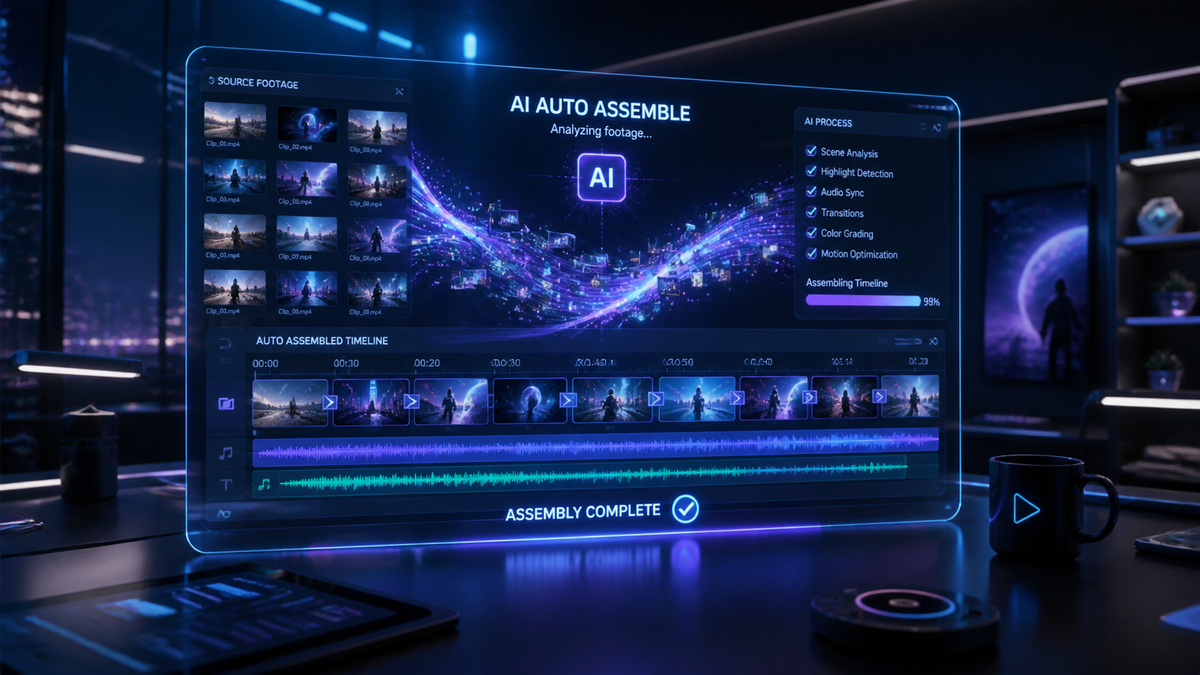
Automated AI video editing tools are software applications that utilize machine learning algorithms and generative artificial intelligence to handle the assembly, cutting, and enhancement of video content without manual frame-by-frame intervention. As we navigate the landscape of 2026, these tools have evolved from simple trimming assistants into comprehensive creative partners capable of understanding context, emotion, and narrative structure. Whether you are a social media creator or a professional filmmaker, leveraging automated ai video editing tools has become the industry standard for maintaining high-volume production schedules while ensuring cinematic quality.
Automated AI video editing tools are sophisticated software platforms that use neural networks to automate the post-production process, including color grading, sound design, and scene selection. In 2026, these tools allow users to transform raw footage into polished, professional-grade videos using natural language prompts and real-time generative effects, significantly reducing manual labor and production costs.
- ✓ AI video editing now focuses on "Quick Cut" technology for instant narrative assembly.
- ✓ Generative effects and dynamic motion tracking are now standard in cloud-based suites.
- ✓ Prompt-based editing allows for high-level creative control without technical expertise.
- ✓ Integration with platforms like Adobe Firefly has streamlined the professional workflow.
- ✓ Real-time collaboration via AI-driven cloud environments is the dominant trend in 2026.
How to Use Automated AI Video Editing Tools for Maximum Efficiency
The transition to an AI-first workflow requires a shift in how creators approach their raw assets. In 2026, the process is no longer about learning complex timelines but about mastering the art of the "creative prompt." According to recent reports from eWeek, the ability to draft precise AI video editing prompts is now the most valuable skill in the digital marketing space, as it dictates how effectively the machine interprets the intended mood and pacing of the final clip.
To get the most out of your software, it is essential to follow a structured approach that allows the AI to organize your media before you apply generative enhancements. Here is the standard workflow for modern automated editing:
- Ingest and Tag: Upload your raw footage to the AI suite, allowing the tool to automatically generate metadata and tags for every scene, face, and object detected.
- Prompt the Narrative: Use a natural language prompt to describe the story you want to tell, such as "Create a high-energy 60-second highlight reel of this footage with a cinematic color grade."
- Apply Dynamic Effects: Utilize tools like the EastMojo-highlighted AI Video Editor suite to add dynamic effects and transitions that sync automatically with the beat of the background music.
- Refine with Quick Cuts: Use "Quick Cut" features to remove filler words, long pauses, or repetitive takes instantly.
- Export and Optimize: Choose your target platform (e.g., YouTube, TikTok, or LinkedIn), and let the AI resize and reframe the video for optimal viewing on that specific network.
Top 10 Automated AI Video Editing Tools of 2026
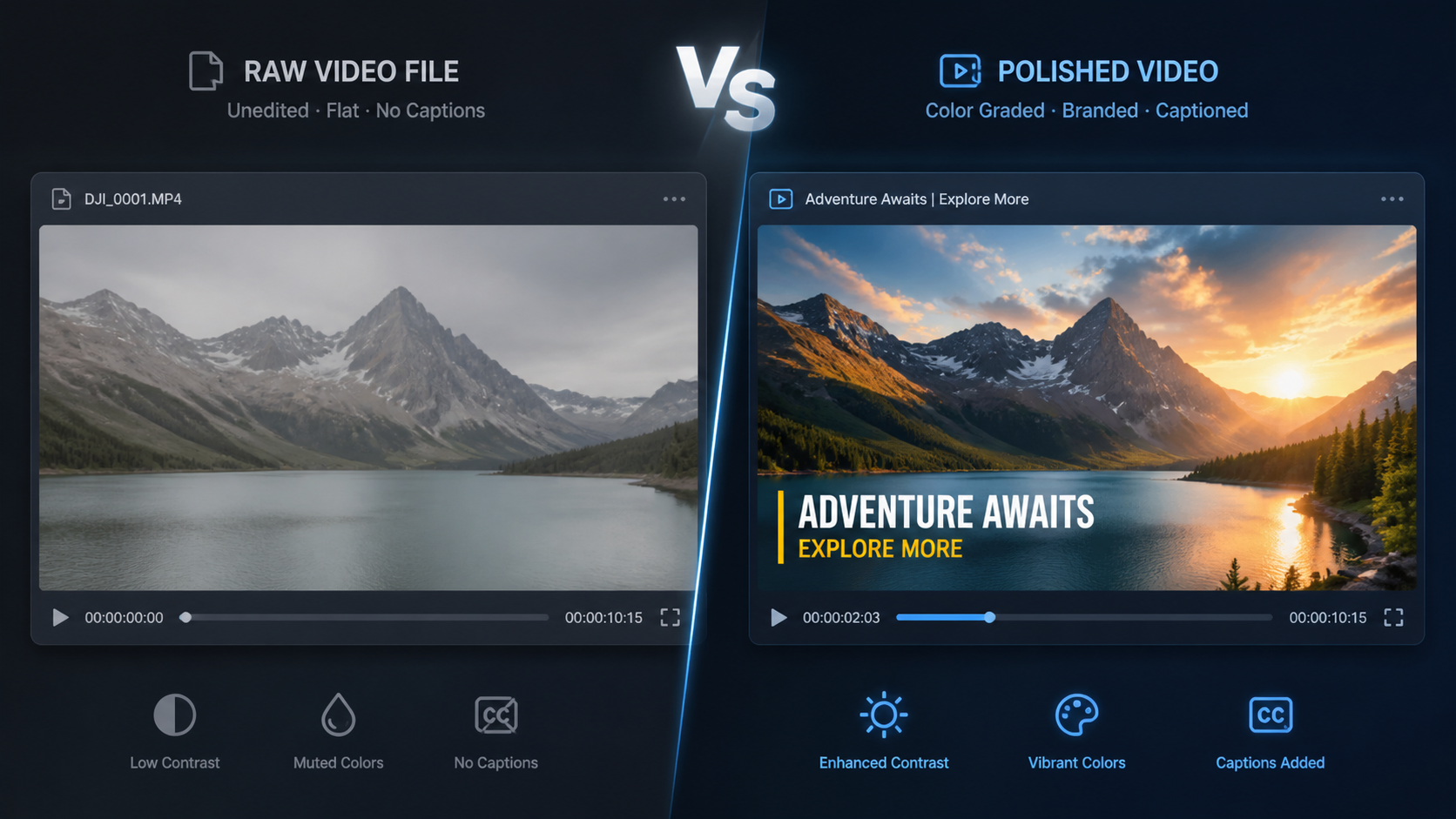
The market for video marketing AI has expanded rapidly. Based on extensive testing of over 70 tools reported by TechRadar in April 2026, the following platforms represent the pinnacle of speed, reliability, and creative power. These automated ai video editing tools cater to different niches, from enterprise-level production to solo content creation.
1. Adobe Firefly Quick Cut
Launched in early 2026, Adobe Firefly’s "Quick Cut" module has revolutionized the professional editing suite. Unlike previous iterations, this tool uses generative AI to analyze hours of footage and suggest the best narrative path. It doesn't just cut; it understands the emotional arc of a scene. According to The Tech Buzz, the Firefly Quick Cut feature has reduced the time spent on "rough cuts" by nearly 85% for major production houses.
2. AI Video Editor Suite (EastMojo Edition)
As highlighted by EastMojo in April 2026, this suite is the leader in "no-manual" editing. It specializes in dynamic effects that adapt to the movement within the frame. If a subject moves quickly, the AI automatically applies motion blur or tracking particles without the user needing to set a single keyframe. It is the go-to choice for action sports creators and music video directors who need high-impact visuals on a tight deadline.
3. Descript Ultra (2026 Version)
Descript remains the king of text-based editing, but the 2026 "Ultra" version introduces "Scene Synthesis." You can now edit your video by simply rewriting the transcript, and the AI will generate new lip-synced footage if a word was missed during filming. It has become an essential tool for podcasters and educators who rely on clarity and precision in their messaging.
4. Runway Gen-4 Professional
Runway continues to push the boundaries of generative video. The Gen-4 iteration allows for "In-Video Prompting," where you can change the weather, the lighting, or even the clothing of a subject within a pre-recorded video. It is less of a traditional editor and more of a "visual engine" that builds the world around your footage.
5. InVideo AI Marketing Specialist
Trend Hunter recently identified InVideo’s 2026 update as a top trend in video marketing AI. This tool is designed specifically for social media managers. It can take a single product URL and generate 10 different video ads, each optimized for a different demographic, featuring automated voiceovers and licensed music that matches the brand’s tone perfectly.
6. Magisto by Vimeo (AI Pro)
Magisto has evolved into a powerhouse for small businesses. Its 2026 AI Pro version uses "Predictive Performance" metrics to suggest edits that are statistically more likely to keep viewers engaged on platforms like Instagram and Facebook. It’s an automated tool that thinks like a data scientist.
7. Wondershare Filmora AI 15
Filmora 15 has integrated what they call "Creative Co-Pilot." This feature acts as a live assistant that suggests transitions and filters as you drag clips onto the timeline. It is widely considered the best entry-level automated ai video editing tool for those transitioning from manual to AI-assisted workflows.
8. Premiere Pro AI-Link
While Adobe has Firefly for generative tasks, Premiere Pro’s AI-Link (introduced in February 2026) focuses on the "Professional Video Coalition" standards. As Iain Anderson noted in his review for ProVideo Coalition, AI-Link allows for seamless automated color matching across different camera brands, ensuring a consistent look for multi-cam shoots in seconds rather than hours.
9. CapCut Desktop AI 2026
CapCut has moved beyond mobile simplicity. The 2026 desktop version features "Auto-Vibe Sync," which uses AI to analyze the frequency of a song and align every cut, zoom, and effect to the rhythm. It is currently the most popular tool for viral trend creation due to its massive library of AI-generated templates.
10. Synthesia Studio 4.0
For those who don't want to be on camera, Synthesia 4.0 offers the most realistic AI avatars to date. In 2026, these avatars can now interact with physical objects in a virtual space, making them perfect for corporate training videos and automated news reports. It eliminates the need for a film crew entirely.
Feature Comparison of Leading AI Editors
Choosing the right automated ai video editing tools depends on your specific needs—whether that is speed, creative flexibility, or ease of use. The following table compares the top contenders based on the latest 2026 software specifications.
| Tool Name | Primary Strength | Key AI Feature | Target User |
|---|---|---|---|
| Adobe Firefly | Narrative Assembly | Quick Cut AI | Professional Editors |
| AI Video Editor Suite | Dynamic Effects | Manual-Free FX | Action Creators |
| InVideo AI | Marketing Speed | URL-to-Video | SMM & Agencies |
| Runway Gen-4 | Visual Generation | In-Video Prompting | VFX Artists |
| Descript Ultra | Text-Based Editing | Scene Synthesis | Podcasters |
The Evolution of Video Marketing AI in 2026
The landscape of video marketing has been fundamentally altered by the rise of autonomous editing systems. According to Trend Hunter, "Video Marketing AI" is no longer just a niche category but the backbone of the $500 billion digital advertising industry. Brands are now using automated ai video editing tools to create hyper-personalized content at a scale that was previously impossible.
One of the most significant shifts this year is the move toward "Contextual Editing." AI tools can now analyze the current news cycle or trending topics and suggest edits to existing video assets to make them more relevant to the day's conversation. This allows brands to remain "in the moment" without needing a 24/7 production team. Furthermore, the integration of AI tools for video professionals, as discussed by Iain Anderson, ensures that even high-end cinematic productions maintain a human touch while benefiting from machine speed.
Studies show that companies utilizing AI-driven video workflows in 2026 have seen a 40% increase in content output with a 25% reduction in overall production costs. This efficiency is driven by the elimination of repetitive tasks like rotoscoping, noise reduction, and basic color correction, which are now handled entirely by background AI processes.
Advanced Prompting: The Key to Automated Success
As we have seen in the latest eWeek reports, the quality of your output is directly linked to the quality of your input. To master automated ai video editing tools, creators must learn to speak the language of the AI. A simple prompt like "make it look good" will no longer suffice in the competitive market of 2026.
Advanced prompting involves specifying the lens type, the lighting conditions, and the emotional resonance. For example, a professional prompt might be: "Edit this footage into a 30-second teaser using anamorphic flares, a high-contrast noir color palette, and rhythmic cuts that accelerate during the chorus of the attached audio track." By providing this level of detail, the AI can access its deep learning database to mimic specific cinematic styles with pinpoint accuracy.
TechRadar’s review of 70+ tools emphasized that the best platforms are those that offer a "Prompt Assistant," a secondary AI that helps the user refine their instructions before the rendering process begins. This ensures that the final product aligns with the creator's vision on the first try, reducing the need for time-consuming revisions.
Frequently Asked Questions
What are the best automated ai video editing tools for beginners in 2026?
For beginners, CapCut Desktop and Wondershare Filmora 15 are the top choices. They offer intuitive interfaces combined with powerful "one-click" AI features that handle complex tasks like beat-syncing and background removal automatically.
Can AI video editors replace professional human editors?
While AI has automated many technical tasks, the role of the human editor has shifted toward creative direction and storytelling. AI acts as a powerful assistant that handles the "grunt work," allowing humans to focus on high-level narrative decisions.
Is Adobe Firefly Quick Cut available for mobile?
As of mid-2026, Adobe Firefly Quick Cut is primarily a desktop and cloud-based feature within the Creative Cloud suite, though a "Lite" version is integrated into the Adobe Express mobile app for quick social media edits.
How do AI video prompts improve clip quality?
AI prompts allow the software to understand the "why" behind an edit. By specifying the mood, pace, and style, the AI can apply specific color LUTs and transition types that a generic algorithm might miss, resulting in a more cohesive final product.
Are these AI tools expensive to use in 2026?
Pricing varies, but many tools like InVideo and CapCut offer robust free tiers. Professional suites like Adobe Firefly or Runway Gen-4 typically operate on a subscription model, often ranging from $20 to $50 per month for unlimited generative credits.



Comments ()