
10 Best AI Video Upscaler Tools 2026: Top 4K & 8K Enhancers
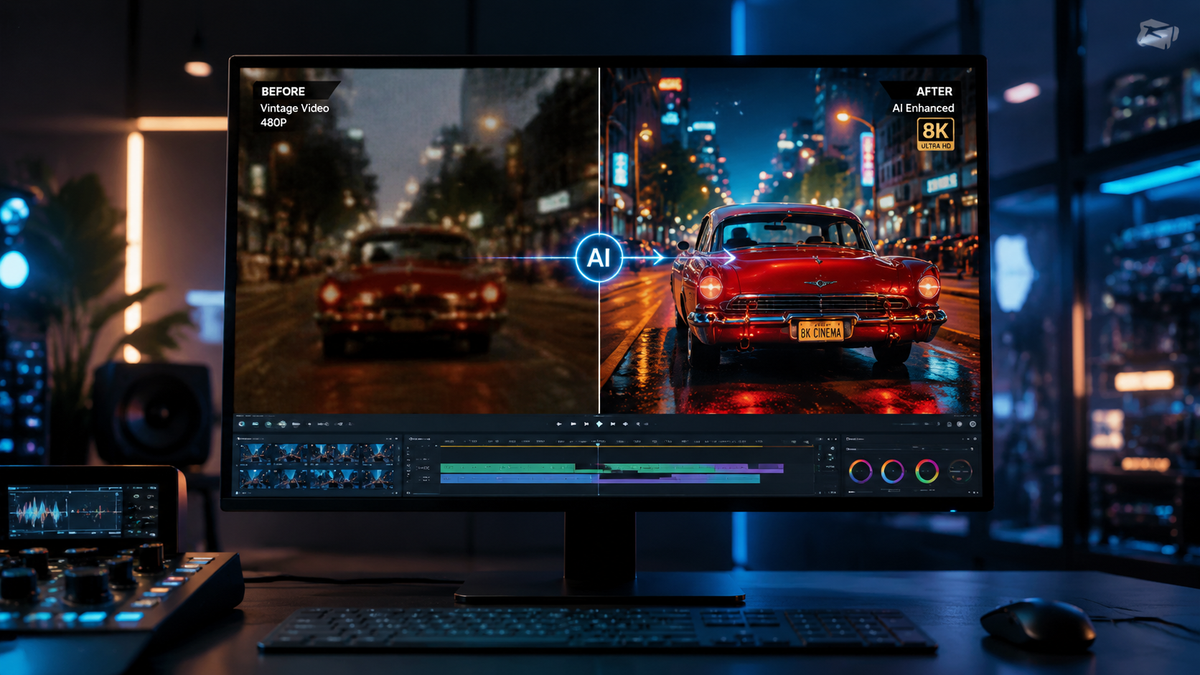
Choosing the best ai video upscaler tools 2026 requires understanding how generative models have evolved to handle 4K and 8K resolutions with temporal consistency. As of mid-2026, the industry has shifted from simple pixel interpolation to sophisticated diffusion-based reconstruction, allowing users to transform low-resolution archival footage or mobile recordings into cinema-grade masterpieces. Whether you are a professional colorist or a content creator, the latest AI enhancers offer unprecedented detail without the "plastic" look common in earlier iterations of the technology.
The best AI video upscaler tools in 2026 are specialized software applications that use deep learning and neural networks to increase video resolution (from SD/HD to 4K/8K) while reconstructing missing data. Leading solutions include Topaz Video AI 6.0, Adobe Firefly Video, and AVCLabs, which provide professional-grade noise reduction, frame interpolation, and sharpening for high-fidelity visual output.
- ✓ Top-tier tools now support real-time 4K upscaling using dedicated NPU hardware.
- ✓ Adobe Firefly has introduced unlimited generation models for enterprise video workflows as of late 2025.
- ✓ Mobile upscaling has peaked with 2026 Android-specific enhancers achieving professional HD looks.
- ✓ Temporal consistency algorithms now prevent the "flickering" effect seen in older AI versions.
How to Upscale Video Quality with AI: 2026 Step-by-Step Guide
According to research published by Nokiamob in late 2025, achieving amazing 4K results requires a balance between bitrate management and model selection. The process is no longer just about clicking a button; it involves choosing the right neural network for the specific type of footage you are processing, whether it is high-motion sports or static interviews.
- Import Source Media: Load your original footage (720p or 1080p) into your chosen AI enhancer. Ensure the source has a high enough bitrate to avoid upscaling compression artifacts.
- Select the AI Model: Choose between "Proteus" for general enhancement, "Gaia" for high-quality CG, or "Iris" for face-focused restoration.
- Set Output Parameters: Define your target resolution (4K or 8K) and choose a modern codec like AV1 or ProRes 422 for maximum detail retention.
- Preview and Adjust: Use the side-by-side comparison tool to check for over-sharpening or "uncanny valley" effects on human skin.
- Render: Execute the export. In 2026, many tools now utilize cloud-based rendering to speed up the 8K processing time significantly.
Comparison of the Best AI Video Upscaler Tools 2026
To help you decide which software fits your workflow, we have compared the top-performing tools based on their 2026 feature sets, including the latest updates from Adobe and various independent developers. This table highlights the core differences in platform availability and target resolution.
| Tool Name | Max Resolution | Key Strength | Platform |
|---|---|---|---|
| Topaz Video AI 6.0 | 16K (Experimental) | Motion Deblur & Frame Consistency | Windows / macOS |
| Adobe Firefly Video | 8K | Generative Fill & Unlimited Generations | Cloud / Premiere Pro |
| AVCLabs Video Enhancer | 8K | Face Refinement & Color Calibration | Windows / macOS |
| HitPaw AI Enhancer | 4K | Ease of Use / One-Click Fixes | Windows / macOS / Android |
| CapCut Desktop Pro | 4K | Social Media Optimization | Web / Desktop |
1. Topaz Video AI 6.0: The Professional Gold Standard
Topaz continues to dominate the market in 2026 by focusing on "Temporal Consistency." Unlike other tools that process frame-by-frame, Topaz looks at a sequence of frames to ensure that details like hair or grass don't shift unnaturally between frames. This makes it the preferred choice for film restoration and high-end commercial work.
The 2026 version introduces the "Theia" model update, which specifically targets digital noise found in low-light drone footage. According to a recent technical review by Pressat.co.uk, Topaz remains the most tested and compared tool for professional workflows, consistently outperforming competitors in texture retention during 8K upscaling.
2. Adobe Firefly Video: Generative Power for Creators
As of the major update in December 2025, Adobe Firefly has integrated deep generative AI into the video upscaling process. It doesn't just sharpen pixels; it can intelligently "re-imagine" missing details based on the context of the scene. This is particularly useful for low-resolution archival footage where data loss is extreme.
Adobe's move to offer unlimited generations for enterprise users has changed the landscape for creative agencies. By integrating directly with Premiere Pro, Firefly allows editors to upscale clips on the timeline without exporting to third-party software. This seamless integration makes it one of the best ai video upscaler tools 2026 for efficiency-focused professionals.
3. AVCLabs Video Enhancer AI
AVCLabs has carved out a niche in 2026 by focusing on portrait-based video. Their AI models are specifically trained on human anatomy, making them excellent for wedding videographers or interviewers who need to clear up skin textures and eye details in 4K. The software also includes a robust colorizer for black-and-white films.
4. HitPaw AI Video Enhancer
HitPaw is often cited by outlets like Cult MTL as one of the best tools to achieve a professional HD look with minimal technical knowledge. In 2026, HitPaw's "General Denoise Model" has been optimized for older home movies, effectively removing the grainy "film look" without losing the nostalgic feel of the original media.
Advanced Features in 2026 Video Enhancement
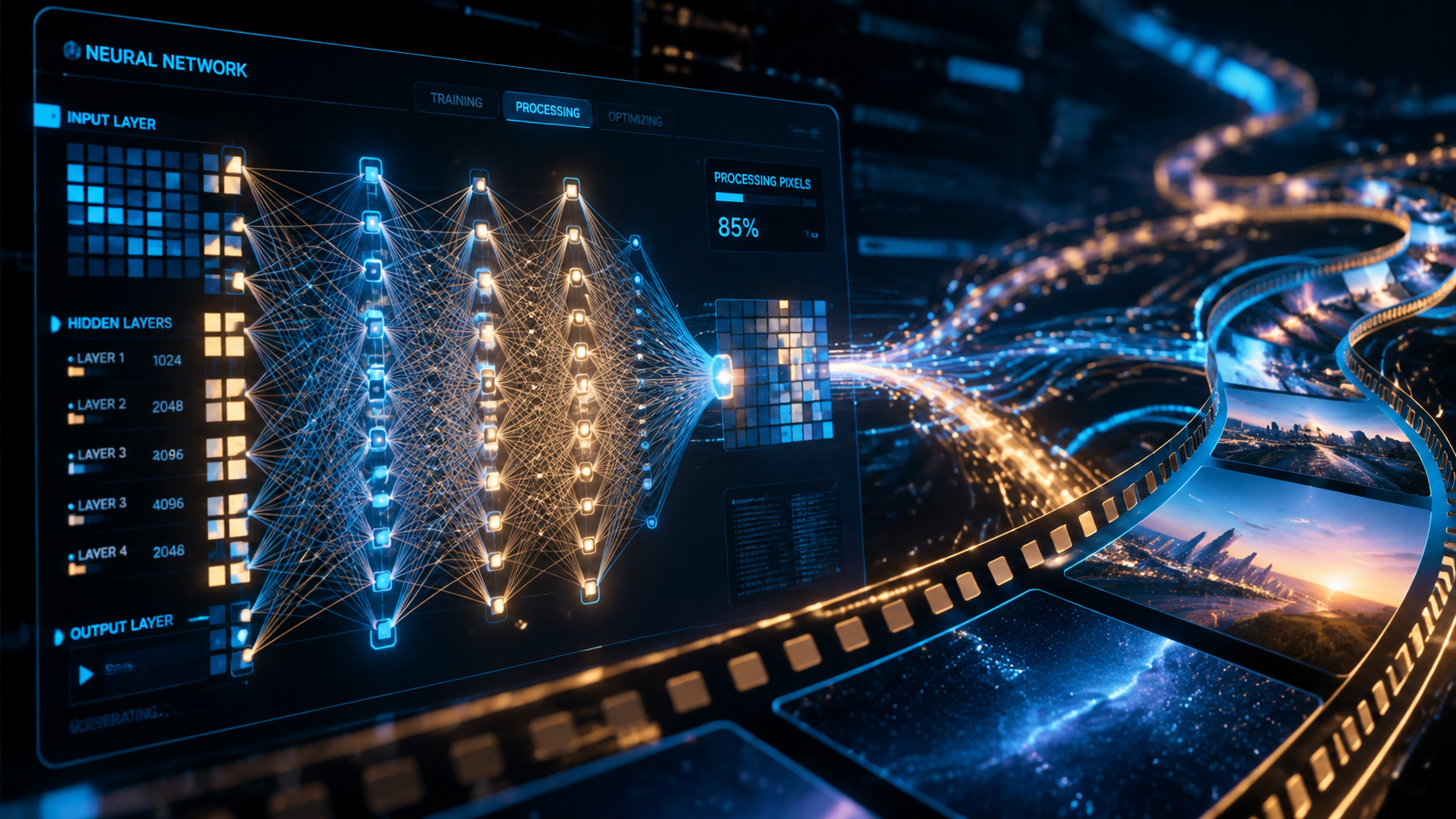
The current year has seen a massive leap in what we call "Semantic Upscaling." Instead of applying the same filter to the entire frame, the best ai video upscaler tools 2026 now identify objects within the frame. For example, the software recognizes a tree and applies a "foliage model," while simultaneously recognizing a car and applying a "metallic reflection model."
This level of precision ensures that different textures are treated with the appropriate level of sharpening. Independent Newspaper Nigeria recently reported that the top 10 AI upscalers in 2026 now include these object-aware features as a standard, moving away from the "one-size-fits-all" approach of 2023 and 2024.
The Rise of Mobile Video Enhancers
It is no longer necessary to own a powerful workstation to enhance video. As highlighted by PlayStation Universe in early 2026, the new generation of Android-based video enhancers can process 1080p footage into 4K directly on the device using integrated AI chips. These tools are essential for mobile journalists and social media influencers who need quick turnarounds.
Technical Considerations for 8K Upscaling
While 8K upscaling sounds impressive, it requires significant hardware resources. In 2026, most professional tools recommend at least 24GB of VRAM for smooth 8K processing. If you are working on a laptop, cloud-based enhancers like the ones offered by Adobe or specialized web-apps are often a more viable solution than local rendering.
Furthermore, the "best ai video upscaler tools 2026" now utilize AV1 encoding. According to industry standards, AV1 offers 30% better compression than HEVC, which is crucial when dealing with the massive file sizes generated by 8K video. Always check if your chosen tool supports this codec to save on storage space without sacrificing visual quality.
Frequently Asked Questions
What is the best AI video upscaler for 8K in 2026?
Topaz Video AI 6.0 is widely considered the best for 8K due to its specialized neural networks that prevent artifacts at extreme resolutions. It is designed for professional hardware and offers the most control over the final output.
Can I upscale video for free using AI?
Yes, tools like CapCut and certain open-source models on GitHub offer free AI upscaling, though they may have limits on resolution or processing speed compared to paid versions like Adobe Firefly.
Does AI upscaling really work for old 480p footage?
Yes, modern 2026 AI models are specifically trained on low-resolution data to reconstruct missing pixels, often making 480p footage look remarkably close to native 1080p or even 4K.
How long does it take to upscale a 10-minute video to 4K?
With a mid-range 2026 GPU, a 10-minute video typically takes about 15 to 30 minutes to upscale to 4K, depending on the complexity of the AI model used.
Is Adobe Firefly Video better than Topaz?
It depends on your needs; Adobe Firefly is better for creative workflows and generative additions, while Topaz is superior for technical restoration and maintaining the absolute integrity of the original footage.
In conclusion, the best ai video upscaler tools 2026 have bridged the gap between amateur recordings and professional cinema. By leveraging tools like Topaz, Adobe Firefly, and AVCLabs, you can ensure your content remains future-proof as 4K and 8K displays become the global standard. Always prioritize tools that offer temporal consistency to ensure your videos look as good in motion as they do in still frames.



Comments ()