
10 Best AI Video Upscaler 2026: Top Tools for 4K & 8K
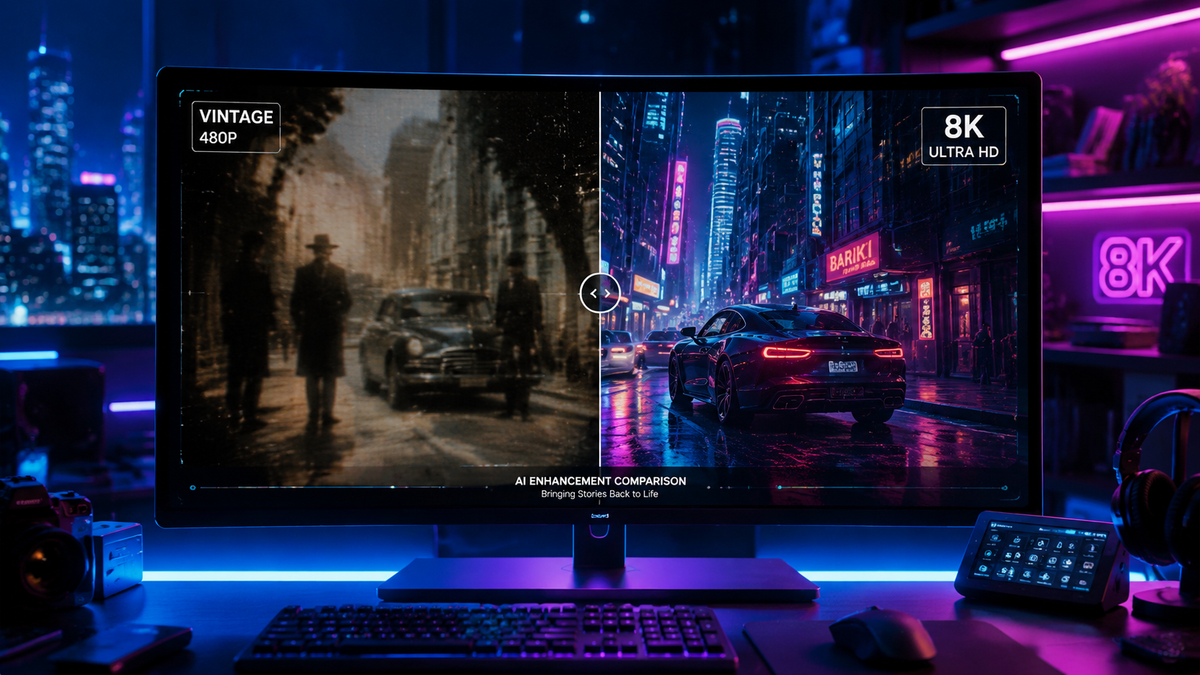
Choosing the best AI video upscaler 2026 requires a balance between processing power, model accuracy, and hardware integration. As of 2026, the landscape of video enhancement has shifted from simple pixel interpolation to generative restoration, allowing creators to transform low-resolution 480p or 1080p footage into stunning 4K and 8K cinematic experiences. Whether you are a professional filmmaker or a casual content creator, the latest tools leverage neural networks to reconstruct missing details with unprecedented realism.
The best AI video upscaler 2026 is a tool that uses deep learning models to increase video resolution while reconstructing lost textures and details. Leading solutions like VideoProc Converter AI and NVIDIA’s RTX-based tools now offer real-time 8K upscaling, motion deblurring, and frame interpolation for professional-grade results on consumer hardware.
- ✓ Top-tier tools now support 8K upscaling with generative AI for realistic texture reconstruction.
- ✓ Hardware acceleration via NVIDIA RTX and ComfyUI integration is the new industry standard for local processing.
- ✓ Mobile upscaling has matured, with dedicated Android enhancers offering HD restoration on the go.
- ✓ Hybrid models combining upscaling with "Super Resolution" are preferred for gaming and archival footage.
The Evolution of Video Enhancement in 2026
In 2026, the definition of a high-quality video has moved beyond mere pixel counts. While 4K was the gold standard just a few years ago, 8K displays and high-refresh-rate monitors have pushed the demand for more sophisticated upscaling algorithms. The best AI video upscaler 2026 options no longer just "stretch" a video; they analyze every frame to understand the context of the image—distinguishing between a strand of hair and a blade of grass—to ensure that the added pixels are contextually accurate.
According to research published by TweakTown in March 2026, tools like VideoProc Converter AI have revolutionized the space by integrating "Super-Resolution" and "AI Frame Interpolation" into a single workflow. This allows users to not only increase resolution but also boost the frame rate of vintage 24fps footage to a smooth 60fps or 120fps, making it compatible with modern high-end displays. This holistic approach to video quality is what separates the current generation of tools from their predecessors.
Furthermore, the integration of local AI processing has become a major trend. As noted by the NVIDIA Blog in early 2026, the collaboration between NVIDIA and ComfyUI has streamlined how creators use local GPU power to generate and upscale video. By offloading the heavy lifting to dedicated Tensor cores, the time required to upscale a feature-length film has been reduced from days to hours, making 8K production accessible to independent creators.
How to Use the Best AI Video Upscaler 2026: A Step-by-Step Guide
- Select Your Source Material: Import your low-resolution video (MP4, MOV, or MKV) into your chosen AI software. Ensure the source has as little compression noise as possible for the best results.
- Choose the AI Model: Select a model tailored to your content. For example, use a "Cine" model for movies or a "High-Fidelity" model for gaming footage.
- Set Output Parameters: Choose your target resolution (4K or 8K) and desired frame rate. In 2026, many tools now offer "Generative Fill" to fix edge artifacts.
- Enable Hardware Acceleration: Ensure your GPU (NVIDIA RTX or equivalent) is selected in the settings to maximize processing speed.
- Preview and Export: Render a small 5-second sample to check for "hallucinations" (unwanted AI-generated artifacts) before committing to the full export.
Comparison of the Leading AI Video Upscalers in 2026
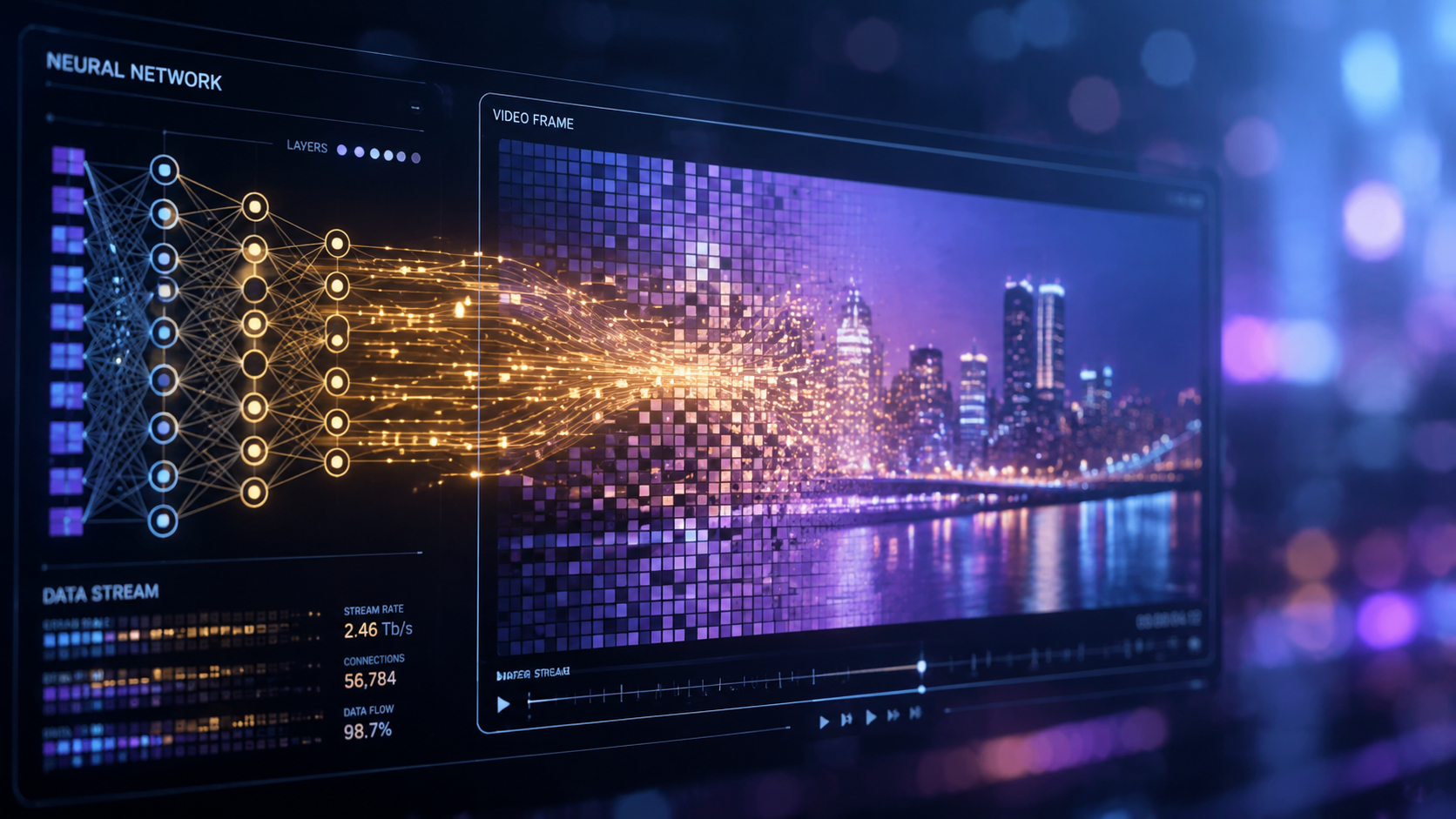
With so many options available, choosing the right tool depends on your specific needs—whether it's speed, mobile accessibility, or maximum visual fidelity. The following table compares the top contenders based on the latest 2026 industry testing.
| Tool Name | Primary Strength | Max Resolution | Platform | Key Feature |
|---|---|---|---|---|
| VideoProc Converter AI | All-in-one Efficiency | 8K | Windows/macOS | AI Super-Resolution & Stabilization |
| NVIDIA RTX Video Super Res | Real-time Gaming/Streaming | 4K/8K | Windows (Local) | Direct GPU Integration |
| Topaz Video AI v6 | Professional Restoration | 16K | Windows/macOS | Iris & Proteus Models |
| ComfyUI + NVIDIA Workflow | Custom Generative Upscaling | 8K | Windows/Linux | Open-source Node-based Control |
| Android Enhancer Pro | Mobile Portability | 4K | Android | One-tap HD Restoration |
Top 10 Best AI Video Upscaler 2026 Reviews
1. VideoProc Converter AI (2026 Edition)
As highlighted by TweakTown, VideoProc Converter AI remains the "Best AI Video & Image Enhancer in 2026." It excels in its ability to handle massive files without crashing, thanks to its Level-3 Hardware Acceleration. The 2026 update introduced the "Gen-Detail" engine, which uses generative AI to recreate skin textures and fabric patterns that were lost in original low-res recordings. It is particularly effective for converting old home movies into modern 4K digital files.
2. NVIDIA RTX Video Super Resolution
NVIDIA has continued to dominate the local processing market. According to Gizmodo, while some critics argue about the "slop-ification" of certain gaming textures, the sheer power of NVIDIA’s real-time upscaler is undeniable. It allows users to watch 1080p YouTube videos in 4K resolution on the fly, using the local power of RTX 50-series and 60-series cards. This is the best ai video upscaler 2026 for users who want immediate results without long rendering wait times.
3. Topaz Video AI v6
Topaz remains the industry standard for professional film restoration. In 2026, their v6 release focuses on "Temporal Consistency," ensuring that the AI-generated details don't flicker between frames. This makes it the preferred choice for archival work where maintaining the original director's intent is crucial while still achieving 8K clarity.
4. ComfyUI with NVIDIA Streamline
For the more technical user, the NVIDIA Blog reports that the integration of ComfyUI has made local AI video generation and upscaling much more efficient. By using a node-based interface, creators can chain different AI models together—for example, using one model to remove noise and another to upscale to 8K—giving them granular control over the final look.
5. Android Video Enhancer Pro
Mobile video editing has seen a massive leap. According to PlayStation Universe, the latest video enhancer tools for Android in 2026 allow users to achieve a "Professional HD Look" directly on their smartphones. These apps use cloud-hybrid processing to upscale 720p social media clips to 4K, making them ready for high-resolution displays instantly.
6. Adobe Premiere Pro AI Upscale (Beta)
Adobe has integrated a native "Enhance Speech and Video" tool directly into the Premiere timeline. This eliminates the need for third-party plugins for many editors. While it may not offer the extreme 16K capabilities of Topaz, its seamless integration into the professional editing workflow makes it a top contender for 2026.
7. DaVinci Resolve Magic Mask & Super Scale
Blackmagic Design's DaVinci Resolve remains a powerhouse for colorists. Their 2026 update to the "Super Scale" feature utilizes the DaVinci Neural Engine to provide 2x, 3x, and 4x scaling with specific controls for sharpness and noise reduction, optimized for the latest Apple M-series and NVIDIA chips.
8. HitPaw Video Enhancer 2026
HitPaw has carved out a niche for being the most user-friendly best ai video upscaler 2026. It features specific "Face Models" and "Animation Models," making it the go-to choice for upscaling vintage cartoons or improving the quality of blurry video calls and security footage.
9. AVCLabs Video Enhancer AI
AVCLabs uses a multi-frame enhancement technology that analyzes a sequence of frames to gather more information for upscaling. This results in significantly less blurring in fast-moving action scenes, such as sports or wildlife cinematography.
10. CapCut Desktop AI Upscaler
For social media creators, CapCut's desktop version offers a surprisingly robust AI upscaler. In 2026, it has been updated with "TikTok-Ready" presets that upscale and reformat videos for 4K vertical viewing, ensuring that content looks crisp on any device.
Key Features to Look for in the Best AI Video Upscaler 2026
When searching for the best ai video upscaler 2026, it is important to look beyond the marketing buzzwords. A critical feature in 2026 is "Generative In-filling." Unlike older tools that simply guessed what a pixel should look like based on its neighbors, generative models can actually "draw" missing details based on millions of hours of training data. As noted by Cult MTL, achieving a "Professional HD Look" requires a tool that can handle complex textures like skin, water, and foliage without creating a "plastic" or over-smoothed appearance.
Another essential factor is hardware optimization. According to the Pressat.co.uk 2026 test report, tools that are not optimized for the latest GPU architectures can take up to five times longer to render. If you are working with 8K footage, look for software that specifically mentions support for AV1 encoding and hardware-based AI acceleration. This ensures that your computer remains usable while the upscaling process runs in the background.
Lastly, consider the "Temporal Stability" of the software. One of the biggest challenges in AI upscaling is preventing "shimmering" or "jittering" in detailed areas. The top-rated tools of 2026 use recurrent neural networks (RNNs) that look at the frames before and after the current one to ensure that the generated details remain consistent throughout the scene. This is particularly important for high-end cinematic projects and professional broadcast standards.
What is the best AI video upscaler 2026 for 8K resolution?
VideoProc Converter AI and Topaz Video AI v6 are currently the leaders for 8K upscaling. They provide the necessary temporal stability and generative detail required to make 8K footage look natural rather than digitally over-processed.
Can I upscale video on my Android phone in 2026?
Yes, according to PlayStation Universe, there are several high-end video enhancer tools for Android in 2026 that can achieve professional HD and 4K results. These tools often use a combination of local NPU processing and cloud rendering.
Does NVIDIA RTX Video Super Resolution work for all videos?
It works for most streaming content and local video playback through supported browsers and players. As of 2026, it has been optimized to handle 4K and 8K upscaling in real-time for users with RTX 50-series GPUs or higher.
How long does it take to upscale a 1080p video to 4K?
With modern 2026 hardware and optimized software like VideoProc Converter AI, a 10-minute video can often be upscaled to 4K in less than 5 minutes. However, this depends heavily on the complexity of the AI model and your GPU's power.
Is AI upscaling better than traditional upscaling?
Absolutely. Traditional upscaling (like bicubic or bilinear) only stretches existing pixels, leading to blurriness. AI upscaling in 2026 uses deep learning to "hallucinate" new, accurate details, resulting in a much sharper and more realistic image.



Comments ()