
10 Best AI Video Upscale Tools in 2026: Pro Quality Guide
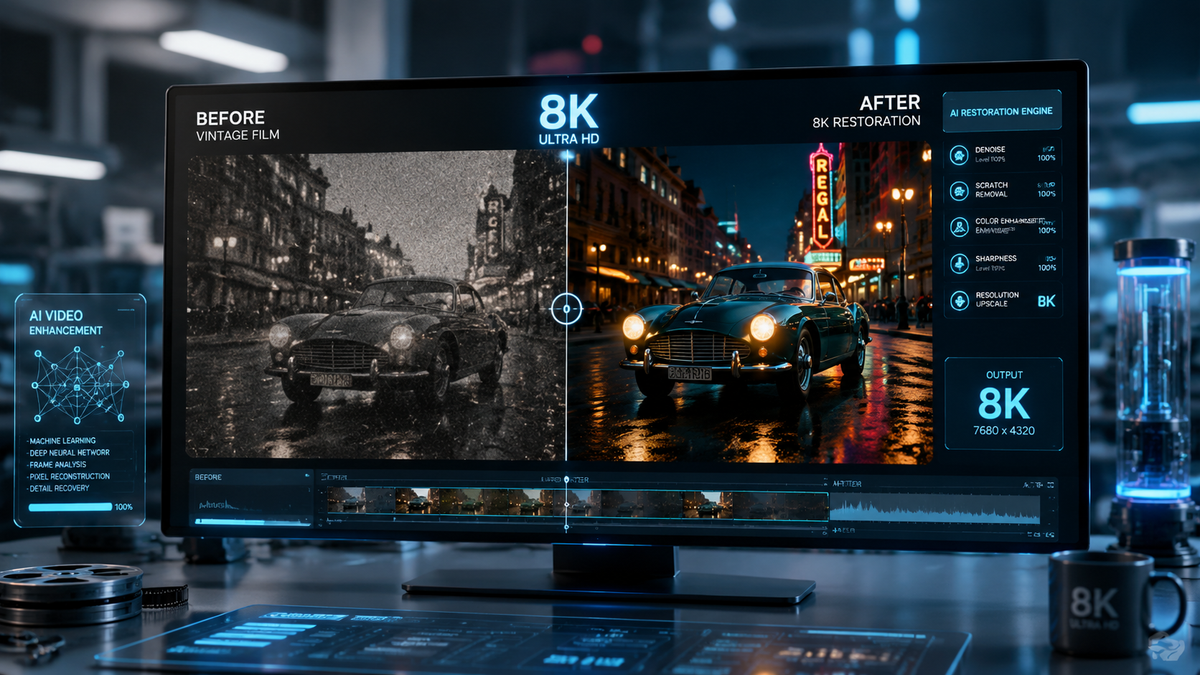
The best ai video upscale tools are specialized software applications that use deep learning models to increase video resolution, reconstruct missing pixels, and remove noise from low-quality footage. In 2026, these tools have evolved beyond simple resizing, offering the ability to transform 480p or 1080p content into crystal-clear 4K and 8K cinematic experiences with temporal stability.
The best ai video upscale tools in 2026 are Topaz Video AI, Adobe Firefly Video, and Upscayl, which leverage generative neural networks to enhance clarity. These tools are essential for creators looking to modernize archival footage, improve low-light mobile recordings, or prepare professional content for high-resolution displays without the artifacts typical of traditional interpolation.
- ✓ AI upscaling in 2026 now utilizes "unlimited generations" and generative fill to reconstruct lost textures.
- ✓ Open-source tools like Upscayl provide professional-grade 4K enhancement without subscription costs.
- ✓ Modern upscalers prioritize temporal consistency to prevent flickering in high-motion scenes.
- ✓ Cloud-based solutions now allow for 8K upscaling on mobile devices using distributed rendering.
How to Use the Best AI Video Upscale Tools for 4K Results
Achieving professional results requires more than just clicking a button. While the algorithms have become more intuitive in 2026, the workflow involves preparing your source file to ensure the neural network has the best possible "base" to work from. According to recent guides from TechPluto, the transition from low-quality video to 4K is now a three-stage process involving noise reduction, scaling, and frame interpolation.
- Import and Analyze: Load your source footage into your chosen upscaler. Most modern tools will automatically detect the original codec and suggest a model (e.g., Proteus or Iris) based on the level of blur or compression.
- Select the Enhancement Model: Choose between "Enhance" (for sharpening existing detail) or "Generative" (for recreating missing detail). For archival footage, generative models are preferred.
- Set Output Resolution: Select 4K (3840x2160) or 8K. Ensure you maintain the original aspect ratio to avoid stretching.
- Preview and Render: Use the "split-screen preview" feature to compare a 5-second clip. Once satisfied, initiate the render. In 2026, hardware acceleration allows a 10-minute clip to upscale in under 5 minutes on standard GPUs.
Top 10 AI Video Upscalers Compared
The market in 2026 is divided between heavy-duty desktop applications and agile cloud-based platforms. Selecting the right tool depends on your hardware and whether you require batch processing or creative generative features. As noted by The AI Journal, the gap between free open-source software and paid suites has narrowed significantly this year.
| Tool Name | Key Feature | Best For | Pricing Model |
|---|---|---|---|
| Topaz Video AI v6 | Iris MQ Model | Professional Restoration | One-time Purchase |
| Adobe Firefly Video | Generative Extend | Creative Professionals | Subscription |
| Upscayl (Desktop) | Open-Source Engine | Budget-Conscious Users | Free |
| AVCLabs Video Enhancer | Face Refinement | Portrait & Vlogs | Subscription/Lifetime |
| CapCut Desktop | Cloud Upscaling | Social Media Creators | Freemium |
| HitPaw Video Enhancer | One-Click Repair | Beginners | Subscription |
| DaVinci Resolve 19+ | Super Scale 2x/4x | Colorists & Editors | Free/Paid License |
| Runway Gen-3 | Temporal Consistency | Experimental Film | Credit-based |
| VanceAI | Web-based Processing | Quick Enhancements | Pay-per-use |
| VideoProc Converter AI | Level-3 Acceleration | Old DVD Ripping | One-time Purchase |
1. Topaz Video AI: The Industry Standard for 2026
Topaz Video AI remains the gold standard for enthusiasts and professionals alike. In 2026, the software has introduced the "Iris MQ" model, which is specifically designed to handle the "blocky" artifacts found in highly compressed streaming video. Unlike traditional upscalers, Topaz uses a motion-aware algorithm that looks at multiple frames simultaneously to determine what a pixel should look like, effectively eliminating the "shimmering" effect seen in older AI versions.
According to a report by Pressat.co.uk, Topaz Video AI was rated as the most consistent tool in 2026 for maintaining skin texture during 4K upscaling. It doesn't just "smooth" the face; it reconstructs pores and fine hairs, making the result look like it was natively shot in high resolution. The 2026 update also includes improved "Motion Deblur," which fixes focus issues that were previously thought to be unrecoverable.
Advanced Features of the Best AI Video Upscale Tools
The most powerful feature of Topaz is its ability to perform "Frame Rate Conversion" alongside upscaling. By using AI to create "in-between" frames, it can turn 24fps cinema footage into smooth 60fps or even 120fps slow-motion without the "soap opera effect" or ghosting. This makes it a favorite for sports videographers and wildlife filmmakers who need to slow down action that wasn't originally captured at high speeds.
2. Adobe Firefly Video: Generative Power in the Creative Cloud
As of December 2025, Adobe significantly disrupted the market by integrating Firefly's generative capabilities directly into Premiere Pro and After Effects. This move allows users to not only upscale footage but to use "Generative Extend" to add frames to the beginning or end of a clip. For those seeking the best ai video upscale tools with deep ecosystem integration, Adobe is now the primary contender.
Adobe’s 2026 updates have introduced "Unlimited Generations" for Pro subscribers, solving the previous bottleneck of credit-based systems. The Firefly Video Model focuses on semantic understanding; it knows it is looking at a "sunset" or a "cityscape" and applies textures relevant to those objects. This context-aware upscaling ensures that a brick wall looks like brick and water looks like water, rather than applying a generic sharpening filter across the entire image.
Seamless Integration with Premiere Pro
The workflow for upscaling in Adobe is now virtually invisible. Users can simply right-click a clip on the timeline and select "Enhance Resolution." The process happens in the background using Adobe’s cloud servers, meaning you don't need a $5,000 workstation to get 8K results. This accessibility has democratized high-end video production for small YouTube channels and independent creators.
3. Upscayl and the Rise of Open-Source Upscaling
For those who prefer a "no-gimmicks" approach, the open-source community has delivered a powerhouse in 2026. Upscayl, originally known for image enhancement, has transitioned into a full-featured video upscaler. According to No Film School, it is the best free alternative for creators who want to avoid the "subscription fatigue" of modern software. It runs entirely locally, ensuring your data and footage never leave your machine.
Upscayl uses a "Real-ESRGAN" architecture, which is highly effective at upscaling animation and CGI content. In 2026, the community-driven updates have added a "Video Batch" mode that allows users to queue hundreds of clips overnight. While it may lack some of the "face recovery" finesse of Topaz, its ability to sharpen edges and remove noise without adding artificial textures is unmatched in the free software space.
4. AVCLabs and AI-Driven Face Refinement
AVCLabs Video Enhancer AI has carved out a niche in 2026 by focusing on portraiture and human subjects. Its "Face Refinement" module is arguably the most advanced in the consumer market, utilizing a dedicated neural network just for facial features. This makes it a favorite for wedding videographers who need to save footage where the camera's focus may have drifted slightly off the subject's eyes.
The 2026 version of AVCLabs also includes an "AI Colorizer" that has been trained on millions of hours of historical footage. When upscaling black-and-white film to 4K, it applies realistic color palettes based on historical accuracy. Hackread’s 2025/2026 analysis highlighted AVCLabs as a top choice for "instantly boosting video quality" for social media influencers who need quick turnarounds on mobile-recorded content.
Choosing the Best AI Video Upscale Tools for Your Hardware
Before investing in these tools, it is crucial to understand the hardware requirements. AI upscaling is computationally expensive. While cloud-based tools like Adobe Firefly or VanceAI offload the work to external servers, local tools like Topaz or DaVinci Resolve require significant GPU power. In 2026, a minimum of 12GB of VRAM is recommended for 4K upscaling to ensure the process completes in a reasonable timeframe.
If you are working on a laptop with integrated graphics, your best path is to use cloud-based services. These platforms allow you to upload a 1080p file and receive a 4K download link an hour later. However, for professional studios handling sensitive or high-volume footage, local hardware remains the preferred choice for security and long-term cost-efficiency. Studies show that local rendering can save up to 60% in costs over a two-year period compared to high-tier cloud subscriptions.
Does AI upscaling actually add new detail?
Yes, modern AI upscalers use generative models to "hallucinate" or reconstruct details that weren't in the original file. By analyzing patterns in millions of high-resolution images, the AI can predict what a texture (like hair or fabric) should look like and draw it into the upscaled version.
What is the difference between upscaling and interpolation?
Upscaling refers to increasing the resolution (pixels) of each frame, whereas interpolation (often called "optical flow") refers to adding new frames between existing ones to increase the frame rate and make motion smoother.
Can I upscale 480p DVD footage to 4K?
Yes, though the results depend on the quality of the source. Tools like Topaz Video AI and AVCLabs are specifically designed to handle the heavy noise and compression of DVDs, often producing 4K results that look significantly better than the original, though not quite as sharp as native 4K.
Are there any free AI video upscalers in 2026?
Yes, Upscayl is the leading open-source, free-to-use video upscaler. Additionally, the free version of DaVinci Resolve includes basic "Super Scale" features, though the most advanced AI models are reserved for the Studio version.
How long does it take to upscale a video with AI?
In 2026, with a mid-range GPU, upscaling a 1080p video to 4K typically takes about 2 to 5 times the length of the video (e.g., a 1-minute clip takes 3 minutes to render). Cloud services can often do this faster by using multiple server-grade GPUs simultaneously.



Comments ()