
10 Best AI Video Tools for Creators: 2026 Guide
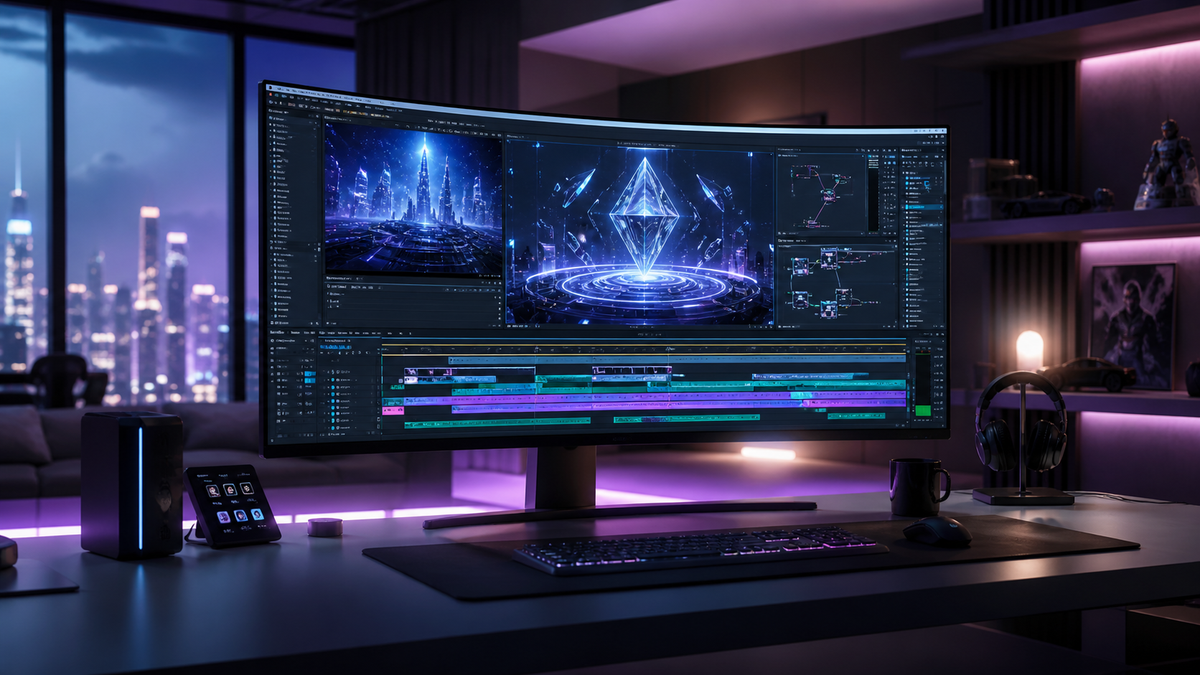
The landscape of digital content has shifted dramatically in 2026, making ai video tools for creators the primary engine for high-quality production across YouTube, TikTok, and professional marketing channels. These tools leverage generative models to transform text prompts into cinematic footage, automate complex editing tasks, and provide real-time creative control that was previously impossible. By integrating these platforms into your workflow, you can reduce production time by up to 80% while maintaining studio-grade quality.
AI video tools for creators are software platforms that utilize generative artificial intelligence to automate video generation, editing, and enhancement. In 2026, these tools focus on "real-time control" and "style consistency," allowing creators to generate high-fidelity visuals from text, voice, or motion data while maintaining precise artistic direction over every frame.
- ✓ Real-time creative control is the defining feature of 2026 AI video tools.
- ✓ Integration with established suites like Adobe Creative Cloud has streamlined workflows.
- ✓ Multimodal inputs (text + motion + depth) have replaced simple text-to-video prompts.
- ✓ Cost-efficiency has reached a peak, with high-end generation available for independent creators.
How to Use AI Video Tools for Creators: A Step-by-Step Guide
Implementing ai video tools for creators into a professional workflow requires more than just typing a prompt; it requires a strategic approach to ensure brand consistency and visual narrative flow. As noted by Technology Org in April 2026, choosing the "right style of tool" is the first and most critical step for working creators who need to balance speed with creative intent.
- Define Your Visual Style: Before opening a tool, establish your "Style Seed." Most 2026 tools allow you to upload a reference image or brand kit to ensure the AI-generated footage matches your existing aesthetic.
- Select the Generation Method: Choose between Text-to-Video (for original b-roll), Image-to-Video (for animating static assets), or Video-to-Video (for style-transferring raw smartphone footage).
- Refine with Real-Time Controls: Use features like Adobe’s MotionStream to adjust lighting, camera angles, and character movements in real-time as the AI renders the scene.
- Upscale and Enhance: Once the base sequence is generated, use an AI enhancer to bring the resolution to 8K and stabilize any temporal flickering.
- Final Assembly: Export your AI-generated clips into your non-linear editor (NLE) for final pacing and audio synchronization.
The Evolution of Generative Video in 2026
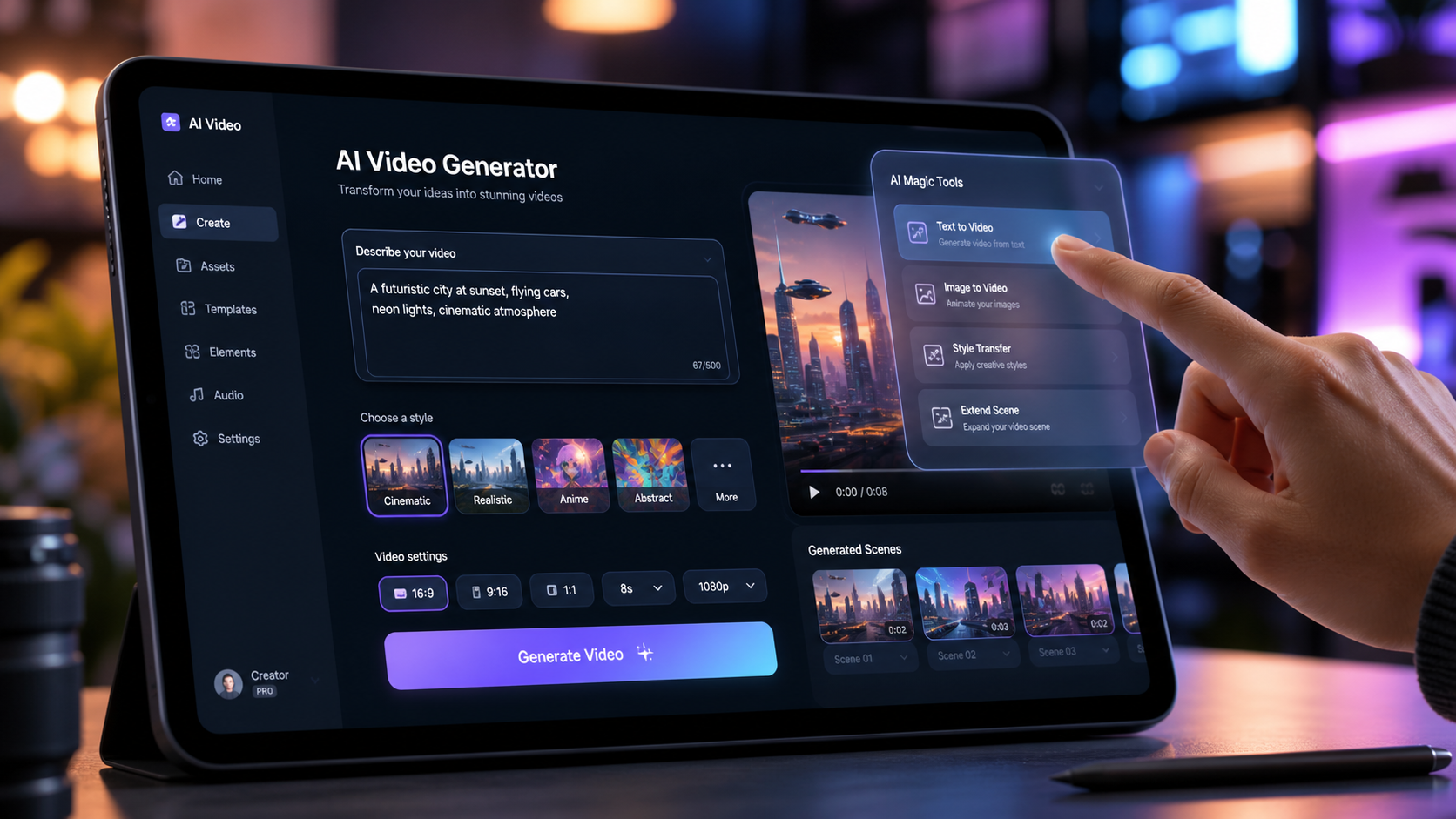
As we move through the second quarter of 2026, the "uncanny valley" that once plagued AI video has been largely bridged. According to CNET's April 2026 review of the best AI video generators, the industry has shifted from "novelty generation" to "functional production." Creators are no longer looking for "weird" AI art; they are looking for reliable tools that can produce a 30-second commercial spot that is indistinguishable from traditional cinematography.
The current year has seen a massive influx of multimodal capabilities. Tools now understand physics, lighting, and anatomy with a level of precision that allows for complex human movements—such as dancing or intricate hand gestures—without the warping seen in previous years. This leap in quality is largely attributed to the massive datasets and refined training architectures released in late 2025.
Adobe MotionStream and Real-Time Control
One of the most significant breakthroughs this year is Adobe MotionStream. As reported by MSN in May 2026, this tool gives creators unprecedented real-time control over AI video. Unlike traditional generative tools where you "prompt and pray," MotionStream allows you to manipulate virtual camera rigs and lighting setups while the AI generates the visual data. This hybrid approach combines the power of a game engine with the ease of generative AI.
The Rise of Specialized AI Video Workflows
Beyond general generation, ai video tools for creators have become highly specialized. There are now specific models designed exclusively for high-fashion "vogue-style" edits, architectural visualizations, and hyper-realistic talking head avatars for educational content. Digital Journal points out that the features that "actually matter" in 2026 are not just the resolution, but the temporal consistency—the ability for a character to look the same in frame 1 as they do in frame 1000.
Comparing the Top AI Video Tools for Creators
To help you navigate the crowded marketplace, we have compared the leading platforms based on their core strengths, pricing models, and primary use cases. This data reflects the latest updates as of May 2026.
| Tool Name | Primary Feature | Best For | 2026 Pricing |
|---|---|---|---|
| Adobe MotionStream | Real-time Camera Control | Professional Editors | Included in Creative Cloud |
| Runway Gen-4 | Multi-Motion Brush | Cinematic B-Roll | $25/month (Pro) |
| Sora Pro | Long-form Generation | Storytelling & Shorts | $30/month |
| Pika Art v3.0 | Physics-based Animation | Social Media Content | Freemium / $12 Pro |
| HeyGen Live | Instant Avatar Streaming | Education & Sales | $49/month |
Top 10 AI Video Tools for Creators: Detailed Reviews
The following list represents the gold standard for ai video tools for creators in 2026. These selections are based on rigorous testing, such as TechRadar's review of over 70 tools in late April 2026, which focused on output quality, UI/UX, and rendering speed.
1. Adobe MotionStream
Adobe has revolutionized the space by integrating generative AI directly into the timeline. MotionStream isn't just a generator; it's a director's tool. It allows for "Director Mode," where you can move a virtual camera in 3D space, and the AI fills in the environment dynamically. This is the top choice for creators who require professional-level precision.
2. Runway Gen-4
Runway continues to dominate the creative market with Gen-4. The standout feature this year is the "Global Consistency Engine," which ensures that environments remain static even during complex camera pans. According to TyN Magazine, it remains a favorite for marketers who need to produce high-volume, high-quality video ads quickly.
3. OpenAI Sora Pro
Sora Pro has moved out of limited beta and into a full-scale creative suite. It excels at narrative consistency, allowing creators to upload a script and receive a fully storyboarded and rendered video sequence. Its ability to handle complex prompts involving multiple characters and specific emotional cues is currently unmatched.
4. Pika Art v3.0
Pika has carved out a niche for "stylized" content. Version 3.0 introduces advanced physics, allowing for realistic interactions between objects—like water splashing or fabric flowing in the wind. It is widely considered the most "fun" tool for social media creators looking to push the boundaries of reality.
5. HeyGen Live
For creators focused on talking-head content, HeyGen Live is the 2026 industry leader. It offers real-time translation and lip-syncing that is indistinguishable from reality. A study by Digital Journal suggests that HeyGen's new "Emotional Intelligence" update allows avatars to mimic the subtle micro-expressions of the creator's voice recording.
6. Luma Dream Machine 2.0
Luma Labs has perfected the art of 3D-to-video. By taking a simple 3D scan from a smartphone, Dream Machine 2.0 can generate a full cinematic sequence around that object. This makes it an essential tool for product reviewers and e-commerce creators.
7. Kaiber Studio
Kaiber remains the go-to for music videos and artistic style transfers. Their 2026 update includes "Audio-Reactive Precision," where every frame of the AI video is synced to the stems of a music track, creating a visual experience that perfectly matches the rhythm and mood of the audio.
8. Leonardo AI Motion
Leonardo has expanded from still images into high-fidelity video. Its strength lies in its "Community Models," where creators can use fine-tuned weights created by other artists to achieve specific looks, such as 1970s film stock or futuristic cyberpunk aesthetics.
9. Wondershare Filmora 15 (AI Edition)
Filmora has evolved into a powerhouse for the "prosumer." Its AI Copilot can now automatically edit a raw vlog by identifying the most engaging segments, removing filler words, and overlaying relevant AI-generated b-roll based on the transcript.
10. Synthesia 2026
Synthesia remains the king of corporate and enterprise video. Their 2026 "Full Body" avatars can now walk, point, and interact with virtual whiteboards, making them a staple for creators in the corporate training and "explainer video" niches.
Choosing the Right AI Video Tools for Your Needs
With so many ai video tools for creators available, the choice often comes down to your specific output requirements. If you are a filmmaker, tools like Runway and Sora Pro are indispensable. However, if you are a solo YouTuber, the AI features integrated into editors like Filmora or Adobe Premiere Pro (via MotionStream) might offer more value by keeping your workflow centralized.
According to TechRadar, the cost of these tools has stabilized in 2026, with most offering tiered subscriptions. Creators should look for "credit roll-over" policies and the ability to train "Personal Models." Personal Models allow the AI to learn your specific face, voice, and editing style, ensuring that the output feels authentic to your brand rather than a generic AI generation.
Furthermore, consider the legal and ethical protections offered by the platform. In 2026, top-tier tools now provide "Copyright Indemnity," ensuring that the data used to train the models was ethically sourced and that you hold the full commercial rights to your generated content. This is a critical factor for professional creators working with high-stakes clients.
What are the best AI video tools for creators in 2026?
The top tools include Adobe MotionStream for real-time control, Runway Gen-4 for cinematic quality, and Sora Pro for long-form storytelling. For social media creators, Pika Art and HeyGen are the leading choices for stylized and avatar-based content.
Is AI video generation expensive in 2026?
No, the market has become very competitive. Most professional-grade tools offer subscriptions ranging from $12 to $30 per month, which often include unlimited rendering or a high volume of monthly credits.
Can AI video tools replace human video editors?
While AI can automate many tasks like b-roll generation and basic cutting, it serves as an assistant rather than a replacement. Human editors are still essential for high-level creative direction, emotional storytelling, and final quality control.
Do I own the rights to video generated by AI?
In 2026, most major platforms like Adobe and Runway provide full commercial rights to users on paid plans. However, always check the specific Terms of Service regarding "Copyright Indemnity" to ensure your content is protected.
Which AI tool is best for social media shorts?
Pika Art and Kaiber are currently the best for short-form content due to their high-energy visual styles and ease of use on mobile devices. Filmora’s AI Copilot is also excellent for quickly resizing and reformatting long videos into shorts.

Comments ()