
10 Best AI Video Tools for Content Creators 2026
As we move deeper into 2026, artificial intelligence has fundamentally reshaped how content creators produce, edit, and distribute video. Whether you're a solo YouTuber, a social media manager, or a production agency, the best AI video tools for content creators 2026 offer unprecedented speed, creative flexibility, and production value that was once only possible with large teams and expensive hardware. This guide breaks down the ten most impactful AI video tools this year, drawing on the latest research and industry reports to help you choose the right platform for your workflow.
The best AI video tools for content creators in 2026 are a diverse set of platforms that leverage generative, analytical, and assistive AI to automate or enhance every stage of video production — from text-to-video generation and face swapping, to music composition and audio-to-video conversion. These tools are designed to dramatically reduce production time while maintaining or even improving creative quality, making professional-grade video accessible to creators at every level.
- ✓ Text-to-video generators have become the dominant category in 2026, with platforms now capable of producing high-resolution, coherent clips from simple prompts, as reported by Cybernews in June 2026.
- ✓ AI face swap tools have matured significantly — according to Mundo en Línea (June 2026), the latest platforms offer near-instant processing with improved accuracy and ethical safeguards for creators.
- ✓ Audio-to-video generators are transforming modern content workflows, with Robotics & Automation News (June 2026) highlighting five key tools that convert voiceovers and podcasts into full video assets.
- ✓ AI music generators now allow creators to produce custom, royalty-free soundtracks tailored to specific video moods and lengths, as covered by Ventureburn in June 2026.
- ✓ Dedicated AI music video software has emerged as a distinct category, with ePHOTOzine (June 2026) detailing how creators can now produce complete music videos using AI-driven visuals and animation.
1. Text-to-Video Generators: The Foundation of Modern Content Creation
Text-to-video technology has evolved faster than almost any other creative AI category. According to Cybernews (June 3, 2026), the rise of AI video generators is fundamentally changing content creation by allowing creators to generate complete video sequences from simple text descriptions. In 2026, these platforms have moved beyond producing short, abstract clips to generating coherent, multi-shot narratives with consistent characters and environments.
How Text-to-Video Works in 2026
Modern text-to-video tools use diffusion-based transformer models trained on vast datasets of video-text pairs. When you input a prompt — such as "a cinematic drone shot of a coastal highway at sunset" — the model generates a video that matches both the visual description and the implied camera motion. The best AI video tools for content creators 2026 now support resolutions up to 4K, adjustable aspect ratios, and even multi-scene storyboarding from a single prompt.
Top Use Cases for Text-to-Video Creators
Content creators are using these tools for everything from B-roll generation to full explainer videos. A YouTuber can now type a script and have corresponding visuals generated in minutes rather than spending hours searching stock footage libraries. Social media managers use text-to-video for rapid iteration on ad creatives, testing multiple visual concepts before committing to a full production. The Cybernews report notes that adoption has been particularly high among educational creators, who use AI-generated visuals to illustrate complex concepts without needing animation skills.
2. AI Face Swap Tools for Creative Content
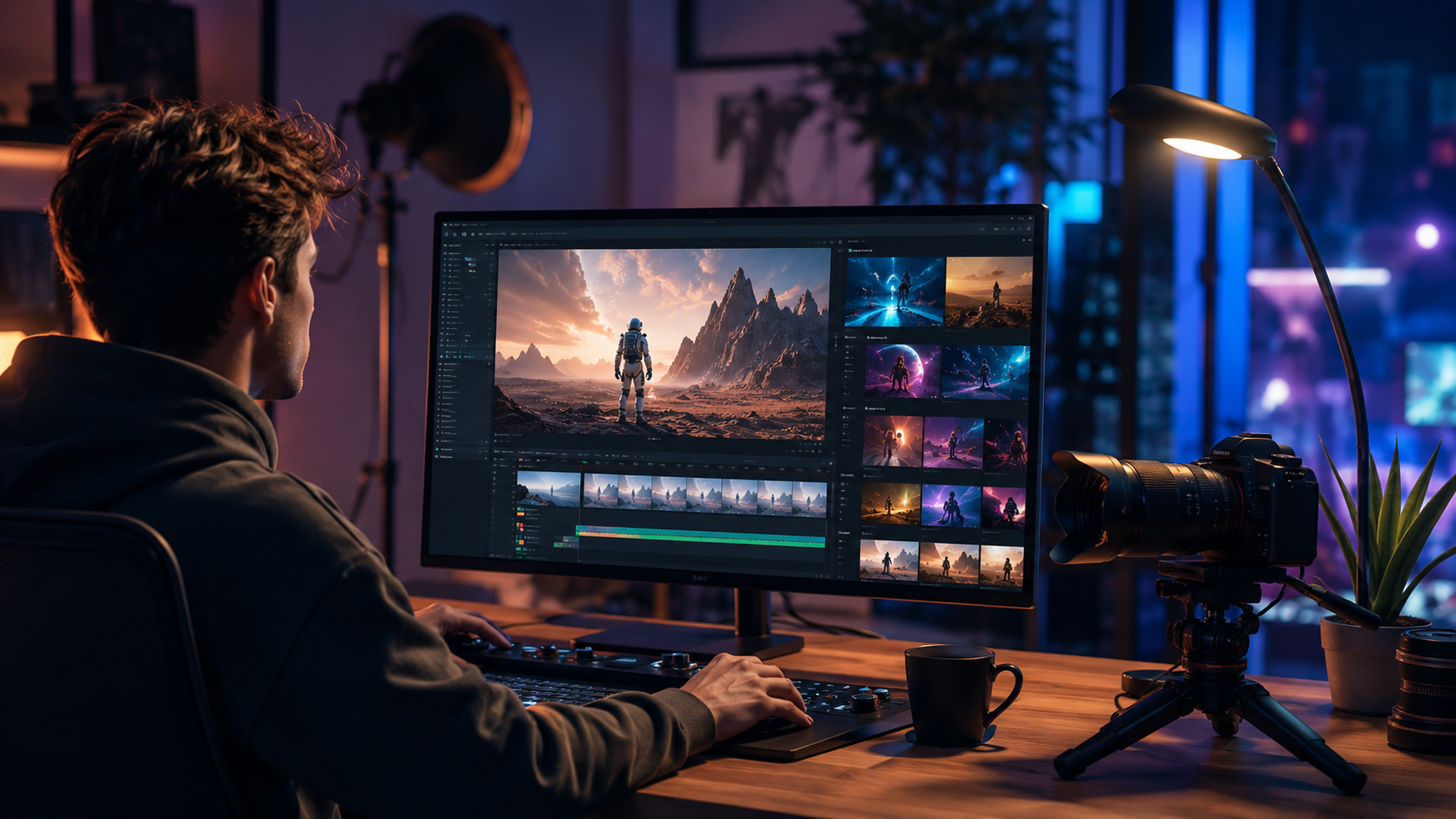
Mundo en Línea (June 8, 2026) published a comprehensive review of the best AI face swap video tools available this year, highlighting platforms that combine accuracy, speed, and creator-friendly interfaces. Face swap technology has moved well beyond novelty effects and is now used professionally for dubbing, localization, and creative storytelling.
Accuracy and Speed in Face Swapping
The top-rated tools in 2026 can process a face swap in under ten seconds per frame while maintaining natural skin tones, lighting, and expression mapping. According to the Mundo en Línea report, the most accurate platforms use multi-pass alignment algorithms that analyze facial landmarks across the entire video before applying the swap, resulting in smooth transitions even during rapid head movements. This level of fidelity makes these tools viable for professional projects where viewers would otherwise notice the edit.
Creator-Friendly Features
What sets the best AI video tools for content creators 2026 apart in the face swap category is usability. Leading platforms now offer batch processing for multi-clip projects, real-time preview before rendering, and built-in ethical guidelines that prevent misuse. Many also integrate directly with popular editing suites, allowing creators to apply face swaps without leaving their primary workflow. For content localization, creators can swap faces to match regional talent while keeping the original performance and audio intact.
3. Audio-to-Video Generators for Streamlined Workflows
Robotics & Automation News (June 3, 2026) identified the five best audio-to-video AI generators that are transforming modern content workflows. These tools accept raw audio — such as a podcast recording, voiceover, or even music — and automatically generate synchronized video content, complete with visuals, captions, and transitions.
Converting Podcasts and Audio Content into Video
One of the most time-consuming tasks for podcasters and audio creators has been repurposing their content for video platforms like YouTube and TikTok. Audio-to-video generators solve this by analyzing the audio track for key moments, sentiment, and pacing, then matching each segment with appropriate visuals, stock footage, or animated text overlays. The leading tools in 2026 can produce a fully edited video from a one-hour podcast in under 15 minutes, complete with chapters and dynamic captions that highlight speaker changes.
Key Features to Look For in an Audio-to-Video Tool
When evaluating these tools, look for waveform-synced editing, automatic scene detection based on audio changes, and a library of licensed visuals that match your content's tone. The best platforms also include voice cloning and text-to-speech integration, allowing you to generate video content from a script without recording audio separately. According to the Robotics & Automation News report, creators using these tools have reported up to 70% reduction in video production time for their audio-first content.
4. AI Music Generators for Custom Video Soundtracks
Ventureburn (June 8, 2026) published a list of the ten best AI music generators that allow creators to make custom tracks in 2026. Music licensing has long been a pain point for content creators, with expensive royalty fees and complex rights management. AI music generators solve this by producing original, copyright-free compositions tailored to your video's length, mood, and genre.
Custom Tracks for Every Mood and Length
The top AI music tools in 2026 let you specify parameters like BPM, instrumentation, emotional tone (e.g., "upbeat and energetic" or "melancholic and atmospheric"), and exact duration. The generated track can be downloaded as stems, giving you individual control over each instrument in your editing software. According to the Ventureburn report, some platforms now include adaptive music that changes dynamically based on video pacing, ensuring perfect synchronization between audio and visual edits.
Integration with Video Editing Workflows
Many AI music generators now offer direct plug-ins for major editing platforms like DaVinci Resolve, Premiere Pro, and Final Cut Pro. This integration means you can generate, preview, and adjust your soundtrack without leaving your timeline. The best AI video tools for content creators 2026 in the music space also offer one-click export with proper metadata for content ID systems, ensuring your videos remain monetized across platforms.
5. AI Music Video Creation Software
ePHOTOzine (June 5, 2026) provided a detailed guide on how to create a full music video using the best AI video software for music video creation in 2026. This is a rapidly growing niche within the AI video space, with dedicated tools that understand musical structure and can generate visuals that sync to beats, chord changes, and vocal phrasing.
Step-by-Step: Creating a Music Video with AI
- Upload or generate your audio track — Use an AI music generator from the Ventureburn list, or upload your own recorded track.
- Set your visual style — Choose from presets like "abstract animation," "cinematic narrative," or "lyric video," or provide a reference image or video.
- Configure beat detection — The software analyzes your audio for tempo and key moments, then marks transition points on the timeline.
- Generate scene-by-scene visuals — For each section of the song, describe the visual you want, or let the AI choose based on the audio's mood.
- Refine and customize — Adjust timing, swap out generated clips, and add text overlays or effects.
- Render and export — Export in 4K resolution with proper audio synchronization and metadata for distribution platforms.
The ePHOTOzine article emphasizes that the best results come from a hybrid approach: letting AI handle the heavy lifting of visual generation while you provide creative direction and final polish. This workflow can reduce a music video production timeline from weeks to hours.
6. Comparison Table: Best AI Video Tools for Content Creators 2026
| Tool Category | Key Strength | Best For | Typical Output Resolution | Integration Level |
|---|---|---|---|---|
| Text-to-Video Generators | Full scene generation from text prompts | B-roll, explainers, concept visualization | 4K | Export to major editors |
| AI Face Swap Tools | High-accuracy facial mapping and replacement | Dubbing, localization, creative effects | 4K | Direct plug-in integration |
| Audio-to-Video Generators | Automatic video creation from audio files | Podcast repurposing, voiceover videos | 1080p–4K | Waveform-synced editing |
| AI Music Generators | Custom royalty-free soundtrack creation | Background music, jingles, scoring | N/A (audio) | DAW and NLE plug-ins |
| AI Music Video Software | Beat-synced visual generation for songs | Music videos, lyric videos, visualizers | 4K | Timeline-based editing |
This table summarizes the primary categories of AI video tools covered in this guide. The best AI video tools for content creators 2026 often combine multiple of these capabilities — for example, a single platform may offer both text-to-video generation and AI music composition. When choosing a tool, consider your primary content type and where you need the most time savings.
7. How to Choose the Right AI Video Tool for Your Content Workflow
With so many powerful AI video tools available in 2026, choosing the right one depends on your specific needs as a content creator. Start by identifying the most time-consuming part of your current production process. If you spend hours searching for stock footage, a text-to-video generator will give you the biggest efficiency gain. If your bottleneck is audio production, look at AI music and audio-to-video tools first.
Consider the learning curve as well. Some of the most powerful tools offer deep customization but require time to master, while others are designed for instant results with minimal input. According to the Cybernews report on the rise of AI video generators, creators who started with simpler tools and gradually adopted more advanced features reported the highest satisfaction and retention. The key is to start with one tool that addresses your biggest pain point, integrate it into your workflow, then layer in additional tools as you become comfortable.
Finally, pay attention to output quality and format compatibility. The best AI video tools for content creators 2026 support popular export formats, maintain consistent quality across different aspect ratios (16:9, 9:16, 1:1), and preserve metadata for SEO and monetization. Always check whether the tool offers commercial licensing for the content it generates, especially if you plan to use the videos for client work or ad revenue.
8. AI Video Editing and Post-Production Enhancements
Beyond generative tools, AI-powered editing assistants have become essential for content creators in 2026. These tools automate tasks like color grading, audio cleanup, and scene detection, freeing up time for creative decision-making. According to the vocal.media article (June 3, 2026) on the ten best AI tools for video creation, editing assistants were rated as the most used category among surveyed creators.
Automated Color Grading and Audio Cleanup
AI color grading tools analyze your footage frame by frame and apply consistent correction based on reference looks or automatically detected scene types. For audio, noise reduction and dialog enhancement are now handled in real-time, with tools that can isolate a speaker's voice from background noise without requiring a clean-room recording. These capabilities are particularly valuable for creators who record in less-than-ideal environments or who need to process large volumes of footage quickly.
Scene Detection and Smart Trimming
Modern AI editors can analyze a long recording, detect scene changes, and automatically create rough cuts with markers for the best takes. Some platforms even use facial expression analysis and voice inflection to identify the most engaging moments in a video, creating a highlight reel with no manual input. This technology is a game-changer for creators who produce long-form content like interviews, tutorials, or live streams and need to publish shorter clips for social media.
9. Future Trends in AI Video for Content Creators
Looking ahead, the pace of innovation in AI video tools shows no signs of slowing. The Cybernews report predicts that by late 2026, real-time video generation will become viable for live streaming, allowing creators to generate custom overlays, backgrounds, and even virtual co-hosts on the fly. Audio-to-video tools will become even more seamless, with the ability to generate full video from a single voice note or meeting recording.
Another emerging trend is the convergence of AI video tools with virtual production. Creators are already using AI-generated environments and characters for narrative content, and as rendering quality improves, the line between AI-generated and traditionally captured video will continue to blur. The ePHOTOzine guide on music video creation hints at this future, where a single creator can produce a visually stunning music video with AI handling everything from concept to final render. The best AI video tools for content creators 2026 are just the beginning of what promises to be a transformative decade for video production.
Frequently Asked Questions About AI Video Tools for Content Creators 2026
What is the best AI video tool for beginners in 2026?
For beginners, the most accessible options are text-to-video generators with simple prompt interfaces and one-click export. According to the Cybernews report, tools that offer pre-built templates and guided workflows have the lowest learning curve, allowing new users to produce usable video within minutes of their first session.
Are AI-generated videos copyright-free?
Most leading AI video tools in 2026 grant commercial usage rights for content generated using their platforms, but terms vary. Always check the specific license agreement for the tool you choose. The Ventureburn report on AI music generators notes that some platforms offer separate licensing tiers for free, creator, and enterprise use.
Can I use AI face swap tools for professional projects?
Yes. According to the Mundo en Línea review of face swap tools in 2026, the top platforms now offer production-grade accuracy with multi-pass alignment and skin-tone matching that meet professional standards. Many creators use these tools for dubbing and localization in commercial content.
How long does it take to generate a video with AI tools?
Generation time varies by tool and complexity. A simple text-to-video clip can be generated in 30 seconds to 2 minutes, while a full music video with multiple scenes may take 10 to 30 minutes. The Robotics & Automation News article notes that audio-to-video generators can process a one-hour podcast into a complete video in under 15 minutes.
What hardware do I need to run AI video tools in 2026?
Most AI video tools operate in the cloud, so you only need a stable internet connection and a modern web browser. Some tools offer local processing for higher privacy and offline work, which benefits from a GPU with at least 8 GB of VRAM. The vocal.media article recommends at least 16 GB of system RAM for local processing workflows.
Can AI video tools replace traditional video editing?
AI tools are best used as assistants rather than replacements. They excel at automating repetitive tasks and generating base content, but creative direction, storytelling, and final polish still benefit from human oversight. The ePHOTOzine guide emphasizes that the best results come from a hybrid workflow that combines AI generation with manual refinement.
How do I choose between different AI video tools?
Start by identifying your primary content type and the stage of production where you need the most help. Use the comparison table in this article to match tool categories to your needs. Most platforms offer free trials or tiered plans, so test two or three options with real project files before committing. The key is to find the tool that integrates most smoothly with your existing workflow.



Comments ()