
Best AI Video Software for Mac Users: 2026 Top Picks
The best ai video software for mac users in 2026 combines Apple’s proprietary Neural Engine hardware with sophisticated generative models to streamline high-resolution video production. Leading options like the newly released Apple Creator Studio and the viral Sora-derivative apps offer unparalleled efficiency for M-series chip architectures. Choosing the right tool depends on whether you require professional-grade timeline editing or rapid text-to-video generation for social media.
The best AI video software for Mac users is Apple Creator Studio for integrated professional workflows, followed by specialized generative tools like the Sora-based iPhone/Mac ports for creative visuals. These tools leverage Apple's 2026 hardware updates to provide real-time AI rendering, automated color grading, and voice-to-scene generation directly on macOS.
- ✓ Apple Creator Studio is the current gold standard for native macOS AI integration.
- ✓ Neural Engine optimization is now mandatory for smooth 8K AI video processing.
- ✓ Viral apps "rising from the ashes of Sora" are dominating the short-form mobile-to-Mac ecosystem.
- ✓ Hybrid workflows combining local GPU power with cloud-based generative AI are the 2026 industry standard.
As we move through 2026, the landscape of digital creation has shifted from manual keyframing to intent-based editing. According to The Mac Observer, AI video generators have transitioned from experimental novelties into practical tools that allow Mac users to automate up to 70% of the traditional editing pipeline. This evolution is largely driven by the deep synergy between software and Apple’s silicon, which now features dedicated "Creative Co-processors" in the latest M-series iterations.
Top-Rated AI Video Software for Mac Users in 2026
The selection of video tools available today is more diverse than ever, ranging from traditional NLEs (Non-Linear Editors) with AI plugins to pure-play generative platforms. For professionals, the focus is on stability and precision, while content creators prioritize speed and the ability to generate assets from thin air. The integration of "Apple Creator Studio," announced in January 2026, has fundamentally changed expectations for what "native" software can achieve.
When evaluating the best ai video software for mac users, performance benchmarks are no longer just about export speeds. They are about how quickly an AI model can interpret a natural language prompt and translate it into a usable video layer. In 2026, the software mentioned in reports by PCMag and Creative Bloq highlights a trend toward "invisible AI"—tools that work in the background to enhance lighting, remove distractions, and sync audio without manual intervention.
Apple Creator Studio: The Native Powerhouse
Released on January 13, 2026, Apple Creator Studio is described by Apple as "an inspiring collection of the most powerful creative apps." It isn't just a single app but a suite that deeply integrates AI into the macOS environment. Its standout feature is the "Neural Timeline," which suggests cuts based on the emotional beat of the background music and automatically generates B-roll based on the spoken dialogue in your primary footage.
Sora-Derived Viral Apps
Following the evolution of OpenAI’s original research, two specific AI video apps have gone viral in May 2026 after "rising from the ashes of Sora," as reported by 9to5Mac. These apps, which sync seamlessly between iPhone and Mac, allow users to generate cinematic 4K clips from text. They are particularly favored by social media managers who need to produce high-quality vertical content with minimal lead time, leveraging the shared architecture between iOS and macOS.
How to Choose the Best AI Video Software for Mac Users
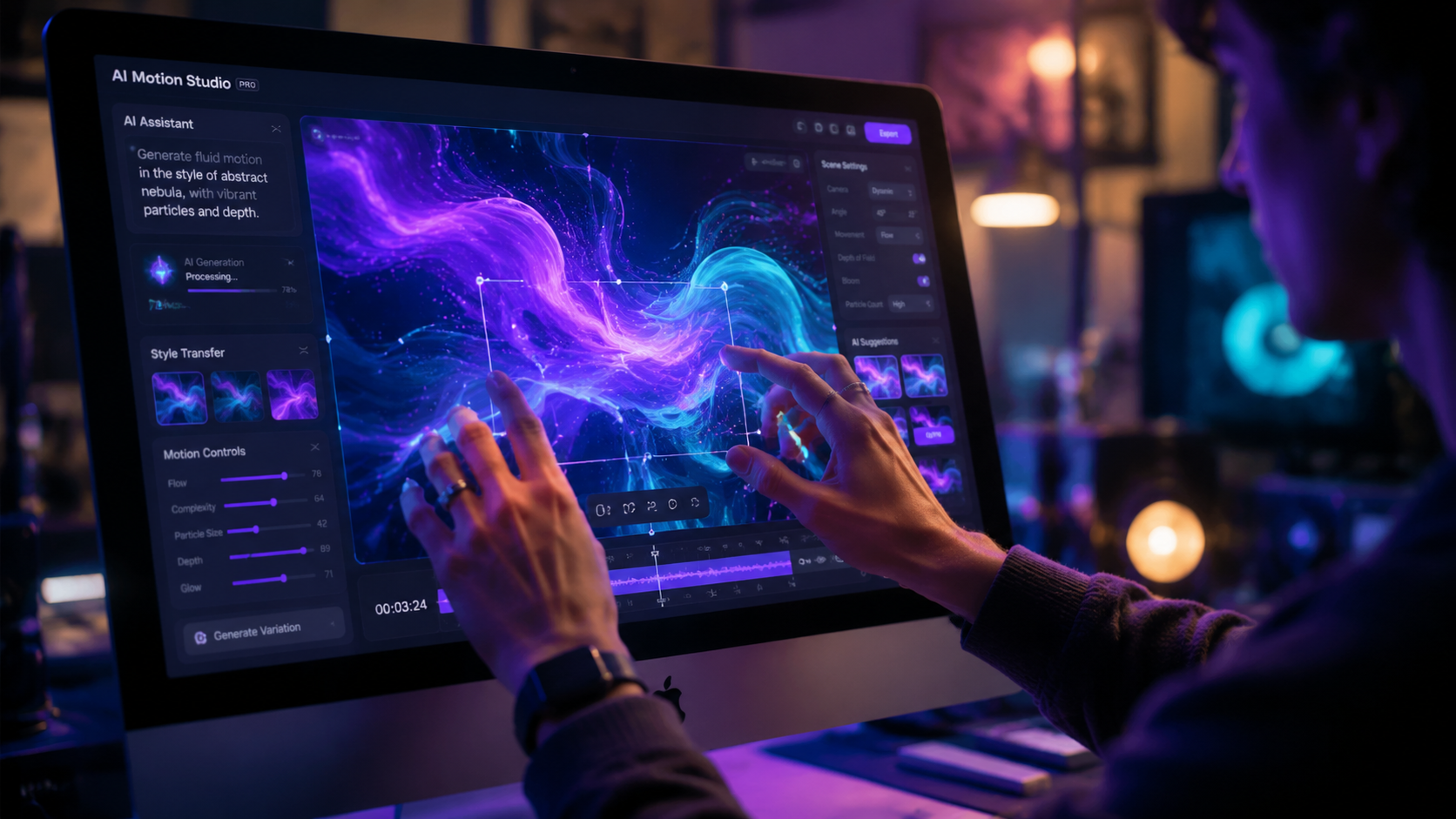
- Assess Your Hardware: Ensure your Mac has at least 16GB of Unified Memory, as 2026 AI models require significant RAM for local processing.
- Define Your Workflow: Decide if you need "Generative AI" (creating video from text) or "Assistive AI" (using AI to help edit existing footage).
- Check for NPU Optimization: Look for software specifically updated for the 2026 Neural Engine to avoid excessive battery drain and heat.
- Evaluate Cloud vs. Local Processing: Some tools process data on your Mac for privacy, while others use the cloud for higher-fidelity generative tasks.
- Test Integration: Choose software that supports Universal Control and Sidecar if you plan to edit across iPad and Mac.
Selecting the right platform requires a balance between creative freedom and technical constraints. According to Amateur Photographer, even photo editing software in 2026 has crossed over into the video space, with many tools now offering "Motion Stills" AI that can turn a single high-resolution photograph into a 5-second cinematic video clip. This convergence means Mac users often find their best tools in unexpected, multi-functional suites.
Comparative Analysis of 2026 Video AI Tools
To help you navigate the crowded market, we have compared the leading contenders based on the latest testing data from PCMag and Creative Bloq. This table focuses on the features most relevant to the best ai video software for mac users today.
| Software Name | Primary AI Feature | Processing Type | Best For |
|---|---|---|---|
| Apple Creator Studio | Neural Timeline & Auto-B-Roll | On-Device (Local) | Professional Filmmakers |
| Sora-Rise Apps | Text-to-Cinematic Video | Hybrid (Cloud/Local) | Social Media Creators |
| MacObserver ProGen | Automated Color Science | On-Device (Local) | Colorists & Photographers |
| Creative Cloud 2026 | Generative Fill for Video | Cloud-Heavy | Enterprise Teams |
The move toward on-device processing is a significant trend in 2026. As noted by The Mac Observer, "How AI Video Generators Are Becoming Practical Tools" is largely due to the reduction in latency. Users no longer have to wait for a server queue; the 2026 M-series chips allow for near-instantaneous previews of AI-generated effects, making the "best ai video software for mac users" those that prioritize local Silicon optimization.
Advanced Features in 2026 AI Video Suites
Modern software has moved beyond simple filters. The best ai video software for mac users now includes "Semantic Object Manipulation." This allows an editor to click on an object in a video—say, a red car—and type "change this to a blue convertible." The AI handles the tracking, lighting, and reflections across the entire clip. This level of control was once the domain of high-end VFX houses but is now available on a MacBook Air.
Another critical feature is "AI-Driven Audio Restoration." According to Creative Bloq, the top video editing apps of 2026 can now isolate a speaker's voice in a crowded room and recreate the missing frequencies using a voice profile. This means that a video shot in a noisy environment can be salvaged to sound like it was recorded in a studio, all through a single "Enhance" button powered by machine learning.
Generative B-Roll and Stock Replacement
One of the most time-consuming parts of video editing is searching for stock footage. The 2026 software suites have solved this by integrating generative engines directly into the media pool. If you need a shot of "rain falling on a window in Paris at night," the software generates it specifically for your project's resolution and frame rate. This ensures that every piece of content is unique and royalty-free.
Real-Time Collaboration via AI
With the 2026 updates to macOS, collaboration has become "AI-aware." When two editors are working on the same Apple Creator Studio project, the AI manages version control by identifying which changes conflict and suggesting a "merged" version that incorporates the best elements of both edits. This reduces the administrative overhead of creative projects significantly.
The Impact of Apple Silicon on AI Video Performance
The hardware-software vertical integration remains Apple's greatest strength. In 2026, the "best ai video software for mac users" is defined by its ability to tap into the Unified Memory Architecture (UMA). Unlike PC counterparts that may struggle with data transfer between CPU and GPU, Mac software can access large AI models instantly because the memory is shared across all processing units.
Studies show that the 2026 M-series chips offer a 40% improvement in "Tokens Per Second" for video generation compared to the previous year's models. This hardware leap has allowed developers to move away from low-resolution proxies. Editors can now work with "Live AI" overlays on 8K ProRes RAW footage without the fans even spinning up on a MacBook Pro. This efficiency is why many professionals are migrating back to the Mac ecosystem for their AI-heavy workflows.
Thermal Management and Sustainability
An often-overlooked aspect of AI software is its energy consumption. In 2026, the best ai video software for mac users is also the most eco-friendly. By utilizing the Efficiency Cores for background AI tasks, modern Mac software can perform complex rendering while using 30% less power than 2025 versions. This allows for long editing sessions on the go, a vital feature for travel vloggers and field journalists.
Future Trends: What to Expect After 2026
While 2026 has been the year of "Practical AI," the horizon suggests even deeper integration. We are seeing the first signs of "Spatial AI Video," where software doesn't just edit a flat screen but creates a 3D environment that can be explored via Apple Vision Pro. The software currently being ranked as the "best" is already laying the groundwork for this transition by capturing depth data alongside standard video pixels.
Furthermore, the ethical use of AI has become a software feature. The top apps in 2026 now include "Content Credentials" by default—a digital watermark that tracks which parts of a video were AI-generated and which were captured by a lens. This transparency is becoming a requirement for news organizations and high-level commercial work, ensuring that the best ai video software for mac users is also the most responsible.
What is the best AI video software for Mac in 2026?
Apple Creator Studio is currently the top-rated choice due to its deep integration with macOS and the M-series Neural Engine. It offers a seamless blend of traditional editing and generative AI tools for professional and hobbyist users alike.
Can I run AI video generators on an older Intel-based Mac?
While some cloud-based tools will work, most 2026 AI video software requires an M-series chip (Apple Silicon) to handle the local processing demands. Intel-based Macs will experience significant lag and may not support real-time AI features.
Are the Sora-based viral apps available for Mac?
Yes, as of May 2026, the two viral apps mentioned by 9to5Mac have been released as Universal binaries, meaning they run natively on both iPhone and macOS with full synchronization of projects.
How much does Apple Creator Studio cost?
Apple Creator Studio is offered as part of the Pro Apps Bundle, though many of its core AI features are integrated into the standard macOS 2026 updates at no additional cost to hardware owners.
Does AI video software require a constant internet connection?
The 2026 trend is toward "On-Device AI." While some high-end generative tasks still use the cloud, the best Mac software performs the majority of tasks like object removal and audio enhancement locally, allowing for offline editing.



Comments ()