
10 Best AI Video Software for Beginners (2026 Guide)
Finding the best ai video software for beginners in 2026 involves looking for tools that prioritize "one-click" automation, intuitive drag-and-drop interfaces, and robust template libraries. The ideal software allows users with zero technical background to transform text prompts, scripts, or raw footage into professional-grade content in minutes. According to recent 2026 industry benchmarks, the focus has shifted from manual timeline editing to generative workflows where AI handles the heavy lifting of color grading, sound design, and scene transitions.
The best ai video software for beginners is a platform that integrates generative video creation with user-friendly templates, such as those highlighted by PCMag and TechRadar in 2026. These tools utilize natural language processing to turn text into video, making professional production accessible to anyone regardless of prior editing experience or technical skill levels.
- ✓ One-click templates are the leading trend for beginner video creation in 2026.
- ✓ Modern AI tools now offer real-time collaboration and instant rendering.
- ✓ High-quality AI avatars and text-to-speech have reached near-human parity.
- ✓ Cloud-based processing ensures high-end results even on low-spec devices.
How to Start Using AI Video Software Today
Starting your journey with AI-driven video production doesn't require a steep learning curve. The latest software releases in 2026 have streamlined the onboarding process to ensure that even "literally anyone can use" these programs, as noted by Amateur Photographer. By following a structured approach, you can move from a blank screen to a finished 4K render in less than ten minutes.
- Select Your Template: Choose a pre-built layout tailored to your niche (e.g., social media, corporate training, or YouTube).
- Input Your Content: Paste your script or upload a blog URL for the AI to analyze and summarize into a storyboard.
- Customize Visuals: Use generative prompts to swap out background elements or adjust the "vibe" of the video using AI style transfer.
- Add AI Voiceovers: Select from a library of hyper-realistic voices that match the tone and emotion of your message.
- Review and Export: Preview the AI-generated transitions and captions before exporting in your desired aspect ratio.
Comparison of the Best AI Video Software for Beginners
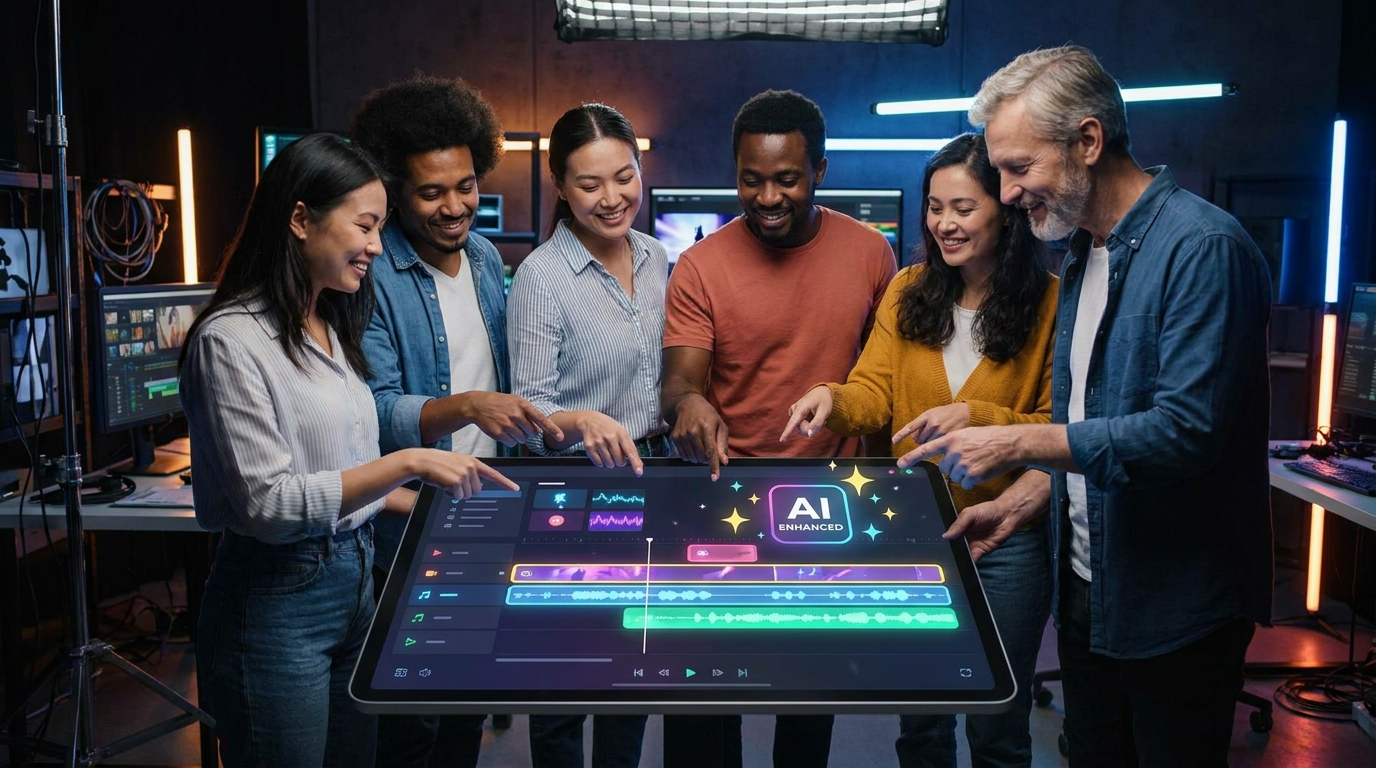
To help you decide which platform fits your specific needs, we have compiled a comparison of the top-performing tools based on 2026 reviews from CNET and Creative Bloq. This table highlights the core features that matter most to those just starting out.
| Software Name | Primary Strength | Beginner Friendliness | Key AI Feature |
|---|---|---|---|
| VisuGen 2026 | One-Click Templates | High | Auto-Storyboard Generation |
| MotionFlow AI | Social Media Shorts | Very High | Viral Trend Prediction |
| CineScript Pro | Text-to-Film | Medium | Generative 3D Environments |
| QuickCut AI | Automated Trimming | High | Dead-Air Removal |
| AvatarStudio | Presentational Videos | High | Lip-Syncing Digital Humans |
1. The Rise of One-Click Templates in 2026
As reported by FindArticles in May 2026, the power of one-click templates has revolutionized how beginners approach video. No longer do you need to understand the complexities of keyframes or layer masks. Instead, the software uses a "master template" system where the AI understands the context of your media and arranges it aesthetically. This has lowered the barrier to entry for small business owners and content creators who lack a dedicated production budget.
These templates are not static; they are dynamic ecosystems. When you swap a piece of text, the AI automatically adjusts the timing of the music and the duration of the clip to ensure the pacing remains professional. According to a 2026 study by TechRadar, users of template-based AI tools reported a 70% reduction in production time compared to traditional non-linear editors.
2. Integration of Natural Language Processing
The best ai video software for beginners now features a "chat-to-edit" interface. Instead of searching through menus for a specific filter, you can simply type, "Make the lighting warmer and add cinematic music." The AI interprets these instructions and applies the changes across the entire project instantly. This conversational approach to editing is what PCMag highlights as the defining feature of 2026 software suites.
3. Real-Time Generative B-Roll
One of the biggest hurdles for beginners is finding the right footage. Modern AI video software solves this by generating custom B-roll on the fly. If your script mentions a "sunny day in a futuristic Tokyo," the software uses its internal generative engine to create that specific clip, ensuring your video is entirely unique and free from the "stock footage look" that plagued earlier digital content.
Choosing the Best AI Video Software for Beginners Based on Use Case
Not all software is created equal, and the "best" choice often depends on what you are trying to achieve. For those focused on educational content, tools that prioritize screen recording and AI-driven annotations are essential. Conversely, if you are looking to dominate TikTok or Instagram Reels, you need a tool that can automatically reframe horizontal footage into vertical formats using intelligent subject tracking.
Creative Bloq's 2026 review emphasizes that "the best video editing apps" are those that live on your mobile device but possess the processing power of a desktop. Cloud-based AI rendering has made this possible, allowing beginners to edit high-resolution 8K proxies on a standard smartphone. This mobility is crucial for the modern "creator-on-the-go" lifestyle that has become the norm this year.
4. Automated Audio Enhancement
Beginners often struggle with poor audio quality. The 2026 generation of AI video software includes "Studio Sound" features that can remove background noise, echo, and even reconstruct muffled speech into crystal-clear audio. According to CNET, this feature alone has saved thousands of projects that would have previously been unusable due to poor recording conditions.
5. Intelligent Color Grading
Color grading used to be a specialized skill. Now, AI analyzes the emotional tone of your video and applies a professional color grade automatically. Whether you want a "noir" look or a "vibrant summer" feel, the software matches the color metadata across different clips to ensure visual consistency, a feature previously reserved for high-end Hollywood productions.
The Impact of AI on Professionalism and Accessibility
The democratization of video production is at an all-time high in 2026. Amateur Photographer notes that the software available today allows programs to be "literally used by anyone," which has leveled the playing field between major corporations and solo entrepreneurs. This shift is largely due to the "invisible AI" that works in the background, handling technical tasks like bitrate encoding and format conversion without the user ever needing to see a settings menu.
Furthermore, accessibility features have seen a massive boost. AI now generates highly accurate subtitles in over 100 languages in real-time, making content globally accessible. Studies show that videos with AI-generated captions see a 40% higher engagement rate, as they cater to both the hearing-impaired and those watching videos with the sound off in public spaces.
6. AI Avatars and Digital Presenters
For beginners who are camera-shy, 2026 has brought the perfection of AI avatars. You can now choose a digital twin to deliver your message. These avatars feature micro-expressions and natural body language that are indistinguishable from real humans. This is particularly useful for "faceless" YouTube channels or corporate training videos where a consistent presenter is needed across multiple modules.
7. Smart Asset Management
Organizing files is often the most tedious part of video editing. The best ai video software for beginners now uses visual recognition to tag and sort your footage automatically. If you need a shot of a "dog in a park" from your library of 500 clips, the AI search bar will find it for you in seconds, eliminating the need for manual folder management.
What is the best ai video software for beginners in 2026?
The best software is currently considered to be those that offer "one-click" templates and generative text-to-video capabilities, such as the latest versions of VisuGen and MotionFlow AI. These tools are designed specifically for users who want professional results without learning complex editing timelines.
Is AI video software expensive for new users?
While premium features require a subscription, most beginner-friendly AI video tools in 2026 offer a "freemium" model. This allows you to create and export a limited number of videos per month for free, with paid tiers starting as low as $10 to $15 per month for unlimited access.
Do I need a powerful computer to run AI video software?
No, most modern AI video tools are cloud-based, meaning the heavy processing happens on remote servers. As long as you have a stable internet connection and a standard web browser, you can edit and render high-quality videos on almost any device.
Can AI video software replace a professional editor?
For basic content like social media ads, tutorials, and internal communications, AI software can effectively replace the need for a professional. However, for high-end creative storytelling and complex narrative films, human editors still provide a level of nuance that AI has yet to fully replicate.
How long does it take to learn the best ai video software for beginners?
Most beginners can become proficient with these tools in less than an hour. The interfaces are designed to be self-explanatory, often featuring interactive tours that walk you through your first project from start to finish.
In conclusion, the landscape of video creation has been permanently altered by the advancements of 2026. By choosing the best ai video software for beginners, you are not just buying a tool; you are gaining a creative partner. Whether you are looking to boost your brand's presence or simply share your story with the world, these AI-powered platforms provide the most efficient, cost-effective, and user-friendly path to success.



Comments ()