
Best AI Video Script to Video Tool Options for 2026
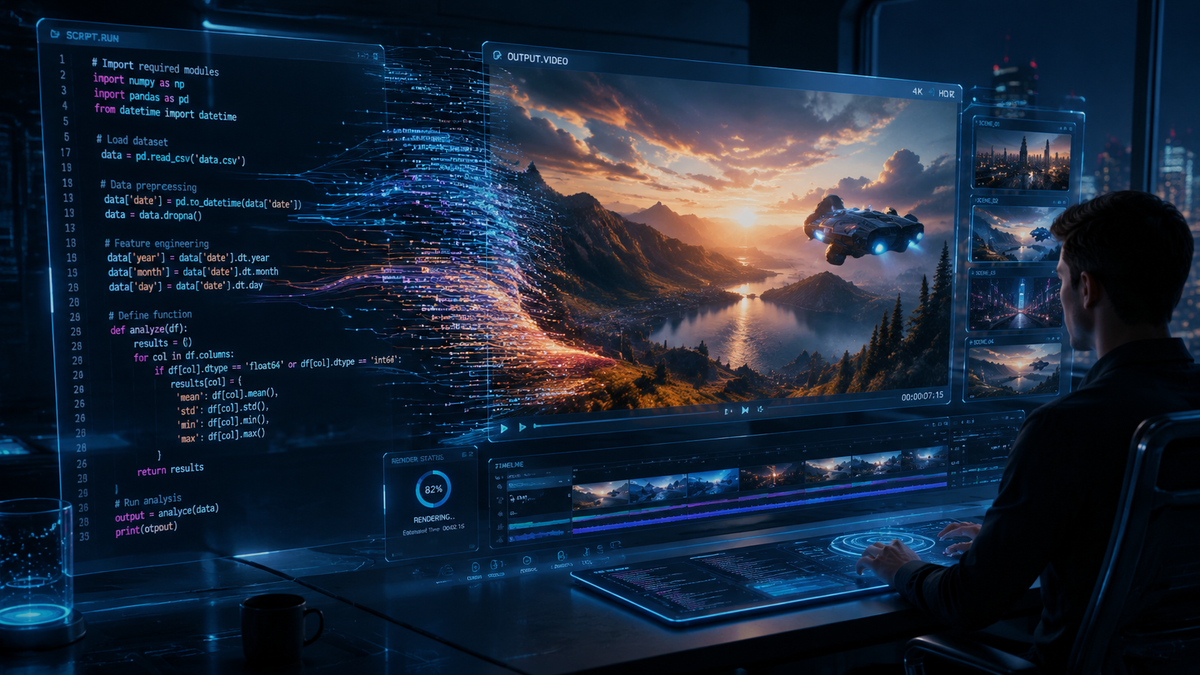
An ai video script to video tool is a generative software application that utilizes large language models and synthetic media engines to transform text-based scripts into fully produced video content, complete with visuals, voiceovers, and music. In 2026, these tools have evolved into sophisticated AI agents capable of autonomous editing, making professional-grade video production accessible to creators and enterprises without the need for traditional filming equipment or complex editing suites.
An ai video script to video tool is a generative AI platform that automates the transition from written text to visual media. By inputting a script, the AI selects relevant stock footage, generates synthetic avatars, or creates original generative video clips, synchronizing them with AI-generated voiceovers and background tracks to produce a polished final product in minutes.
- ✓ AI video agents can now handle complex multi-scene editing from a single text prompt.
- ✓ Integration of high-fidelity 4K generative video has become the industry standard for 2026.
- ✓ Real-time collaboration features allow teams to refine AI-generated scripts and visuals simultaneously.
- ✓ Significant reduction in production costs, with AI tools delivering content up to 90% faster than traditional methods.
How to Use an AI Video Script to Video Tool
The process of converting text into a high-quality video has been streamlined significantly as of early 2026. Modern tools now leverage "AI Agents" that act as virtual directors, interpreting the tone and intent of your script rather than just matching keywords to images. This shift has moved the industry from simple slideshow creators to comprehensive cinematic generators.
According to HP's 2026 report "From Script to Screen," the democratization of video production means that the technical barrier to entry has virtually disappeared. Users now focus more on creative storytelling and prompt engineering than on the technicalities of frame rates or transition timing. This efficiency is why many enterprises are shifting their internal communications and marketing workflows to AI-first platforms.
- Input Your Script: Paste your prepared text or use the tool’s built-in AI writer to generate a script based on a brief topic description.
- Select Your Visual Style: Choose between photorealistic generative video, 3D animation, or high-quality stock footage libraries.
- Configure AI Avatars and Voice: Select a synthetic presenter and a voice profile that matches your brand’s tone, including local accents and languages.
- Review the AI Storyboard: The tool will generate a scene-by-scene breakdown. You can swap clips, adjust text overlays, and modify the pacing.
- Export and Distribute: Render the final video in your desired resolution (up to 8K in premium versions) and aspect ratio for platforms like YouTube, LinkedIn, or TikTok.
Leading AI Video Script to Video Tool Options for 2026
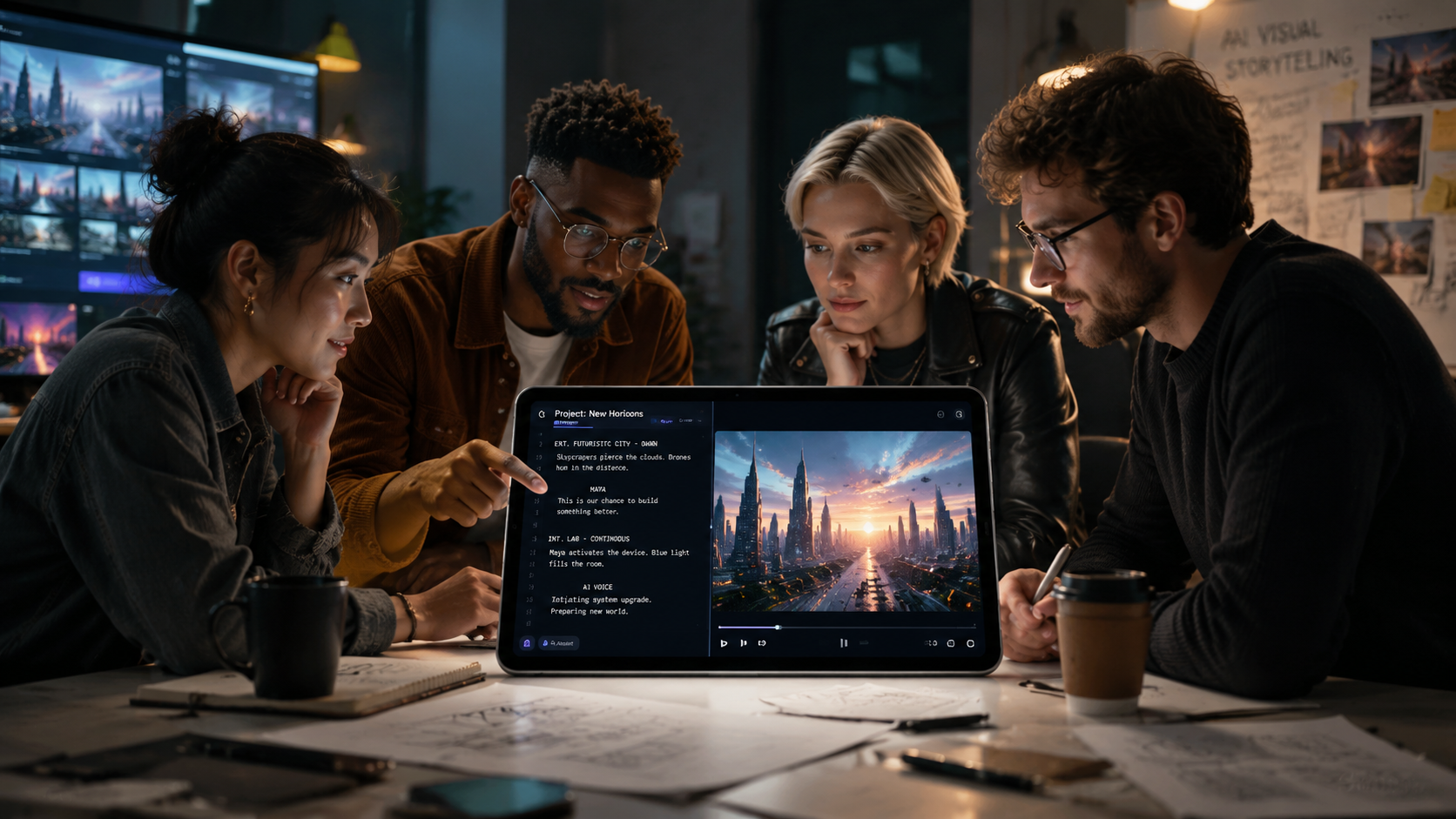
The landscape of 2026 is dominated by platforms that offer deep integration between text generation and visual synthesis. As noted by G2 Learning Hub, the "7 Best AI Video Generators" of this year are characterized by their ability to understand nuance and emotional context within a script. These tools no longer just "place" images; they "create" scenes that align with the narrative flow.
Cybernews recently highlighted that the top 16 AI video generation tools for 2026 have moved toward a "multimodal" approach. This means the AI doesn't just look at the script as a string of words but understands the visual requirements of each sentence. For instance, if a script mentions a "futuristic cityscape at sunset," the AI generates unique pixels rather than searching a database for pre-existing footage.
InVideo AI and the Rise of AI Video Agents
InVideo has remained a frontrunner in 2026 by introducing sophisticated AI agents. As detailed in a recent Unite.AI review, users can now build entire videos by simply conversing with the AI. You don't just provide a script; you provide a goal. The AI agent then researches the topic, writes the script, selects the media, and performs the edit. This level of automation is particularly useful for rapid content creators who need to maintain a high volume of output without sacrificing quality.
Synthesia and HeyGen: The Avatar Specialists
For those requiring a human touch, tools like Synthesia and HeyGen have reached the "uncanny valley" crossover point. In 2026, their AI avatars are indistinguishable from real humans, featuring micro-expressions and perfect lip-syncing. These platforms are the preferred ai video script to video tool for corporate training and personalized sales videos, where a "face" helps build trust and engagement with the audience.
Comparing Top AI Video Generation Platforms
Choosing the right tool depends on your specific needs—whether you prioritize photorealistic avatars, generative b-roll, or ease of use for social media. The following table compares the leading platforms based on the latest 2026 data from AIMultiple and Cybernews.
| Platform | Core Strength | Best For | Key Feature (2026) |
|---|---|---|---|
| InVideo AI | AI Agent Workflow | YouTube & Social Media | Conversational video editing |
| Synthesia | Hyper-realistic Avatars | Corporate Training | Real-time 4K avatar rendering |
| Runway Gen-4 | Generative Artistry | Creative Filmmaking | Direct text-to-cinematic-scene |
| HeyGen | Personalization | Sales & Marketing | Instant video translation & dubbing |
| Pictory | Content Repurposing | Blog-to-Video | Auto-summary of long-form text |
Technological Advancements in Script-to-Video Conversion
The primary shift in 2026 is the move from "stitching" to "synthesis." In previous years, an ai video script to video tool would primarily search a library of clips and stitch them together. Today, according to the "Top 12 Best AI Video Generators" list on Habr, the industry has shifted toward Diffusion-based synthesis. This allows the software to create brand-new footage that exactly matches the script's requirements, ensuring that no two videos ever look the same.
Furthermore, the integration of 3D spatial audio has become a standard feature. When the script describes a sound coming from the left, the AI automatically maps the audio in a 360-degree space. This level of immersion was previously reserved for high-budget film studios but is now a checkbox feature in most premium AI video tools. This advancement has significantly increased viewer retention rates for educational and entertainment content alike.
The Role of Large Language Models (LLMs)
The "script" part of the "script to video" process has benefited from the latest iterations of LLMs. These models can now perform "sentiment mapping." If a script is written in a somber tone, the AI automatically selects a darker color palette, slower transition speeds, and melancholic background music. This emotional intelligence ensures that the visual output resonates with the intended message of the text.
Future Trends: What to Expect Beyond 2026
While 2026 has brought us incredible tools, the trajectory suggests even deeper integration. We are seeing the emergence of "Interactive AI Videos," where the script can branch in real-time based on viewer input. An ai video script to video tool will soon be able to generate dynamic paths, allowing the viewer to "choose their own adventure" within a video generated on the fly.
According to AIMultiple’s analysis of the Top 125 Generative AI Applications, the next frontier is "Contextual Awareness." Future tools will not only read your script but will also analyze your brand’s past successful videos to mimic your specific editing style, color grading, and pacing automatically. This "brand-cloning" will allow for perfect consistency across global marketing departments without the need for extensive brand guidelines.
Ethical Considerations and Watermarking
As AI video becomes more realistic, the industry has standardized digital watermarking and C2PA metadata. In 2026, all major ai video script to video tool options include "Content Credentials" that prove the video was AI-generated. This transparency is crucial for maintaining trust, especially in news and political contexts. Most platforms now have built-in safeguards to prevent the generation of deepfakes or misleading content involving public figures.
Frequently Asked Questions
What is the best ai video script to video tool for beginners?
InVideo AI is widely considered the best for beginners due to its intuitive "AI Agent" interface, which allows users to create videos through simple conversational prompts. It handles the scriptwriting, media selection, and editing with minimal manual input required.
Can I use my own voice in these AI video tools?
Yes, most premium tools in 2026, such as HeyGen and Synthesia, offer voice cloning features. You can record a short sample of your voice, and the AI will then use that clone to narrate any script you provide, maintaining your unique tone and inflection.
Are AI-generated videos copyright-free?
Generally, you own the rights to the videos you create using these platforms, provided you have a paid subscription. However, the generative models themselves are trained on vast datasets, so it is always recommended to check the specific terms of service of the tool you are using regarding commercial usage.
How long does it take to generate a 10-minute video?
With the processing power available in 2026, a 10-minute high-definition video can typically be rendered in under 15 minutes. The actual "creation" phase—where the AI builds the storyboard—usually takes less than two minutes after you provide the script.
Do these tools support languages other than English?
Most leading AI video tools now support over 100 languages and dialects. They offer real-time translation and dubbing, meaning you can input a script in English and produce a video with a localized avatar speaking fluent Spanish, Mandarin, or French with perfect lip-syncing.



Comments ()