
Best AI Video Script to Video Tools in 2026: Top Rated
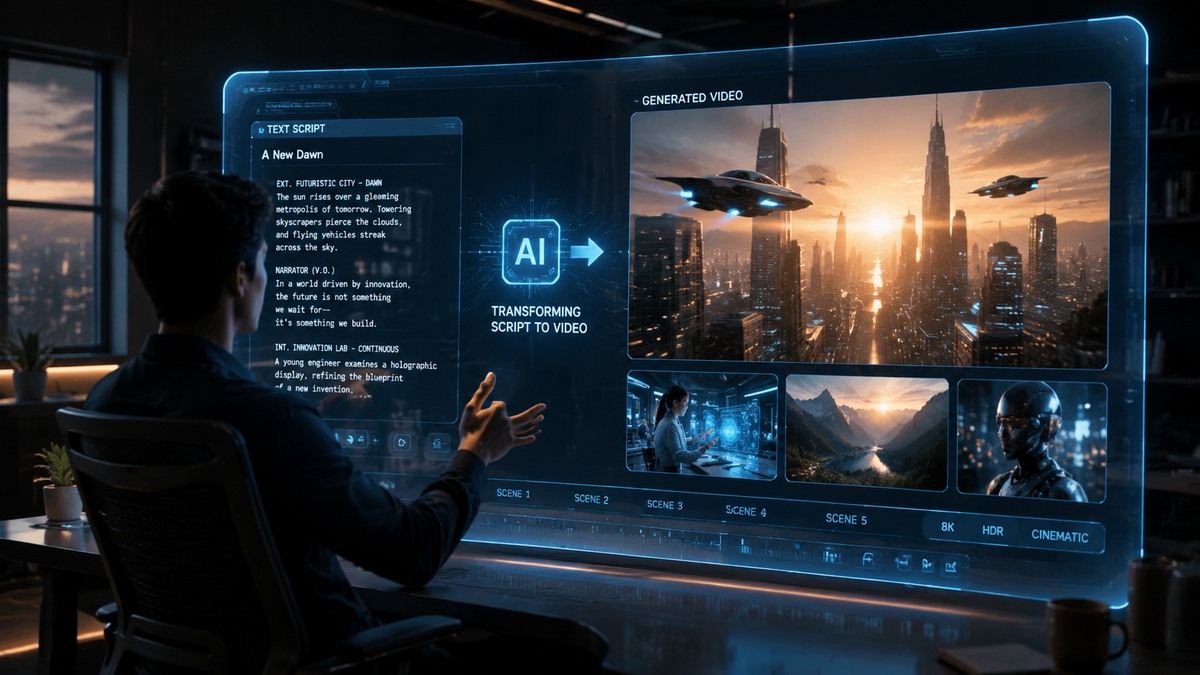
The best ai video script to video tools in 2026 allow creators to transform raw text or detailed scripts into high-quality, professional videos in a matter of minutes. By leveraging advanced generative models and AI agents, these platforms handle everything from scene selection and voiceover synthesis to stock footage synchronization, making video production accessible to everyone regardless of technical skill. In 2026, the industry has shifted toward "agentic" video creation, where the AI acts as a creative partner rather than just a basic rendering engine.
The best ai video script to video solution in 2026 is a platform that combines generative AI agents with extensive stock libraries and realistic voice synthesis. Leading tools like InVideo AI, Sora-integrated suites, and Runway Gen-3 provide seamless transitions from text prompts to cinematic 4K outputs, significantly reducing production time from days to seconds.
- ✓ AI agents now handle end-to-end production including scriptwriting, editing, and voiceovers.
- ✓ Real-time rendering in 2026 allows for instant previews of script-to-video transformations.
- ✓ Integration with platforms like HP and specialized hardware has optimized video rendering speeds.
- ✓ Ethical AI and licensed content libraries have become the standard for professional-grade tools.
How to Use the Best AI Video Script to Video Tools
In 2026, the workflow for creating video content has been streamlined to prioritize the "idea phase" over the "technical phase." According to recent insights from HP, the shift from script to screen is no longer a linear process but a collaborative dialogue between the user and the AI. This evolution ensures that even those without a background in cinematography can produce results that rival traditional production houses.
To get the most out of these tools, it is essential to provide high-context prompts. The more detail you provide in your script regarding tone, target audience, and visual style, the better the AI agent can interpret your vision. Most modern tools now offer "iterative editing," where you can talk to the video editor via a chat interface to change colors, swap clips, or adjust the pacing of the voiceover without manually touching a timeline.
- Input Your Script: Paste your pre-written text or provide a short prompt for the AI to generate a script for you.
- Select Your Persona: Choose the voiceover profile, language, and the "vibe" of the visual assets (e.g., cinematic, corporate, or social media style).
- Configure AI Agents: Direct the AI agent to prioritize specific brand colors or include unique data points.
- Review the Draft: Use the real-time preview to check for alignment between the narration and the visuals.
- Refine via Chat: Use natural language commands to make specific edits, such as "make the background music more upbeat."
- Export and Distribute: Render the video in your desired resolution, up to 8K, and publish directly to social platforms.
Top Rated AI Video Generators for 2026
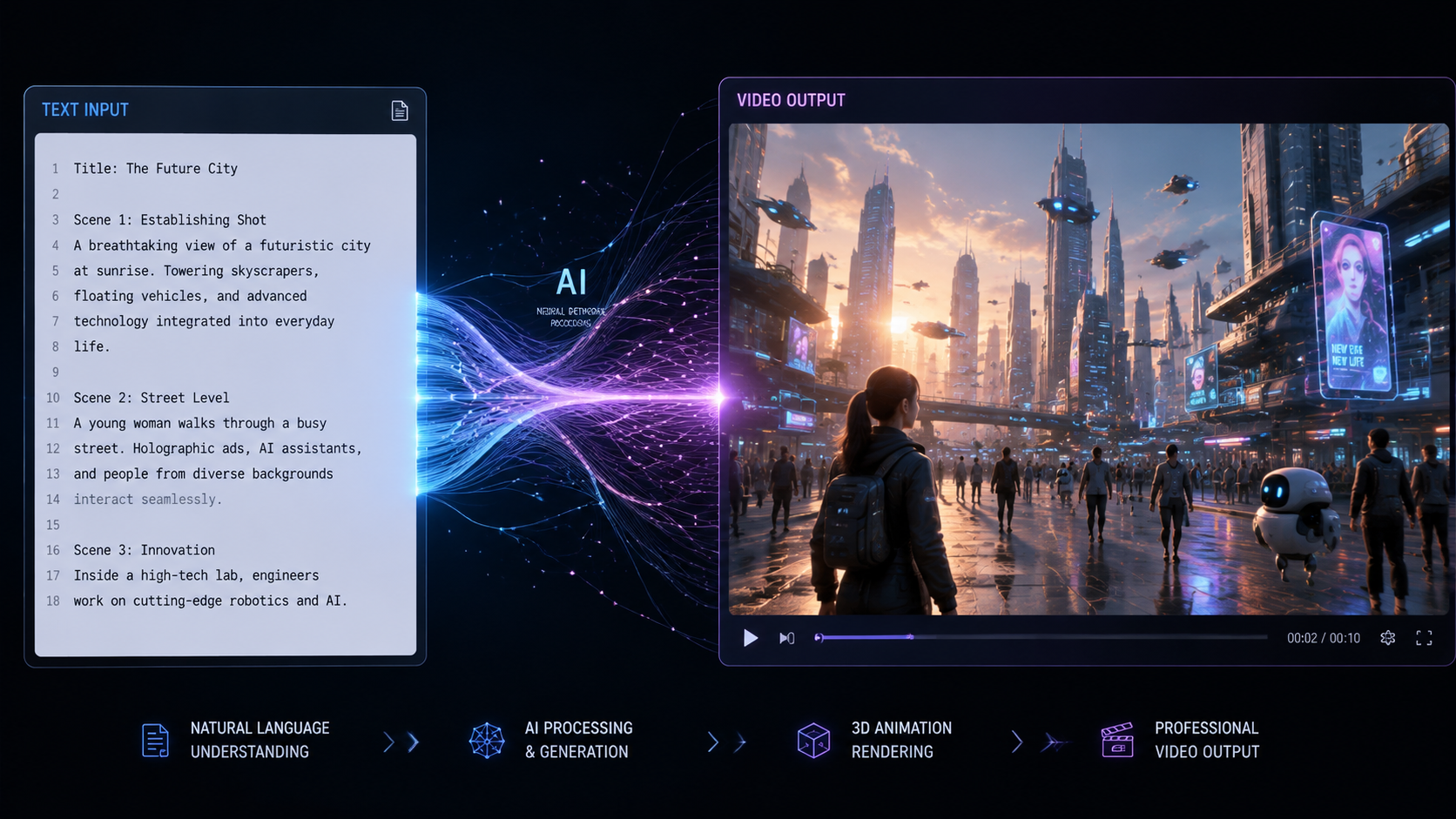
The landscape of 2026 is dominated by tools that offer high degrees of automation and creative control. As noted by eWeek, the "7 Best AI Video Generators" currently leading the market are those that have successfully integrated multimodal capabilities—meaning they understand the relationship between text, audio, and visual movement better than ever before. These tools are no longer just stitching together stock photos; they are generating unique pixels to match the script's intent.
According to Cybernews, which recently reviewed the 16 best AI video generation tools for 2026, the primary differentiator this year is the "hallucination rate." The top-rated tools have significantly lower rates of visual errors, such as distorted limbs or illogical physics, which were common in earlier versions of generative video. This reliability is why businesses are now comfortable using AI for external-facing marketing and training materials.
InVideo AI: The Agent-Led Revolution
As highlighted by Unite.AI in their April 2026 review, InVideo has transitioned into a full-scale AI agent. Users no longer need to navigate complex menus. Instead, you tell the agent what you want, and it builds the video in minutes. It excels in the "best ai video script to video" category because of its massive library of over 100 million licensed assets and its ability to clone human voices with eerie accuracy. This tool is particularly favored by YouTube creators and social media managers who need high-volume, high-quality output.
Runway Gen-3 and Beyond
Runway continues to be a favorite for those seeking "stunning results," a sentiment echoed by eWeek. Their 2026 updates focus on "Directorial Control," allowing users to specify camera movements like pans, tilts, and zooms within the script itself. If your script says "The camera zooms in on a lonely lighthouse," the AI understands the spatial physics required to execute that motion realistically. It is widely considered the gold standard for cinematic script-to-video generation.
Comparing the Best AI Video Script to Video Platforms
Choosing the right tool depends on your specific needs—whether that is speed, visual fidelity, or ease of use. Below is a comparison of the top contenders based on the latest 2026 data from G2 Learning Hub and MensXP.
| Feature | InVideo AI | Runway Gen-3 | Pictory 2026 | HeyGen Pro |
|---|---|---|---|---|
| Primary Strength | Ease of Use / Speed | Cinematic Quality | Blog-to-Video | Avatar Realism |
| Script Processing | AI Agent Chat | Prompt-to-Video | Text Summarization | Multi-language Scripting |
| Max Resolution | 4K | 8K | 1080p / 4K | 4K |
| Key 2026 Feature | Voice Cloning 2.0 | Physics Engine 3.0 | Auto-Captioning Hub | Live-Action Avatars |
The Impact of AI on Content Trends in 2026
The rise of the best ai video script to video technology has fundamentally altered how content is consumed. MensXP reports that 2026 content trends are heavily leaning toward "hyper-personalization." Because these tools can generate videos so quickly, brands are now creating custom video messages for individual customers rather than generic advertisements. A script can be automatically tweaked for 1,000 different viewers, and the AI will render 1,000 unique videos in the background.
Furthermore, the integration of these tools into professional hardware, such as the latest HP workstations, has localized much of the processing power. While cloud rendering is still prevalent, the "Script to Screen" report from HP indicates that local AI acceleration allows creators to see low-resolution previews of their scripts almost instantly, saving hours in the iterative process. This has lowered the barrier to entry for small businesses that previously could not afford high-end video production.
Ethical Considerations and Authenticity
With the power to generate realistic video from a simple script comes the responsibility of ethical usage. In 2026, most top-rated tools have implemented "Content Credentials" or digital watermarks to indicate that a video was AI-generated. This transparency is crucial for maintaining trust, especially in news and educational content. Cybernews emphasizes that the best tools in 2026 are those that prioritize "Responsible AI," ensuring that their training data is ethically sourced and that they have robust filters against deepfakes and misinformation.
Future-Proofing Your Video Strategy
To stay competitive in 2026, creators must look beyond simple "text-to-video" and embrace "script-to-story." The best ai video script to video tools are now capable of understanding narrative arcs. For example, if a script includes a climax and a resolution, the AI will automatically adjust the music's tempo and the visual editing style to match the emotional beats of the story. This level of sophistication means that the human role is shifting toward being a "Creative Director" rather than a "Video Editor."
According to G2 Learning Hub, users who have transitioned to AI-first workflows report a 70% reduction in production costs and a 5x increase in output volume. However, the most successful creators are those who use AI to handle the repetitive tasks—like subtitling, color grading, and b-roll selection—while spending their saved time on higher-level strategy and script quality. The quality of the output is still heavily dependent on the quality of the input script.
Advanced Scripting Techniques for AI
In 2026, "Prompt Engineering" has evolved into "Script Architecture." When using the best AI video script to video tools, creators are encouraged to use structural markers. For instance, using tags like [Emotional Shift: Somber to Joyful] within a script helps the AI's "Director Agent" understand how to transition the lighting and soundscape. This level of granular control is what separates the top-rated professional tools from basic consumer apps.
What is the best AI video script to video tool for beginners?
InVideo AI is widely considered the best for beginners in 2026 due to its intuitive "AI Agent" interface. It allows users to create videos by simply describing what they want in a chat box, making it as easy as sending a text message.
Can AI generate videos longer than 10 minutes from a script?
Yes, by 2026, many professional tools like Runway and Sora-integrated platforms can handle scripts for long-form content. They use "consistent character" technology to ensure that the visuals remain stable across longer durations.
How much do the best AI video tools cost in 2026?
Pricing typically ranges from $20 to $100 per month for professional tiers. According to G2, most platforms have moved to a "per-minute" or "credit-based" system, where you pay based on the total length of video rendered.
Is the footage generated by AI copyright-free?
Most top-rated tools in 2026 provide commercially licensed assets or uniquely generated pixels that are cleared for business use. However, users should always check the specific "Terms of Service" of the tool to ensure they own the final output.
Do I need a powerful computer to use these tools?
While many tools are cloud-based and run in a browser, HP reports that having an AI-optimized workstation can significantly speed up the "pre-visualization" and local editing phases of the workflow.
As we move through 2026, the definition of the best ai video script to video tool continues to expand. It is no longer just about the final render; it is about the entire creative ecosystem—from the initial spark of an idea to the final distribution-ready file. By choosing the right tool and mastering the art of the AI-driven script, you can ensure your content stands out in an increasingly crowded digital landscape.



Comments ()