
Best AI Video Restoration Software 2026: Top Rated Tools
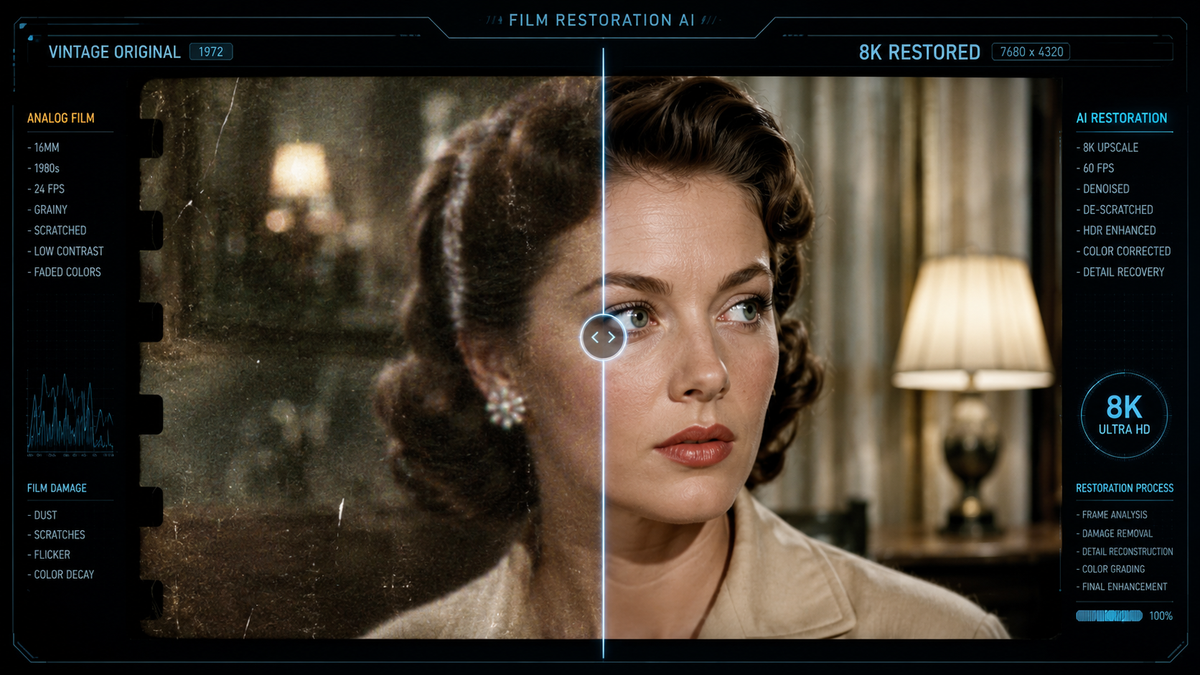
Finding the best ai video restoration software 2026 requires a balance between computational power, ease of use, and the specific restoration needs of your footage. As of April 2026, the industry has shifted toward generative AI models that don't just "clean" pixels but actually reconstruct missing detail based on deep learning training sets. Whether you are digitizing 8mm family films or upscaling professional 1080p content to 8K, the current landscape offers tools that can eliminate grain, fix motion blur, and restore color with unprecedented accuracy.
The best AI video restoration software in 2026 is VideoProc Converter AI, followed closely by specialized tools for professional upscaling and audio-visual repair. These applications utilize generative neural networks to upscale resolution, stabilize shaky footage, and remove compression artifacts, making them essential for transforming legacy media into modern high-definition formats.
- ✓ VideoProc Converter AI is currently ranked as the top all-in-one enhancer for 2026.
- ✓ Generative AI now allows for the reconstruction of facial details and textures that were previously lost.
- ✓ Integration of tools like iZotope RX 12 ensures that audio restoration matches the visual quality.
- ✓ Modern software supports real-time AI upscaling for 4K and 8K workflows on consumer hardware.
How to Restore Old Footage Using the Best AI Video Restoration Software 2026
Restoring video in 2026 has become a streamlined process thanks to automated "one-click" models, but achieving professional results still benefits from a structured approach. Most top-tier tools now feature "Auto-Detect" modes that analyze the specific type of degradation in your file—be it interlacing, heavy noise, or low resolution—and suggest the appropriate neural network model.
- Import and Analyze: Load your source file into your chosen AI software. Most modern tools will perform an initial scan to identify frame rate, codec, and noise levels.
- Select the AI Model: Choose a model based on your goal. For example, use a "Generative Detail" model for low-res faces or a "Denoise" model for low-light footage.
- Configure Output Settings: Set your target resolution (e.g., 4K) and frame rate. In 2026, many users are opting for 60fps interpolation to smooth out old 24fps or 15fps recordings.
- Preview and Refine: Use a split-screen preview to compare the original and restored frames before committing to the full export.
- Export with Hardware Acceleration: Utilize your GPU’s tensor cores to speed up the rendering process, which can still be time-consuming for long-form content.
The Evolution of Video Enhancement in 2026
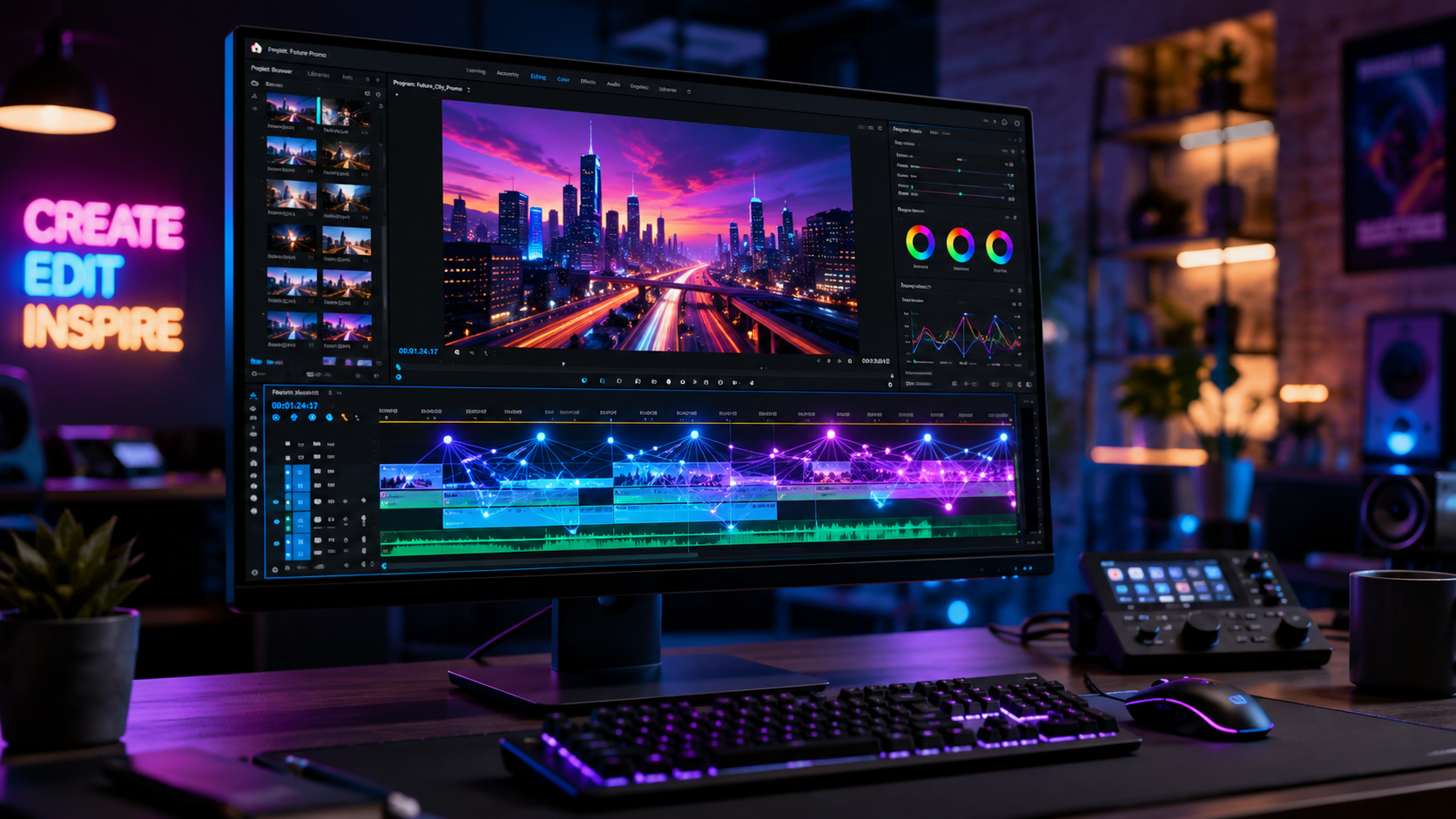
The landscape of video editing has been fundamentally altered by the rapid advancement of generative engines. According to TechRadar, which tested over 70 AI tools in April 2026, the efficiency of video processing has increased by nearly 40% compared to previous years. This leap is largely due to more efficient "transformer-based" architectures that allow software to understand the context of a scene rather than just processing individual pixels in isolation.
Furthermore, TweakTown has highlighted VideoProc Converter AI as the premier choice for 2026, noting its ability to handle complex tasks like frame interpolation and super-resolution within a single interface. This reflects a broader trend in the industry: the move away from fragmented, single-use tools toward comprehensive suites that handle both the visual and technical aspects of video repair. As we move further into 2026, the distinction between "editing" and "restoration" continues to blur, as restoration features are now baked into the standard creative workflow.
Comparison of Top AI Video Restoration Tools
To help you choose the right tool for your specific project, the following table compares the leading software options available in the second quarter of 2026.
| Software Tool | Primary Strength | AI Model Type | Best For |
|---|---|---|---|
| VideoProc Converter AI | All-in-One Efficiency | Super-Resolution & Denoise | General consumers and enthusiasts |
| iZotope RX 12 | Audio Restoration | AI Separation & Repair | Correcting audio in old film scans |
| Topaz Video AI v5.x | Professional Upscaling | Generative Adversarial Networks | High-end 8K upscaling |
| DaVinci Resolve 19+ | Color Grading & Repair | Neural Engine Integration | Professional colorists and editors |
Why VideoProc Converter AI Leads the Market
As reported by TweakTown in March 2026, VideoProc Converter AI has secured its position as the best AI video and image enhancer of the year. Its dominance is attributed to its "Level-3 Hardware Acceleration," which allows users with even mid-range laptops to perform heavy AI tasks without overheating or crashing. The 2026 version includes specific models for "Old Photo/Video Recovery" that are trained specifically on film grain and chemical damage patterns found in 20th-century media.
One of the standout features of the best ai video restoration software 2026 is the ability to de-interlace old TV broadcasts without losing vertical resolution. In the past, de-interlacing often resulted in a "soft" look, but the current AI models can reconstruct the missing lines of data to create a sharp, progressive image that looks as if it were shot natively on a digital sensor. This makes it an invaluable tool for archives and broadcast historians.
Addressing the Audio: The Role of iZotope RX 12
Restoring a video is only half the battle; the audio often requires just as much attention. Major HiFi recently announced the release of iZotope RX 12 in late April 2026, which introduces groundbreaking AI separation tools. When restoring old video, the audio is frequently plagued by hiss, hum, and "crackle" from physical degradation. RX 12 allows users to isolate dialogue from background noise with a precision that was impossible just a few years ago.
The integration between video restoration suites and audio tools like RX 12 has become more seamless in 2026. Many video editors now allow for direct "round-tripping" where the audio can be sent to RX 12, cleaned using AI-driven repair assistants, and brought back into the video timeline without any loss of sync. This holistic approach ensures that the sensory experience of the restored media is consistent across both sight and sound.
Advanced Features to Look For in 2026
When searching for the best ai video restoration software 2026, there are several "next-generation" features that have become standard. First is "Generative Inpainting," which can automatically remove physical scratches or dust spots from a film scan by "looking" at the frames before and after the damage and filling in the gap. This saves hundreds of hours of manual retouching that used to be required for high-end film restoration.
Second is "AI Face Recovery." Older videos often suffer from "blocky" faces due to low-bitrate compression or low-resolution sensors. Modern AI can recognize human facial structures and overlay high-definition textures—eyes, skin pores, and hair—that look natural and maintain the likeness of the subject. This has become a favorite feature for those restoring family heritage videos or historical documentaries.
The Impact of AI on Creative Industries
The rise of these tools isn't just for hobbyists. CNET’s April 2026 review of AI video generators and restorers points out that indie filmmakers are now using these tools to achieve "Hollywood-level" visuals on shoestring budgets. For example, a music video shot on a mobile phone can be upscaled and stylized to look like 35mm film using the right combination of restoration and grain-matching AI.
According to NoHo Arts District, the use of AI tools has specifically empowered indie musicians. Their testing of the "5 Best AI Music Video Generators" in March 2026 showed that restoration AI is frequently used to "clean up" low-budget footage, making it look professional enough for global distribution platforms. This democratization of high-end post-production technology is perhaps the most significant trend of 2026.
Choosing the Right Tool for Your Hardware
While the software has become more powerful, the hardware requirements remain a significant consideration. The New York Times noted in late April 2026 that while the apps coming with modern phones are "amazing," dedicated desktop software is still required for heavy-duty restoration work. For the best ai video restoration software 2026 to run effectively, a dedicated GPU with at least 12GB of VRAM is recommended for 4K projects.
However, cloud-based restoration services are also gaining traction. For users without high-end hardware, several of the top-rated tools now offer "Cloud Render" options. This allows you to upload your footage to a server, apply the AI models, and download the finished product. This flexibility ensures that high-quality video restoration is accessible to everyone, regardless of their local computing power.
What is the best AI video restoration software in 2026?
VideoProc Converter AI is widely considered the best overall choice due to its balance of speed, features, and hardware acceleration. Other top contenders include Topaz Video AI for professional upscaling and iZotope RX 12 for audio-specific restoration.
Can AI really fix blurry or out-of-focus video?
Yes, modern generative AI can significantly sharpen blurry video by using deconvolution algorithms and neural networks that "guess" the intended detail. While it cannot perfectly fix extremely blurred shots, it can make them much more watchable and clear.
How long does it take to restore a video with AI?
Processing time depends on your hardware and the complexity of the AI model. In 2026, a standard 10-minute video can be upscaled from 1080p to 4K in approximately 20-30 minutes on a modern high-end GPU.
Is there free AI video restoration software available?
There are open-source models like Real-ESRGAN that can be used for free, but they typically require technical knowledge to set up. Most user-friendly, high-rated tools in 2026 offer free trials with watermarks or limited export lengths.
Does AI restoration change the original look of the film?
It can. While many tools aim for "faithful restoration," generative models can sometimes add details that weren't in the original. Most 2026 software includes "Originality" sliders to control how much the AI intervenes versus preserving the authentic grain and texture.



Comments ()