
7 Best AI Video Noise Reduction Tools for 2026 (Ranked)
The best AI video noise reduction tools in 2026 utilize sophisticated deep-learning models to distinguish between essential visual details and unwanted digital artifacts like grain or "salt-and-pepper" noise. These professional-grade solutions, such as Topaz Video AI 6.0 and the latest Vmake AI toolkit, allow creators to recover footage shot in low-light conditions or with high ISO settings without sacrificing sharpness. By leveraging temporal analysis, these tools ensure consistent noise removal across frames, making them indispensable for modern video production and restoration.
AI video noise reduction is a computational process that uses neural networks to identify and remove digital grain from video files. In 2026, the leading tools include Topaz Video AI for desktop precision, Vmake AI for cloud-based convenience, and specialized Mac-optimized enhancers that integrate noise reduction with 4K upscaling and motion deblurring for a comprehensive visual upgrade.
- ✓ AI-driven denoising preserves textures better than traditional spatial filters.
- ✓ Modern tools in 2026 now support real-time 4K denoising on high-end GPUs.
- ✓ Cloud-based platforms like Vmake AI offer accessible enhancement for mobile creators.
- ✓ Temporal consistency is the primary metric for high-quality AI noise reduction.
As digital cinematography pushes the boundaries of resolution, the demand for clean, artifact-free footage has never been higher. According to AppleInsider, the latest generation of AI video enhancers for Mac can simultaneously fix blur, reduce noise, and upscale content to 4K, streamlining what used to be a multi-step post-production workflow. However, choosing the right software requires understanding the balance between processing speed and visual fidelity.
How to Use the Best AI Video Noise Reduction Tools
Implementing noise reduction in your workflow has become significantly easier thanks to intuitive AI interfaces. Whether you are working with archival footage or a low-light smartphone clip, the process generally follows a standardized path to ensure the best results without introducing "plastic" textures or "grotesque results," a pitfall noted by digitec.ch in recent comparative testing of lower-tier algorithms.
- Import Your Source Footage: Load your video file (MP4, MOV, or ProRes) into the AI enhancer. Ensure the software recognizes the original frame rate to maintain temporal accuracy.
- Select the Denoise Model: Choose a model specifically trained for your noise type. For example, use a "Low Light" model for grainy night shots or a "Compression" model for blocky web videos.
- Adjust the Intensity: Fine-tune the "Recover Detail" and "Reduce Noise" sliders. Over-processing can lead to a loss of natural skin texture.
- Preview and Render: Generate a short 5-second preview to check for artifacts before committing to a full export of the enhanced video.
1. Topaz Video AI 6.0: The Professional Standard
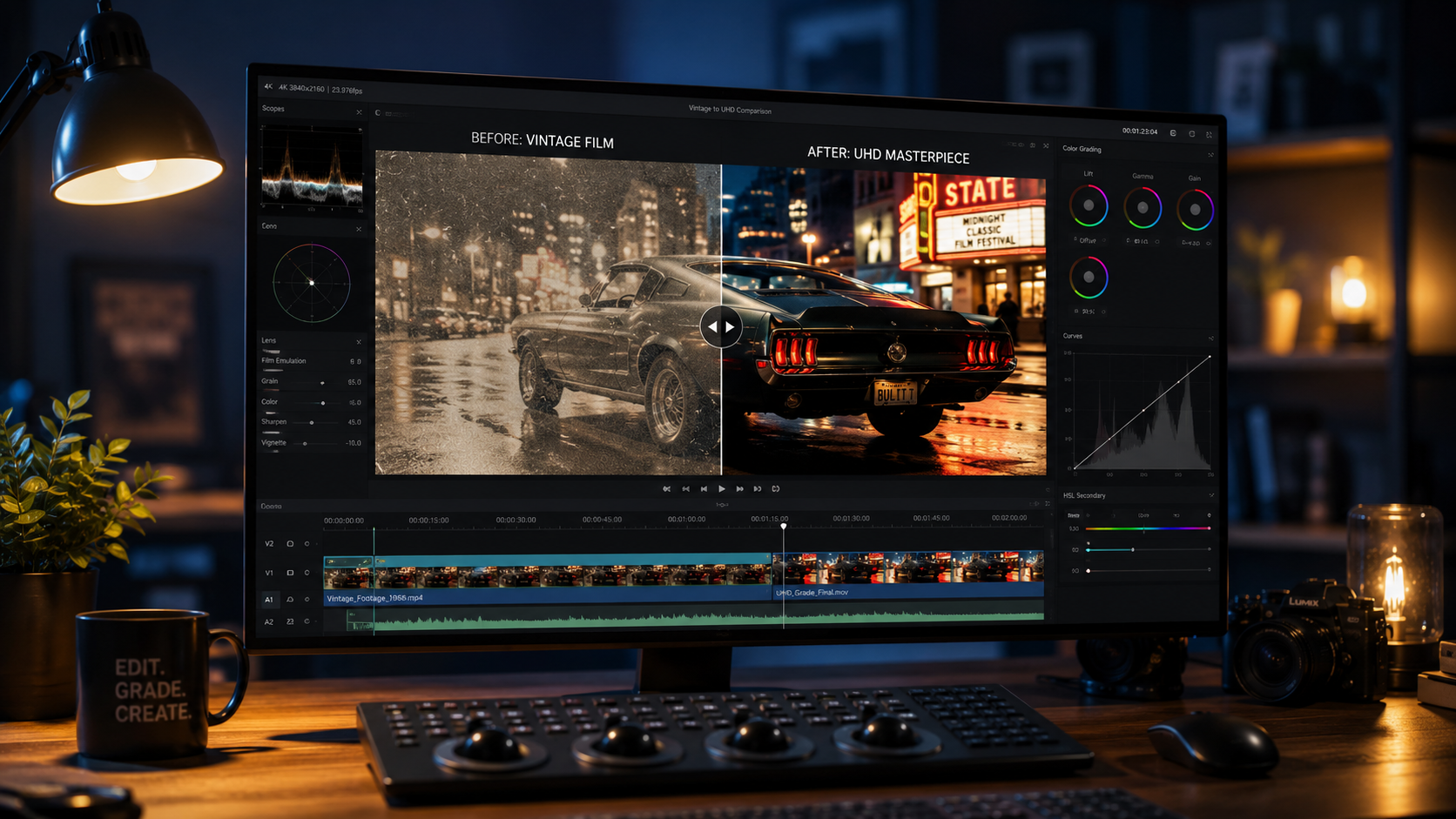
Topaz Video AI continues to dominate the market in 2026 as the most robust desktop solution for filmmakers. Its strength lies in its dedicated neural networks, such as the 'Artemis' and 'Proteus' models, which have been refined over years of training on millions of video frames. This tool doesn't just blur the noise; it intelligently reconstructs the missing data beneath the grain.
One of the standout features of the 2026 version is its improved temporal stability. In the past, AI denoising could sometimes cause "flickering" where the noise pattern changed too rapidly between frames. Topaz has solved this by analyzing up to 10 surrounding frames to ensure that the noise removal is consistent, resulting in a buttery-smooth visual experience that looks like it was shot on a much larger sensor.
Key Features for Noise Reduction
The software offers a "Relative to Auto" mode, which allows the AI to suggest the best settings while giving the user manual control to nudge the parameters. This is particularly useful for complex shots where lighting conditions change mid-clip. Additionally, Topaz Video AI 6.0 supports hardware acceleration for the latest NVIDIA and AMD cards, significantly reducing render times compared to previous iterations.
2. Vmake AI: The Ultimate All-in-One Toolkit
As highlighted by That Eric Alper in a 2026 review, Vmake AI has emerged as the ultimate all-in-one video enhancement toolkit. Unlike desktop-heavy applications, Vmake AI offers a powerful web-based interface that makes professional-grade noise reduction accessible to social media managers and content creators who may not have high-end workstations.
Vmake AI utilizes a proprietary "Deep Clean" algorithm that specifically targets the chroma noise (color splotches) often found in smartphone footage. By separating the luma and chroma channels, Vmake AI can aggressively clean up color noise while keeping the luminance detail intact, preventing the "washed out" look that plagues many free video editors.
Cloud Processing Efficiency
The primary advantage of Vmake AI is its cloud-based infrastructure. Users can upload massive files, apply the noise reduction filters, and let the Vmake servers handle the heavy lifting. This is a game-changer for creators on the go, allowing them to enhance 4K footage from a laptop or even a mobile device without worrying about overheating or battery drain.
3. Adobe Premiere Pro (AI Enhanced 2026 Update)
Adobe has integrated its "Firefly Video" engine directly into the Premiere Pro timeline for 2026. The new "Enhance Speech" and "Enhance Visuals" buttons use generative AI to remove grain. According to industry reports, Adobe's integration focuses on "Content-Aware Denoising," which identifies the subject of the video (such as a person) and applies less aggressive filtering to the face to preserve natural features.
For editors who live in the Creative Cloud ecosystem, this is the most efficient workflow. There is no need to export to a third-party app. The AI noise reduction works as an effect in the "Lumetri Color" panel, allowing you to toggle it on and off and see the results in real-time if you have a supported GPU. This seamless integration makes it one of the best AI video noise reduction tools for professional editors working on tight deadlines.
Comparison of Top AI Video Denoising Tools
| Tool Name | Platform | Primary Strength | Best For |
|---|---|---|---|
| Topaz Video AI 6.0 | Windows / Mac | Temporal Stability | High-end Film Restoration |
| Vmake AI | Web-based | Ease of Use / Speed | Social Media Creators |
| Adobe Premiere Pro | Windows / Mac | Workflow Integration | Professional Video Editors |
| DaVinci Resolve 19+ | Windows / Mac / Linux | GPU Optimization | Colorists and Cinematographers |
| AVCLabs Video Enhancer | Windows / Mac | Face Refinement | Portrait and Interview Footage |
4. DaVinci Resolve 19: Advanced Neural Engine
Blackmagic Design has further enhanced its "Magic Mask" and "UltraNR" features in the latest DaVinci Resolve 19 release. DaVinci Resolve has long been the choice for colorists, and its noise reduction capabilities are now fully powered by the DaVinci Neural Engine. This tool is unique because it allows for "Spatial" and "Temporal" noise reduction to be adjusted independently within a node-based workflow.
In 2026, the UltraNR feature uses AI to map the grain structure of specific film stocks. If you are working with digitized 16mm or 35mm film, DaVinci Resolve can remove the chemical noise while maintaining the "organic" feel of the film. This level of granular control is why it remains a staple in Hollywood post-production houses.
Advanced Node-Based Control
By using nodes, editors can apply noise reduction only to specific parts of the frame. For instance, you can use a power window to denoise a dark background while leaving the well-lit subject untouched. This prevents the AI from over-processing areas that don't need it, maintaining the highest possible image integrity.
5. AVCLabs Video Enhancer AI
AVCLabs has carved out a niche in 2026 by focusing on "Multi-Frame Enhancement." Their software is particularly adept at handling videos with low bitrates. When a video is heavily compressed, it suffers from "macroblocking"—square artifacts that look like noise. AVCLabs' AI is specifically trained to smooth out these blocks and recreate the smooth gradients of the original scene.
According to Pressat.co.uk, in their "Best AI Video Upscalers in 2026" comparison, AVCLabs was noted for its ability to handle "extreme noise cases" where other tools failed. It includes a dedicated "Face Refinement" model that works in tandem with the denoiser to ensure that as noise is removed, facial features like eyes and hair are actually sharpened and defined.
6. CapCut Desktop (Pro AI Features)
While often seen as a "simple" editor, the 2026 Pro version of CapCut Desktop has integrated surprisingly powerful AI noise reduction features. Aimed at the "Prosumer" market, it offers a one-click "Image Quality Enhancement" toggle that includes noise reduction, color correction, and flickering removal. It is one of the fastest tools on the market for quick turnarounds.
The AI model used by CapCut is optimized for "vlogger" style footage—often shot on cameras with small sensors in suboptimal lighting. While it may not offer the manual depth of DaVinci Resolve, its ability to deliver clean, social-media-ready 4K video in minutes makes it a top contender for the "best ai video noise reduction tools" category for casual users.
7. HitPaw Video Enhancer
HitPaw remains a favorite for users who want a "set it and forget it" solution. In 2026, HitPaw introduced the "General Denoise Model" which is a universal AI trained on a vast library of noise profiles. It is particularly effective at removing "electronic noise" caused by high gain settings on digital cameras.
One of the unique aspects of HitPaw is its batch processing capability. You can drop fifty clips into the interface, apply the denoise model to all of them, and walk away. For creators dealing with high volumes of footage—such as wedding videographers or event recorders—HitPaw provides the best balance of quality and automated efficiency.
Why AI Noise Reduction is Essential in 2026
Traditional noise reduction methods relied on "blurring" the image to hide grain, which inevitably led to a loss of detail. AI has changed the paradigm by using "Inference." The AI looks at the noisy pixels and asks, "Based on the millions of clean images I've seen, what should this pixel actually look like?" This allows for the removal of noise while actually *increasing* the perceived resolution of the video.
Studies in digital imaging show that viewers perceive "clean" video as being of a higher resolution than "noisy" video, even if the pixel count is the same. By using the best AI video noise reduction tools, you are not just cleaning the image; you are increasing the perceived value and professionalism of your content. As AppleInsider noted, the ability to fix blur and reduce noise simultaneously is now a standard expectation for high-quality video output in 2026.
What is the best AI video noise reduction tool for Mac users?
According to recent reviews from AppleInsider, specialized AI enhancers for Mac that utilize Metal acceleration are the best choice. These tools are optimized for M4 and M5 chips, allowing for 4K upscaling and noise reduction to happen concurrently with high efficiency.
Does AI noise reduction make videos look fake?
If over-processed, AI can create a "plastic" or "waxy" look. To avoid this, it is recommended to use professional tools like Topaz Video AI or DaVinci Resolve, which allow you to blend the original detail back into the denoised version for a natural result.
Can I remove noise from video for free?
While there are free tools like the basic version of CapCut or certain open-source scripts, they often lack the temporal stability of paid tools. For professional results in 2026, a dedicated AI toolkit like Vmake AI or HitPaw is generally required.
How long does it take to denoise a video with AI?
Processing time depends on your hardware and the video's resolution. On a modern 2026 workstation with a high-end GPU, a 1-minute 1080p clip can be denoised in roughly 2 to 5 minutes, while 4K footage may take significantly longer.
Is cloud-based AI denoising safe for private footage?
Most reputable platforms like Vmake AI use encrypted uploads and delete files from their servers after processing. However, for highly sensitive or commercial footage, a local desktop solution like Topaz Video AI is the most secure option as the data never leaves your computer.



Comments ()