
10 Best AI Video Noise Reduction Software of 2026 (Ranked)
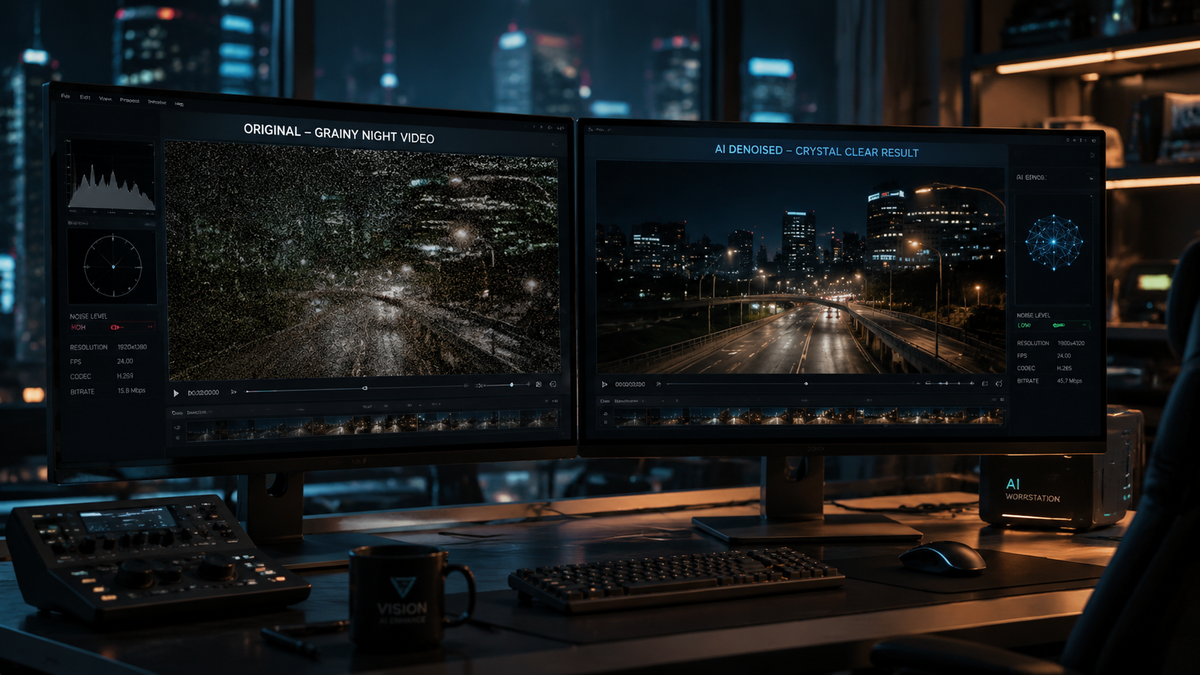
Choosing the best ai video noise reduction software in 2026 involves selecting tools that utilize deep learning models to distinguish between fine cinematic detail and unwanted digital grain. The most effective solutions currently integrate temporal consistency and spatial denoising to deliver 4K upscaled results without the "waxy" texture common in older technologies. By leveraging neural networks trained on millions of low-light frames, modern software can salvage unusable footage while maintaining sharpness and color accuracy.
The best AI video noise reduction software is a specialized application that uses artificial intelligence to identify and remove digital noise (grain) from video files. These tools, such as Topaz Video AI and Adobe Premiere Pro’s AI-enhanced denoiser, analyze multiple frames simultaneously to reconstruct lost details, resulting in professional-grade, high-definition clarity even in low-light conditions.
- ✓ AI-driven denoising preserves fine textures better than traditional median filters.
- ✓ Modern 2026 tools offer real-time previews and 4K/8K upscaling capabilities.
- ✓ Cross-platform compatibility is now standard for Mac (M-series optimized) and Windows.
- ✓ Hardware acceleration via GPU is essential for efficient processing of high-bitrate video.
How to Use the Best AI Video Noise Reduction Software
While each software suite has its own unique interface, the process for cleaning up grainy footage generally follows a standardized workflow in 2026. Most professional editors prioritize a "less is more" approach to ensure the video doesn't lose its natural look during the enhancement process. Follow these steps to achieve optimal results with your AI tools:
- Import and Analyze: Load your footage into the software and allow the AI to perform a "noise profile" scan of a static area in your video.
- Select the AI Model: Choose a model specific to your issue (e.g., Low Light, Motion Blur, or High ISO Grain).
- Adjust Intensity: Set the denoising strength between 40-70% to avoid over-smoothing skin tones and textures.
- Preview and Refine: Use a split-screen preview to compare the original grain against the AI-processed version in real-time.
- Export with Hardware Acceleration: Ensure your GPU (NVIDIA, AMD, or Apple Silicon) is selected in the settings to reduce render times.
Comparison of Top AI Video Denoising Tools in 2026
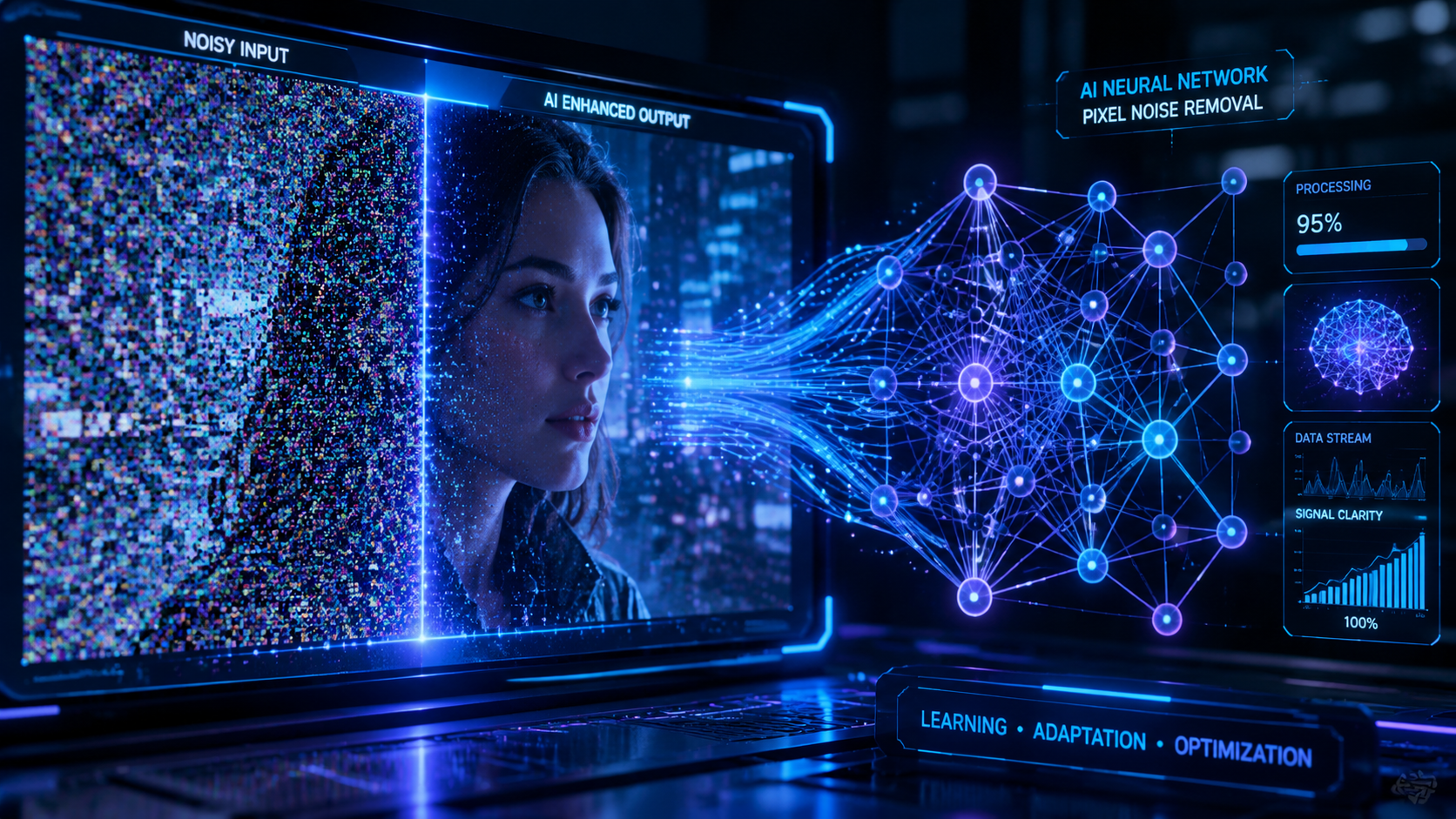
The landscape of video enhancement has shifted toward specialized neural engines. According to PCMag, recent updates to leading software like Topaz have introduced "next-level denoising" that specifically targets the artifacts found in modern CMOS sensors. To help you decide which tool fits your workflow, we have compiled a comparison of the leading contenders below.
| Software Name | Primary Strength | Platform | Key Feature (2026) |
|---|---|---|---|
| Topaz Video AI 6.0 | Professional Upscaling | Windows/Mac | Iris/Nyx Neural Engines |
| Adobe Premiere Pro (AI) | Workflow Integration | Windows/Mac | Real-time AI Lumetri Denoise |
| DaVinci Resolve 19+ | Color Grading & Noise | Windows/Mac/Linux | Magic Mask & UltraNR |
| Neat Video v6 | Precision Profiling | Plugin (All) | Custom Camera Profiles |
| CapCut Desktop AI | Ease of Use | Windows/Mac/Web | One-click Grain Removal |
1. Topaz Video AI: The Industry Standard for 2026
Topaz Video AI continues to dominate the market as the best ai video noise reduction software for those who require standalone power. As highlighted by PCMag in their January 2026 review, the software has moved beyond simple smoothing to "next-level denoising" that can actually reconstruct missing pixels in low-light environments. The 2026 version features the Nyx v3 model, which is specifically trained for high-ISO footage from mirrorless cameras.
One of the standout features of Topaz is its ability to handle "temporal" noise. Unlike static photo noise, video noise flickers over time. Topaz analyzes five frames at once (two before and two after the current frame) to ensure that the denoising is consistent. This prevents the "pulsing" effect often seen in inferior AI tools. For Mac users, AppleInsider reports that the latest updates are fully optimized for M4 and M5 chips, allowing for 4K upscaling and denoising at speeds previously only possible on high-end PC workstations.
Advanced Upscaling and Restoration
Beyond just removing grain, Topaz Video AI integrates noise reduction with its upscaling algorithms. This means that if you are working with 1080p footage that is grainy, the AI will remove the noise and upscale it to 4K in a single pass. This dual-action approach saves hours of rendering time and ensures that the upscaling process doesn't "bake in" the digital noise as sharp artifacts.
2. Adobe Premiere Pro: AI-Powered Lumetri Denoise
Adobe has integrated its "Sensei" AI deep into the Premiere Pro timeline for 2026. For editors who don't want to leave their NLE (Non-Linear Editor), this is frequently cited as the best ai video noise reduction software for fast-turnaround projects. The "Enhance Speech" and "Enhance Video" features are now bundled into a single AI-driven panel that automatically detects the sensor type of the footage and applies a corrective mask.
According to Fstoppers, the debate over "Who Makes the Best Noise Reduction Software?" often comes down to the balance between speed and quality. Adobe has optimized their 2026 engine to utilize the Tensor cores in modern GPUs, providing a "Draft" mode that allows editors to view denoised footage without rendering. This is a game-changer for documentary filmmakers who often work with thousands of hours of low-light interview footage.
Intelligent Grain Management
Adobe’s approach in 2026 also includes an "Add Grain" feature that works in tandem with the AI denoiser. Once the digital "ugly" noise is removed, the software can overlay a subtle, aesthetically pleasing film grain. This ensures the video doesn't look "too digital," maintaining a cinematic quality that is highly sought after in professional color grading circles.
3. DaVinci Resolve: The Colorist’s Choice
DaVinci Resolve has long been the gold standard for color correction, and its AI-based "UltraNR" tool in the 2026 version is formidable. This tool uses the DaVinci Neural Engine to separate the luma and chroma noise channels, allowing users to target "color splotches" in the shadows without softening the edges of the subject. It is particularly effective for high-dynamic-range (HDR) workflows where noise in the dark areas can become very apparent.
In a recent comparison by ephotozine.com regarding low-light photography and video, the AI noise reduction capabilities of professional suites were praised for their ability to maintain color accuracy. Resolve excels here because its denoising is integrated into the 32-bit float image processing pipeline, ensuring that no data is lost during the noise reduction phase. For users working with RAW video formats, this is arguably the most powerful tool available.
4. Neat Video v6: The Precision Plugin
While many "all-in-one" tools exist, Neat Video remains a staple in the industry because it allows for manual profiling. In 2026, Neat Video v6 introduced "AI-Assist," which combines their legendary mathematical noise profiling with a neural network. This allows the software to "learn" the specific noise pattern of your camera sensor. If you shoot on a Sony A7S III or a Blackmagic 6K, Neat Video can load a profile specifically for that sensor's noise characteristics at different ISO levels.
The precision offered by Neat Video is unmatched for difficult cases, such as footage with "banding" or heavy compression artifacts from older digital cameras. While it has a steeper learning curve than Topaz or Adobe, the level of control over the frequency of the noise (Fine, Medium, or Coarse) makes it a favorite for restoration experts and high-end commercial editors.
5. CapCut Desktop: The Best AI Video Noise Reduction Software for Creators
Not all noise reduction needs to happen in a high-end studio. For social media creators, CapCut's desktop version has introduced a surprisingly powerful "Image Enhancement" suite in 2026. According to G2 Learning Hub, which reviewed the best AI video generators and enhancers for 2026, CapCut is a "loved" tool because it simplifies complex tasks. Its "Reduce Image Noise" button uses a cloud-based AI model to process footage, making it accessible even for users with lower-end laptops.
This tool is particularly effective for footage shot on smartphones. Smartphone sensors are tiny and produce a very specific type of "jittery" noise in low light. CapCut’s AI is trained specifically on mobile sensor data, making it highly effective at cleaning up TikTok or Instagram Reel content without making the skin look overly filtered.
6. AVCLabs Video Enhancer AI
AVCLabs has carved out a niche in 2026 by offering a specialized "Face Recovery" model alongside its noise reduction. When you remove noise from a face, you often lose the texture of the eyes and skin pores. AVCLabs uses a generative adversarial network (GAN) to "re-draw" these details after the noise has been stripped away. This makes it an excellent choice for wedding videographers who need to fix grainy footage of a couple in a dimly lit venue.
7. Magix Video Pro X18
Magix has updated its engine in 2026 to include "Infusion Engine 4," which prioritizes AI-based object recognition. By recognizing what is a "subject" and what is "background," the software can apply heavier noise reduction to the background (where noise is most distracting) while leaving the subject relatively untouched. This selective denoising helps maintain the perceived sharpness of the video.
8. Wondershare Filmora 15
Filmora remains the king of accessibility. In 2026, its "AI Copilot" can actually suggest whether your footage needs noise reduction. If the software detects a high level of grain, it prompts the user to apply the "AI Denoiser." This makes it the best ai video noise reduction software for beginners who might not even realize that their footage is technically "noisy" but know that it doesn't look "right."
9. CyberLink PowerDirector 365
PowerDirector has focused its 2026 efforts on speed. Using NVIDIA’s latest Broadcast integration, it can denoise video in near real-time. This is particularly useful for streamers or those who need to produce video content daily. While it may not have the forensic detail of Neat Video, its balance of speed and efficiency is perfect for the fast-paced world of YouTube content creation.
10. HitPaw Video Enhancer
HitPaw has gained popularity in 2026 for its "General Denoise Model," which is a "set it and forget it" solution. It is designed for users who have a batch of old home movies—perhaps converted from VHS or early digital tapes—and want to clean them all up at once. Its batch processing capabilities are robust, and it handles "salt and pepper" noise (common in old analog transfers) better than many of its more expensive competitors.
The Impact of AI on Low-Light Videography
The evolution of AI noise reduction has fundamentally changed how cinematographers approach lighting. According to AppleInsider, modern AI enhancers for Mac can now fix blur and reduce noise so effectively that "upscaling to 4K" from a noisy 1080p source is now a standard delivery requirement. This has reduced the pressure on filmmakers to always use massive lighting rigs, as they know that the "best ai video noise reduction software" can recover details in the shadows that were previously lost to grain.
Furthermore, the integration of these tools into video conferencing is becoming standard. While Zoom noted in 2025 that they were improving their software, by 2026, real-time AI denoising is a feature in almost every high-end webcam and meeting suite, ensuring that even a poorly lit home office looks professional on screen.
Does AI noise reduction reduce video quality?
When used correctly, AI noise reduction actually increases perceived video quality by removing distracting grain and artifacts. However, over-processing can lead to a loss of fine detail, making skin look "waxy" or plastic-like, which is why it is important to find a balance in the settings.
What is the difference between spatial and temporal denoising?
Spatial denoising looks at individual pixels within a single frame to find noise, while temporal denoising looks at the differences between multiple consecutive frames. The best AI tools in 2026 use both methods simultaneously to ensure a flicker-free, sharp result.
Do I need a powerful computer for AI video denoising?
Yes, AI video processing is computationally expensive. While some cloud-based tools like CapCut handle the heavy lifting on their servers, standalone software like Topaz Video AI requires a modern GPU with at least 8GB of VRAM for efficient 4K processing.
Can AI noise reduction fix out-of-focus footage?
While primarily designed for grain, many of the "best ai video noise reduction software" packages of 2026, such as Topaz and AVCLabs, include "De-blur" or "Sharpen" models that can significantly improve the clarity of slightly out-of-focus shots.
Is there a free AI video noise reduction software?
Most professional-grade AI denoisers are paid or subscription-based. However, the free version of DaVinci Resolve includes basic noise reduction, and mobile-first apps like CapCut offer limited AI enhancement features for free, though they may require a "Pro" subscription for high-resolution exports.



Comments ()