
Best AI Video Noise Reduction 2026: Top Tools Reviewed
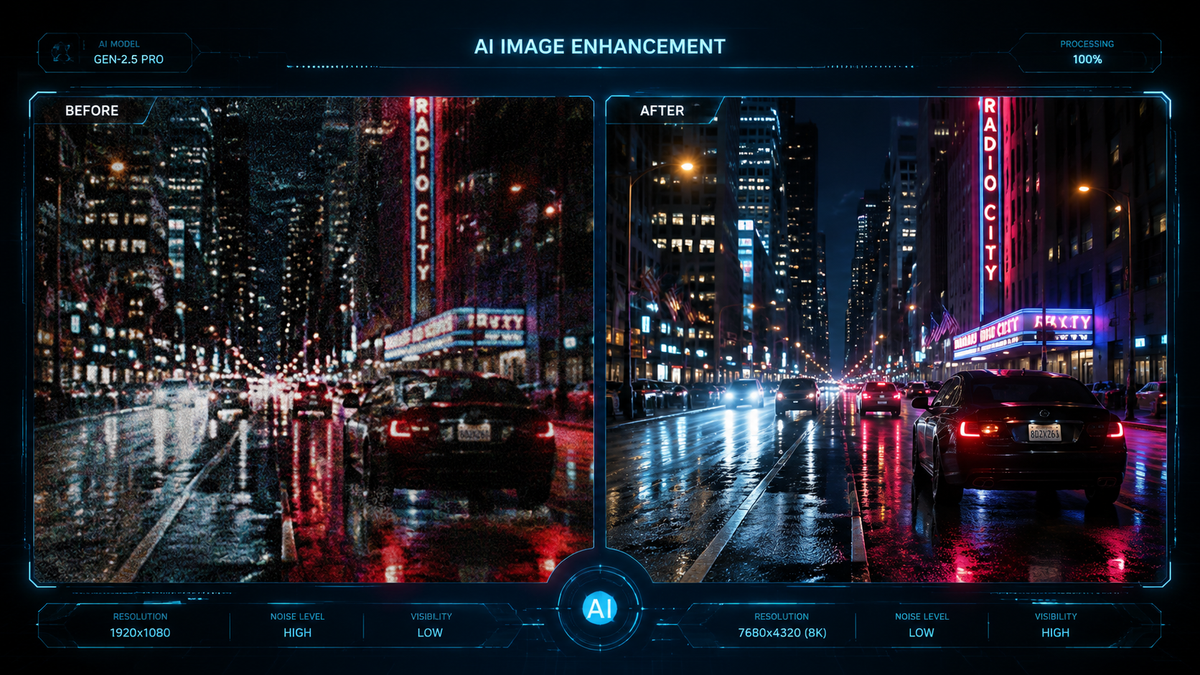
Finding the best ai video noise reduction 2026 requires balancing processing speed with the ability to preserve fine textures without creating "plastic" looking skin. In 2026, the leading tools utilize temporal consistency models that analyze multiple frames simultaneously to distinguish between sensor grain and actual image detail. Whether you are dealing with low-light footage from a smartphone or professional cinema RAW files, modern AI denoisers like Topaz Video AI, Vmake AI, and DaVinci Resolve 19.5 provide the most sophisticated solutions for crystal-clear results.
AI video noise reduction is a computational process that uses deep learning neural networks to identify and remove electronic noise and film grain from video files. In 2026, the best ai video noise reduction 2026 tools leverage "Generative Refinement" to not only remove noise but also reconstruct missing pixel data, ensuring high-frequency details remain intact even in high-ISO low-light shots.
- ✓ Vmake AI has emerged as the 2026 leader for all-in-one cloud-based video enhancement and noise suppression.
- ✓ Temporal stability is the key metric for 2026, preventing the "flicker" common in older AI denoising versions.
- ✓ Hardware acceleration via dedicated NPU (Neural Processing Units) is now mandatory for real-time AI denoising.
- ✓ Mobile AI integration is becoming a point of contention, with some users preferring manual control over "baked-in" camera AI.
How to Use the Best AI Video Noise Reduction 2026 Tools
Implementing high-end noise reduction has become significantly more streamlined in 2026 compared to previous years. The workflow has shifted from manual "grain sampling" to automated scene analysis where the AI determines the noise profile based on the camera sensor metadata. This allows creators to focus on the creative aspects of color grading rather than technical cleanup.
To achieve professional results with the best ai video noise reduction 2026 software, follow these standardized steps used by industry professionals:
- Import and Analyze: Load your footage into the AI processor. Most 2026 tools will automatically detect the sensor type and ISO levels to create a custom noise profile.
- Select the Model: Choose between "High Quality" (for slow-motion or cinematic shots) or "Fast/Real-time" (for vlogs and social media content).
- Adjust Recovery Strength: Use the "Detail Recovery" slider to ensure the AI doesn't over-smooth faces. A setting of 15-20% usually retains natural skin texture.
- Preview Temporal Consistency: Play back a 2-second loop to ensure there is no "swimming" or warping in the background patterns.
- Export with AV1 Codec: For 2026 standards, exporting in AV1 ensures that the newly cleaned details are not lost to compression artifacts.
Comparison of Leading AI Video Denoising Software in 2026
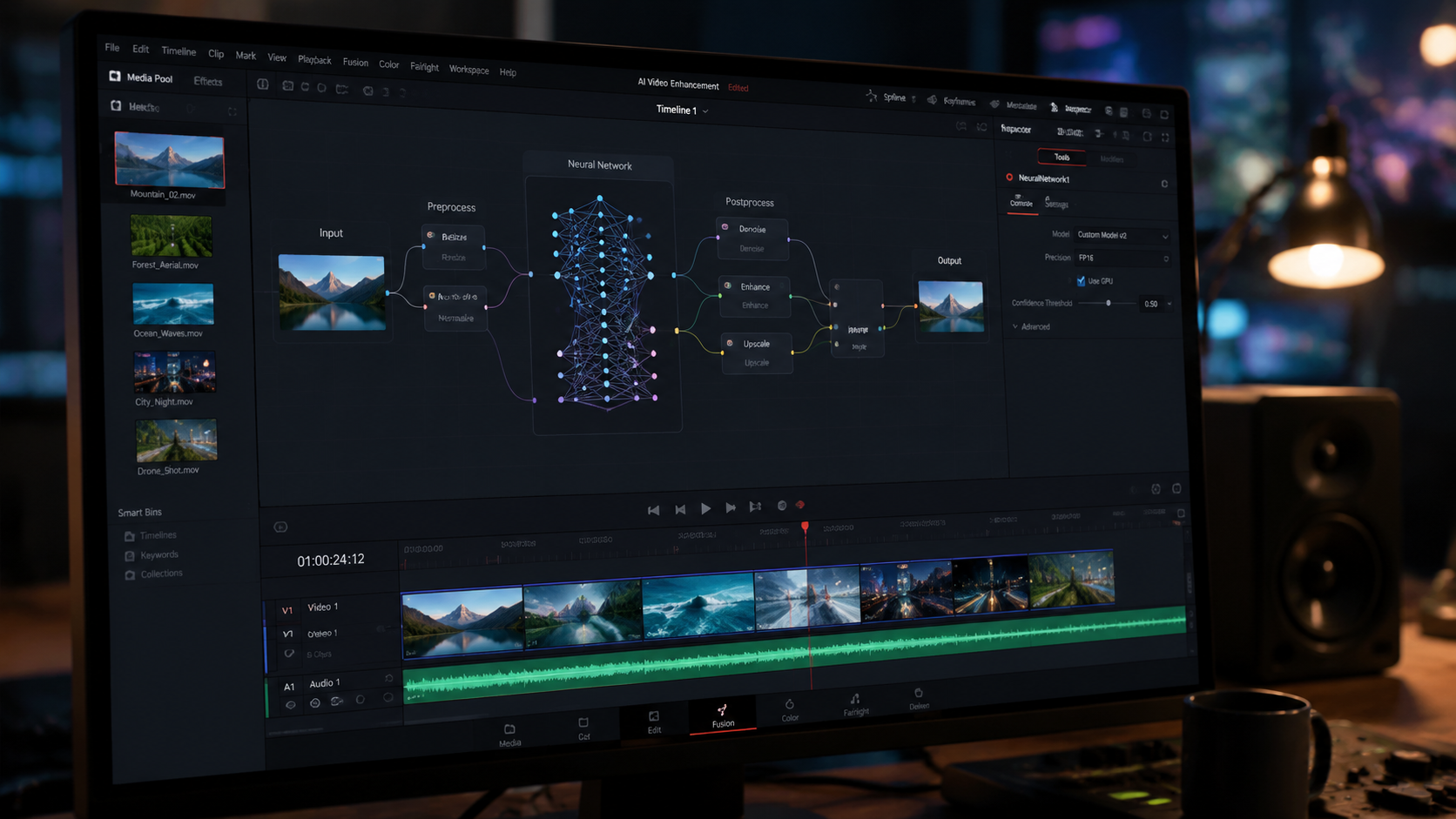
The landscape of video enhancement has shifted toward specialized toolkits. While some editors prefer a comprehensive suite, others look for dedicated plugins that handle specific tasks like low-light recovery. According to a recent review by That Eric Alper, Vmake AI has established itself as an "ultimate all-in-one video enhancement toolkit," particularly for those who need rapid cloud processing without expensive local hardware.
| Tool Name | Primary Strength | Processing Type | 2026 Feature Highlight |
|---|---|---|---|
| Vmake AI | All-in-One Enhancement | Cloud-Based | One-click 4K Upscaling & Denoise |
| Topaz Video AI v6.0 | Professional Restoration | Local (GPU/NPU) | Iris MQ Model for Face Recovery |
| DaVinci Resolve 19.5 | Real-time Playback | Local (GPU) | UltraNR Spatial-Temporal Engine |
| Neat Video v7 | Precision Profiling | Plugin | Manual Noise Fingerprinting |
The Rise of All-in-One AI Enhancement Toolkits
In early 2026, the industry saw a pivot toward "toolkit" approaches. Rather than having a separate app for noise reduction, one for sharpening, and another for color, tools like Vmake AI have integrated these into a single pipeline. This is crucial because noise reduction is often the first step in a larger enhancement chain. If the noise isn't handled correctly at the start, subsequent sharpening will only amplify the artifacts.
According to That Eric Alper, the Vmake AI review for 2026 highlights how these toolkits are democratizing high-end video production. Small creators can now achieve the "clean" look of a full-frame cinema camera using footage from older smartphones or action cams. The AI works by identifying the mathematical patterns of digital noise—which are random—and separating them from the structured patterns of the actual subject matter.
However, the trend toward "more AI" isn't universally loved. Android Authority recently reported on a growing sentiment among enthusiasts who want "less AI" in their native camera apps. This has led to a surge in post-production noise reduction tools, as users prefer to capture "raw" noisy footage and have total control over the cleaning process later, rather than letting the phone's internal software smudge the details during the initial capture.
Best AI Video Noise Reduction 2026: Key Features to Look For
Temporal Consistency and Frame Analysis
The most significant advancement in the best ai video noise reduction 2026 software is the improvement in temporal consistency. In the past, AI would often treat each frame as a static image, leading to "jitter" where the noise pattern changed 24 or 60 times per second. Modern 2026 algorithms look at a "window" of 5 to 10 frames. By comparing these frames, the AI can see what is moving (the subject) and what is static (the noise), leading to a much more stable and professional image.
NPU Optimization and Speed
With the release of new processors in 2026, software is now optimized for Neural Processing Units (NPUs). This means that tasks that used to take hours can now be completed in minutes. A study by Pressat.co.uk on AI Video Upscalers in 2026 noted that hardware-software synergy is now the primary bottleneck for performance. If you are choosing a noise reduction tool this year, ensure it supports the latest architecture from NVIDIA, Apple, or Intel to avoid massive render times.
Generative Detail Reconstruction
Traditional denoising works by blurring the noise. AI denoising in 2026 works by replacing the noise. If a low-light shot has lost the texture of a brick wall, the AI doesn't just smooth the wall; it references thousands of images of bricks to "re-draw" the texture in a way that looks authentic. This "Generative Refinement" is what separates the top-tier tools from the basic filters found in standard video editors.
Challenges and Ethical Considerations in AI Video Enhancement
As we move through 2026, the line between "restoration" and "falsification" is blurring. When we use the best ai video noise reduction 2026 tools, we are often asking the software to "invent" details that the camera didn't actually see. This has raised questions in photojournalism and documentary filmmaking. Fstoppers recently explored the question of "Who makes the best noise reduction software?" and noted that the "best" is often the one that remains most faithful to the original scene without adding artificial artifacts.
Furthermore, the environmental impact of these AI models is a growing topic of discussion. Processing 4K video through deep neural networks requires significant electrical power. Consequently, many 2026 developers are focusing on "Green AI"—models that are pruned and optimized to provide the same quality with 40% less computational overhead. When selecting your software, look for developers who publish their optimization benchmarks.
Finally, there is the user experience factor. G2 Learn Hub recently reviewed several AI video generators and enhancers for 2026, emphasizing that the most powerful tool is useless if the interface is too complex. The current trend is toward "intelligent defaults," where the software suggests the best settings based on an initial scan, allowing the user to simply approve or tweak the results rather than starting from scratch.
Future Projections: Beyond 2026
Looking ahead, we expect AI noise reduction to move directly into the sensor hardware. While Android Authority noted a desire for less AI in cameras today, the long-term trajectory suggests that "AI-Native Sensors" will eventually be able to produce noise-free images at ISO levels previously thought impossible (ISO 102,400 and beyond). For now, post-production software remains the gold standard for quality and control.
We are also seeing the integration of audio noise reduction alongside video. As CNET highlighted in their 2026 guide to work-from-home gear, "voice isolation" and "background suppression" are now standard features in communication. It is only a matter of time before video noise reduction tools include a "one-click" solution for both visual and auditory interference, creating a truly holistic restoration suite.
What is the best AI video noise reduction 2026 for beginners?
Vmake AI is widely considered the best choice for beginners due to its cloud-based infrastructure and automated "one-click" enhancement features. It removes the need for complex parameter tuning while delivering professional-grade results.
Does AI noise reduction reduce video resolution?
No, unlike traditional filters that blur the image, 2026 AI tools often increase perceived resolution. Many of the best tools combine denoising with upscaling to ensure the final output is sharper than the original noisy source.
Is free AI video noise reduction software available in 2026?
While professional tools require a subscription or purchase, open-source options like Video2X and certain versions of Shutter Encoder offer basic AI denoising capabilities. However, they lack the temporal stability found in paid versions like Topaz or Vmake.
How long does it take to denoise a 10-minute video?
On a modern 2026 workstation with a dedicated NPU, a 10-minute 1080p video can be denoised in approximately 5 to 8 minutes. Cloud-based services may vary based on your internet upload speed and server load.
Can AI noise reduction fix out-of-focus footage?
While primarily designed for noise, many "best ai video noise reduction 2026" tools now include deblurring modules. These can fix slight focus issues, though they cannot currently salvage a completely blurred image where no structural data exists.



Comments ()