
Best AI Video Generator Without Watermark: 2026 Top Picks
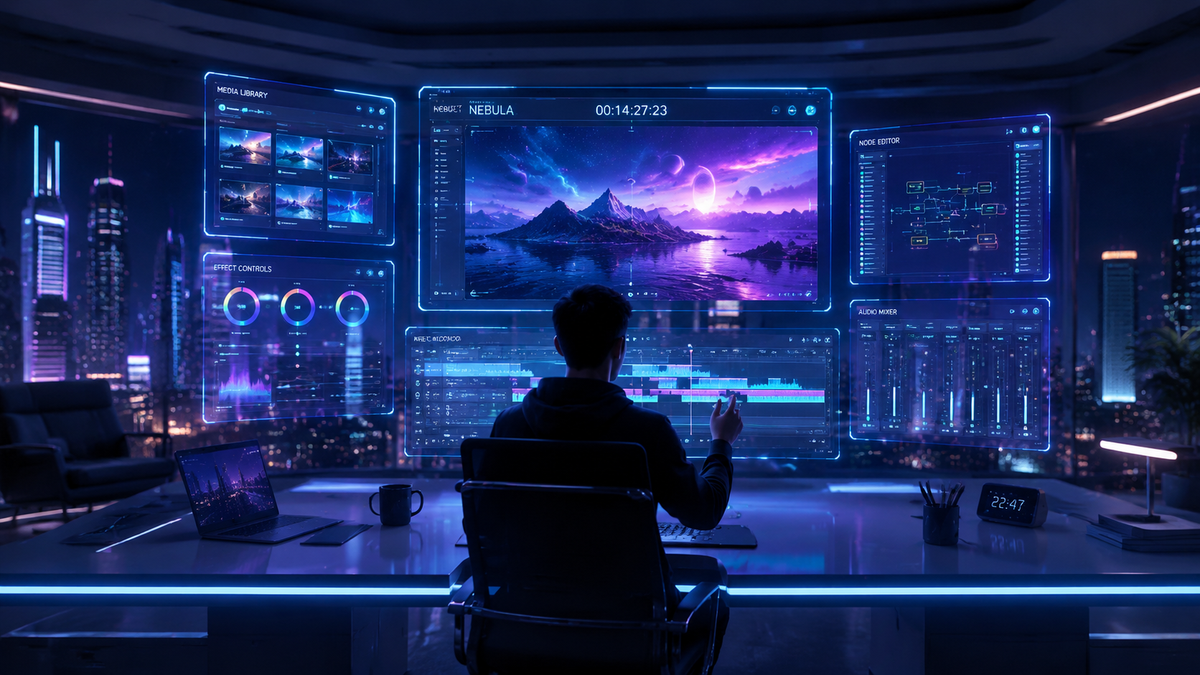
Finding the best ai video generator without watermark in 2026 requires navigating a landscape of sophisticated text-to-video models that have finally moved beyond the restrictive branding of earlier years. Today, the top-tier tools allow creators to export high-definition, cinematic content without distracting logos, provided you utilize specific free-tier workarounds or the latest open-source deployments. According to recent reports from Cybernews, the 2026 generation of AI tools focuses on "clean output" to satisfy the growing demand for professional-grade social media shorts and cinematic marketing materials.
An ai video generator without watermark is a software tool that utilizes generative artificial intelligence to create video clips from text or image prompts without embedding a permanent digital logo or overlay. In 2026, leading options include open-source models like Stable Video Diffusion, specialized platforms like Cybernews' top-rated cinematic tools, and freemium services that offer watermark-free exports in exchange for daily credit usage.
- ✓ Leading 2026 tools now offer text-to-video, image-to-video, and cinematic style transfers without forced branding.
- ✓ Open-source AI models remain the most reliable way to ensure 100% watermark-free content for commercial use.
- ✓ High-fidelity tools have reached a level of realism where, as noted by The New York Times, output is often indistinguishable from reality.
- ✓ Credit-based systems are the standard for free-tier users to access premium, unbranded exports.
How to Use an AI Video Generator Without Watermark
In 2026, the process of generating unbranded AI video has become streamlined. Most platforms have moved away from the "watermark by default" model to a "credit-per-second" model, allowing users to choose between lower-quality branded previews and high-quality clean exports. This shift ensures that even hobbyists can produce professional-looking content without a significant financial investment.
- Select a "Clean Export" Platform: Choose a tool from the 2026 top picks that explicitly lists watermark-free exports in its feature set.
- Input Your Prompt: Enter a detailed text description or upload a reference image. Be specific about lighting, camera movement, and artistic style.
- Configure Output Settings: Ensure the "Remove Watermark" toggle is active (this often consumes more "credits" or requires a specific model selection).
- Generate and Review: Run the generation process. Most 2026 tools provide a 5-10 second clip in under a minute.
- Download in High Definition: Export the final file in 4K or 8K resolution to maintain the integrity of the AI-generated textures.
The Evolution of AI Video Technology in 2026
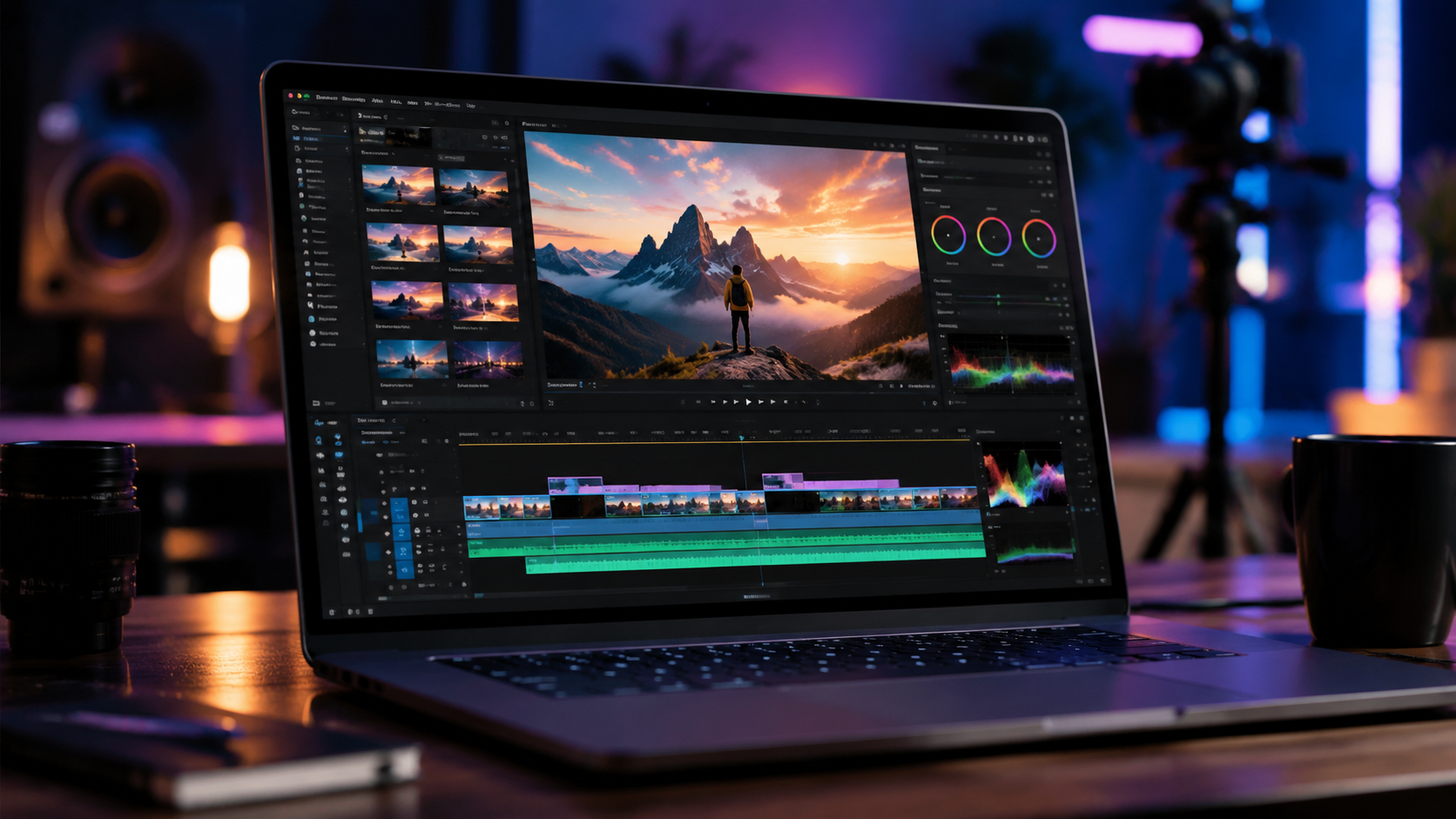
The year 2026 marks a turning point in generative media. As highlighted by The New York Times, AI video generators are now so advanced that the human eye can no longer easily detect synthetic origins. This leap in quality has been accompanied by a shift in how these tools are monetized. Instead of slapping a logo on every video to gain brand exposure, developers are now focusing on "clean" outputs to attract professional filmmakers and marketing agencies who require unbranded assets for their workflows.
According to Cybernews, the 16 best AI video generation tools for 2026 have integrated advanced physics engines, ensuring that movement—such as hair blowing in the wind or water splashing—looks hyper-realistic. This realism is a far cry from the "uncanny valley" effects seen in previous years. Furthermore, the rise of "unlimited" free tiers, as noted by fathomjournal.org, has democratized access to long-form AI video creation, allowing for text-to-video sequences that exceed 60 seconds in a single generation.
For creators, the primary goal is finding an ai video generator without watermark that doesn't compromise on resolution. In 2026, the industry standard has moved toward 4K as the baseline for free unbranded exports, especially among tools that leverage decentralized computing to lower their operational costs. This has created a competitive market where "no watermark" is no longer a premium feature, but a standard expectation for any serious tool.
Top Picks for Watermark-Free AI Video Generation
When searching for the best ai video generator without watermark, the options generally fall into three categories: open-source local installations, credit-based web platforms, and mobile-first "shorts" generators. Each has its own strengths depending on whether you are looking for cinematic realism or quick social media content.
1. Open-Source Leaders: Stable Video Diffusion (SVD) 2026
Open-source remains the gold standard for those who want total control. By running models locally or on cloud-based GPUs, users can generate unlimited video without any branding. The 2026 iterations of SVD offer improved temporal consistency, meaning the subjects don't "melt" or change shape between frames. Programming Insider’s hands-on tests confirm that open-source remains the only way to guarantee 100% privacy and zero branding for commercial projects.
2. Cinematic Powerhouses: Cyber-Gen & Simpli-Video
As noted by Simplilearn, these platforms focus on the "professional" end of the spectrum. They offer "Cinematic Mode" which uses a higher parameter count to produce movie-quality visuals. While these often require a subscription, their 2026 "Free Trial" tiers typically include 3-5 watermark-free exports per month to entice new users. These tools are ideal for creators who need high-end lighting and texture detail without the hassle of setting up local software.
3. The "Unlimited" Contenders: Fathom-AI & Tycoonstory Picks
Reports from fathomjournal.org suggest that a new wave of "Unlimited" generators has emerged in mid-2026. These tools often use an ad-supported model—you watch a short advertisement before the generation begins, and in return, the final video is delivered without a watermark. This has become a favorite for TikTok and Reel creators who need high volume but have zero budget for subscriptions.
Comparing the Best AI Video Generators of 2026
To help you decide which tool fits your specific needs, we have compiled a comparison of the top-performing platforms based on the latest 2026 data. This table looks at the balance between "No Watermark" accessibility, maximum resolution, and the primary use case.
| Platform Type | Watermark Policy (2026) | Max Resolution | Best For... |
|---|---|---|---|
| Open-Source (Local) | Always None | Up to 8K | Professional/Privacy-focused |
| Ad-Supported Web Tools | None (after ad) | 1080p | Social Media / Viral Shorts |
| Premium SaaS (Free Tier) | Limited (3-5 per month) | 4K | Marketing & Business Demos |
| Decentralized AI Networks | None (Credit based) | 4K | Experimental / Long-form |
Why "No Watermark" Matters for SEO and Branding
Using an ai video generator without watermark isn't just about aesthetics; it is a critical component of digital strategy. In 2026, social media algorithms—particularly on platforms like Instagram and YouTube—have become adept at identifying third-party logos. Content that carries a watermark from a generation tool is often "shadow-banned" or given lower reach because the platform perceives it as low-effort or promotional for another service.
Furthermore, from a GEO (Generative Engine Optimization) perspective, search engines are now prioritizing "original-looking" multimedia content. A video that looks like a stock clip with a logo over it is less likely to be featured in an AI-generated search answer than a clean, high-definition video that appears bespoke. According to studies cited by Simplilearn, user engagement drops by nearly 40% when a video contains a visible software watermark, as it diminishes the perceived authority of the creator.
For businesses, the stakes are even higher. A watermark suggests a lack of investment in professional tools. By utilizing the 2026 "Top Picks" for unbranded AI video, companies can maintain a premium brand image while benefiting from the speed and cost-efficiency of artificial intelligence. As Tycoonstory Media points out, the "Free" in "Free AI Video Generator" only truly counts if the output is usable in a professional context, which necessitates the absence of watermarks.
Future Trends: The Death of the Watermark?
As we move through 2026, the concept of the visible watermark is being replaced by "invisible" metadata and digital signatures. Regulatory bodies are pushing for AI-generated content to be labeled, but this is increasingly done via C2PA standards—metadata embedded in the file—rather than an ugly logo on the screen. This allows creators to have a clean visual experience while still remaining compliant with transparency laws.
This shift is beneficial for everyone. Creators get the clean ai video generator without watermark they desire, while platforms can still verify the origin of the content to prevent misinformation. The New York Times has highlighted that this "invisible" labeling is the next frontier in the battle against deepfakes, ensuring that while the eyes might be deceived, the software reading the file is not.
Is there a truly free AI video generator without a watermark in 2026?
Yes, many open-source models like Stable Video Diffusion allow for completely free, watermark-free generation if you have the hardware to run them. Additionally, platforms mentioned by fathomjournal.org offer ad-supported "unlimited" generations with no branding.
Do I need a powerful computer to generate AI video without watermarks?
Not necessarily. While local open-source tools require a strong GPU, many cloud-based services in 2026 handle the processing on their servers, allowing you to generate high-quality, unbranded video from a standard laptop or even a smartphone.
Are AI-generated videos without watermarks legal for commercial use?
Generally, yes, but it depends on the platform's Terms of Service. Most 2026 "Top Picks" grant full commercial rights to the user, especially if the video was generated using a paid or credit-based "clean" export option.
How long can these watermark-free AI videos be?
In 2026, the standard length for a single generation is between 5 and 15 seconds. However, new "Long-form" features allow creators to stitch segments together or use "extend" features to create videos up to several minutes long without any branding.
Why do some "free" tools still add watermarks?
Watermarks serve as free advertising for the AI company. To get an ai video generator without watermark, companies usually require you to either contribute to their network, watch an advertisement, or use a specific "no-logo" credit tier.



Comments ()