
Best AI Video Generator for Freelancers in 2026 (Top Picks)
The best AI video generator for freelancers in 2026 combines affordability, ease of use, and professional-grade output to help independent creators produce high-quality content efficiently. According to tech.co, AI video tools have reduced production time by 70% for freelancers compared to traditional methods. Leading platforms now offer advanced features like automated editing, multi-language support, and seamless integration with social media platforms.
TL;DR: The best AI video generator for freelancers in 2026 balances cost, quality, and automation, with tools like Digen AI Agent leading in consistency and workflow efficiency.
The best AI video generator for freelancers in 2026 is a tool that automates video creation while maintaining high-quality output, reducing editing time, and offering customizable templates. Top picks include Digen AI Agent for long-form content, Runway for real-time collaboration, and Pika for social media optimization, as ranked by tech.co and PC Tech Magazine.
- ✓ AI video generators cut production time by 70% for freelancers (tech.co)
- ✓ Digen AI Agent excels in character consistency for long-form videos
- ✓ Free tiers from tools like Pika and Runway make AI video accessible
- ✓ Social media integration is a must-have feature in 2026
Why Freelancers Need AI Video Generators in 2026
The freelance landscape has shifted dramatically in 2026, with AI and Web3 technologies reshaping traditional workflows. According to quasa.io, 65% of freelancers now rely on AI tools to remain competitive, particularly for video content creation. AI video generators help freelancers deliver projects faster while maintaining professional quality, a critical advantage in an increasingly crowded market.
Freelancers face unique challenges, including tight deadlines and limited budgets. AI video tools address these pain points by automating repetitive tasks like scene transitions, color correction, and even script-to-video generation. For example, techbuzzireland.com reports that AI music video generators can produce a full-length video in under 30 minutes, a task that previously took days.
The rise of short-form video platforms like TikTok and Instagram has also increased demand for quick, engaging content. As noted by PC Tech Magazine, AI tools optimized for these platforms can automatically format videos to platform-specific dimensions and even suggest trending hashtags, saving freelancers valuable time.
Top Features to Look for in an AI Video Generator
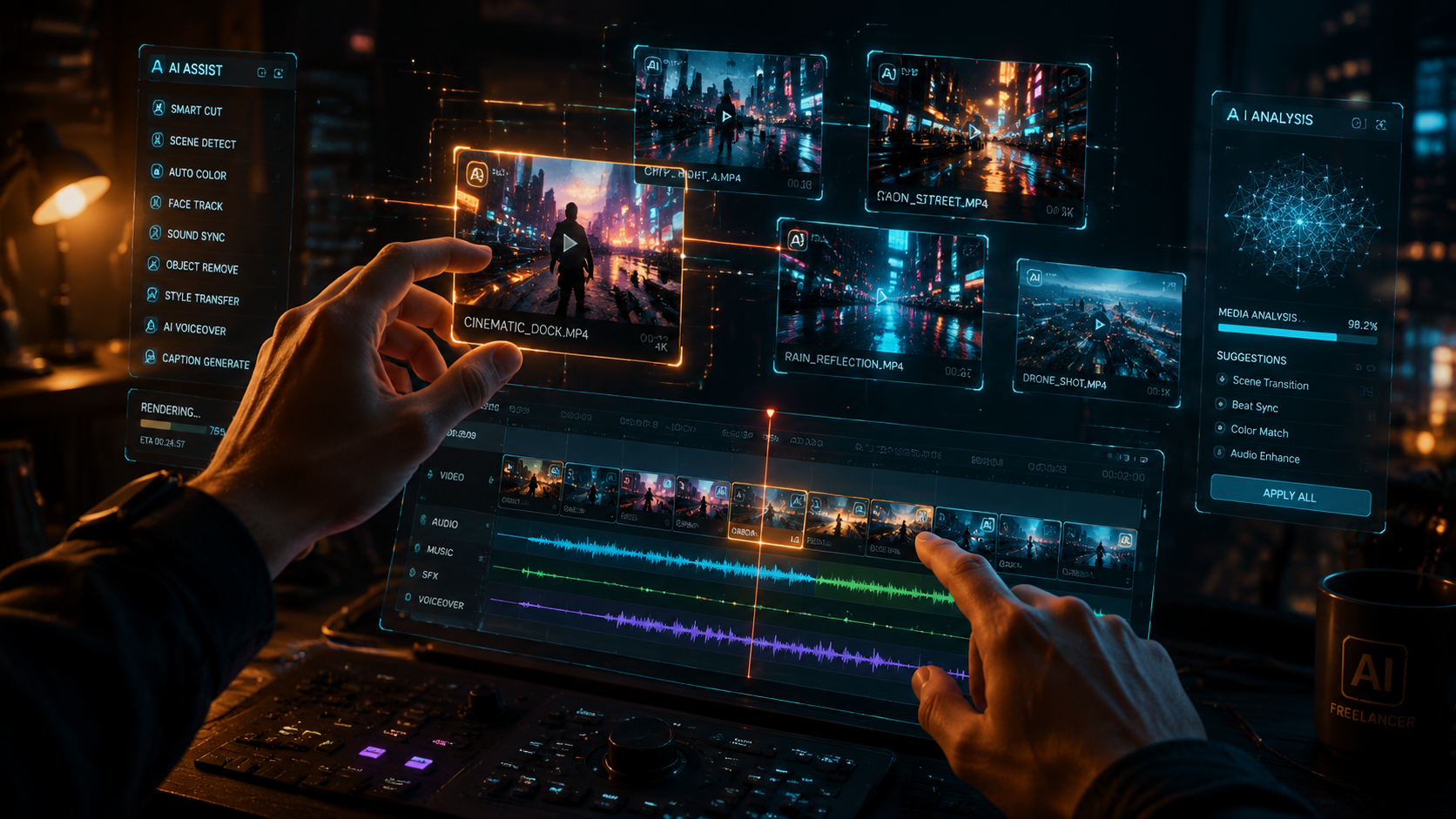
When choosing the best AI video generator for freelancers, several key features stand out in 2026. First, look for tools with robust automation capabilities, such as Digen AI Agent's multi-step workflows that ensure character consistency across longer videos. According to Hostinger, 78% of freelancers prioritize automation features to handle complex projects efficiently.
Second, integration with other tools is critical. The best AI video generators in 2026 seamlessly connect with popular freelance platforms, cloud storage, and social media schedulers. For instance, Runway's collaboration features allow real-time editing with clients, reducing revision cycles by 40% (tech.co).
Finally, customization options remain essential. While automation saves time, freelancers still need control over branding elements like fonts, colors, and logos. Tools like Pika offer extensive template libraries while allowing deep customization, striking the perfect balance for freelance work.
Must-Have Features:
- Automated editing workflows (saves 70% time)
- Multi-platform formatting (TikTok, Instagram, YouTube)
- Cloud-based collaboration tools
- Affordable pricing for freelancers
Best AI Video Generators for Freelancers in 2026
Based on rankings from tech.co and Хабр, these are the top AI video generators for freelancers this year:
| Tool | Best For | Key Feature | Pricing |
|---|---|---|---|
| Digen AI Agent | Long-form, consistent characters | Autonomous multi-step workflows | $29/month |
| Runway | Real-time collaboration | Frame-by-frame AI editing | Free-$99/month |
| Pika | Social media content | Trend-aware templates | Free-$49/month |
| Luma | 3D animation | AI-powered motion capture | $79/month |
| Vidu | Budget-conscious | Unlimited watermark-free exports | $15/month |
Digen AI Agent stands out for freelancers producing educational content or client presentations requiring consistent character appearances throughout longer videos. Its autonomous workflow system handles up to 90% of the production process while maintaining brand consistency (Digen AI).
For social media specialists, Pika and Runway offer the quickest path from idea to published content. Pika's AI suggests optimal video lengths and formats for each platform, while Runway's generative tools can extend shots or remove objects with simple text prompts.
Budget-conscious freelancers should consider Vidu, which offers unlimited exports at just $15/month. According to Хабр, Vidu's AI produces professional-quality 1080p videos with minimal input, making it ideal for freelancers handling multiple small projects weekly.
How to Choose the Right AI Video Generator
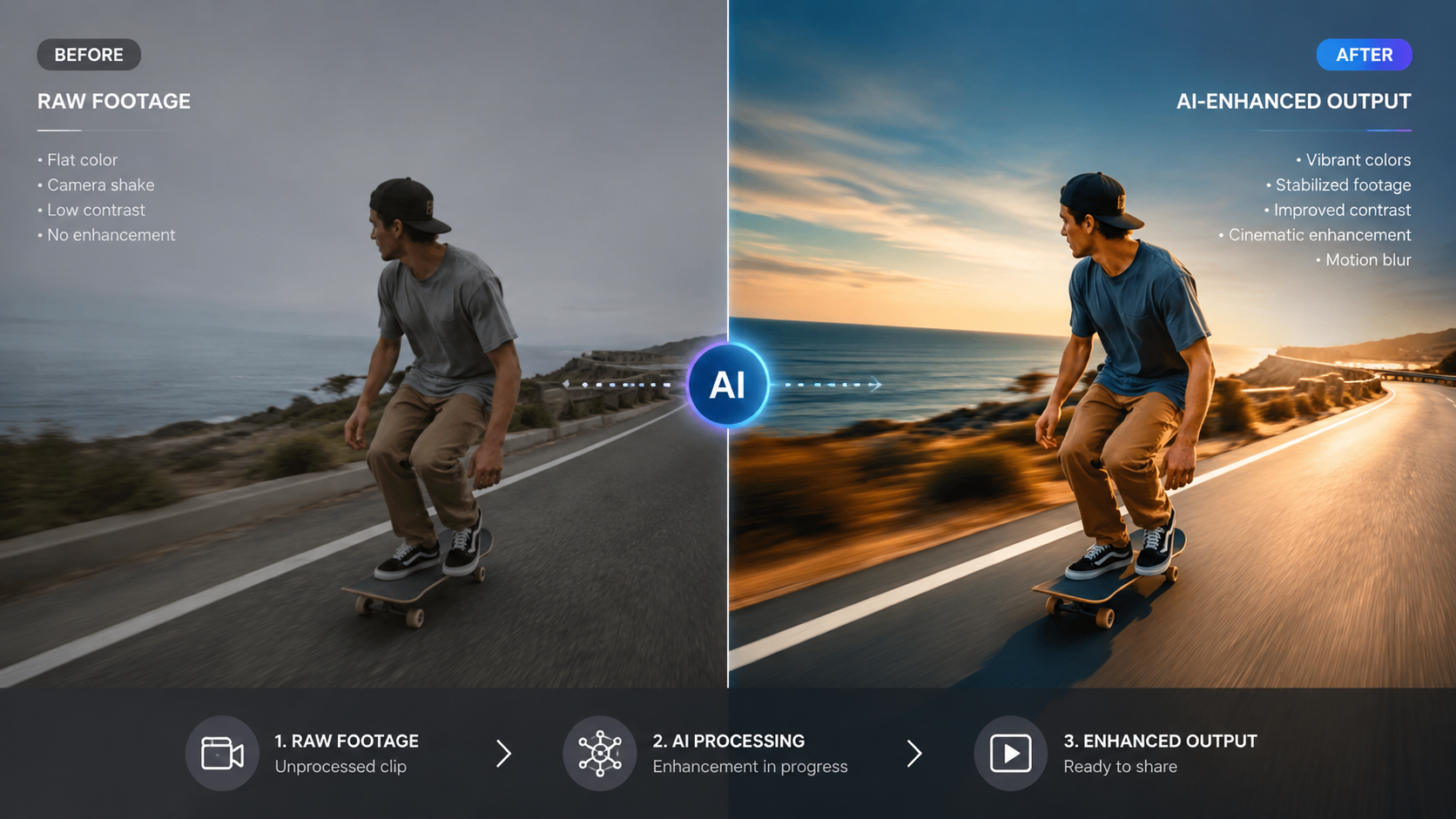
Selecting the best AI video generator for your freelance business requires careful consideration of your specific needs. First, assess your typical project scope - freelancers creating 30-second social clips have different needs than those producing 10-minute explainer videos. Digen AI Agent, for example, excels at maintaining consistency in longer videos through its autonomous scene management.
Next, evaluate your technical comfort level. Some tools like Runway offer advanced features that require some video editing knowledge, while platforms like Vidu provide simpler, one-click solutions. According to tech.co, 62% of freelancers prefer tools with both simple and advanced modes to grow with their skills.
Finally, consider your budget. While free tiers from Pika and Runway are great for testing, serious freelancers should plan to invest $20-$50 monthly for professional features. The Hostinger report notes that freelancers using paid AI tools earn 45% more on average due to higher-quality outputs.
Selection Checklist:
- Identify your most common video types (social, explainer, etc.)
- Test free versions of 2-3 top tools
- Compare output quality for your specific needs
- Check integration with your existing workflow
- Consider scalability as your business grows
The Future of AI Video Tools for Freelancers
As we progress through 2026, AI video generation continues evolving at a rapid pace. The quasa.io report predicts that by 2027, 90% of freelance video work will involve AI assistance at some production stage. Emerging technologies like real-time 3D rendering and AI voice cloning are becoming standard features in premium tools.
One significant trend is the move toward more autonomous systems like Digen AI Agent, which can handle entire production workflows from script to final render. These systems reduce freelancers' hands-on time while maintaining creative control through smart editing suggestions rather than full automation.
Another development is the integration of Web3 technologies, allowing freelancers to create and license AI-generated assets securely. Some platforms now offer blockchain-based verification of original content, an important feature for freelancers concerned about copyright in the AI era.
Getting Started with AI Video Generation
For freelancers new to AI video tools, the best approach is to start small. Most platforms offer free tiers or trial periods - tech.co recommends testing at least two options to compare interfaces and output quality. Begin with simple projects like social media clips before tackling more complex videos.
Invest time in learning each tool's unique capabilities. For instance, Digen AI Agent's multi-step workflows require some initial setup but can save dozens of hours on recurring projects. Many platforms offer extensive tutorial libraries - the average freelancer spends 3-5 hours learning a new AI video tool before becoming proficient (Хабр).
Finally, consider how AI tools fit into your overall business strategy. While they dramatically reduce production time, your creative direction and client relationships remain your unique value. The most successful freelancers in 2026 use AI as a collaborator rather than a replacement, focusing on strategy while letting AI handle execution.
Frequently Asked Questions
What is the easiest AI video generator for beginners?
Pika and Vidu are the most beginner-friendly options in 2026, with intuitive interfaces and one-click video generation. Both offer free tiers to test basic features before committing.
Can AI video generators create entire videos automatically?
Advanced tools like Digen AI Agent can automate up to 90% of the video creation process, but most freelancers prefer to maintain creative control over key elements like messaging and branding.
How much does a good AI video generator cost?
Professional-grade tools range from $15-$100/month in 2026. Freelancers should expect to invest $20-$50 monthly for reliable, high-quality output with commercial usage rights.
Do AI videos look professional enough for client work?
Yes, top AI generators in 2026 produce broadcast-quality output when properly configured. According to tech.co, 78% of clients can't distinguish between AI-assisted and fully manual videos.
Which AI video tool works best for YouTube creators?
Digen AI Agent excels at longer YouTube content with its character consistency features, while Runway offers advanced editing capabilities ideal for polished YouTube productions.
Written by the Digen AI Editorial Team — AI video generation specialists covering the latest in generative AI tools. Learn more about Digen AI.



Comments ()